Accessible Testing: Make Your Learning Content Work for Everyone
When you build learning materials, accessible testing, the practice of designing assessments and content so people with disabilities can use them equally. Also known as inclusive testing, it’s not about adding extra features—it’s about removing barriers before they exist. If your course slides are hard to read for someone using a screen reader, or your quiz doesn’t work with keyboard-only navigation, you’re not just excluding people—you’re failing your own goals. Real learning doesn’t happen when half the audience is stuck on the starting line.
Accessible testing isn’t just about compliance. It’s about clarity. Think about accessible PowerPoint, slide decks built with proper contrast, alt text, and logical reading order. Also known as disability-friendly slides, they help everyone—not just people with vision impairments—follow along faster and remember more. The same logic applies to quizzes, videos, and interactive modules. If you can navigate your course without a mouse, if your text stays readable when zoomed to 200%, if your captions match the audio exactly—you’re not just checking a box. You’re making your content stronger for every learner.
And it’s not magic. You don’t need expensive tools or a team of developers. Many fixes are simple: use built-in heading styles in PowerPoint, add captions to videos, avoid color-only cues, test with keyboard-only navigation. These aren’t advanced techniques—they’re basic design habits. The posts below show you exactly how to do this in real courses: how to make online course design, the structure and delivery of digital learning experiences. Also known as e-learning design, it becomes truly effective only when it includes everyone. You’ll find guides on writing clear instructions, setting up screen-reader-friendly layouts, and even how to test your own content with free tools. No theory. No fluff. Just what works.
What you’ll see here isn’t a list of rules. It’s a collection of real fixes—applied by instructors, course designers, and trainers who’ve seen their completion rates jump when they stopped assuming everyone learns the same way. Whether you’re building a crypto course, a CPR certification, or a design workshop, the same principles apply: if it’s hard to use, it’s hard to learn. Start with accessible testing, and you’re not just following best practices—you’re building a course that actually reaches people.
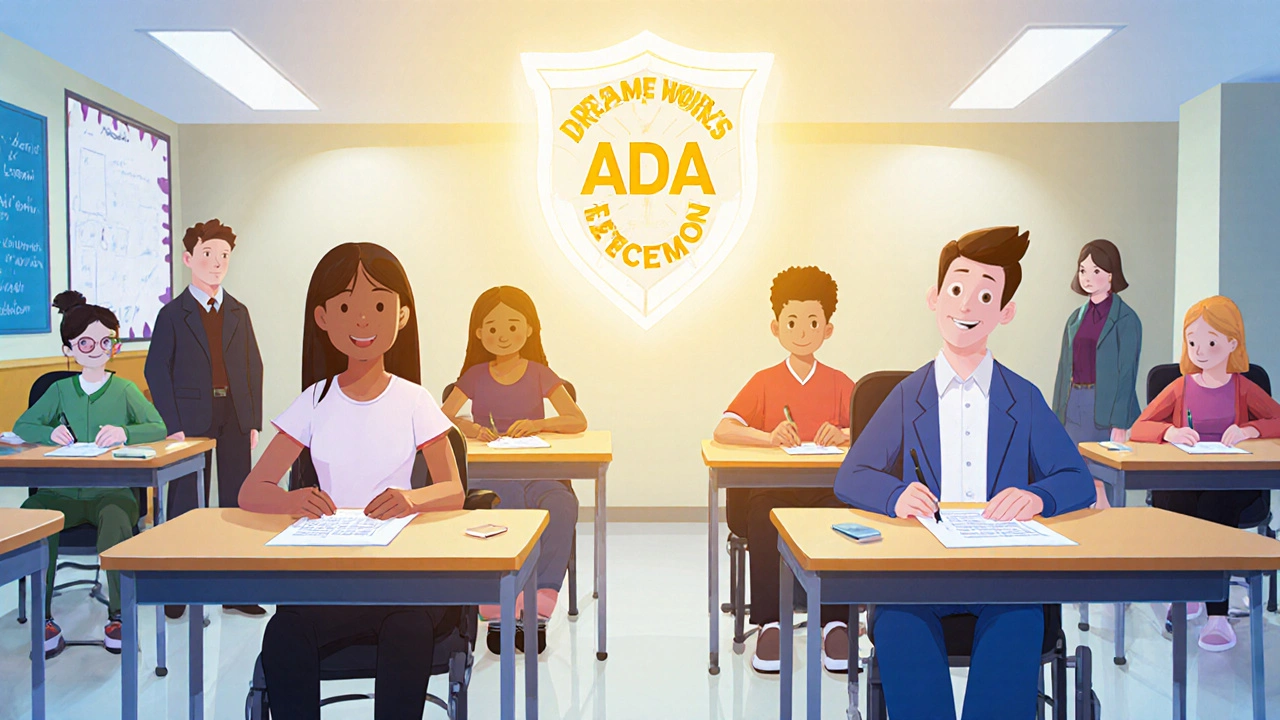
ADA and Accessibility Requirements for Certification Exams
ADA requires certification exams to be accessible to all. Learn what accommodations you can request, how providers must comply, and how WCAG standards ensure fair testing for people with disabilities.