Podcast Editing: Tools, Techniques, and Why It Matters for Your Voice
When you record a podcast, you’re not just capturing sound—you’re building a connection. But raw audio rarely speaks for itself. Podcast editing, the process of refining spoken audio for clarity, flow, and impact. Also known as audio post-production, it’s what turns rambling conversations into compelling stories that people actually finish. Without it, even the best ideas get lost in background noise, long pauses, or awkward cuts.
Good podcast editing isn’t about making you sound perfect—it’s about making you sound like yourself, but clearer. It means removing coughs, door slams, and Wi-Fi interference so your voice stays front and center. It means trimming silence that drags, smoothing transitions between segments, and balancing levels so your guest doesn’t sound like they’re whispering from another room. Noise reduction, a core technique used to eliminate unwanted background sounds without damaging vocal quality, is one of the most underrated skills in this space. And audio editing software, tools like Audacity, Adobe Audition, or Reaper that let you cut, fade, and enhance tracks aren’t just for pros—anyone can learn the basics in a weekend.
What most beginners don’t realize? The biggest mistake isn’t using the wrong plugin—it’s editing too little or too much. Over-editing makes you sound robotic. Under-editing makes listeners hit pause. The sweet spot? Clean, natural, and human. That’s why the best editors don’t just remove mistakes—they preserve energy. A well-placed laugh, a slight hesitation, even a breath before a big point—it all adds weight. Your audience doesn’t want studio-perfect. They want real, focused, and easy to follow.
Podcast editing also ties into how you structure your show. If your intro drags, your episode loses listeners in the first 30 seconds. If your outro feels rushed, you miss a chance to drive subscriptions or website clicks. Editing isn’t just technical—it’s storytelling with sound. It’s knowing where to let silence breathe and where to push the pace. It’s making sure your call-to-action lands, not fades into static.
Below, you’ll find real guides from people who’ve been there—how to fix muddy audio without buying new gear, how to create consistent volume across episodes, and how to build a workflow that doesn’t eat up your whole weekend. No fluff. Just what works when you’re editing on a laptop at 11 p.m. after a long day.
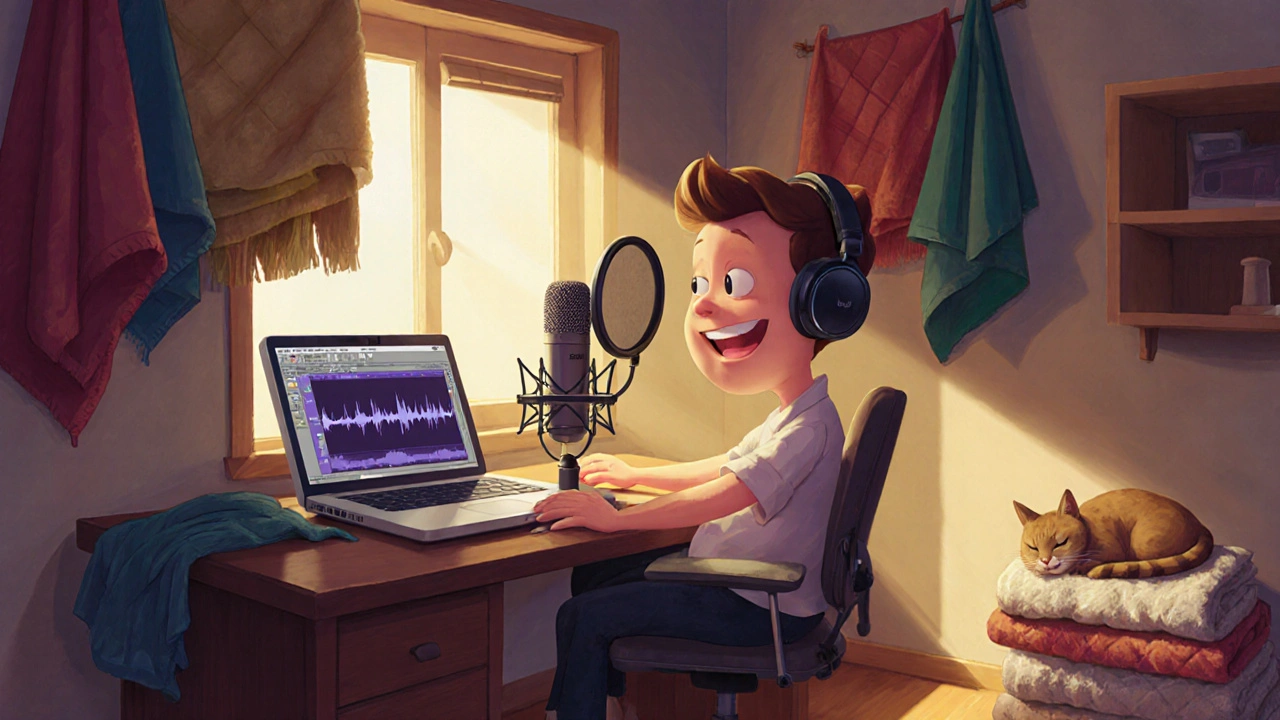
Podcasting and Audio Production Course for Creators: Start Your Show Right
Learn how to start a podcast with affordable gear, clean audio, and simple editing. This course-style guide covers mic setup, room acoustics, editing tips, and audience growth for new creators.