Self-Hosted LMS: Build, Control, and Scale Your Online Course Platform
When you choose a self-hosted LMS, a learning management system you install and manage on your own server. Also known as on-premise LMS, it gives you total control over your course data, branding, and student experience—no platform restrictions, no hidden fees, no ads. Unlike hosted solutions like Teachable or Thinkific, where you rent space on someone else’s system, a self-hosted LMS runs on your hardware or cloud server. You own everything: the code, the data, the security, and the scalability.
This matters because LMS hosting, the process of setting up and maintaining a learning platform on your own infrastructure isn’t just about tech—it’s about freedom. Want to add custom quizzes that integrate with your CRM? Go ahead. Need to comply with strict data laws like GDPR or FERPA? You control the server. Planning to scale from 100 to 10,000 students? No platform limits. You’re not stuck with a one-size-fits-all template. You build what works for your audience. And if you’ve ever been locked into a monthly plan that suddenly raised prices or removed features, you know why this is a game-changer.
A learning management system, software designed to deliver, track, and manage online education isn’t just a course player. It’s the backbone of your entire training operation. Whether you’re teaching trading strategies, compliance training, or nursing certifications, your LMS handles user accounts, progress tracking, certificates, payments, and even community forums. With a self-hosted version, you can plug in tools like gamification, using game-like elements to boost learner motivation—think badges, streaks, and leaderboards—without asking permission. You can also integrate instructional design, the science of creating effective learning experiences directly into your platform, so every course is built for retention, not just delivery.
Running your own LMS isn’t for everyone. It needs tech know-how—or a reliable developer. But if you’re serious about building a long-term education business, the upfront work pays off. You avoid platform fees, you protect your student data, and you can customize every detail to match your brand. Think of it like owning a house instead of renting an apartment. You can paint the walls, add a deck, or install solar panels—no landlord saying no.
Below, you’ll find real-world guides on what it takes to make a self-hosted LMS work: from technical setup and security rules to how to keep students engaged with tools like gamification, micro-learning, and community guidelines. These aren’t theory pieces—they’re practical steps from people who’ve built and scaled their own platforms. Whether you’re just starting out or looking to move away from a hosted system, this collection gives you what you need to take control.
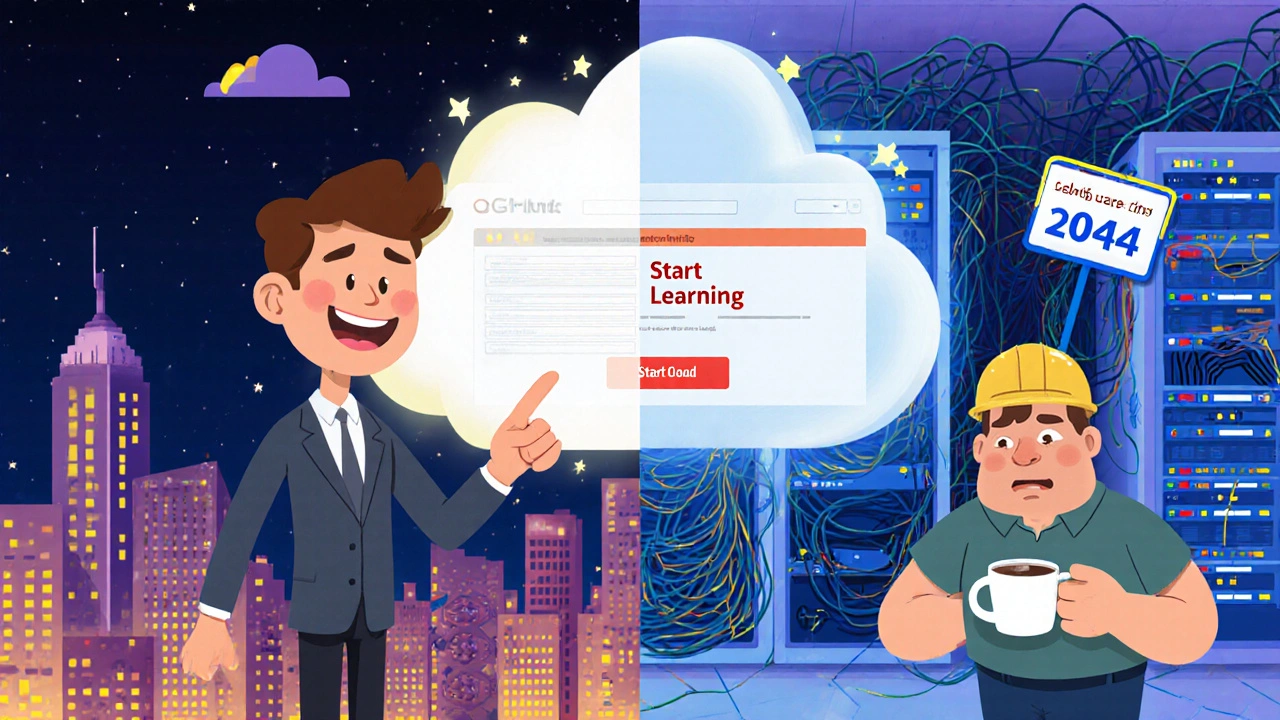
Cloud-Based vs Self-Hosted LMS: Which Is Right for Your Organization?
Cloud-based and self-hosted LMS options offer different trade-offs in cost, control, and security. Learn which one fits your organization's size, tech capacity, and compliance needs.