Active Learning Strategies for Online Classes That Actually Work
 May, 26 2026
Picture this: You’re leading a live Zoom session. The grid is full of faces, but most are frozen or minimized. The chat is silent. You’ve just explained a complex concept, and when you ask if anyone has questions, the only response is a few polite nods from the front row (or rather, the first two video tiles). Sound familiar? If you’re an educator moving to or staying in online classes is a digital learning environment where instruction and interaction happen remotely via internet platforms., you know that traditional lecturing doesn’t translate well to screens. Students zone out faster than ever.
The solution isn’t to talk louder or use flashier slides. It’s to shift from passive consumption to active participation. This is where active learning strategies is teaching methods that engage students directly in the learning process through doing, discussing, and reflecting rather than just listening. come into play. These aren’t just buzzwords; they are survival tools for keeping attention spans glued to your content. Let’s look at practical, no-fluff ways to make your virtual classroom hum with energy.
Why Passive Watching Fails in Virtual Settings
We need to be honest about why the old model breaks down online. In a physical classroom, social pressure and body language keep students somewhat accountable. Online, the barrier to disengaging is zero. A student can minimize your window, open a second browser tab for shopping, and still appear present because their camera is on.
Research consistently shows that retention rates plummet when learners are passive. According to the classic "Cone of Learning" theory often cited in education circles, people remember 10% of what they read and 20% of what they hear, but up to 75% of what they do. In a virtual setting, if you are doing all the talking, you are capping their potential retention at that low 20%. Active learning flips this script by forcing cognitive engagement. When a student has to type an answer, move a virtual sticky note, or debate a peer, their brain is processing information, not just recording it like a DVR.
Start Small: Low-Stakes Interaction Techniques
You don’t need to overhaul your entire curriculum overnight. Start with low-friction activities that require minimal prep but yield high engagement. These are perfect for checking understanding without putting students on the spot.
- The One-Minute Paper: At the end of a segment, ask students to spend sixty seconds typing one thing they learned and one question they still have in the chat box. This gives you immediate feedback on whether you were clear.
- Poll-Based Predictions: Before revealing the answer to a problem, use a tool like Mentimeter or Slido to let students vote on possible outcomes. Seeing the distribution of answers creates curiosity. Why did so many people choose option B?
- Emoji Reactions as Pulse Checks: Ask students to react with a thumbs-up if they agree, a heart if they’re confused, or a fire emoji if they’re excited. It’s quick, visual, and requires zero typing.
These tactics work because they break the monotony of a monologue. They give students a tiny win-a chance to contribute without the fear of public speaking anxiety that plagues many online learners.
Collaborative Problem Solving with Breakout Rooms
Breakout rooms get a bad rap. Often, they become awkward silences where students stare at each other wondering who should speak. To make them effective, you must provide structure. Never send students into breakout rooms with a vague prompt like "Discuss the topic." Instead, assign specific roles and deliverables.
Here is a reliable framework for successful breakout sessions:
- Assign Roles: Designate a Facilitator (keeps time), a Scribe (records ideas), and a Reporter (shares back with the main group).
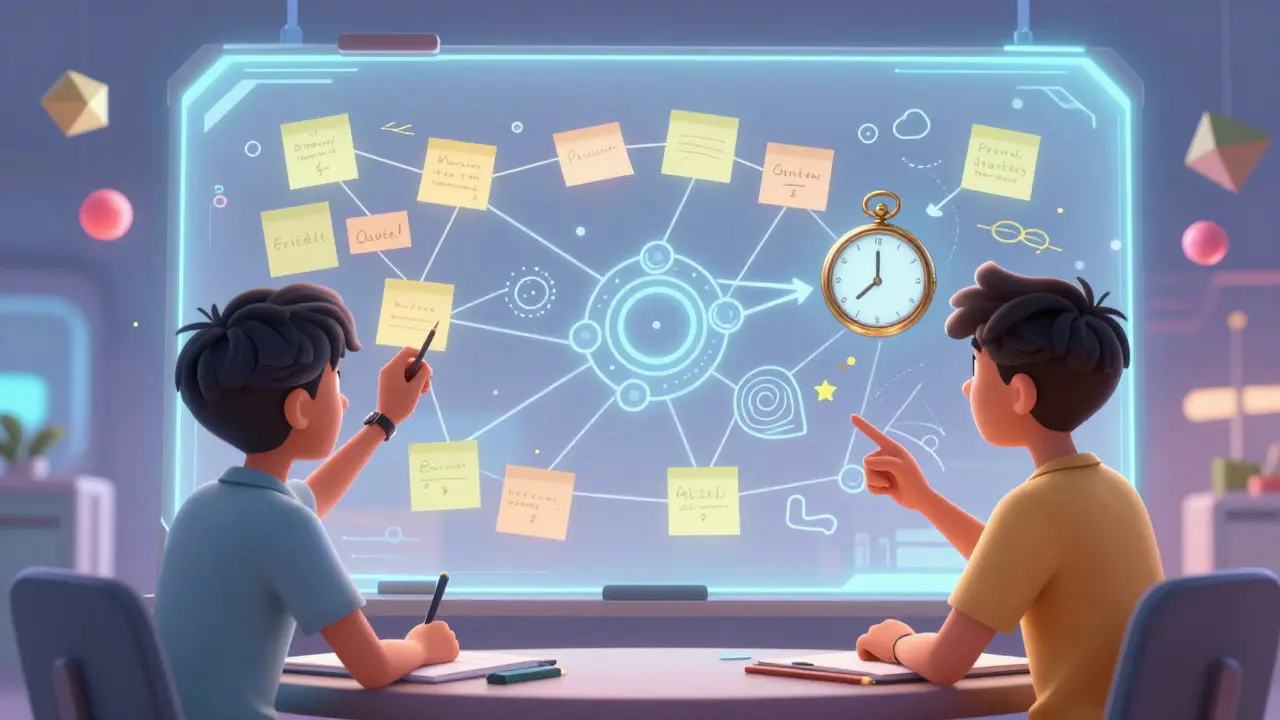
- Provide a Shared Workspace: Give them a link to a collaborative document like Google Docs or a whiteboard like Miro. Having a shared artifact focuses their attention.
- Set a Clear Time Limit: Keep it short. Five to seven minutes is usually enough for a focused task. Longer sessions lead to drift.
- Require a Deliverable: Tell them they must bring back one key insight or solution to share with the larger class.
When students know exactly what is expected, the anxiety drops, and productivity rises. I’ve seen shy students take charge when given the role of Scribe because the task is concrete. It transforms the breakout room from a social hangout into a productive workshop.
| Tool Type | Best For | Pros | Cons |
|---|---|---|---|
| Live Polls (Mentimeter) | Quick checks, icebreakers | Instant feedback, anonymous | Limited depth of discussion |
| Collaborative Whiteboards (Miro/Mural) | Brainstorming, mapping concepts | Visual, highly interactive | Learning curve for new users |
| Discussion Forums (Canvas/Blackboard) | Asynchronous reflection | Allows thoughtful responses | Can feel disconnected from live flow |
| Peer Review Platforms (Turnitin) | Critique and feedback | Develops critical thinking | Time-consuming to set up rubrics |
Leveraging Asynchronous Discussion Boards Effectively
Let’s face it: discussion boards can be boring. "I agree with John because..." is the death of engagement. To fix this, change the prompt format. Move away from open-ended questions that invite vague opinions and toward structured debates or case studies.
Try the "Three-Post Rule":
- Post 1: Analyze a specific scenario or data point provided by the instructor.
- Post 2: Respond to a peer who holds a different view, citing evidence from the course material.
- Post 3: Synthesize the thread by summarizing the key conflict or resolution.
This structure forces students to engage with the content and each other deeply. It also makes grading easier for you because you have clear criteria for evaluation. Another pro tip: participate yourself. Drop in during the week to ask probing questions or highlight excellent points. Your presence signals that the space matters.

Flipping the Classroom for Deeper Engagement
The flipped classroom model is a powerhouse for active learning. Instead of delivering lectures during live time, you record them beforehand. Students watch the lecture on their own schedule. Then, you use the live session for application-solving problems, debating, and creating.
This approach respects students’ time and allows them to pause and rewind complex explanations. It frees up your live time for the messy, human part of learning: asking "why" and "how." When students arrive at the live session already exposed to the basics, you can skip the intro and dive straight into higher-order thinking tasks. This is where real mastery happens.
To implement this effectively, keep your pre-recorded videos short. Chunk content into five-to-ten-minute segments. Long videos defeat the purpose because students will still tune out. Add embedded quizzes within the video platform to ensure they actually watched the material before joining the live activity.
Measuring Success: How Do You Know It’s Working?
How do you tell if your active learning strategies are paying off? Look beyond final exam scores. Monitor these metrics:
- Participation Rates: Are more students contributing to chats and polls over time?
- Quality of Responses: Are discussion posts becoming more nuanced and evidence-based?
- Student Feedback: Use mid-term surveys to ask specifically about engagement levels. Do they feel more connected to the material?
- Assignment Completion: Is there a correlation between active participation and timely submission of work?
If you see stagnant participation, revisit your prompts. Are they too hard? Too easy? Too vague? Adjust and iterate. Teaching is an experiment, and active learning is the variable you control.
What are the best active learning strategies for large online classes?
For large classes, focus on scalable interactions like live polls, emoji reactions, and structured discussion forums. Avoid breakout rooms unless you have teaching assistants to monitor them. Use anonymous polling to encourage participation from hesitant students.
How can I handle shy students in active learning environments?
Provide multiple channels for participation. Allow students to submit answers via chat instead of speaking. Use anonymous polling so they can express opinions without fear of judgment. Gradually build confidence by starting with low-stakes activities.
Is active learning effective for technical subjects like coding or math?
Yes, highly. Technical subjects benefit greatly from pair programming exercises, code debugging challenges in breakout rooms, and step-by-step problem-solving demonstrations where students predict the next line of code or calculation.
How much time does it take to prepare active learning lessons?
Initial setup takes more time, but it becomes efficient. Start with simple templates for breakout tasks and poll questions. Reuse and refine these resources each semester. The investment pays off in reduced grading time due to clearer student understanding.
What technology is required for active learning online?
You primarily need a stable video conferencing platform with breakout room capabilities (like Zoom or Teams) and a collaboration tool (like Google Docs or Miro). Many LMS platforms also have built-in polling and discussion features that require no extra software.