Analytics for Business Courses: Track KPIs, Build Dashboards, and Run Experiments
 Dec, 11 2025
Most business courses fail not because the content is bad, but because no one knows if it’s working. You spend weeks building modules, hiring instructors, and launching a platform-then wonder why enrollment drops or completion rates stall. The fix isn’t more marketing. It’s analytics.
What You’re Really Measuring (And Why It Matters)
When people say "analytics for business courses," they’re not talking about fancy charts. They’re talking about answering three simple questions: Are students learning? Are they sticking around? And is the course actually changing how they work?
Without data, you’re guessing. And guessing doesn’t scale. A course with 500 students and a 30% completion rate might look fine-until you find out 70% of those who finished never used a single tool from the curriculum. That’s not success. That’s noise.
Start by defining what success looks like for each course. Is it certification? Job promotion? Higher sales numbers? Better team communication? Your goal determines your metrics. If your course is about sales leadership, then the metric isn’t quiz scores-it’s the percentage of students who report increased deal sizes three months later.
Key Performance Indicators (KPIs) That Actually Matter
Not all KPIs are created equal. Here are the five that separate good courses from great ones:
- Completion rate: The percentage of enrolled students who finish the course. Below 40%? You’ve got a retention problem. Above 70%? You’re doing something right.
- Engagement score: How often students log in, watch videos, complete quizzes, or join discussions. A student who watches 80% of videos but never takes a quiz is less likely to retain information than one who completes all assessments.
- Assessment pass rate: Not just passing, but passing with mastery. A 60% pass rate on a multiple-choice quiz means little. A 90% pass rate on a real-world case study? That’s proof of learning.
- Application rate: How many students use what they learned in their job within 30 days. This is the gold standard. If students aren’t applying it, the course isn’t working.
- Net Promoter Score (NPS): Would they recommend this course to a colleague? A score above 50 is strong. Below 20? You’ve got a reputation risk.
Track these monthly. Don’t wait for end-of-course surveys. Real-time data lets you fix problems before they become complaints.
Building Dashboards That Tell a Story
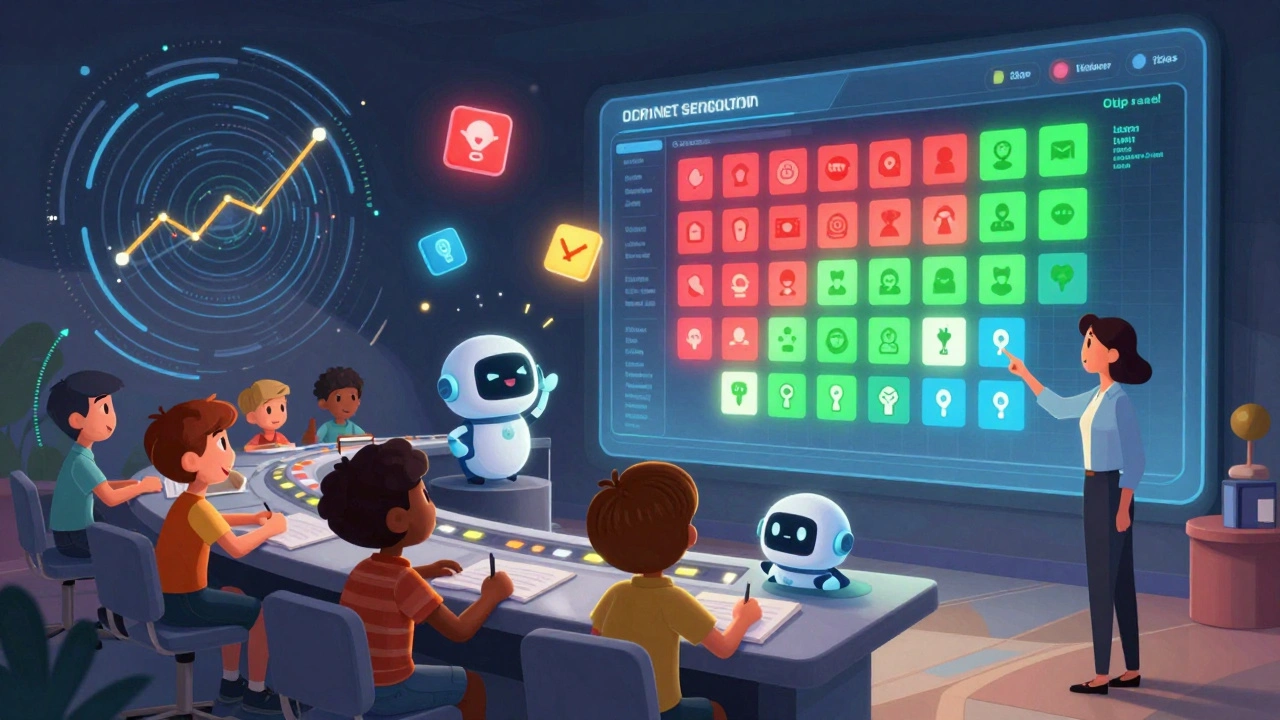
A dashboard isn’t a spreadsheet with colors. It’s a story told in real time. The best course dashboards answer one question: What’s happening right now, and what should we do about it?
Start simple. Use tools like Google Data Studio, Microsoft Power BI, or even a well-structured Airtable base. Your dashboard should include:
- Enrollment trends over time (are you gaining or losing momentum?)
- Completion rates by module (which sections are dropping off?)
- Assessment scores by topic (where are students struggling?)
- Application rate by cohort (do corporate groups perform better than individuals?)
- NPS trendline (is satisfaction going up or down?)
Don’t overload it. If someone has to scroll for five minutes to find the insight, it’s useless. Top performers use one-page dashboards updated daily. They show the CEO, the instructor, and the support team the same view-so everyone’s aligned.
One course provider in Chicago saw completion rates jump 22% after they added a live "engagement heatmap" to their dashboard. It showed which videos students rewatched, which quizzes failed most often, and which discussion posts got the most replies. They didn’t change the content-they just moved the hardest module from week three to week one. Students were less overwhelmed.
Running Experiments to Improve Outcomes
Analytics tells you what’s happening. Experiments tell you why-and how to fix it.
Every course should run at least one small experiment per quarter. Here are three proven types:
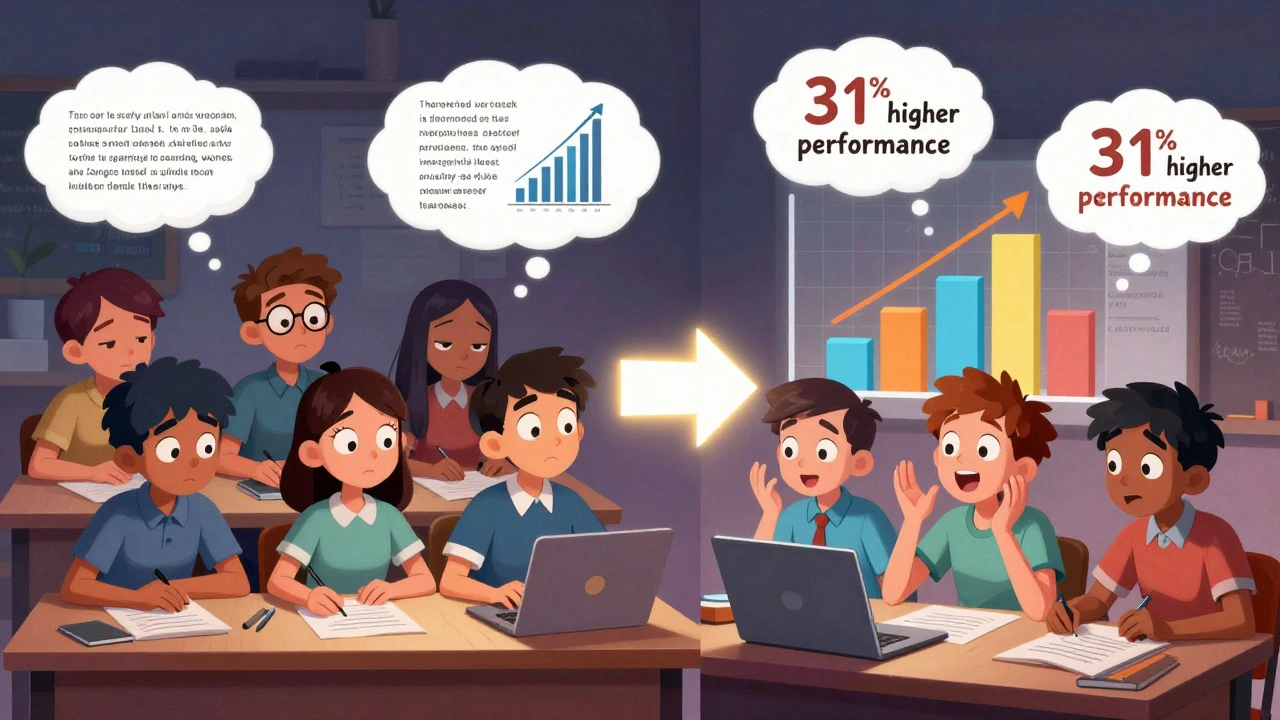
- Format test: Compare video lectures vs. text-based lessons with interactive quizzes. One SaaS training provider found that students who learned through text + quizzes scored 31% higher on practical tasks than those who only watched videos.
- Timing test: Does releasing content weekly work better than daily? A leadership course in Austin tested both. Weekly releases led to 40% more discussion participation. Daily content felt rushed.
- Support test: Do students do better with live Q&A sessions or automated chatbots? A finance course found that live sessions increased completion by 27%, but only if they happened within 24 hours of a quiz. Delayed help didn’t move the needle.
Run these as A/B tests. Split your audience in half. Change one variable. Measure the difference. Don’t assume what works for one group works for another. Corporate learners behave differently than self-paced students. International learners need different support than native English speakers.
One company running a project management course tried adding a "real-world challenge" at the end. Students had to map out a workflow for their own team. Completion rates jumped from 58% to 83%. Why? Because they weren’t just learning-they were solving a problem they cared about.
Common Mistakes That Kill Course Analytics
You don’t need a big budget. You need to avoid these traps:
- Measuring activity, not learning: Watching all videos doesn’t mean they understood it. Track application, not clicks.
- Ignoring drop-off points: If 60% of students quit after Module 2, don’t blame the platform. Look at the content. Is it too technical? Too slow? Too vague?
- Waiting for end-of-course feedback: By then, it’s too late. Collect feedback after each module. Use short, one-question polls: "What was the most useful thing you learned today?"
- Not segmenting data: A 70% completion rate looks great-until you see that corporate teams hit 85% and solo learners only 45%. You need to tailor support, not just assume one size fits all.
- Not sharing insights: If your analytics team has the data but the instructor doesn’t, nothing changes. Make sure the person teaching the course sees the numbers every week.
Where to Start Today
You don’t need to overhaul everything. Pick one course. Pick one KPI. Pick one experiment.
Here’s your 7-day plan:
- Day 1: Pick your course. Pick one KPI-completion rate or application rate.
- Day 2: Pull the last 30 days of data. Where are people dropping off?
- Day 3: Build a simple dashboard with just three metrics: enrollment, completion, and quiz pass rate.
- Day 4: Talk to five students who finished. Ask: "What changed after this course?"
- Day 5: Design one small experiment. Change one thing: quiz format, video length, or support timing.
- Day 6: Launch the experiment to half your students.
- Day 7: Compare results. Adjust. Repeat.
Analytics isn’t about being perfect. It’s about being curious. The courses that win aren’t the ones with the flashiest content. They’re the ones that listen, adapt, and keep improving.
What are the most important KPIs for business courses?
The top five KPIs are completion rate, engagement score, assessment pass rate, application rate (how many use the skills in their job), and Net Promoter Score. These measure not just participation, but real learning and impact.
Do I need expensive software to track analytics?
No. Free tools like Google Data Studio, Airtable, or even Excel can track the basics if you set them up right. Focus on the data you need-not the tool you think you should use. Start simple, then scale.
How do I know if my course is actually changing behavior?
Ask students to report back 30 days after finishing. Use a short survey: "Have you used any of the tools or methods from this course at work?" If fewer than half say yes, the course isn’t translating into action. Add real-world tasks to fix this.
What’s the difference between a dashboard and a report?
A report shows you what happened last month. A dashboard shows you what’s happening right now-and what to do about it. Dashboards are live, visual, and designed for quick decisions. Reports are static and often used for summaries.
Can analytics help reduce course dropout rates?
Yes. Dropouts often happen after the first tough quiz or the third video that feels irrelevant. Analytics show you exactly where students leave. Fix those points-shorten videos, add examples, offer quick support-and retention improves fast.
Agni Saucedo Medel
December 12, 2025 AT 13:17ANAND BHUSHAN
December 14, 2025 AT 03:44Indi s
December 15, 2025 AT 12:05Rohit Sen
December 16, 2025 AT 06:29Vimal Kumar
December 17, 2025 AT 23:07Amit Umarani
December 18, 2025 AT 02:25Noel Dhiraj
December 19, 2025 AT 17:48vidhi patel
December 19, 2025 AT 23:57Priti Yadav
December 21, 2025 AT 03:10Ajit Kumar
December 21, 2025 AT 11:51Diwakar Pandey
December 22, 2025 AT 13:54Geet Ramchandani
December 23, 2025 AT 19:14Pooja Kalra
December 24, 2025 AT 00:28Sumit SM
December 24, 2025 AT 13:48Jen Deschambeault
December 26, 2025 AT 04:17Kayla Ellsworth
December 26, 2025 AT 05:19Soham Dhruv
December 27, 2025 AT 02:34