Battery Life and Data Usage Considerations for Learning Apps
 Jul, 10 2026
You are sitting on a park bench, trying to finish that final module for your certification. Your phone buzzes-not with a notification, but with a warning: Battery Low. You panic. You have 12% left, and the video lecture hasn’t even loaded yet. This is the silent killer of digital education. We talk endlessly about curriculum quality and user interface design, but we rarely discuss the physical constraints of the device delivering that content. If an app drains your battery in two hours or eats through your monthly data cap, it doesn’t matter how good the teacher is. You won’t use it.
Mobile learning isn't just about convenience; it's about survival in a world where power outlets are scarce and data plans are expensive. Whether you are a student commuting on a bus or a professional training on-site at a factory, your device’s resources are finite. Understanding how learning applications consume these resources-and how to manage them-is the difference between consistent progress and frustrated abandonment.
The Hidden Cost of Video Streaming
Video is the backbone of modern e-learning. It is engaging, visual, and effective. But it is also a resource hog. When you watch a high-definition (HD) video lesson, your phone is doing heavy lifting. The processor decodes the stream, the screen pumps out pixels at maximum brightness, and the cellular radio maintains a constant connection to the server. According to data from OpenSignal, streaming video in HD can consume up to 3GB per hour. That is a massive chunk of a typical 50GB-100GB monthly plan.
For battery life, the impact is equally severe. A bright OLED screen combined with active network usage can drain a standard smartphone battery by 15-20% in just one hour of continuous playback. If you are studying during a long commute without access to a charger, this is a critical bottleneck. Many learners unknowingly set their default video quality to "Auto" or "High," assuming their Wi-Fi is fast enough. However, even on Wi-Fi, the processing power required to decode 1080p streams generates heat, which further degrades battery efficiency over time.
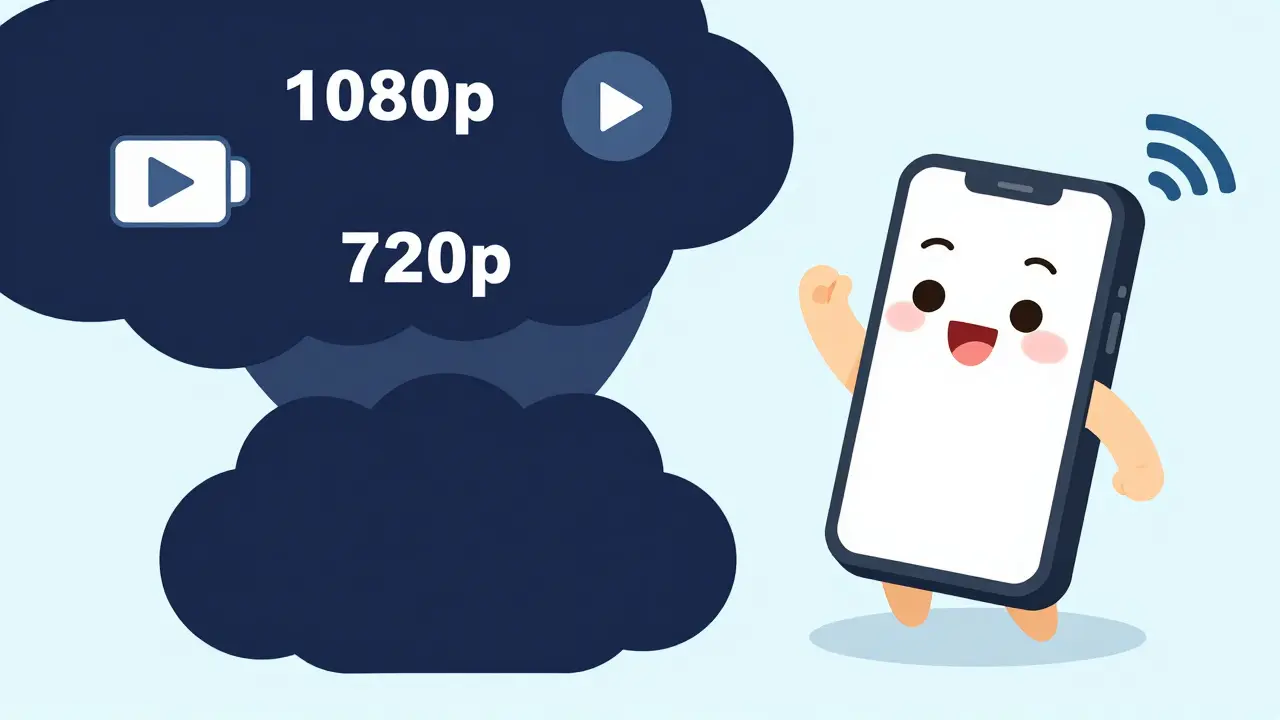
To mitigate this, you need to take control of your settings. Most major learning platforms like Coursera, Udemy, and Khan Academy allow you to manually adjust video resolution. Switching from 1080p to 720p often makes little difference in comprehension but cuts data usage by nearly half. Dropping to 480p can reduce consumption by up to 75%. It sounds drastic, but for text-heavy lessons or those with simple diagrams, 480p is perfectly legible on a 6-inch screen.
| Resolution | Data Per Hour | Battery Impact | Best Use Case |
|---|---|---|---|
| 1080p (Full HD) | ~3 GB | High | Wi-Fi only, detailed graphics |
| 720p (HD) | ~1.5 GB | Medium | Standard viewing, good balance |
| 480p (SD) | ~0.7 GB | Low | Cellular data, long commutes |
| 360p (Low) | ~0.3 GB | Very Low | Audio focus, emergency low-data |
The Offline Paradox: Storage vs. Battery
Most people think downloading content for offline use saves battery. In many ways, it does. By removing the need for the cellular radio to constantly search for signals and maintain a handshake with a tower, you eliminate one of the biggest battery drains. However, there is a trade-off: storage space and initial download energy. Downloading a full course pack can take significant battery if done over cellular data, and it fills up your device’s internal memory quickly.
If you have a device with limited storage-say, 32GB or 64GB-downloading multiple video courses can cause performance issues. When your storage is near capacity, the operating system slows down because it lacks the temporary space needed for efficient file management. This sluggishness forces the processor to work harder, ironically increasing battery drain during playback. Therefore, strategic downloading is key. Don’t download everything. Download what you know you will study in the next 48 hours, then delete it once finished. This "just-in-time" approach keeps your storage healthy and your battery life predictable.
Furthermore, consider the format. Audio-only downloads are significantly lighter than video. If the lesson is primarily a lecture without complex visuals, see if the app offers an "audio only" mode or podcast feed. Listening to audio while walking or doing chores uses far less battery than staring at a screen, as the display can be turned off entirely.
Background Processes and App Optimization
It is not just the video playing that kills your battery. It is what happens when you close the app. Many learning apps run background processes to sync progress, check for notifications, or pre-load the next lesson. While convenient, these tasks keep the CPU awake and the network active even when you aren’t using the app. On Android, this is known as "wake locks," and on iOS, it relates to background app refresh.
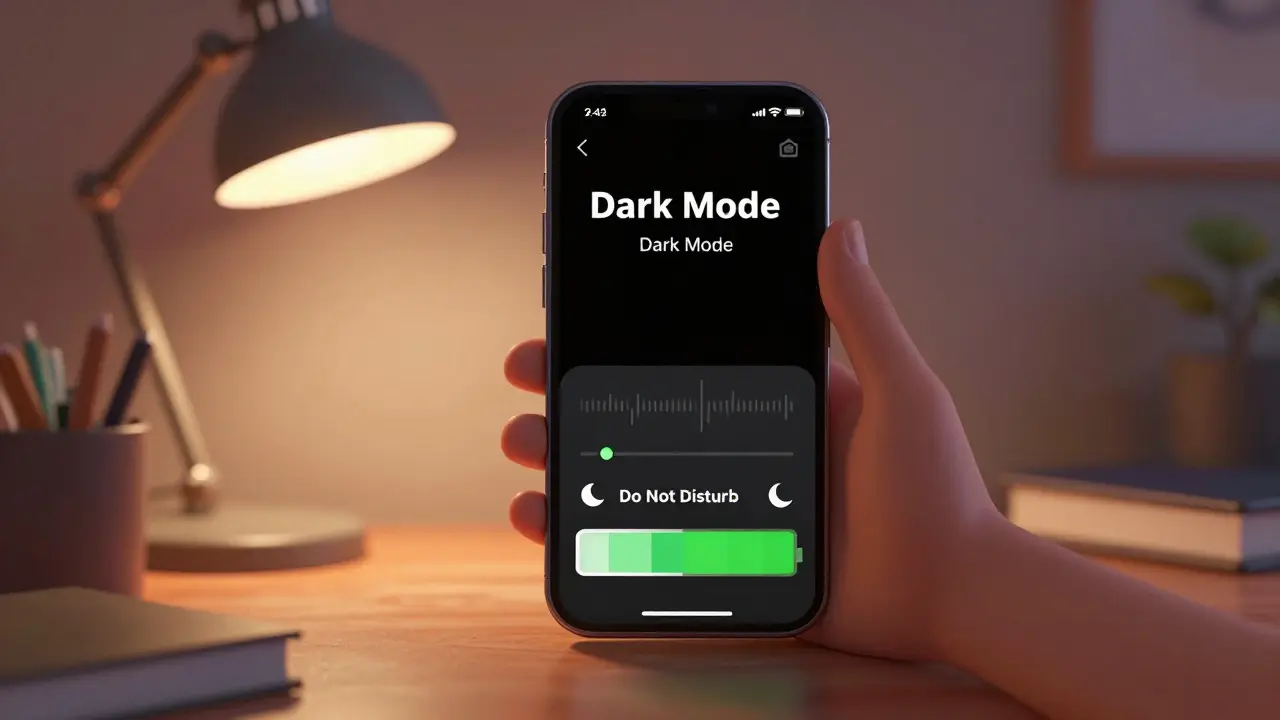
To combat this, you should audit your app permissions. Go into your phone’s settings and restrict "Background App Refresh" for non-essential learning apps. Does Duolingo really need to update your streak status every five minutes? Probably not. Setting it to update only when you open the app can save several percent of battery daily. Similarly, turn off push notifications for marketing emails or non-critical updates. Each vibration and screen wake-up consumes energy. If you are in deep study mode, enable "Do Not Disturb" to prevent random alerts from breaking your focus and draining your power.
Another hidden drain is location services. Some educational apps request location access for campus-specific features or local meetups. Unless you are actively using those features, set location permission to "Never" or "While Using." Constant GPS polling is one of the most aggressive battery consumers on any smartphone.
Connectivity Strategies: Wi-Fi vs. Cellular
Your choice of network connection drastically affects both data usage and battery life. Wi-Fi is generally more power-efficient than cellular data for sustained transfers because the signal strength is usually stronger and closer to the device. Cellular radios must boost power to reach distant towers, especially in areas with poor coverage like basements or rural zones. If you are relying on 4G or 5G for learning, ensure you have a strong signal. Weak signal bars mean your phone is shouting louder to be heard, which heats up the device and drains the battery rapidly.
If you are traveling or in a region with expensive roaming charges, leverage public Wi-Fi wisely. Libraries, cafes, and universities often offer free internet. Use these opportunities to bulk-download your materials. Set your phone to "Download over Wi-Fi only" in the app settings. This ensures that accidental taps don’t burn through your precious mobile data allowance. For users on limited prepaid plans, this setting is non-negotiable. One forgotten large file download can wipe out weeks of budget.
Device Settings for Extended Study Sessions
Beyond app-specific tweaks, your phone’s system settings play a huge role. Screen brightness is the single largest factor in battery consumption. Auto-brightness is helpful, but manual adjustment is better for predictability. Lowering brightness from 100% to 60% can extend battery life by up to 20%. It might seem dim, but in indoor environments, it is often sufficient and easier on the eyes during long reading sessions.
Enable Dark Mode. If your learning app supports it, switch to dark themes. On OLED screens, black pixels are literally turned off, consuming zero power. Reading white text on a black background can save significant energy compared to white backgrounds. Additionally, reduce screen timeout duration. Setting it to 30 seconds instead of 2 minutes prevents the screen from staying on unnecessarily when you pause to think or take notes.
Consider enabling "Low Power Mode" or "Battery Saver" before starting a long study session. These modes throttle background activity, reduce CPU speed slightly, and limit visual effects. For most learning apps, the performance hit is negligible. Text still scrolls smoothly, and videos still play, but your battery lasts much longer. It is a small sacrifice for extended availability.
Choosing the Right App for Your Constraints
Not all learning apps are created equal in terms of efficiency. When evaluating a new platform, look for features that respect your resources. Does the app offer granular control over video quality? Can you download transcripts instead of watching videos? Is there a lightweight "lite" version of the app for older devices? Apps like Khan Academy Lite or Facebook Lite demonstrate that functionality can be preserved while reducing footprint. Mainstream apps like LinkedIn Learning or Skillshare tend to be heavier, prioritizing high-fidelity production value over efficiency. Choose based on your primary constraint: if data is scarce, lean toward text-based or audio-friendly platforms. If battery is the issue, prioritize apps with robust offline capabilities and dark mode support.
How much data does a typical online course use?
A typical online course varies widely. A text-heavy course might use under 100MB total. A video-based course with 10 hours of HD content can exceed 30GB. Always check the estimated size before downloading. Generally, expect 1GB per hour of HD video.
Does turning off Wi-Fi help save battery when using learning apps?
Yes, if you are not using the internet. If you are studying offline materials, turn off both Wi-Fi and Cellular Data. The phone stops searching for networks, which saves significant battery. However, if you need to sync progress, you will need to reconnect briefly.
Is it better to stream or download lessons for battery life?
Downloading is generally better for battery life during playback because it eliminates network radio usage. However, the initial download process consumes battery and data. For best results, download via Wi-Fi when plugged in, then play offline.
Can I learn effectively on a low-end smartphone?
Absolutely. Focus on text-based content, audio lectures, and lower-resolution videos. Avoid apps with heavy animations or AR features. Use browser-based versions of sites if the native app is too slow, as browsers can sometimes be more optimized for low-memory devices.
What is the best video resolution for saving data without losing quality?
720p is the sweet spot for most users. It provides clear visuals for diagrams and text while using half the data of 1080p. For pure lecture content with few visuals, 480p is often indistinguishable from higher resolutions on a mobile screen.