Course Creator Template Library: Outlines, Scripts, and Worksheets
 Jul, 2 2026
Building an online course often feels like staring at a blank screen until your eyes burn. You have the knowledge, but turning it into a structured, engaging experience is a different beast entirely. This is where a template library becomes your best friend. It’s not about copying someone else’s work; it’s about having a reliable skeleton so you can focus on the muscle-the actual content.
Whether you are launching your first mini-course or scaling a certification program, using pre-built frameworks for outlines, scripts, and worksheets saves dozens of hours. In this guide, we’ll build out a practical library you can use immediately to streamline your production workflow.
The Master Course Outline Template
A chaotic course loses students in week one. A well-structured course keeps them hooked until the final certificate. The secret isn’t creativity in the layout; it’s consistency in the logic. Your master outline should follow a linear progression that builds complexity gradually.
Start with the "Why" before the "How." Most creators jump straight into technical steps, but learners need context to care. Use this three-part structure for every module:
- The Hook (Context): Why does this specific topic matter right now? What pain point does it solve?
- The Core (Mechanism): The step-by-step instruction or theory. Keep this under 10 minutes per video.
- The Application (Action): A task the student must complete to prove they understand.
For example, if you are teaching email marketing, don’t just list features of an ESP (Email Service Provider). Start with why open rates drop, then show how to write subject lines, and end with a worksheet where they draft five subjects for their own list. This logical flow reduces cognitive load and increases completion rates.
Video Script Templates That Hold Attention
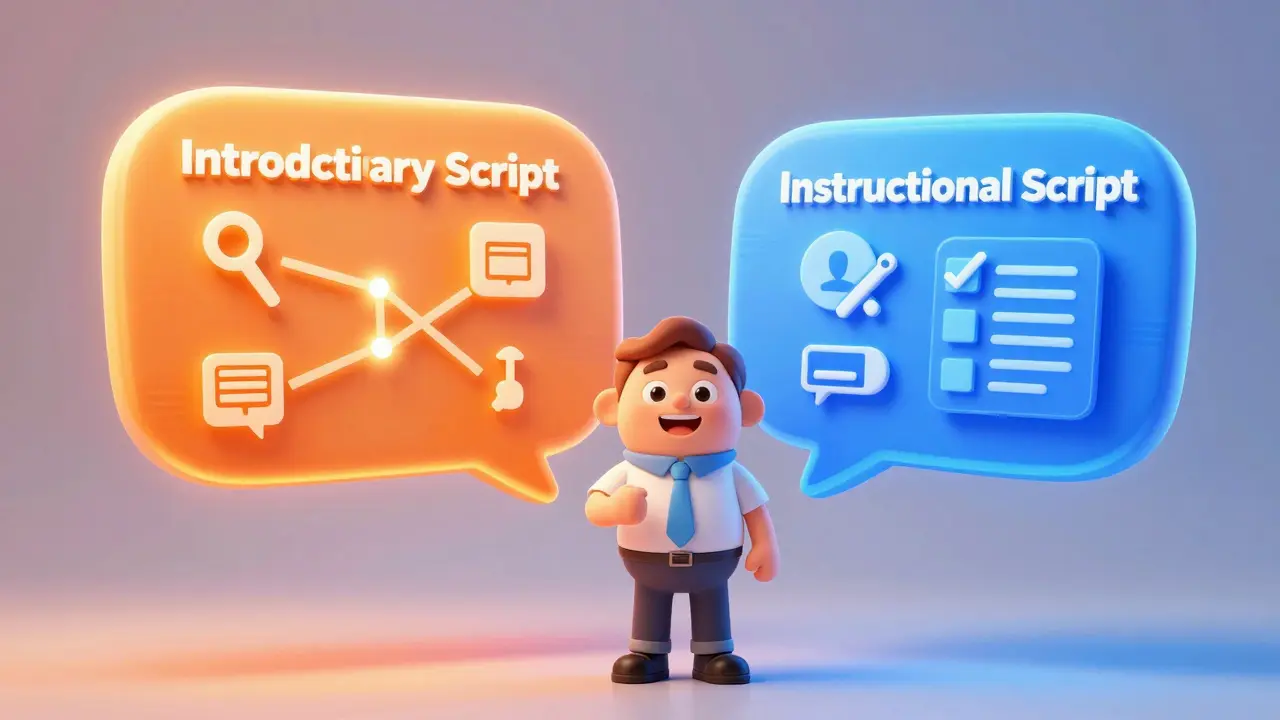
Writing a script is terrifying if you think of it as writing a book chapter. Instead, treat it as a conversation. You need two distinct types of scripts in your library: the Introductory Script and the Instructional Script.
| Script Type | Purpose | Key Elements | Ideal Length |
|---|---|---|---|
| Introductory | Sell the module's value | Hook, Promise, Roadmap | 1-3 minutes |
| Instructional | Teach a specific skill | Problem, Solution, Demo, Recap | 5-10 minutes |
For the Introductory Script, use the "Promise-Pain-Path" formula. State the promise (what they will learn), acknowledge the pain (why it’s hard), and lay out the path (how this video helps). For instance: "By the end of this lesson, you’ll know how to set up your landing page. I know tech setup is frustrating, but I’ve broken it down into three clicks."
For the Instructional Script, avoid rambling. Use the "See-Say-Do" method. First, show what success looks like (the result). Second, say exactly what you are doing while you do it (the process). Third, tell them what to do next (the assignment). This clarity prevents viewer fatigue.
Worksheet Templates for Active Learning
Watching videos is passive. Doing worksheets is active. Passive learning has low retention; active learning sticks. Your template library needs fillable PDFs or digital forms that force students to apply concepts immediately.
Create these three core worksheet types:
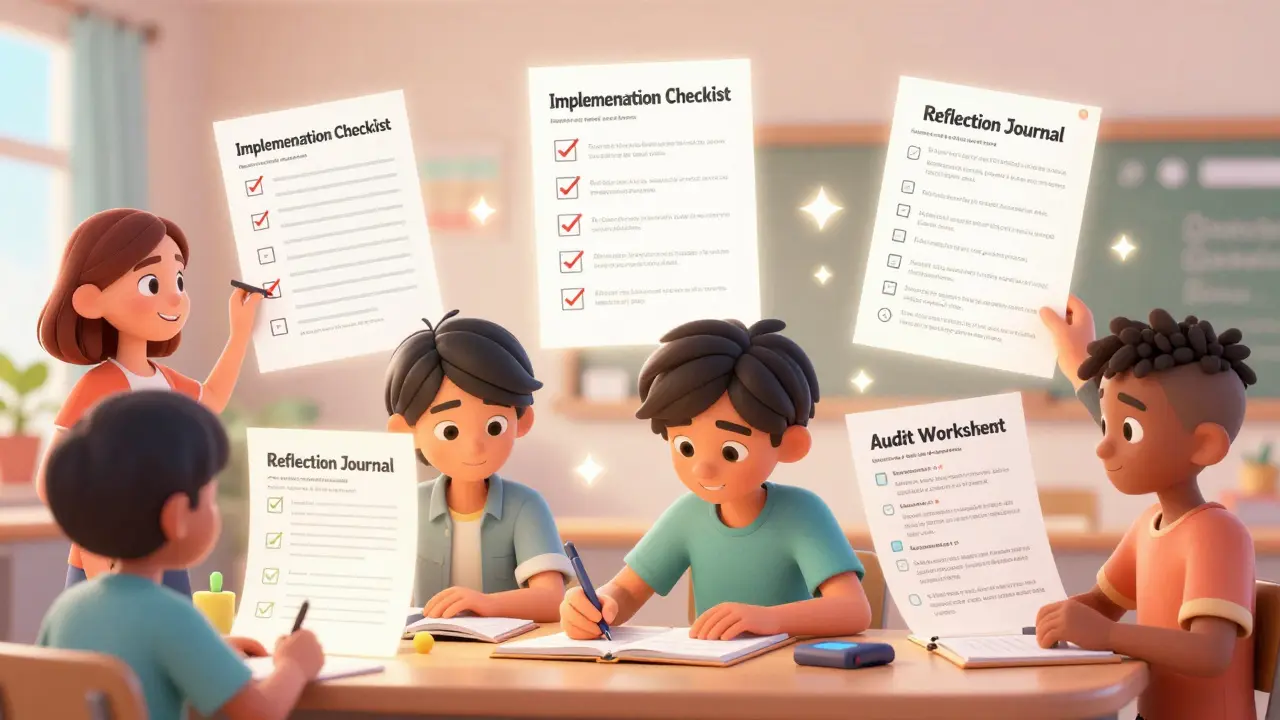
- The Audit Worksheet: Used at the start of a module. It asks students to evaluate their current situation. Example: "List your top three traffic sources and their conversion rates."
- The Implementation Checklist: A step-by-step tracker for technical tasks. Example: "Box checked when API key is generated."
- The Reflection Journal: Open-ended questions for mindset shifts. Example: "What was the biggest barrier to implementing this strategy, and how did you overcome it?"
Tools like Canva or Google Forms make creating these easy. The key is to keep them simple. If a worksheet takes longer than 15 minutes to complete, it’s too heavy. Break complex audits into smaller, bite-sized checks.
Lesson Plan Structure for Consistency
Even within a single course, lessons can feel disjointed if they lack a uniform structure. A lesson plan template ensures every piece of content delivers value without fluff. Think of this as your quality control mechanism.
Every lesson should include:
- Learning Objective: One clear sentence stating what the student will be able to do after this lesson.
- Prerequisites: What they need to know before starting (e.g., "Complete Module 1").
- Resources Needed: Links to software, tools, or previous readings.
- Key Takeaways: Three bullet points summarizing the core message.
This structure helps you stay focused during recording. If you find yourself drifting away from the Learning Objective, cut the tangent. It might be interesting, but if it doesn’t serve the objective, it belongs in a bonus section, not the main track.
Student Onboarding Templates
The relationship starts the moment they buy, not when they watch the first video. An onboarding sequence sets expectations and reduces refund requests. Your library should include a Welcome Email and a Course Orientation Script.
The Welcome Email should answer three questions: Where do I go? How much time do I need? Who do I contact if I’m stuck? Provide direct links to the first module and the community forum. Mention support hours clearly. Ambiguity creates anxiety.
The Orientation Script is a short video inside the platform. Walk through the interface. Show them where the downloads are. Explain the pacing. "You can binge this course, or take one lesson a week. Both work." Giving permission to choose their pace reduces pressure and improves satisfaction.
Feedback and Assessment Templates
How do you know if your course works? You need data. Include survey templates in your library to gather qualitative feedback. Don’t just ask "Did you like it?" Ask specific questions about usability and outcome.
Use a Net Promoter Score (NPS) question: "On a scale of 0-10, how likely are you to recommend this course?" Then follow up with: "What is the one thing we could have done better?" This gives you actionable insights for updates. Schedule these surveys at the midpoint and the end of the course to catch issues early.
Maintaining Your Template Library
A template library is a living document. As you create more courses, you’ll notice patterns. Maybe your audit worksheets always get skipped because they’re too long. Shorten them. Maybe your intro scripts are too salesy. Tone them down. Review your library quarterly. Update formats based on platform changes (like new LMS features) and student feedback. This iterative process turns a static set of documents into a powerful asset that makes each new course faster and better than the last.
Where can I find free course creator templates?
Many platforms offer free starter templates. Canva provides graphic templates for worksheets and certificates. Notion has public course planning boards. Additionally, many Learning Management Systems (LMS) like Teachable or Thinkific include basic curriculum structures you can duplicate. Start with these free resources before investing in premium packs.
Should I use AI to generate my course outlines?
AI is excellent for brainstorming initial structures and identifying gaps in logic. However, never rely on it for the actual script or unique insights. Use AI to create a rough skeleton, then inject your personal stories, specific examples, and expert nuance. AI lacks the authentic connection that drives student trust.
How long should a typical course module be?
Aim for 3-5 lessons per module, with each video lasting between 5 and 10 minutes. Longer videos tend to lose engagement. If a topic requires 30 minutes of explanation, break it into three separate, focused lessons. This allows students to digest information in manageable chunks and return easily if they forget a step.
What is the best format for downloadable worksheets?
Fillable PDFs are the industry standard because they work on all devices without requiring login to a specific tool. Ensure they are mobile-friendly by using large fonts and simple text fields. Alternatively, provide a link to a Google Doc or Notion page that students can copy into their own workspace for easier editing.
How do I customize templates without losing efficiency?
Keep your core structural elements constant (headings, order of operations) but swap out the content specifics. For example, keep the same "Audit Worksheet" layout, but change the questions to match the new niche. This way, you spend time refining the content, not redesigning the document layout every time.