Downloadable Data Sets and Code Samples for Technical Courses
 Jan, 23 2026
When you’re taking a technical course-whether it’s machine learning, data analysis, or web development-the real learning doesn’t happen when you watch the video or read the slides. It happens when you open your editor, type out the code, and run it yourself. That’s where downloadable data sets and code samples make all the difference.
Why downloadable resources matter more than videos
Most technical courses give you videos, slides, and quizzes. But if you never touch real data or write actual code, you’re just memorizing steps. You won’t know what to do when the data is messy, the model crashes, or the API returns an error you’ve never seen before.Companies like Google, IBM, and Kaggle release real-world data sets for training. These aren’t clean, perfect datasets. They have missing values, typos, inconsistent formats. That’s the point. If your course only uses sanitized examples, you’re not ready for the real world.
Code samples are the same. Copy-pasting a working script from a GitHub repo doesn’t teach you anything. But downloading a starter file with broken logic, then fixing it yourself? That’s how you learn debugging, structure, and trade-offs.
What makes a good downloadable data set
Not all data sets are created equal. A good one has:- Real-world context-like customer purchase logs from an e-commerce site, not synthetic numbers.
- Clear documentation-what each column means, units of measurement, time range covered.
- Appropriate size-small enough to run on a laptop, big enough to show patterns.
- Consistent format-CSV, JSON, or Parquet, with no hidden tabs or encoding issues.
- License clarity-can you use it for learning? For projects? For public sharing?
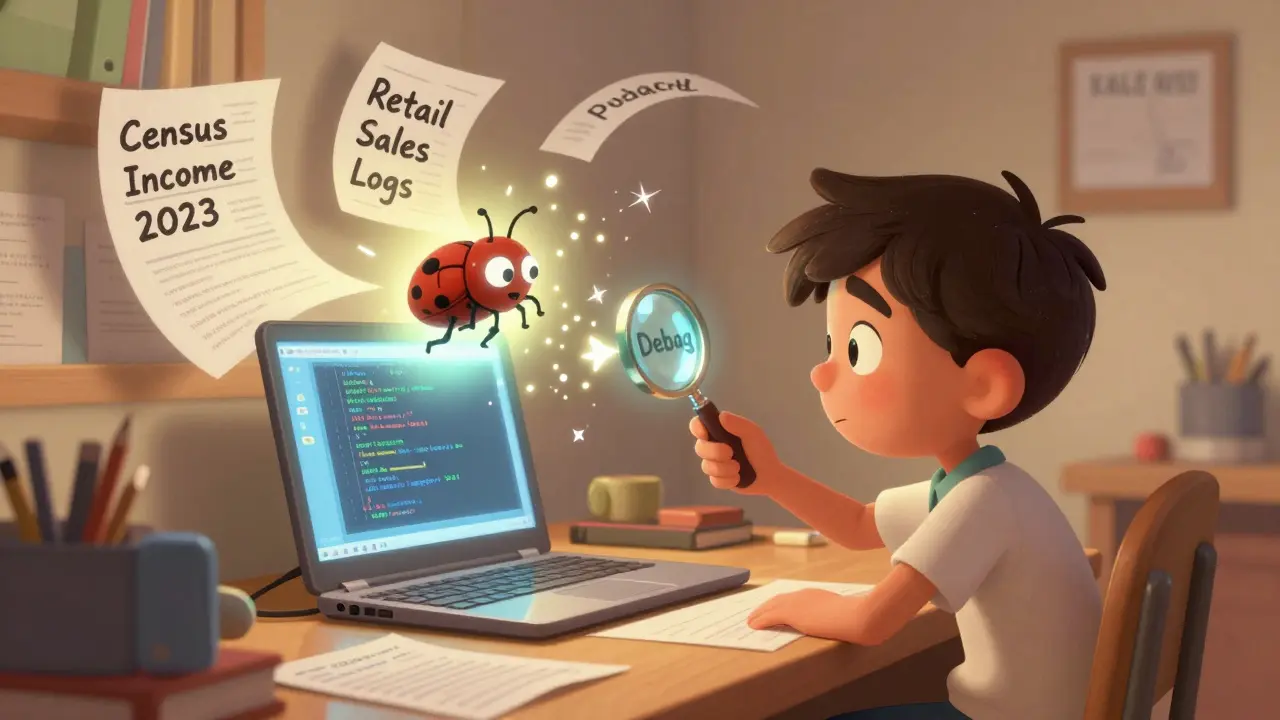
For example, a data set from the U.S. Census Bureau with 10,000 anonymized income records is better than a 100-row fake dataset labeled "Sales Data 2025." Why? Because you’ll encounter missing fields, outliers, and inconsistent date formats in real life. You need to practice handling them.
Code samples should be incomplete
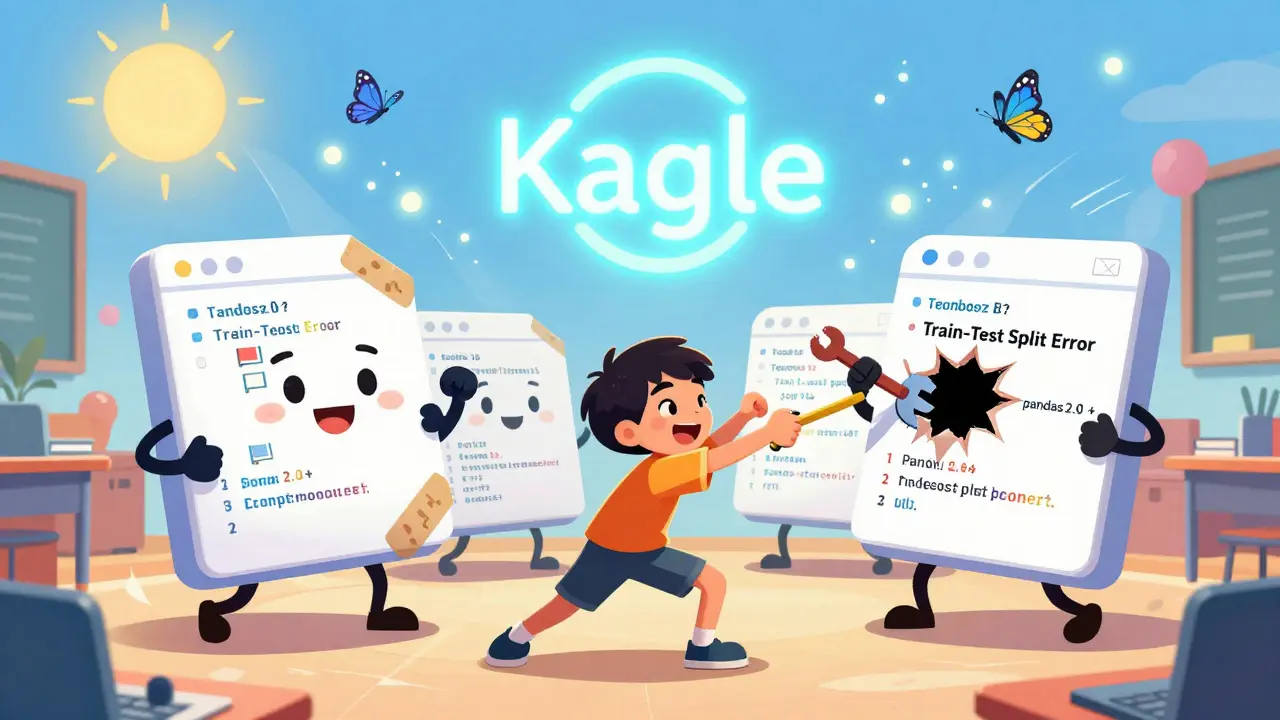
The best code samples for learning aren’t fully working. They’re almost right.Imagine a Python script that loads data, trains a model, and saves results-but the model accuracy is stuck at 50%. The file has a typo in the feature name, the train-test split is wrong, and there’s no error handling. Your job? Find and fix it.
This mirrors how software works in the wild. No one gives you perfect code. You inherit legacy code. You inherit broken scripts. You inherit someone else’s half-finished project. If your course only shows polished, final code, you’re not learning how to work with real codebases.
Good code samples include:
- Comments that explain why something is done, not just what is done.
- Known bugs or edge cases you’re expected to discover.
- Optional challenges: "Try modifying this to handle missing values."
- Version-specific dependencies (e.g., "Requires pandas 2.0+"), so you learn about environment management.
Where to find trustworthy downloadable resources
Not every course provider offers real data and code. Here’s where to look:- GitHub repositories linked from course pages-check the README for setup instructions and data links.
- Kaggle-has thousands of real data sets with community discussions and starter notebooks.
- UCI Machine Learning Repository-used in universities worldwide since 1987. Reliable, well-documented, free.
- Google Dataset Search-indexes public data sets across government, academic, and nonprofit sources.
- Course platforms like Coursera, edX, and Udacity-look for courses labeled "Hands-on" or "Project-based." They often include downloadable Jupyter notebooks.
Avoid courses that say "All code provided in video" without offering files to download. You can’t pause, inspect, or modify code you can’t touch.
How to organize your downloadable materials
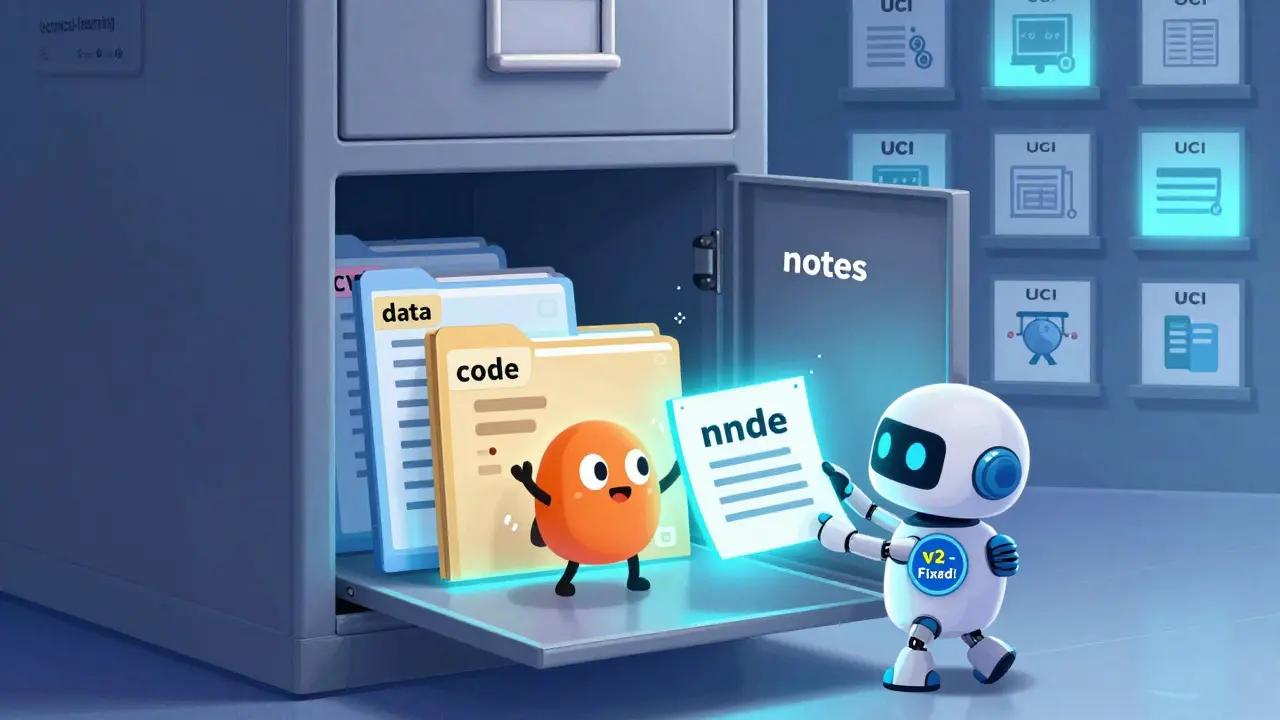
Once you start collecting data sets and code samples, you’ll have dozens. Without a system, you’ll forget what you downloaded and why.Create a folder structure like this:
technical-learning/
├── data/
│   ├── census-income-2023/
│   │   ├── data.csv
│   │   ├── README.md
│   │   └── license.txt
│   └── sales-logs-retail/
│       ├── raw_data.json
│       └── data_dictionary.xlsx
├── code/
│   ├── linear-regression-baseline.py
│   ├── data-cleaning-pandas.ipynb
│   └── web-scraping-example/
│       ├── scraper.py
│       └── requirements.txt
└── notes/
    └── lessons-learned.md
Every data set should come with a README. Write one even if it’s just two lines: "This data came from Coursera’s ML course, Week 3. Used to practice handling null values. Fixed by dropping rows with missing income."
Keep code files versioned with comments like "v1 - initial version, buggy" and "v2 - fixed train-test split." You’ll thank yourself later when you revisit the code.
What to avoid
Some resources look helpful but aren’t:- Code screenshots-you can’t copy or run them.
- One-line code snippets-they don’t show context or structure.
- Large, unstructured data files-a 2GB CSV with no headers or documentation is useless.
- Proprietary or paywalled data-if you need to sign up or pay just to download, it’s not a learning resource. It’s a sales trap.
Also avoid courses that give you code but no explanation of what each line does. If you don’t understand why a function is called or why a parameter is set to 0.01, you’re just following instructions.
How to test if a resource is actually helping you learn
Ask yourself these questions after using a data set or code sample:- Did I have to Google something to make it work?
- Did I fix at least one bug or error?
- Did I change something and see a different result?
- Could I explain this code to someone else without looking at it?
If you answered "no" to most of these, the resource isn’t teaching you-it’s just giving you something to click through.
True learning happens when you’re stuck, frustrated, and then figure it out on your own. That’s why downloadable, modifiable, real-world resources are the gold standard.
What to do next
Start small. Pick one course you’re taking right now. Find its downloadable materials. If it doesn’t have any, look for a similar course on Kaggle or UCI that does. Download the data. Open the code. Run it. Break it. Fix it.Don’t wait for the "perfect" course. The best technical learning happens when you take what’s available and make it your own.
Where can I find free, real-world data sets for practice?
Start with Kaggle, UCI Machine Learning Repository, and Google Dataset Search. These platforms host thousands of real data sets from government agencies, research institutions, and companies. Look for datasets labeled "public," "open license," or "for educational use." Avoid anything requiring payment or sign-up just to download.
Should I use code samples with bugs in them?
Yes-especially if you’re learning. Real-world code is rarely perfect. Code samples with intentional bugs teach you how to read error messages, trace logic, and debug. A fully working script only shows you the end result. A buggy one shows you the process.
What file formats should I expect for data sets?
CSV is the most common for beginners because it’s simple and readable. JSON is used for nested or hierarchical data. Parquet and Feather are faster for large files and are common in professional settings. Always check the documentation to understand the structure before loading the data.
How do I know if a code sample is too advanced for me?
If you can’t identify at least 50% of the functions or libraries used, it’s too advanced. Look for code labeled "beginner," "intro," or "starter." Start with scripts that use only one or two libraries (like pandas and matplotlib), then move to more complex ones. Don’t skip the basics.
Can I use these data sets and code samples in my portfolio?
Yes-if you modified them, added your own analysis, or solved problems they didn’t originally include. Don’t just upload the original files. Show your work: what you changed, what you learned, and how you improved it. That’s what employers look for.
Why do some courses not include downloadable files?
Some courses are designed to keep you inside their platform-so you can’t take the material elsewhere. This is a red flag. Real learning happens when you work outside the course interface. If you can’t download and run the code on your own machine, the course is limiting your growth.
Next steps for learners
If you’re just starting out:- Find one course you’re currently taking.
- Download its data set and code files-even if they’re small.
- Run the code. Break it. Fix it.
- Write a short note: "What I learned from this file."
- Repeat with one new data set from Kaggle or UCI each week.
If you’re more advanced:
- Find a data set that interests you-sports stats, climate data, social media trends.
- Write your own code from scratch, without using the course sample.
- Compare your version to the original. What’s different? Why?
- Share your version on GitHub with a clear README.
Technical skills aren’t built by watching. They’re built by doing-over and over, with real data, real code, and real mistakes. Downloadable resources are your tools. Use them.
sonny dirgantara
January 23, 2026 AT 16:22man i just downloaded some csv from kaggle and it had tabs instead of commas. took me 20 mins to figure out why pandas was crying. real talk, this post nailed it.
Andrew Nashaat
January 23, 2026 AT 23:45Let me just say this: if you’re not downloading and BREAKING code, you’re not learning-you’re just watching YouTube while eating snacks. And if your ‘data set’ doesn’t have missing values, typos, and inconsistent date formats? It’s not real. It’s a toy. And you’re a toy learner. Get real.
Gina Grub
January 24, 2026 AT 12:31Real data isn’t pretty. It’s messy. It’s ugly. It screams at you in error logs. And if your course gives you clean, sanitized, perfect data? That’s not education. That’s emotional abuse disguised as learning. I’ve been there. I cried over a missing column once. You will too.
Nathan Jimerson
January 24, 2026 AT 13:37This is exactly what I tell my students. You don’t learn to swim by watching videos. You jump in, get wet, and figure it out. Same with code. Start small. Break something. Fix it. Repeat.
Sandy Pan
January 25, 2026 AT 14:30There’s a philosophical truth here: learning isn’t about consuming knowledge-it’s about wrestling with it. The data set isn’t just data. It’s a mirror. It reflects your patience, your curiosity, your stubbornness. And the broken code? That’s your ego, waiting to be humbled.
Eric Etienne
January 27, 2026 AT 08:21Ugh. Another post telling me to download stuff. Newsflash: I don’t have time. I just want to pass the class. Why can’t they just give me the answer? Why does everything have to be so hard?
Dylan Rodriquez
January 27, 2026 AT 16:15I’ve been teaching this for years. Real growth happens when you’re uncomfortable. When the code crashes. When the numbers don’t make sense. When you’re stuck at 3 a.m. because you can’t figure out why the model is predicting cats as dogs. That’s where the magic happens. Don’t avoid the struggle-embrace it.
Amanda Ablan
January 29, 2026 AT 03:36For anyone new to this: start with one small dataset. Don’t try to tackle a 2GB CSV on your first day. Pick something with 100 rows. Run it. Break it. Fix one thing. Then celebrate. Progress isn’t about volume-it’s about consistency.
Meredith Howard
January 30, 2026 AT 07:45It is imperative to note that the acquisition of authentic datasets and the subsequent iterative modification of code samples constitute the foundational pillars of authentic technical competency development. Without these elements, one merely engages in passive observation rather than active cognitive engagement.
Yashwanth Gouravajjula
January 31, 2026 AT 06:43In India, we call this ‘learning by breaking’. Our coding classes always had broken code. You fix it. You learn. Simple.
Kevin Hagerty
February 2, 2026 AT 00:21Of course you need real data. Who else is dumb enough to use fake data? Like, come on. This post is just stating the obvious. I’m surprised people still fall for courses that don’t give you real files. Honestly, I’m surprised you’re still reading this.
Janiss McCamish
February 2, 2026 AT 13:09Just tried a Kaggle dataset with no README. Ended up renaming columns for an hour. Always check the docs. Always. And if there are no docs? Skip it. Your time is worth more than that.
Andrew Nashaat
February 3, 2026 AT 16:31And if you’re still using screenshots of code? Stop. Just stop. You’re not a student-you’re a liability. You can’t copy-paste a screenshot. You can’t debug it. You can’t version it. You can’t even search for it. You’re not learning. You’re collecting digital dust.