Downloadable Templates and Checklists for Course Creation: Practical Resources That Save Time
 Jan, 22 2026
When you’re building a course, the hardest part isn’t the content-it’s the structure. You know what you want to teach, but turning that into a clear, consistent, and student-friendly experience takes hours of guesswork. What if you could skip the trial and error? Downloadable templates and checklists cut through the noise. They give you a proven framework so you can focus on what matters: helping learners succeed.
Why Templates and Checklists Actually Work
Most course creators start from scratch. They write a syllabus, design slides, build assignments-and then realize halfway through that students are confused, the pacing is off, or the assessments don’t match the objectives. That’s not because they’re bad teachers. It’s because they’re missing structure.
Templates and checklists fix that. They’re not about rigidity. They’re about reducing cognitive load. Think of them like a recipe. You don’t have to invent how to bake a cake every time. You use a trusted method, then tweak the flavor. Same with courses. A solid template gives you the base. You add your voice, your examples, your style.
Real teachers use these. A professor at Arizona State University switched from custom-built syllabi to a standardized template in 2023. Within a semester, student feedback on clarity jumped 42%. Why? Because every student knew where to find deadlines, how assignments were graded, and what resources were available-no guessing.
The Core Templates Every Course Needs
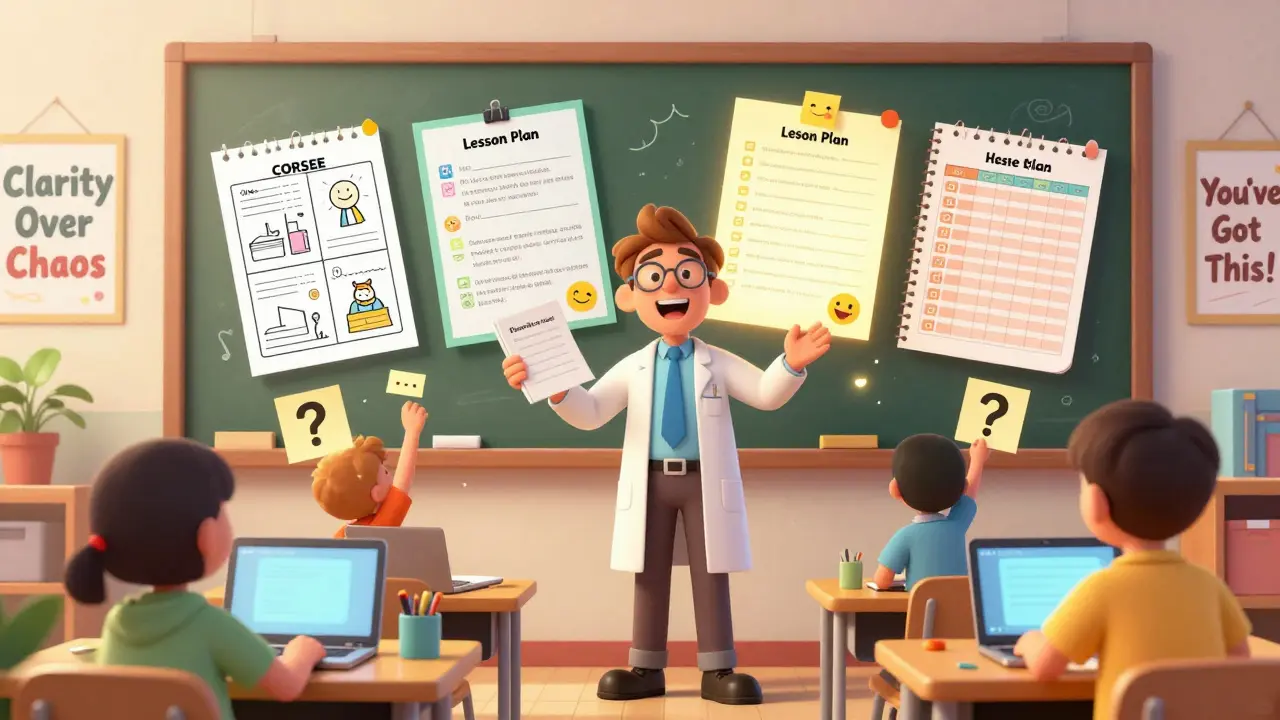
You don’t need 20 different files. Start with these five essential templates:
- Course Outline Template: This isn’t just a list of topics. It’s a roadmap showing weekly modules, learning outcomes, key readings, and assessment dates. A good one includes space for prerequisites and tech requirements.
- Lesson Plan Template: Break down each class into 15-minute chunks. What’s the hook? What activity happens next? What’s the takeaway? This keeps pacing tight and prevents rambling.
- Assignment Rubric Template: Grading shouldn’t be subjective. A clear rubric with defined levels (e.g., Exceeds, Meets, Needs Improvement) cuts grading time in half and tells students exactly what they need to do to improve.
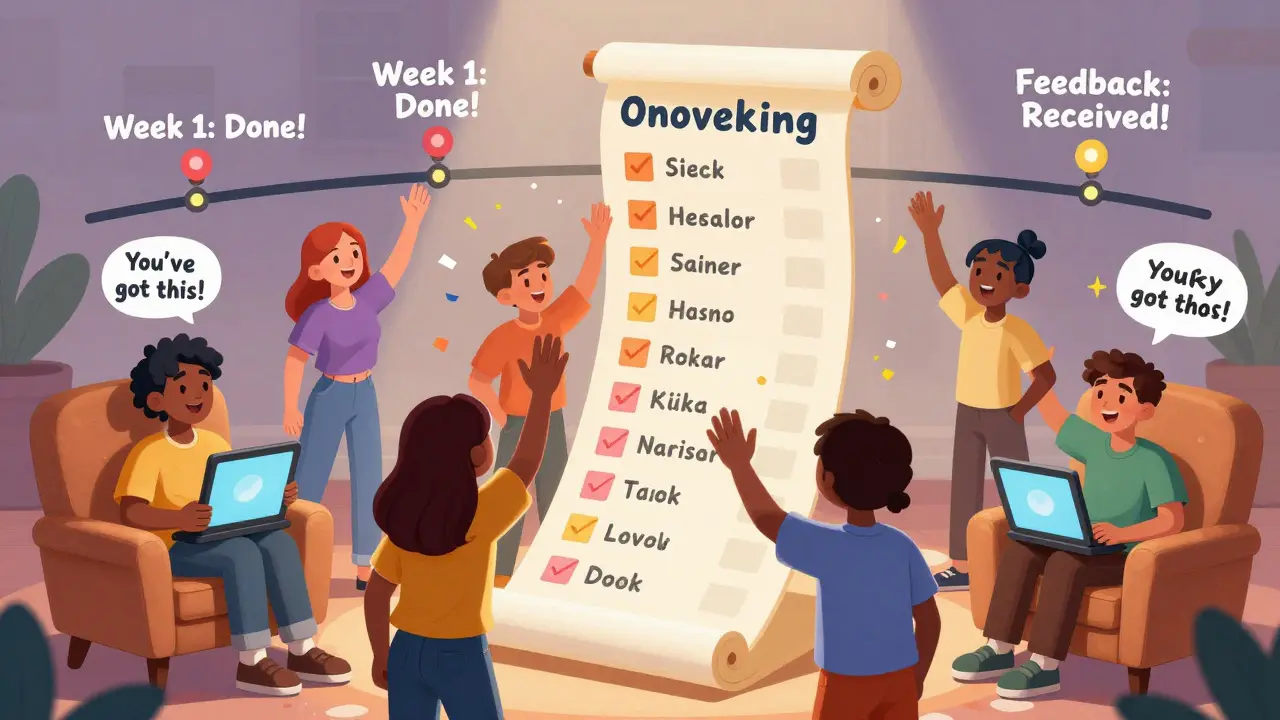
- Student Onboarding Checklist: First-day confusion kills engagement. This checklist ensures every student has access to the LMS, knows how to submit work, has contacted the instructor, and understands the honor code.
- Feedback Collection Template: Don’t wait until the end to hear from students. Use a simple weekly survey template with three questions: What helped? What confused you? What should we do more of?
These aren’t fancy tools. They’re simple Word or Google Docs files. But when used consistently, they create a professional experience students trust.
How to Build Your Own Checklists (Without Overcomplicating Them)
Checklists are the quiet heroes of course design. They don’t teach. They remind. And they prevent the small mistakes that derail big efforts.
Here’s how to make one that actually gets used:
- Start with a pain point. What do you always forget? Maybe it’s sending the welcome email. Or checking that video captions are turned on. Write down every task you’ve missed in the past three courses.
- Group tasks by phase. Pre-launch, launch week, mid-course, final week. Don’t dump everything into one list. Break it into stages.
- Use plain language. No jargon. Instead of “Initiate asynchronous discussion forum,” say “Post the first discussion prompt by Tuesday.”
- Test it. Use the checklist yourself for one course. Did you miss anything? Did anything feel redundant? Tweak it.
- Make it downloadable. Save it as a PDF or Google Doc. Put it in your course folder. Share it with teaching assistants.
One instructor at a community college built a checklist for grading final projects. It had 12 items: “Check for plagiarism scan,” “Verify rubric scores match comments,” “Email grade summary to student.” She cut her grading time from 8 hours to 3.5. And students got feedback 48 hours faster.
Where to Find Free, High-Quality Templates
You don’t have to build everything from zero. There are reliable, free templates out there-but not all are created equal.
Start with these trusted sources:
- Edutopia - Offers downloadable syllabus and lesson plan templates used by K-12 and college instructors.
- MIT OpenCourseWare - Provides real course outlines from actual university classes. Great for seeing structure in action.
- Canvas Commons - If you use Canvas, search for “syllabus template” or “rubric.” Many are ready to import.
- University Teaching Centers - Most universities have teaching and learning centers. Search “[Your State] university teaching resources” for free PDFs.
Don’t copy them blindly. Use them as a starting point. Adjust the tone. Add your branding. Make them yours.
How to Make Templates Feel Like Your Own
Templates can feel cold if you don’t personalize them. Students notice when something feels generic.
Here’s how to humanize them:
- Replace placeholder text with real examples from your course. Instead of “Insert reading here,” write “Read Chapter 3: ‘The Science of Memory’ from Make It Stick.”
- Add a short note at the top: “Hi, I’m your instructor. I built this checklist because I know how overwhelming starting a new course can be. You’ve got this.”
- Use your own voice in instructions. “Don’t panic if you miss the deadline-just email me. We’ll figure it out.”
- Include a quick video (under 90 seconds) walking through the template. Students prefer seeing it done than reading instructions.
A course designer in Texas added a personal video to her onboarding checklist. Completion rates jumped from 68% to 92% in one term. Why? Because students felt seen.
Common Mistakes to Avoid
Even good templates fail when used poorly.
Here’s what not to do:
- Don’t overload them. A checklist with 50 items will be ignored. Stick to 5-10 critical actions per phase.
- Don’t hide them. Put templates in the first module. Link to them in your welcome email. Make them impossible to miss.
- Don’t make them static. Update them after each course. What worked? What didn’t? Keep improving.
- Don’t assume everyone knows how to use them. Add a one-sentence instruction: “Download this rubric. Use it to check your draft before submitting.”
One instructor kept her rubric in a folder labeled “Resources.” Only 12% of students opened it. She moved it to the “Assignments” section with the label “Use This Before Submitting.” Usage jumped to 89%.
How These Resources Scale With Your Course
Templates aren’t just for one course. They compound.
After using the same outline template for three semesters, you’ll notice patterns:
- Students always struggle with Week 4. Adjust the pacing.
- Assignment 2 gets the lowest scores. Redesign the prompt.
- Feedback surveys mention “more examples.” Add them next time.
Each course becomes easier. Less time spent reinventing. More time spent refining. That’s the real win.
By year three, you’re not starting from zero. You’re upgrading. You’re iterating. You’re teaching better because you’ve removed the friction.
Next Steps: Start Small, Then Scale
You don’t need to build all five templates tomorrow.
Here’s your action plan:
- Pick one pain point: What’s the most frustrating thing you do every course?
- Find a free template online that matches it.
- Customize it in 30 minutes.
- Use it in your next course.
- Ask students: “Did this help?”
- Repeat with the next one.
That’s it. No fancy software. No big budget. Just a few well-made files that turn chaos into clarity.
Your students don’t need perfect slides. They need predictable structure. They need to know what’s expected. And they need to feel like you’ve thought this through.
Templates and checklists give you that. They’re not magic. But they’re the closest thing to it in course design.
Do I need special software to use these templates?
No. All the templates work in free tools like Google Docs, Microsoft Word, or even Notion. The goal is simplicity, not complexity. You don’t need LMS plugins or paid apps. Just a file you can open, edit, and share.
Can I reuse templates across different subjects?
Yes, but tweak them. A lesson plan for biology won’t work for a writing course without changes. The structure stays the same-hook, activity, reflection-but the content must match the subject. Use the template as a skeleton, not a script.
How often should I update my templates?
After every course. Review what worked, what didn’t, and what students said. Even small changes-like moving a deadline or adding a video link-make a difference. Don’t wait for a big overhaul. Tiny updates add up.
What if my students don’t use the templates?
Make them impossible to ignore. Put the template in the first module. Link to it in your welcome email. Mention it in your first video. Add a quick check: “Have you downloaded the assignment rubric?” as a required step before submitting work. People use what’s easy and obvious.
Are these templates only for online courses?
No. They work just as well in face-to-face, hybrid, or flipped classrooms. A lesson plan helps you stay on track whether you’re teaching in a lecture hall or a Zoom room. The format doesn’t change-just how you deliver it.
If you’re feeling overwhelmed, start with one checklist. One template. One small change. That’s all it takes to turn your course from a scramble into a system.
Kieran Danagher
January 23, 2026 AT 05:33Templates are the unsung heroes of teaching. I used to spend weeks building syllabi from scratch until I found a simple Google Doc template from MIT. Now I tweak it in 20 minutes and actually have time to talk to students. No magic, just structure.
OONAGH Ffrench
January 23, 2026 AT 13:12Structure is not confinement it is the architecture of understanding
poonam upadhyay
January 24, 2026 AT 08:55OMG YES THIS!! I spent 14 hours last semester grading essays with no rubric and cried into my coffee... then I found that 5-point rubric template and now I’m done in 90 minutes and students actually know WHY they got a B. Thank you for not being vague and actually giving us the tools!!
Bharat Patel
January 26, 2026 AT 05:57I love how this post doesn’t overcomplicate things. I’ve tried fancy LMS plugins and AI tools but nothing beats a simple checklist in a Google Doc. My students notice the difference too. They say my courses feel ‘less chaotic’ now.
Bhagyashri Zokarkar
January 27, 2026 AT 20:13you know what really kills me is when people say templates are boring like they think teaching is about performance art not about making sure students actually learn something i mean come on i had a student cry last semester because she finally understood what a thesis was because i used a clear outline template and now she’s in grad school so dont tell me structure is cold
Rakesh Dorwal
January 28, 2026 AT 20:16Templates? Sounds like western education brainwashing. In India we teach by intuition and passion not by Google Docs. Why do you need a checklist when your soul guides the lesson? This is just corporate pedagogy disguised as helpful advice.
Vishal Gaur
January 30, 2026 AT 04:07honestly i tried the checklist thing but i kept forgetting to update it and then i just went back to winging it because honestly who has time to maintain all these files i mean i have 4 classes 200 students and a toddler at home so i just hope for the best
Nikhil Gavhane
January 31, 2026 AT 01:18This is exactly what I needed. I’ve been teaching for 12 years and I thought I was doing fine until I saw how many students struggled just because they didn’t know where to find things. I added the onboarding checklist last term and my course completion rate jumped from 72% to 89%. Small change. Big difference.
Rajat Patil
January 31, 2026 AT 06:40It is a noble endeavor to reduce unnecessary cognitive burden upon learners. The application of consistent and clearly defined frameworks fosters an environment of psychological safety and academic clarity. I commend the thoughtful structure presented herein.
deepak srinivasa
February 1, 2026 AT 08:36Have you considered how templates might unintentionally discourage creativity in teaching? What if a teacher has a brilliant but unconventional approach that doesn’t fit the mold? Does structure always lead to better learning, or does it sometimes suppress innovation?
pk Pk
February 1, 2026 AT 21:22Listen. If you’re still making courses from scratch every semester you’re not being creative-you’re being inefficient. Start with one template. Use it. Then tweak it. Then share it. That’s how you scale good teaching. No heroics needed. Just consistency.
NIKHIL TRIPATHI
February 2, 2026 AT 12:31I used the assignment rubric template and added a little emoji next to ‘Exceeds Expectations’ just to make it feel less robotic. Students started asking for feedback on drafts because they could actually understand the criteria. Small touch. Big impact.
Shivani Vaidya
February 4, 2026 AT 09:15The elegance of this approach lies in its simplicity. A structured framework permits the educator to focus on pedagogical nuance rather than administrative logistics. One may personalize without compromising coherence.
Rubina Jadhav
February 5, 2026 AT 23:27My students didn’t know where to find the syllabus. Now I put it in the first module and link it in the welcome message. It’s so simple but it works.
sumraa hussain
February 7, 2026 AT 06:22Wait wait wait-so you’re telling me you don’t have to reinvent the wheel every time you teach?! I’ve been doing this for 8 years and I thought I was being ‘authentic’ by writing everything from scratch… turns out I was just exhausted. This changed my life. I actually slept last weekend.
Raji viji
February 8, 2026 AT 05:28Oh great another ‘template guru’ who thinks structure = teaching. Real educators don’t need checklists-they have vision. Also why are all these templates from MIT and Edutopia? Where are the Indian or Global South resources? This is cultural imperialism dressed as ‘helpful advice’.
Rajashree Iyer
February 8, 2026 AT 23:17Every template is a silent scream of control. Behind every rubric lies the fear of chaos. Behind every checklist-the death of spontaneity. True learning is messy. It’s in the unplanned questions, the detours, the tears, the laughter that doesn’t fit into a 15-minute chunk. Are we teaching humans… or training machines to follow a script?
Parth Haz
February 10, 2026 AT 21:45Starting with one template is the wisest approach. Many educators feel overwhelmed by the idea of overhauling their entire system. But incremental change leads to sustainable improvement. I began with the onboarding checklist-and now I use all five.
Vishal Bharadwaj
February 12, 2026 AT 06:10Actually this whole thing is just a scam to sell more Google Docs templates. I checked the ‘trusted sources’-Edutopia is funded by edtech companies. MIT OCW? They’ve got corporate sponsors. This isn’t about helping teachers-it’s about monetizing structure. Wake up.