Generative AI for Quiz and Assessment Creation in Courses
 Jan, 28 2026
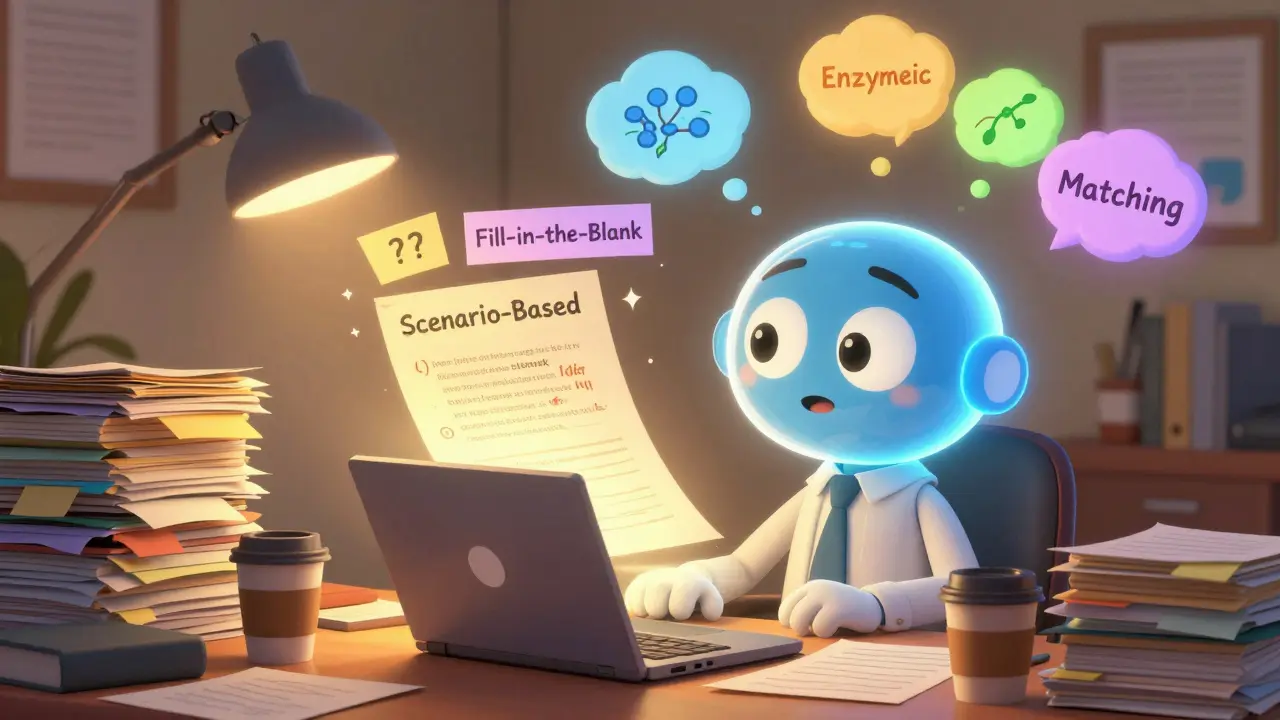
Creating quizzes and assessments used to take hours-reading through lecture notes, guessing what students might forget, rewriting questions three times just to make them clear. Now, with generative AI, you can build a full quiz in under five minutes. Not just multiple choice either. Fill-in-the-blank, matching, short answer, even scenario-based questions that test real understanding. And it’s not magic. It’s a tool that works when you know how to use it.
How Generative AI Builds Quizzes from Course Material
Generative AI doesn’t pull questions out of thin air. It reads your course content-lecture slides, textbooks, video transcripts, even discussion board posts-and pulls out key ideas. Then it turns those ideas into questions. If your module covers photosynthesis, the AI doesn’t just ask, "What is photosynthesis?" It might ask, "If a plant is kept in complete darkness for 48 hours, what happens to its glucose production? Explain why." That’s the difference between recall and application.
Tools like QuizGenAI, LearnFlow, and CourseCraft use natural language processing to identify concepts with high cognitive weight. They look for terms that appear repeatedly, verbs like "explain," "compare," or "evaluate," and relationships between ideas. A study from Stanford’s Center for Education Data & Research in late 2025 found that AI-generated assessments matched instructor-created ones in difficulty and coverage 92% of the time when given clean, well-structured course material.
Types of Questions AI Can Generate
Not all assessments are created equal. Here’s what generative AI can actually build right now:
- Multiple choice with plausible distractors based on common student misconceptions
- True/False with nuanced statements that test understanding, not just memorization
- Fill-in-the-blank where the AI blanks out key terms or phrases from your text
- Short answer prompts that require one to three sentences, not just a word
- Matching pairs-like connecting theories to researchers or processes to stages
- Scenario-based questions that place students in real-world contexts (e.g., "A patient presents with these symptoms. Which diagnostic test would you order first? Why?")
Some platforms even let you specify the Bloom’s Taxonomy level you want-recall, understand, apply, analyze. Ask for "analyze" and the AI will generate questions that ask students to compare, contrast, or critique. Ask for "create" and it might prompt them to design a simple experiment or propose a solution.
Why You Still Need to Review AI-Generated Quizzes
AI isn’t perfect. It can miss context. It might generate a question that sounds right but contradicts your course’s emphasis. Or it could accidentally use a term your students haven’t learned yet. In a biology course I reviewed, the AI created a question about "mitochondrial membrane potential"-a term only covered in the grad-level supplement, not the undergrad textbook.
That’s why you need to do three things before using any AI-generated quiz:
- Check for accuracy-Does the correct answer actually match your teaching?
- Check for clarity-Would a student understand what’s being asked without extra explanation?
- Check for bias-Are the distractors culturally or linguistically fair? Does the scenario assume a specific background?
It takes five minutes to scan a 10-question quiz. That’s less time than rewriting one question by hand. And the payoff? You’re not wasting hours on low-value work. You’re focusing on what matters: feedback, discussion, and helping students connect ideas.
Real Examples from Classrooms
At the University of Michigan, Professor Elena Ruiz switched from writing her own exams to using AI-assisted assessments in her introductory psychology course. She uploaded 12 weeks of lecture notes and discussion prompts. The AI generated 180 questions. She filtered out 40 that were off-topic or too vague, then added 15 of her own for topics the AI missed-like a case study on the Asch conformity experiment.
Her final exam had 50 questions. 42 were AI-generated. Students scored 12% higher on average compared to the previous year. Why? Because the AI kept the questions aligned with what was actually covered. No surprises. No trick questions. Just fair, clear, and relevant testing.
In a community college nursing program in Texas, instructors used AI to build competency quizzes after each clinical rotation. The AI pulled from student reflection journals, instructor feedback, and simulation logs to generate questions like: "A patient refuses medication. What three steps should you take before documenting refusal?" The result? Pass rates on clinical evaluations jumped from 78% to 91% in one semester.
How to Get Started Without Overwhelming Yourself
You don’t need to rebuild your whole course. Start small.
- Pick one module-maybe the one you dread grading the most.
- Export your key materials: slides, readings, handouts. Save them as a single PDF or Word doc.
- Use a free tool like QuizGenAI a free generative AI tool designed for educators to create quizzes from course content or LearnFlow an AI-powered assessment builder that integrates with LMS platforms like Canvas and Moodle.
- Generate 10-15 questions.
- Review them. Tweak one or two. Use it for a pop quiz or a low-stakes practice test.
- Ask students for feedback: "Was this question fair? Was it clear? Did it feel like it came from class?"
After two rounds, you’ll know what works. You’ll start giving better prompts. Instead of "Make a quiz," you’ll say, "Generate 8 multiple-choice questions on enzyme kinetics at the application level, using only content from Module 4." The more specific you are, the better the output.
What to Avoid
There are three big mistakes people make with AI assessment tools:
- Using raw AI output without review-This leads to confusing or inaccurate questions. Always check.
- Over-relying on multiple choice-AI defaults to it because it’s easy to score. But it doesn’t measure critical thinking. Mix in short answer.
- Ignoring accessibility-AI can generate questions with complex sentence structures. Always run them through a readability checker. Aim for a Flesch-Kincaid grade level of 10 or below for most undergrad courses.
Also, don’t use AI to generate questions for high-stakes exams without human oversight. Some institutions still require human validation for final exams. Know your school’s policy.
Where This Is Headed
By 2027, generative AI won’t just create quizzes-it’ll adapt them. Imagine a quiz that changes based on how a student answers. Get a question wrong? The next one is simpler, with more context. Get it right? The next one digs deeper. That’s adaptive assessment powered by AI.
Some platforms are already testing this. In a pilot at Arizona State University, students took an AI-driven quiz on statistics. The system tracked not just answers, but how long they took, which terms they hovered over, and where they paused. It adjusted the next question in real time. Students reported less anxiety and felt the quiz "understood" them.
This isn’t about replacing teachers. It’s about removing the grunt work so you can do what no AI can: connect with students, explain why something matters, and help them see the bigger picture.
Can generative AI create essay prompts for assignments?
Yes. Many AI tools can generate open-ended prompts that ask students to analyze, argue, or reflect. For example, given a reading on climate policy, the AI might generate: "Compare two different approaches to carbon pricing. Which do you think is more effective, and why? Use evidence from the text." These prompts work best when you add a rubric or guiding questions to help students structure their responses.
Is it ethical to use AI to create assessments?
Yes, as long as you’re transparent and retain control. Using AI to save time on repetitive tasks is no different than using a calculator for math grading. The key is that you review, adapt, and own the final product. Never pass off AI-generated content as your own without editing. Students should know when AI helped shape their assessments-it builds trust.
Do I need special training to use these tools?
No. Most platforms are designed for educators with no tech background. You upload your materials, pick the question types, and hit generate. The real skill is learning how to give good prompts-like specifying difficulty level, number of questions, or which topics to focus on. That’s it.
Can AI detect if students are cheating on AI-generated quizzes?
No. AI-generated quizzes don’t include plagiarism or cheating detection. Those features come from separate tools like Turnitin or ProctorU. AI helps you create the questions. Other tools help you monitor the response. Don’t confuse the two.
What if my students say the AI questions are too hard or too easy?
Ask them why. Their feedback is gold. If most say a question was unclear, rewrite it. If they say it felt too easy, add a layer of complexity. Use their input to improve future quizzes. This turns assessment into a conversation, not just a score.
Next Steps for Educators
Start with one module. Try one AI tool. Review five questions. Ask one student for feedback. That’s it. You don’t need to overhaul your course. You just need to start using the tool the way you’d use a new textbook or a video lecture-intentionally, iteratively, and with purpose.
The goal isn’t to make grading easier. It’s to make learning clearer. When assessments reflect what you actually taught, students stop guessing what’s on the test. They start focusing on what matters-understanding.
Aafreen Khan
January 28, 2026 AT 16:38Pamela Watson
January 30, 2026 AT 01:46michael T
January 30, 2026 AT 21:55Christina Kooiman
February 1, 2026 AT 14:34Stephanie Serblowski
February 2, 2026 AT 03:07Renea Maxima
February 3, 2026 AT 18:10Jeremy Chick
February 5, 2026 AT 12:58Sagar Malik
February 5, 2026 AT 20:35Seraphina Nero
February 6, 2026 AT 17:22Megan Ellaby
February 8, 2026 AT 14:06Rahul U.
February 9, 2026 AT 18:18E Jones
February 11, 2026 AT 06:13James Boggs
February 11, 2026 AT 10:36Addison Smart
February 12, 2026 AT 14:13David Smith
February 13, 2026 AT 15:58Lissa Veldhuis
February 14, 2026 AT 16:38Michael Jones
February 15, 2026 AT 20:45allison berroteran
February 16, 2026 AT 08:53