Legal Requirements for Accessibility: ADA and Education Law Explained
 Jan, 25 2026
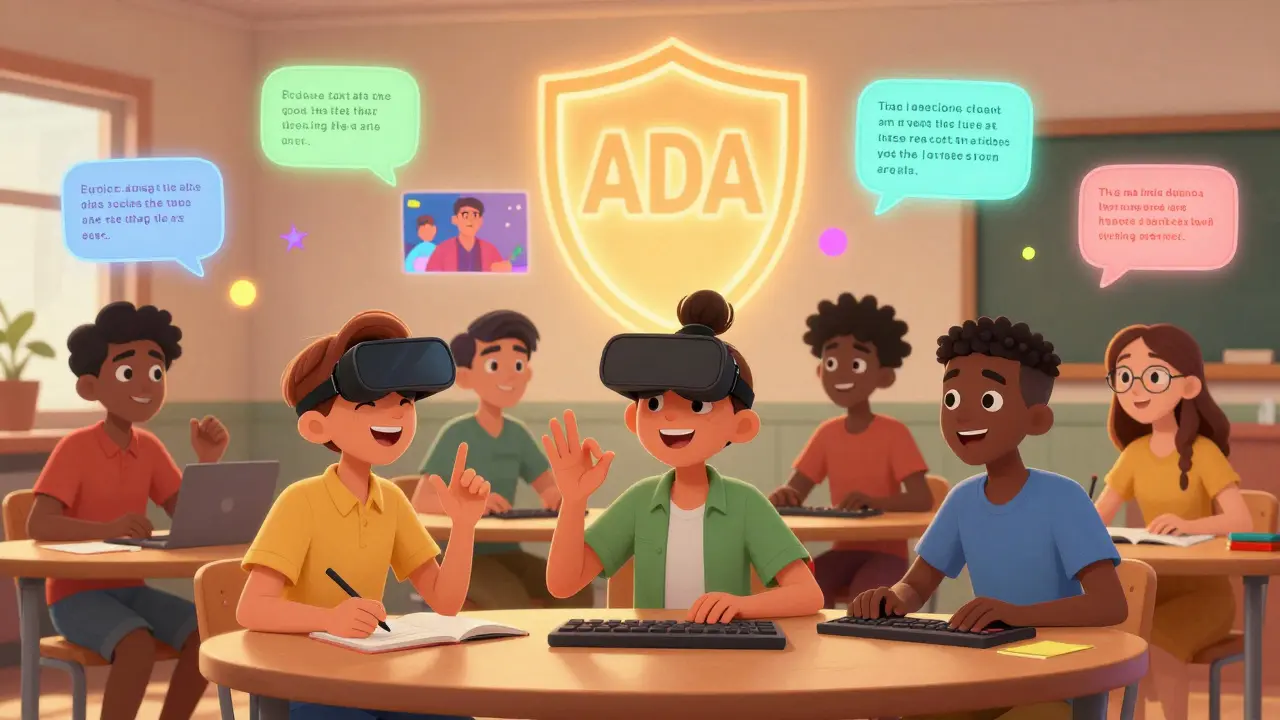
When you build a website, design a course, or set up a learning platform, you’re not just creating content-you’re building a space where everyone should be able to learn. That’s not a suggestion. It’s the law. In the United States, two major legal frameworks make accessibility in education non-negotiable: the Americans with Disabilities Act (ADA) and specific provisions under federal education law. Ignoring them isn’t just risky-it’s outdated. And with more than 40% of U.S. adults reporting some form of disability, the numbers don’t lie: if your learning materials aren’t accessible, you’re leaving people behind.
What the ADA Actually Requires for Education
The Americans with Disabilities Act doesn’t just cover ramps and elevators. Title II of the ADA applies to public schools, colleges, and state-run programs. Title III covers private schools, universities, and any educational service provider that’s open to the public. That includes online courses, learning management systems, video lectures, and even digital textbooks.
Under ADA, you can’t deny someone access to education because of their disability. That means if a student uses a screen reader, your PDFs must be tagged properly. If someone is deaf or hard of hearing, your videos need accurate captions. If a student has limited mobility, your website must be navigable with a keyboard alone. There’s no loophole for ‘we didn’t know’ or ‘it’s too expensive.’ The Department of Justice has ruled this repeatedly-in 2022 alone, over 1,200 ADA complaints were filed against educational institutions for digital inaccessibility.
Real-world example: In 2023, a university in Arizona settled a federal case after students with vision impairments couldn’t access course materials because all PDFs were scanned images without text recognition. The fix? They had to reformat 8,000 documents and train all faculty on accessible publishing. The cost? $250,000. The cost of doing nothing? Much higher.
Section 504 and IDEA: The Education Law Side
While the ADA sets broad civil rights standards, two other laws target education specifically: Section 504 of the Rehabilitation Act and the Individuals with Disabilities Education Act (IDEA).
Section 504 applies to any program receiving federal funding-which includes nearly every public school and most private colleges. It requires reasonable accommodations to ensure equal access. That’s not just extra time on tests. It’s making sure digital tools work with assistive tech. If a student has an IEP or 504 Plan, the institution must provide accessible formats for all materials, including quizzes, assignments, and even virtual classrooms.
IDEA goes further for K-12 students with specific disabilities. It mandates that schools provide a free appropriate public education (FAPE) in the least restrictive environment. That includes access to technology. If a child needs speech-to-text software to complete assignments, the school must provide it. If a video lesson lacks captions, the school is violating IDEA.
These aren’t abstract rules. In 2024, the U.S. Department of Education’s Office for Civil Rights opened 472 investigations into digital accessibility complaints in education. Over 60% resulted in findings of noncompliance.
What ‘Accessible’ Actually Means in Practice
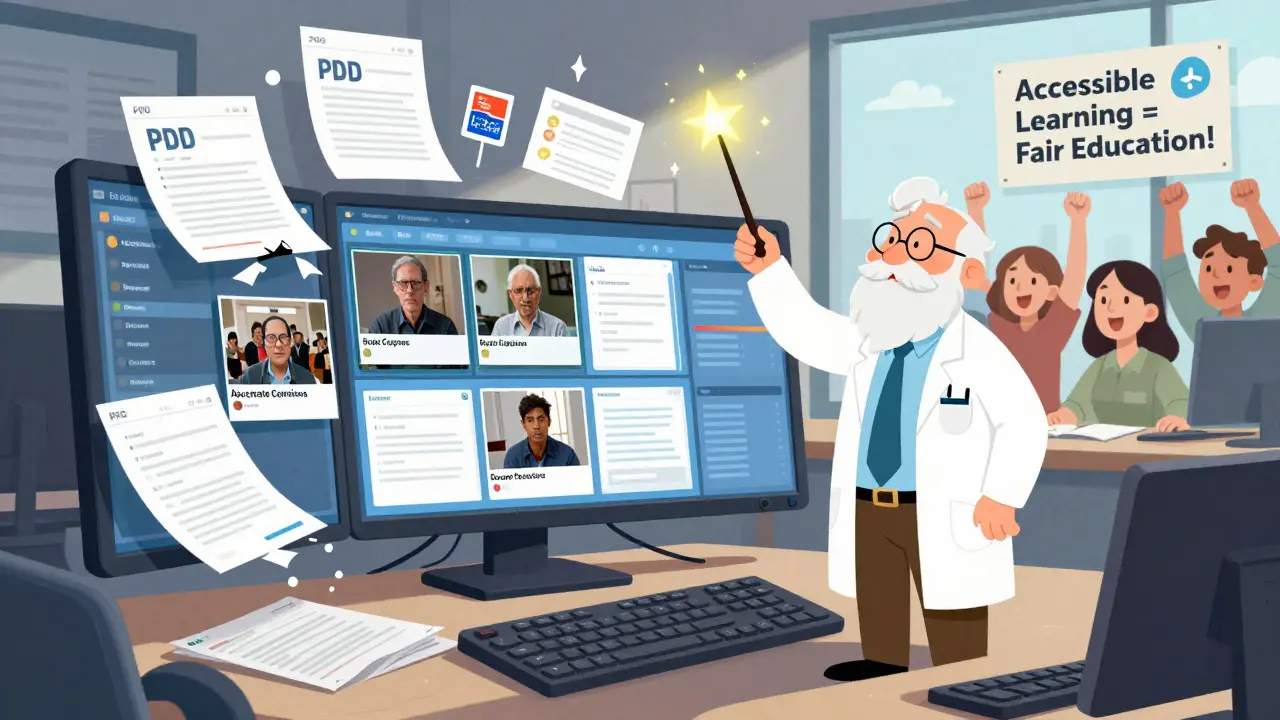
‘Accessible’ isn’t a buzzword. It’s a set of measurable standards. The Web Content Accessibility Guidelines (WCAG) 2.2 are the global benchmark-and courts and federal agencies treat them as the legal baseline for digital accessibility in education.
Here’s what you need to deliver:
- Text alternatives for all images, charts, and icons. Alt text isn’t optional-it’s required.
- Captions and transcripts for all audio and video content. Automated captions aren’t enough. Accuracy matters. A 15% error rate in captions is unacceptable under ADA.
- Keyboard navigation. Can someone use your LMS without a mouse? If not, it’s not compliant.
- Color contrast. Text must stand out clearly against backgrounds. The minimum is 4.5:1 for normal text, according to WCAG.
- Readable structure. Headings must be properly nested. Lists must be marked up correctly. Screen readers rely on this.
- Form labels. Every input field must have a clear, associated label. No placeholders as substitutes.
And don’t assume your vendor has it covered. In 2023, a major LMS provider was found to have a critical accessibility flaw in its quiz module-students using screen readers couldn’t submit answers. The school was held liable, not the vendor. You’re responsible for what you use.
Who’s at Risk? Institutions That Ignore the Rules
Compliance isn’t just about avoiding lawsuits-it’s about protecting your institution’s reputation and funding.
Here’s what happens when you don’t act:
- Department of Justice investigations can lead to court orders, fines, and mandatory audits.
- Private lawsuits under ADA can cost $50,000-$200,000 in settlements-even if you win, legal fees add up.
- Federal funding can be withheld under Section 504. Schools have lost millions in Title IV grants over accessibility failures.
- Enrollment drops. Students and parents choose institutions that work for everyone.
Take the case of a private college in Texas that refused to caption its lecture videos. Within six months, three students filed complaints. The school lost $1.2 million in federal aid, faced a class-action lawsuit, and saw a 22% drop in enrollment from students with disabilities. That’s not a fluke. It’s a pattern.
How to Get Compliant-Without Breaking the Bank
You don’t need a team of engineers to start. Here’s how to begin:
- Audit your content. Use free tools like WAVE or axe DevTools to scan your website and LMS. Look for missing alt text, low contrast, and keyboard traps.
- Train your staff. Faculty and instructional designers need one-hour training on accessible document creation. Canva, Google Docs, and PowerPoint all have built-in accessibility checkers.
- Set procurement rules. Require vendors to provide VPATs (Voluntary Product Accessibility Templates). If they can’t produce one, don’t buy.
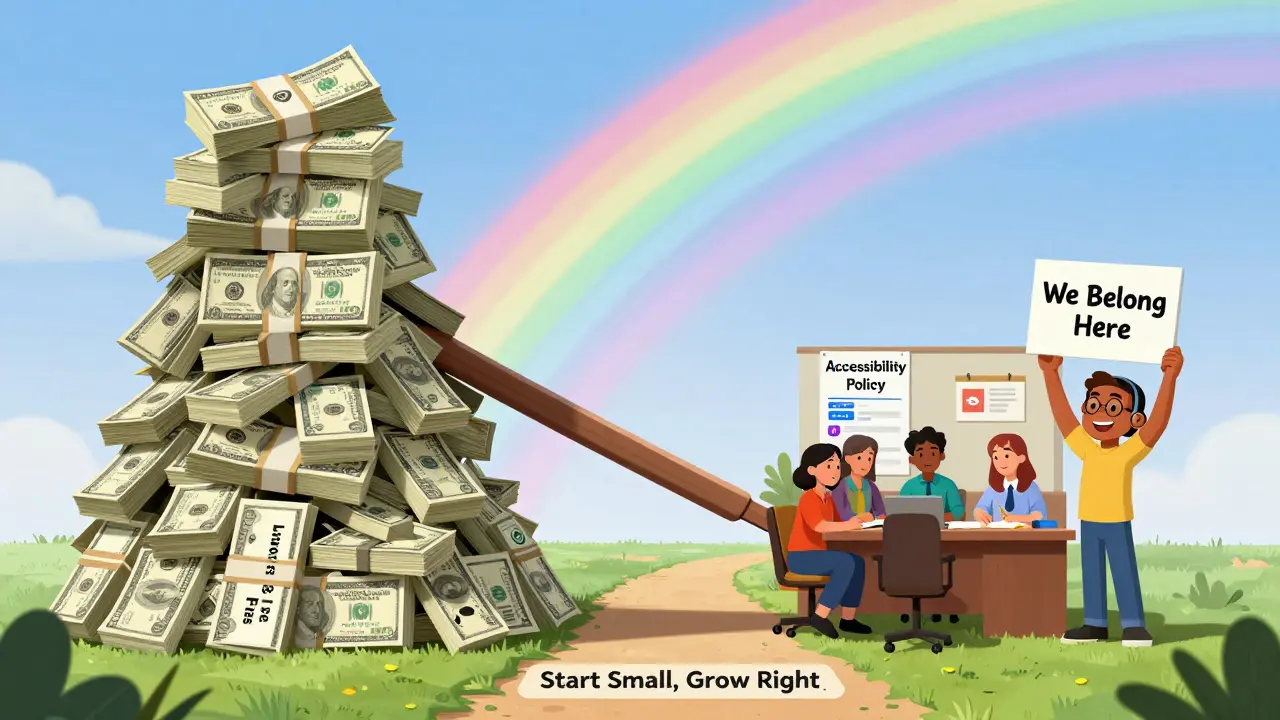
- Start small. Pick one course or one type of content-say, all video lectures-and make them accessible first. Then expand.
- Build a policy. Create a simple accessibility statement on your website. It doesn’t need to be perfect. It just needs to show you’re trying.
Many community colleges have saved over $100,000 annually by switching to accessible templates and training instructors. The upfront cost? A few hundred dollars for software licenses and one workshop.
What’s Next? The Rules Are Getting Tighter
As of 2025, the U.S. Department of Education is finalizing new rules under Section 508 that will require all digital learning materials to meet WCAG 2.2 AA by July 2026. That includes third-party tools, mobile apps, and even learning games.
States are following suit. California’s AB 434 now requires all state-funded higher education websites to be accessible. New York and Illinois are close behind.
This isn’t about fear. It’s about fairness. When you design for accessibility, you design for everyone. A student with dyslexia benefits from clear headings and readable fonts. A parent juggling work and school benefits from transcripts they can read on their phone. An older learner with low vision benefits from high contrast.
Accessibility isn’t a legal checkbox. It’s the foundation of good teaching.
Do private schools have to follow ADA and education accessibility laws?
Yes. Private schools that are open to the public must comply with Title III of the ADA. If they receive any federal funding-like student loans or grants-they’re also subject to Section 504. Even if they don’t take federal money, refusing access to a student with a disability can lead to lawsuits under ADA’s public accommodation rules.
Are captions required for all educational videos?
Yes. Both ADA and Section 504 require accurate captions for all video content used in instruction. Automated captions often have errors that make them unusable. Courts have ruled that ‘good enough’ isn’t enough. Captions must be at least 99% accurate, properly synchronized, and include speaker identification and sound descriptions when necessary.
Can I use a third-party tool that isn’t fully accessible?
No-not if you’re using it for instruction. If your institution selects a tool that doesn’t meet accessibility standards, you’re still legally responsible. You must either require the vendor to fix it, find an alternative, or provide an equally effective accommodation. Simply saying ‘the vendor said it’s accessible’ is not a legal defense.
What’s the difference between ADA and Section 504?
ADA is a civil rights law that applies broadly to public and private entities that serve the public. Section 504 applies only to programs receiving federal funding and focuses specifically on non-discrimination in education. ADA covers buildings and websites; Section 504 covers curriculum, assessments, and accommodations. Most institutions must comply with both.
Do I need to make my entire website accessible overnight?
No. The law requires reasonable progress, not perfection. Start with high-traffic areas: course registration pages, syllabi, lecture videos, and assessment tools. Create a plan with timelines and priorities. Document your efforts. Courts look favorably on institutions that show a clear, ongoing commitment to improvement-even if they’re not 100% done yet.
What happens if a student requests an accommodation I’ve never heard of?
You’re required to engage in an interactive process. That means talking to the student, their disability services office, and possibly an accessibility specialist. There’s no list of approved accommodations. If a student needs a specific tool or format, you must provide it unless it fundamentally alters the program or causes undue hardship. Most requests are simple: alternate file formats, extended time, or alternative input methods.
Diwakar Pandey
January 25, 2026 AT 23:44Been doing accessibility audits for community colleges for years. The biggest hurdle? Faculty who think alt text is "just a suggestion." One prof told me "my students can figure it out" - until a blind student dropped out. Now I bring a screen reader to faculty meetings. It’s not magic, just human.
Also, Canva’s accessibility checker is a game-changer. Free, simple, and it catches 80% of mistakes before you even hit publish.
Geet Ramchandani
January 27, 2026 AT 15:57Oh here we go again with the accessibility guilt trip. Let me guess - next you’ll tell me we need to caption every TikTok video and make all memes keyboard-navigable? I’m tired of being punished for being creative. Not every student needs a hand-holding digital crutch. Some of us learned just fine with bad fonts and no alt text. Why should I pay $250k to fix something that worked for 30 years?
And don’t even get me started on the "99% accurate captions" nonsense. Automated tools are 95% good enough. Who cares if "cat" becomes "kat"? The meaning’s still there. This is censorship by bureaucracy.
Sumit SM
January 28, 2026 AT 02:16Ah, the sacred altar of compliance… where innovation goes to die under the weight of WCAG 2.2 AA, VPATs, and the silent, judgmental gaze of the OCR…
But tell me - is accessibility truly about equity, or is it merely the latest liturgical ritual of institutional self-preservation? We build ramps for wheelchairs, yet we still build curricula that assume a neurotypical, sighted, able-bodied mind as the default human…
Is the problem not the system that demands accessibility as a legal afterthought - not as a philosophical imperative? We don’t need more alt text. We need more imagination. More humility. More… being human.
And yet - I’ll still use the axe DevTools. Because even philosophy needs a checklist.
Bob Buthune
January 28, 2026 AT 20:35I just want to say… this post made me cry 😭
My sister’s a deaf college student. She once spent 14 hours trying to get captions for a single lecture. The professor said "we don’t have the budget." I’ve seen her cry over a video that said "music plays" instead of "soft piano melody begins."
I don’t care about lawsuits or fines. I care that she felt invisible. And now I’m telling every professor I know to fix this. Not because they have to. Because they should.
Thank you for saying this. I needed to read it.
Jane San Miguel
January 29, 2026 AT 20:33It’s refreshing to see a piece that doesn’t conflate accessibility with virtue signaling. The legal frameworks are unambiguous: ADA Title III, Section 504, IDEA - these are not suggestions, they are codified civil rights obligations. The fact that institutions still treat this as a "nice-to-have" reveals a profound cultural failure in higher education governance.
Moreover, the assertion that "vendors are responsible" is legally indefensible. The institution is the entity providing the service - ergo, liability rests squarely with them. Period.
Additionally, WCAG 2.2 AA is not a benchmark - it is the floor. Anything less constitutes a violation of the Rehabilitation Act. I would encourage all administrators to review the 2024 OCR guidance on digital accessibility in higher ed - it’s unambiguous.
Kasey Drymalla
January 30, 2026 AT 18:53THEY WANT YOU TO PAY FOR CAPTIONS SO THEY CAN TAKE YOUR MONEY
THIS IS A SCAM TO MAKE SCHOOLS GO BROKE
THEY JUST WANT TO CONTROL WHAT YOU TEACH
THEY SAID "RAMP" THEN THEY SAID "WEBCAM CAPTIONS" NOW THEY WANT YOUR KIDS TO USE SPECIAL KEYBOARDS
IT’S NOT ACCESSIBILITY - IT’S SOCIAL ENGINEERING
THEY’RE TURNING SCHOOLS INTO WELFARE ZONES
JUST SAY NO TO THE ADA BRAINWASH
MY SON DID FINE WITHOUT CAPTIONS - HE’S A DOCTOR NOW
THEY JUST WANT MORE FEDERAL MONEY
STOP THE INSANITY
Dave Sumner Smith
January 31, 2026 AT 21:59Let me tell you what they’re not telling you. The DOJ isn’t chasing accessibility - they’re chasing funding. Every complaint opens a door for federal audits. Every audit means more money for the bureaucracy. Every settlement? That’s taxpayer cash flowing into law firms and consultants.
And the vendors? They’re laughing. They sell you "accessible" LMS platforms for $500K - then charge you $100K/year to "maintain" it. Meanwhile, your faculty still uses PowerPoint slides with 12-point Comic Sans and zero alt text.
This isn’t about students. It’s about institutional survival. The ADA is just the weapon they use to justify the machine.
And don’t even get me started on the 99% caption accuracy myth. No human can type that fast. It’s impossible. It’s a trap.
Cait Sporleder
February 1, 2026 AT 17:01What fascinates me most is the dissonance between the rhetorical framing of accessibility as a moral imperative and the operational reality of its implementation - which is often fragmented, under-resourced, and inconsistently enforced. The tension between idealized equity and institutional pragmatism is not merely bureaucratic - it is epistemological.
Consider: when a professor uploads a scanned PDF of a 1998 textbook, they are not merely being negligent - they are perpetuating a colonial epistemic framework that privileges print-based, visually-dominant knowledge production over multimodal, embodied, and assistive forms of cognition.
WCAG is not a checklist; it is a pedagogical philosophy made manifest. The real question is not whether we can afford compliance - but whether we can afford to continue excluding entire populations from the epistemic community.
And yet, I must admit - I still forget alt text on my own slides. I’m not immune. We’re all complicit. That’s the hardest part.
Paul Timms
February 3, 2026 AT 12:43Just wanted to say - thank you for writing this. Clear, factual, and kind. I’m a professor at a small college. We started with one course last year. Now 80% of our materials are accessible. It took time, but it’s worth it. Students are thriving. Faculty are learning. No lawsuits. No drama. Just better teaching.
Jeroen Post
February 5, 2026 AT 05:01They say ADA requires accessibility but they never say who pays for it
Who’s really behind this? Big tech? The disability lobby? The government? It’s all connected
They want you to use their software so they can track your students
They want your data
They want to control your curriculum
And if you don’t comply? You’re labeled a bigot
It’s not about access - it’s about power
They’ve been doing this since the 90s with ramps
Now it’s captions
Next it’s brainwave readers
They’re building the matrix
And you’re helping them
Nathaniel Petrovick
February 7, 2026 AT 01:43My school did the one-course pilot last semester. We used Google Docs accessibility checker and Canva templates. Took 3 hours total. One faculty member cried because she said her students actually asked for more materials. No one got sued. No one quit. We just… did it.
Turns out, people like it when you make things easier.
Also - I’m not a tech person. I just clicked the "check accessibility" button. It’s not that hard.
Honey Jonson
February 8, 2026 AT 14:16OMG I JUST REALIZED I NEVER DID ALT TEXT ON MY QUIZZES 😭
My student with low vision sent me a sweet note last week saying "I can’t see the graphs" - I thought she just meant they were small. I didn’t even think to check if they were images.
Fixed them all this weekend with Canva. She sent me a selfie with a cup of coffee and a thumbs up. I cried.
Also - I typoed "caption" as "capshun" like 3 times. Sorry. I’m not perfect. But I’m trying.
Thanks for the reminder. We got this.
Sally McElroy
February 10, 2026 AT 11:14How can anyone defend ignoring the law? It’s not just about students - it’s about morality. If you’re not making your content accessible, you’re saying some people don’t belong. That’s not education. That’s exclusion dressed up as tradition.
And don’t give me that "it’s too expensive" nonsense. You spent $20,000 on a new smartboard that no one uses. You can afford this.
It’s not about cost. It’s about character.
And if you think automated captions are good enough, you’ve never listened to one. They turn "I am a student" into "I am a stonemason." That’s not accessibility - that’s cruelty.
Destiny Brumbaugh
February 11, 2026 AT 09:52AMERICA IS BEING TAKEN OVER BY ADA CULTISTS
WE USED TO TEACH KIDS TO BE STRONG
NOW WE’RE MAKING VIDEOS FOR THE WEAK
THIS ISN’T EQUALITY - IT’S SPECIAL TREATMENT
MY GRANDPA WALKED 5 MILES TO SCHOOL WITH A LEG IN A CAST
HE DIDN’T NEED CAPTIONS
HE DIDN’T NEED ALT TEXT
HE JUST DID IT
WHY CAN’T THEY?
WEAKNESS ISN’T A RIGHT
STOP CRYING AND LEARN
Sara Escanciano
February 12, 2026 AT 05:59This post is exactly why our schools are collapsing. We’re spending millions on captions and alt text while our math scores are in the toilet. Where’s the accountability? Where’s the results?
Accessibility isn’t a right - it’s a distraction. The real problem is bad teaching. Fix that first. Not the PDFs.
And don’t pretend this is about fairness. It’s about guilt. People feel bad they can’t be perfect, so they force everyone else to bend to their anxiety.
It’s not helping students. It’s helping their therapists.