Money-Back Guarantees for Courses: Terms, Risks, and Trust Signals
 Jul, 6 2026
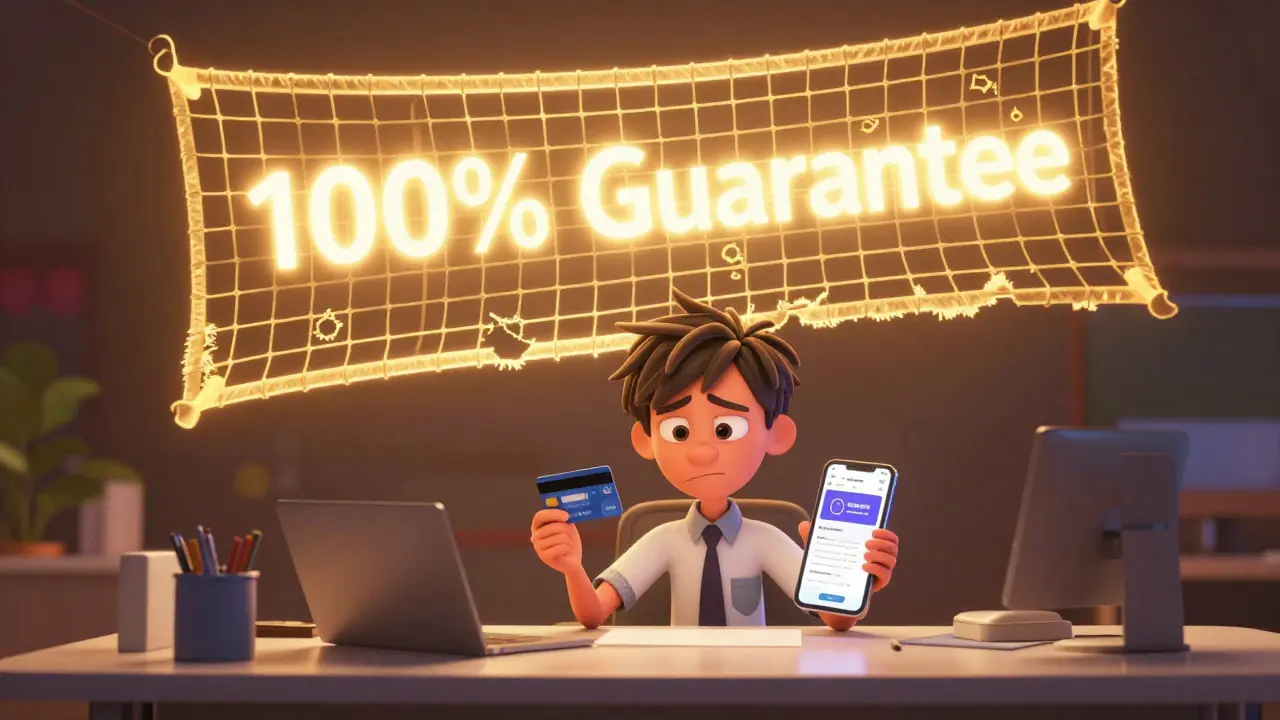
You see the bold banner on the landing page: "100% Money-Back Guarantee. No Questions Asked." It feels like a safety net. But when you actually try to use that net, you often find holes in it. For buyers of digital education, these guarantees are less about charity and more about marketing psychology. They lower your hesitation to click "Buy Now," but they rarely offer the unconditional freedom they promise.
Understanding how these policies work is crucial. Whether you are spending $50 on a weekend workshop or $5,000 on a certification bootcamp, the fine print dictates whether you get your cash back or just a polite rejection email. This guide breaks down the reality behind course refunds, the hidden risks, and how to spot genuine trust signals versus empty promises.
The Anatomy of a Course Refund Policy
Most money-back guarantees in the online education sector follow a similar structure, but the devil is in the details. The most common format is the time-bound window. You might have seven, fourteen, or thirty days to request a refund. However, this clock usually starts ticking from the moment of purchase, not the moment you start watching the first video.
Another critical component is the "consumption limit." Many providers will deny your refund if you have watched more than a certain percentage of the content. A typical threshold is 10% to 20%. If you binge-watch half the course because you’re excited, then realize it’s not what you wanted, you’ve likely voided your own eligibility. Some stricter policies require you to complete specific assignments before even applying for a return, arguing that you haven’t truly "tried" the product otherwise.
| Policy Type | Description | Risk Level for Buyer |
|---|---|---|
| Unconditional Window | Full refund within X days (e.g., 30 days) regardless of usage. | Low |
| Usage-Capped | Refund allowed only if less than 10-20% of content is viewed. | Medium |
| Completion-Based | Refund requires completing quizzes or projects to prove effort. | High |
| Credit-Only | No cash back; offers store credit for future courses instead. | High |
Be wary of "Credit-Only" policies. These are not true money-back guarantees. They trap your capital within their ecosystem. If you decide to leave the platform entirely, that credit is worthless. Always check if the refund goes back to your original payment method or stays as platform balance.
Hidden Risks and Fine Print Traps
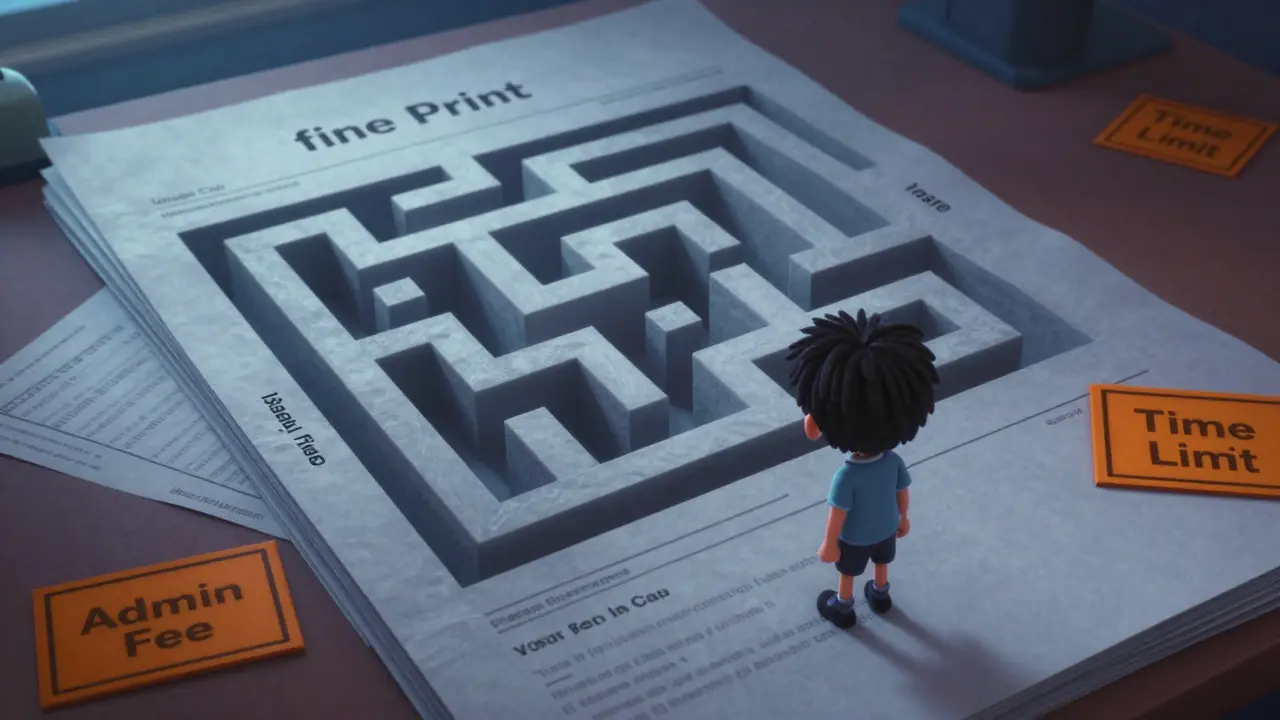
Even when a policy looks generous, there are hidden friction points designed to discourage returns. One major risk is the administrative fee. Some providers deduct a processing fee of $10 to $50 from your refund, claiming it covers transaction costs. While small amounts seem negligible, they signal a lack of confidence in the product quality.
Another subtle trap involves third-party platforms versus direct sales. If you buy a course through a marketplace like Udemy or Skillshare, the refund process is automated and generally fair. However, if you buy directly from an instructor’s website using Stripe or PayPal, the refund is at the sole discretion of the creator. There is no middleman to enforce fairness. In these cases, the "guarantee" is essentially a personal promise, which can be revoked or ignored with little recourse for the buyer.
Consider the timeline for receiving funds. Even after approval, refunds can take 5 to 14 business days to appear in your bank account. During this waiting period, anxiety builds. Some creators exploit this by delaying responses to refund requests, hoping the student will give up out of frustration. This tactic, known as "refund fatigue," is unethical but common in low-quality course markets.
Identifying Genuine Trust Signals
How do you distinguish between a creator who stands behind their content and one who uses guarantees as bait? Look for transparency. A trustworthy provider publishes their full refund policy on a dedicated page, linked clearly in the footer and checkout flow. Vague phrases like "satisfaction guaranteed" without a link to terms are red flags.
Social proof is another key indicator. Check independent review sites like Trustpilot or Reddit threads discussing the specific course. Are people complaining about difficult refund processes? If the reviews mention "easy refund" or "responsive support," that’s a strong positive signal. Conversely, if multiple users report being ghosted after requesting a return, avoid the course regardless of its marketing claims.
Also, look for public case studies or testimonials that include negative feedback addressed positively. Creators who show they resolved issues professionally demonstrate integrity. Additionally, check if the course has been updated recently. Outdated content increases the likelihood of dissatisfaction, making the refund policy more relevant. Fresh dates on modules suggest active maintenance and care for student outcomes.
The Creator’s Perspective: Why Offer Guarantees?
It helps to understand why educators offer these guarantees. From a business standpoint, a money-back guarantee reduces perceived risk for the customer, increasing conversion rates. Studies in e-commerce show that visible guarantees can boost sales by up to 30%. For course creators, this means more leads enter the funnel.
However, offering a guarantee also serves as a quality filter. Serious students are less likely to abuse the policy than casual browsers. Most legitimate refund requests come from technical issues or mismatched expectations, not malice. By absorbing these costs, creators build long-term brand loyalty. A student who gets a hassle-free refund may return later for a higher-tier program, trusting the company’s ethics.
That said, some creators use aggressive upselling tactics during the refund process. They might offer a discount on a different course instead of a refund, trying to retain the revenue. While this can be helpful if you still want to learn, it puts pressure on you to spend more money when you were seeking an exit. Always clarify whether you want a refund or an alternative solution before engaging in lengthy negotiations.
Best Practices for Buyers
To protect yourself, adopt a proactive approach before purchasing. First, read the entire refund policy. Don’t skim. Highlight the deadline, the usage limits, and any exclusions. Take a screenshot of the policy page in case it changes later. Digital businesses can update terms without notifying past customers, so having proof of the original agreement is valuable.
Second, test the waters immediately. Log in, watch the first few videos, and check the community forums or Q&A sections. Assess the production quality, the instructor’s communication style, and the relevance of the material. Do this within the first 24 hours. Waiting until day 29 of a 30-day window leaves no room for error if you discover a problem late.
Third, document everything. If you encounter technical glitches or misleading advertising, save screenshots and record timestamps. When you submit a refund request, provide clear, concise evidence. Avoid emotional language; stick to facts. Explain specifically why the course did not meet the advertised promises. Professionalism speeds up the resolution process.
Navigating Disputes and Chargebacks
If a creator refuses a valid refund, your next step depends on how you paid. Credit cards offer chargeback protection. You can contact your bank, explain the dispute, and provide your documentation. Banks typically favor consumers in cases of undelivered services or misrepresented goods. However, chargebacks should be a last resort, as they can lead to your account being banned from the platform permanently.
For payments made via PayPal, you can open a dispute through their Resolution Center. PayPal has robust buyer protection policies for digital goods, provided you can prove the service was not rendered as described. Be prepared to communicate directly with the seller first, as PayPal often requires evidence of attempted resolution.
In extreme cases where significant sums are involved, consider reporting the business to consumer protection agencies like the Better Business Bureau (BBB) or your local equivalent. While this won’t instantly recover your money, it creates a public record that may deter other scams and pressure the company to settle.
Is a money-back guarantee legally binding?
In many jurisdictions, yes. Once a company advertises a specific refund policy, it becomes part of the contract of sale. However, enforcement varies. In the EU and UK, consumers have statutory rights to cancel digital services within 14 days unless they explicitly waived this right upon purchase. In the US, it largely depends on state laws and the specific terms agreed to during checkout.
Can I get a refund if I finished the course but didn’t learn anything?
Usually, no. Most policies tie refunds to time or usage limits, not subjective learning outcomes. If you completed the course, you have consumed the product. Unless the content was fundamentally broken or misrepresented, creators are unlikely to refund based on personal dissatisfaction alone.
What is the average refund rate for online courses?
Industry data suggests refund rates typically range between 5% and 10% for well-established courses. High-ticket coaching programs may have lower rates due to stricter vetting, while cheap impulse-buy courses can see rates above 15%. A rate significantly higher than 20% often indicates poor quality or misleading marketing.
Should I buy courses with no refund policy?
Proceed with caution. No-refund policies are common for live workshops, limited-seat webinars, or highly customized consulting packages where resources are allocated per student. For pre-recorded digital courses, a no-refund policy is a major red flag. It shifts all risk onto the buyer and suggests the seller lacks confidence in their product.
How long does a course refund usually take?
After approval, expect 5 to 14 business days for the funds to return to your credit card or bank account. PayPal refunds are often faster, sometimes appearing within 24 to 48 hours. Delays beyond two weeks should prompt you to contact both the merchant and your payment processor.
Robert Barakat
July 7, 2026 AT 01:10the concept of a guarantee is merely a psychological construct designed to alleviate the existential dread of consumerism in a digital void. we trade currency for the illusion of knowledge, hoping the void stares back with value rather than emptiness.
Michael Richards
July 8, 2026 AT 03:47listen up because i am only going to say this once. if you are buying courses instead of taking action you are part of the problem. stop looking for safety nets and start building your own ladder. the market does not care about your feelings or your refund policy it cares about results. most people use these guarantees as an excuse to procrastinate while they feel productive by clicking buy now. wake up and get to work.
Joe Walters
July 8, 2026 AT 14:06honestly this whole industry is just a scam wrapped in fancy marketing speak. i bought three courses last month and none of them taught me anything that i couldnt find on youtube for free. the creators are just trying to exploit our insecurities and make quick cash off desperate people like us who think paying money will magically fix our lives. its pathetic really how gullible we all are
Lisa Nally
July 10, 2026 AT 12:52It is imperative to understand the underlying pedagogical frameworks before engaging with such commercial educational products. The term 'guarantee' is often misapplied in a manner that suggests a warranty of outcome rather than a mere return of capital which is a fundamental misunderstanding of the transactional nature of digital goods. One must scrutinize the fine print with the rigor of a legal scholar to avoid being ensnared in contractual ambiguities that favor the provider over the consumer.
Edward Gilbreath
July 12, 2026 AT 02:19they want you to believe the system works but it doesnt. the big platforms are rigged against you from the start. when you try to get a refund they delay it until you give up because thats exactly what they count on. its all part of the plan to keep you poor and dependent on their content so you never actually learn enough to escape the matrix of consumer debt.
Lisa Puster
July 12, 2026 AT 02:29you idiots really think reading an article like this makes you smart? typical american stupidity assuming every business is out to cheat you specifically instead of just following basic capitalist principles. if you cant read a contract then dont sign one its not that hard. stop whining about the terms and take responsibility for your own ignorance because no one owes you empathy just because you lost some money on a course you probably didnt even watch.
Laura Davis
July 13, 2026 AT 03:53I completely agree with the need for transparency here! It is so important that we hold these creators accountable to their promises because trust is everything in this space. We have to look out for each other and share our experiences so that nobody else gets burned by hidden fees or unfair policies. Let's empower ourselves to demand better standards and refuse to accept less than honest communication from anyone selling education online!
Edward Nigma
July 14, 2026 AT 20:52Actually the entire premise of this post is flawed because refunds are rarely the issue the issue is that most courses are garbage to begin with. You can have the best refund policy in the world but if the product itself is worthless then the refund is just a consolation prize for wasting your time. People focus too much on the money and not enough on the actual quality of instruction which is almost always mediocre at best.
Francis Laquerre
July 16, 2026 AT 01:42In my experience across different cultures the approach to consumer rights varies significantly but the desire for fairness remains universal. It is fascinating to see how Western markets emphasize individual recourse through chargebacks whereas other regions might rely more on community reputation and social pressure to ensure ethical behavior among educators. This diversity in approach highlights the need for global standards that protect learners regardless of their geographic location.
michael rome
July 16, 2026 AT 21:37It is crucial to maintain a respectful dialogue regarding these matters as everyone deserves to be heard. Please consider the emotional impact of financial loss on individuals who may be struggling to improve their skills. We should encourage open communication between buyers and sellers to resolve disputes amicably without resorting to aggressive tactics or public shaming. Collaboration and understanding will lead to better outcomes for all parties involved in the educational ecosystem.
Andrea Alonzo
July 17, 2026 AT 00:55I truly believe that we need to foster a supportive environment where students feel safe to express their concerns without fear of judgment or retaliation from course creators who might otherwise silence negative feedback. By sharing our stories openly and honestly we can create a collective wisdom that helps others navigate the complex landscape of online education and ensures that those who act unethically are held accountable by the community at large.
Saranya M.L.
July 18, 2026 AT 13:22As an expert in ed-tech regulations I can confirm that the lack of standardized enforcement mechanisms allows bad actors to thrive especially in jurisdictions with weak consumer protection laws. The jargon-heavy language used in many refund policies is intentionally designed to confuse non-legal professionals thereby reducing the likelihood of successful claims. Students must educate themselves on their statutory rights under local legislation to effectively challenge unjust denials of refunds.
om gman
July 19, 2026 AT 05:33oh please spare me the lecture on ethics because i know exactly how these guys operate behind closed doors. they laugh at you while they drain your bank account and then pretend to be helpful when you complain. its disgusting how they treat customers like disposable resources instead of human beings with rights and dignity. you should be ashamed of yourself for even considering buying from them.
Jeanne Abrahams
July 20, 2026 AT 13:54Let me tell you something about buying courses online it is mostly a waste of time unless you are already highly motivated and disciplined. Most people just want a shortcut and when they realize there is no magic pill they blame the instructor instead of themselves. Save your money and go outside or read a book instead of falling for these elaborate marketing schemes.
Bineesh Mathew
July 21, 2026 AT 18:15The moral decay of modern commerce is evident in the way these so-called guarantees are treated as mere suggestions rather than binding commitments. It is a tragedy that we live in a world where integrity is optional and deception is rewarded with profit margins that would make a pirate blush. We must stand firm in our values and reject any service that does not align with our highest ethical standards no matter how convenient it may seem.
kimberly de Bruin
July 23, 2026 AT 02:30why do we bother discussing this when the truth is simple nothing is guaranteed in life except death and taxes so why expect refunds to be easy. the universe tests us through these small frustrations to teach us resilience and patience so just accept the loss and move on with your life.