Organic Social for Courses: Content Calendars and Post Ideas That Actually Work
 Feb, 18 2026
Posting random course updates on Instagram or LinkedIn doesn’t grow enrollments. If you’re running a course and wondering why your social media feels like shouting into a void, you’re not alone. Most course creators burn out after a few weeks of inconsistent posts. The fix isn’t more content-it’s a content calendar built for real engagement, not just visibility.
Why Organic Social for Courses Isn’t Just Another Marketing Channel
Organic social media for courses isn’t about running ads. It’s about building trust before someone even visits your sales page. People don’t buy courses because they saw a flashy ad. They buy because they’ve seen your expertise in action-over weeks, not days.
Think about it: when someone follows you because you posted a 60-second tip about Python debugging, they’re already halfway to enrolling. That’s the power of organic reach. You’re not selling. You’re showing up as someone who solves problems.
Platforms like LinkedIn, Instagram Reels, and TikTok reward consistency over polish. A shaky video of you explaining a common student mistake with a whiteboard gets more traction than a studio-quality promo. Why? Because it feels real. And real connects.
What a Real Course Content Calendar Looks Like
A content calendar for courses isn’t a spreadsheet with 30 posts labeled "Day 1, Day 2." That’s filler. A working calendar has rhythm. It has purpose. It repeats what works.
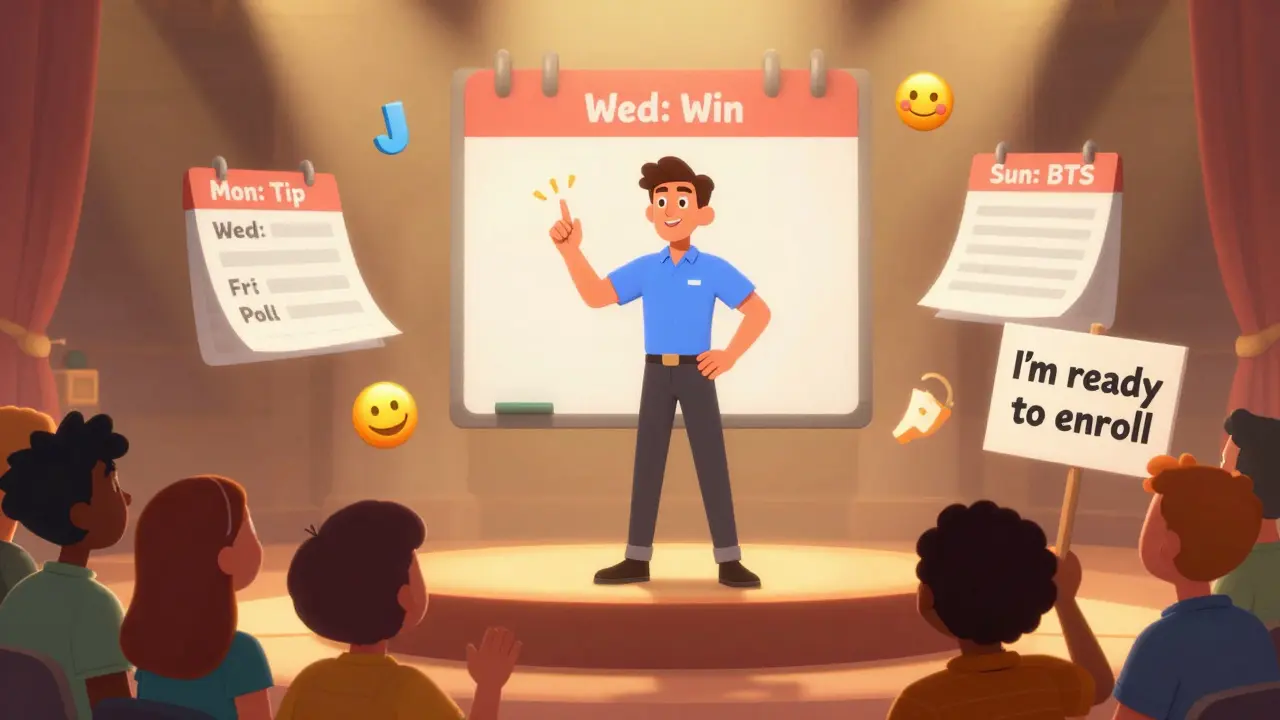
Here’s how one course creator in data analytics structured her month:
- Monday: Quick tip video (under 90 seconds) - "How to fix this common Pandas error"
- Wednesday: Student win post - "Meet Maria, who landed her first data job after our course" (with her permission)
- Friday: Poll or question - "What’s your biggest struggle with Excel formulas?"
- Sunday: Behind-the-scenes - "This is what my course dashboard looks like before launch"
This rhythm builds familiarity. Your audience starts to expect you. And when they expect you, they trust you.
Tools like Notion, Trello, or even Google Calendar work fine. The key isn’t the tool-it’s sticking to the pattern. Pick a rhythm that fits your life. If you can’t post three times a week, aim for two. But be consistent.
Post Ideas That Actually Convert (Not Just Like)
Here are 10 post ideas that get replies, saves, and DMs-not just likes.
- "I wish I knew this before I started" - Share one thing you wish you’d known when you first taught this subject. People love vulnerability.
- Before & After - Show a student’s first attempt at a project vs. their final version. No names needed. Just results.
- Myth vs. Reality - "Myth: You need a CS degree to learn Python. Reality: 68% of my students had zero coding experience."
- One Tool, One Use - A 30-second Reel showing how to use one feature in Notion, Canva, or Google Sheets to save time.
- Student Q&A - Answer one real question from a past student. Blur their name. Keep it short.
- "This isn’t what you think" - "This course isn’t about memorizing formulas. It’s about thinking like a data analyst."
- "What I get wrong" - Admit a mistake you made teaching this topic. Then show how you fixed it.
- "Day in the life" - Film 60 seconds of your morning routine: coffee, checking emails, prepping a lesson. No filters.
- "Why this topic matters" - "Learning SQL isn’t just for tech jobs. Here’s how a nurse used it to cut down patient wait times."
- "I got this wrong" - Share a lesson you taught that backfired. What did you learn? People remember honesty more than perfection.
These posts don’t sell. They start conversations. And conversations lead to DMs. And DMs lead to enrollments.
How to Repurpose One Piece of Content Into 7 Posts
You don’t need to create new content every day. You need to recycle smartly.
Let’s say you recorded a 10-minute video explaining how to structure a project proposal. Here’s how to stretch it:
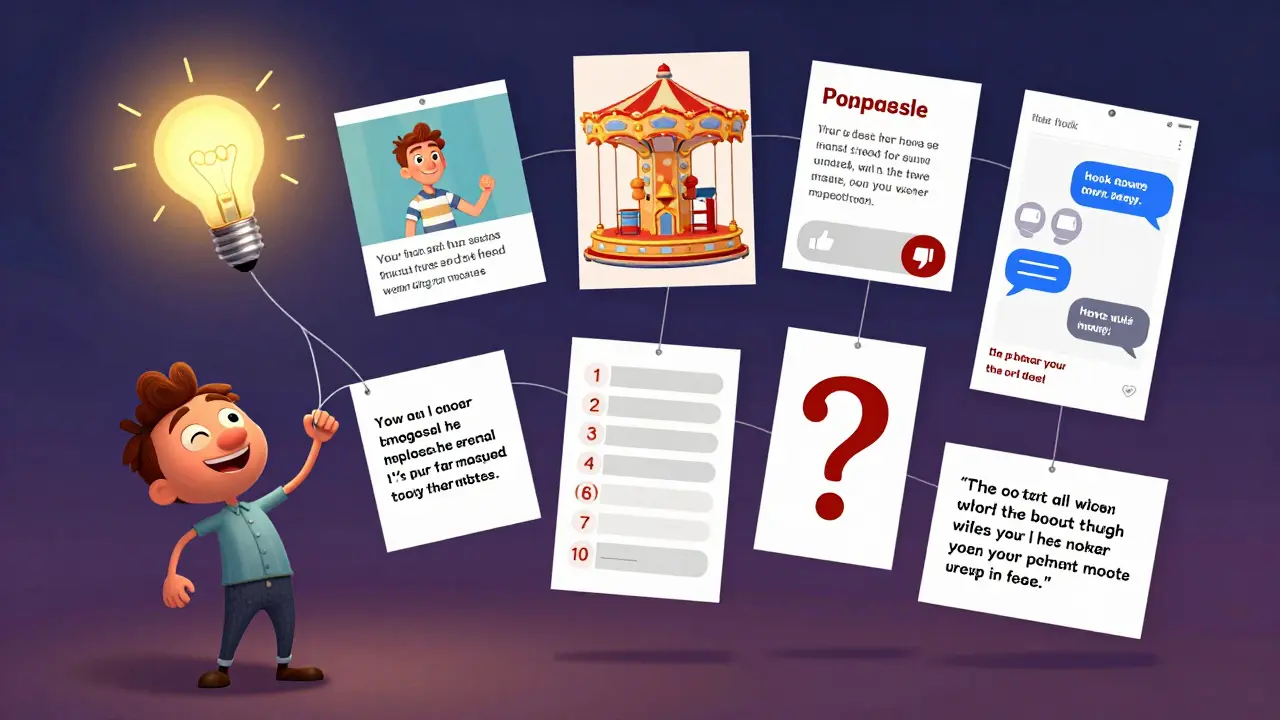
- Clip 1: 60-second hook - "Most project proposals fail because of this one mistake."
- Clip 2: Quote graphic - "Structure > Content" with your voiceover.
- Clip 3: Carousel slide - "5 elements every proposal needs" (1 slide per point).
- Clip 4: Poll - "Which part of your proposal do you struggle with most?" (Options: intro, timeline, budget, scope, conclusion)
- Clip 5: Text post - "I used to think the content mattered most. Then I saw what happened when structure was weak."
- Clip 6: Story poll - "Would you rather have a perfect proposal or a clear one?"
- Clip 7: Thread - "Here’s the 3-step framework I teach. Step 1: [x]. Step 2: [y]. Step 3: [z]."
One hour of filming. Seven days of content. That’s efficiency.
What to Avoid (Even If It Looks Like a Good Idea)
Not every post idea is worth posting. Here are three traps most course creators fall into:
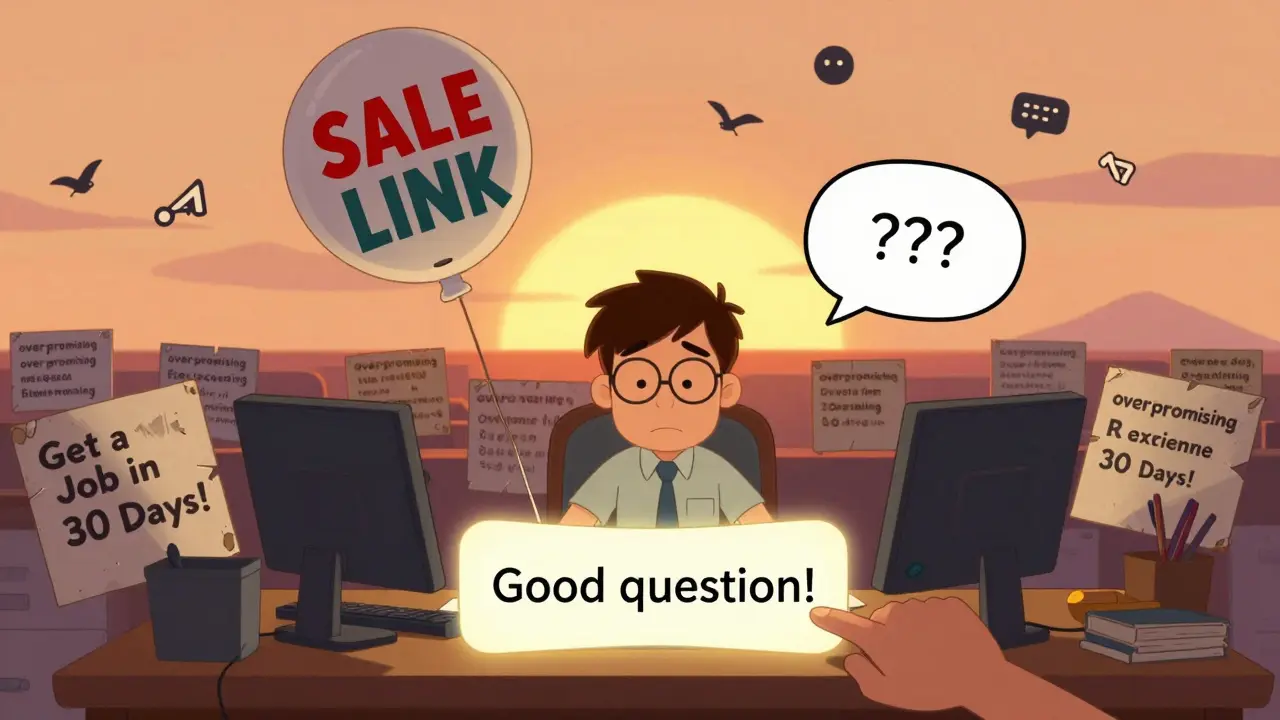
- Over-promising results - "Enroll now and get a job in 30 days!" That’s not marketing. That’s false hope. And it backfires.
- Too much self-promotion - Posting your course link five times a week? You’ll get muted. People don’t follow you to see your sales page.
- Ignoring comments - If someone asks a question in the comments and you don’t reply, they’ll assume you don’t care. Reply even if it’s just "Good question!"
Instead, focus on helping. The sales will follow.
How to Know If Your Calendar Is Working
You don’t need fancy analytics. Look at three things:
- DMs - Are people messaging you with questions about the course? That’s organic interest.
- Saves - On Instagram, saves mean "I’m coming back to this." More saves = more trust.
- Shares - If someone shares your post to their story or group, you’ve created something valuable.
If those numbers go up over 30 days, your calendar is working. If not, tweak one thing. Swap out one post type. Try a different format. Don’t quit.
Start Small. Stay Consistent.
You don’t need 100 posts. You need 10 good ones, posted regularly. Pick one day a week to plan your next seven posts. Use the ideas above. Stick to your rhythm. Don’t chase trends. Build trust.
Organic social for courses isn’t a sprint. It’s a long conversation. And the people who show up week after week? They’re the ones who enroll.
How often should I post for course marketing on social media?
Three times a week is the sweet spot for most course creators. Two posts with strong value and one interactive post (like a poll or question) keeps your audience engaged without burning you out. Consistency matters more than frequency. Posting once a week reliably beats posting five times one week and none the next.
Which social media platform is best for selling courses?
LinkedIn works best for professional, career-focused courses-like data analysis, project management, or leadership. Instagram and TikTok are better for visual, creative, or skill-based courses-like design, writing, or coding. The platform should match your audience’s habits, not your preference. If your students are busy professionals, focus on LinkedIn. If they’re younger learners, prioritize Reels and TikTok.
Should I use hashtags for course marketing?
Yes-but not the generic ones. Skip #learnonline or #course. Use specific, niche hashtags like #PythonForBeginners, #ProjectManagementTools, or #LearnDataAnalysis. These attract people actively searching for your topic. Limit to 5-8 per post. Too many look spammy.
Can I reuse student success stories?
Absolutely-but only with permission. Ask students if you can share their results anonymously. Even better, ask them to write a short quote. A real story from a real person builds more trust than any ad. Just blur names or use first names only. Authenticity beats polish.
How do I track if my social media is driving course sales?
Use a unique UTM parameter on your social media links. For example, add ?source=instagram to your course URL. Then check your analytics dashboard to see how many clicks come from each platform. You’ll quickly see which posts lead to sign-ups. Don’t guess-track.
What if I don’t have time to make videos?
You don’t need videos. Text posts, carousels, and audio clips work too. Try turning a blog into a carousel. Or record a 60-second voice note and turn it into a text post with your voice as a caption. The goal isn’t production quality-it’s connection. A simple, honest message beats a polished one every time.
Jess Ciro
February 19, 2026 AT 20:13saravana kumar
February 20, 2026 AT 21:58Samar Omar
February 21, 2026 AT 14:42chioma okwara
February 23, 2026 AT 01:51John Fox
February 24, 2026 AT 10:46Tasha Hernandez
February 24, 2026 AT 10:46Anuj Kumar
February 24, 2026 AT 22:17Christina Morgan
February 26, 2026 AT 16:11Kathy Yip
February 28, 2026 AT 06:37Bridget Kutsche
March 1, 2026 AT 03:37Jack Gifford
March 1, 2026 AT 16:10Sarah Meadows
March 1, 2026 AT 22:49Nathan Pena
March 2, 2026 AT 16:23