SCORM vs xAPI vs cmi5: A Practical Guide to Course Packaging and LMS Deployment
 Nov, 9 2026
You spent weeks designing a killer e-learning module. The animations are smooth, the quizzes are engaging, and the content is spot-on. Then comes the moment of truth: uploading it to your Learning Management System (LMS). And suddenly, you’re staring at a zip file wondering if the system will even recognize it. This isn’t just about file formats; it’s about communication between your course and the LMS. If they don’t speak the same language, your data gets lost, completion status fails to track, and your reporting turns into a mess.
Three standards dominate this space: SCORM, the legacy standard that has powered e-learning for over two decades, xAPI (also known as Tin Can API), and cmi5. Each serves a different purpose, offers different capabilities, and solves specific problems. Choosing the wrong one can mean rewriting your course from scratch or losing valuable learner data. Let’s break down exactly how these work, when to use each, and how to package your courses so they actually deploy without headaches.
The Legacy Heavyweight: SCORM
If you’ve been in e-learning for more than five years, you know SCORM. It stands for Sharable Content Object Reference Model. Think of it as the USB port of e-learning-it’s ubiquitous, but its design reflects the era it was born in (around 2004 for SCORM 1.2 and 2004 for SCORM 2004). SCORM is strictly defined by its limitation: it only works inside an LMS. Your course runs in a browser window within the LMS interface, and it reports back basic data like "completed," "passed," or "scored."
Why does everyone still use it? Because almost every LMS on the market supports it. If you need guaranteed compatibility across corporate training systems, government portals, or university platforms, SCORM is the safe bet. However, it’s clunky. The file structure is rigid, requiring specific XML manifest files (`imsmanifest.xml`) that dictate how the LMS launches your content. If you miss a single tag or get the hierarchy wrong, the course won’t launch.
SCORM comes in two main flavors: SCORM 1.2 and SCORM 2004. Most people confuse them, but the difference matters. SCORM 1.2 is simpler but lacks sequencing controls (you can’t force learners to view slides in a specific order easily). SCORM 2004 added complex sequencing rules but introduced significant complexity. In practice, many developers stick to SCORM 1.2 because it’s easier to debug, even though it feels outdated.
The Modern Standard: xAPI (Experience API)
xAPI is a specification that allows learning experiences to be tracked anywhere, not just inside an LMS. Unlike SCORM, which is tethered to the LMS, xAPI decouples the tracking from the delivery platform. This means you can track a learner reading a PDF, attending a live webinar, using a mobile app, or even performing a task in a virtual reality simulation.
xAPI uses a simple statement format: Actor-Verb-Object. For example, "Sarah" (Actor) "completed" (Verb) "Safety Module" (Object). These statements are sent to a Learning Record Store (LRS), which acts as a database for all learning activities. This architecture is powerful because it captures the full learning ecosystem, not just formal courses.
But here’s the catch: xAPI doesn’t inherently handle course packaging or launching. It’s purely a data protocol. You can build an HTML5 game that sends xAPI statements, but you still need a way to deliver that game to the learner. That’s where cmi5 comes in.
The Bridge: cmi5
cmi5 is a profile of xAPI designed specifically for assignable courseware. It combines the best of both worlds: the structured, assignable nature of SCORM with the modern, flexible data tracking of xAPI. If SCORM is a landline phone and xAPI is a smartphone, cmi5 is a smartphone with a dedicated business line.
cmi5 solves the biggest problem with raw xAPI: implementation inconsistency. Without cmi5, every developer might send xAPI statements differently, making reporting a nightmare. cmi5 enforces strict rules on how a course must communicate with an LMS. It defines how to launch the course, how to report completion, and how to handle errors. This ensures that if you build a cmi5 course, it will work predictably across any compliant LMS and LRS.
As of 2026, cmi5 is becoming the new gold standard for new development. Major LMS providers like Cornerstone, Docebo, and Absorb now prioritize cmi5 support because it future-proofs their platforms while maintaining backward compatibility with older SCORM content.
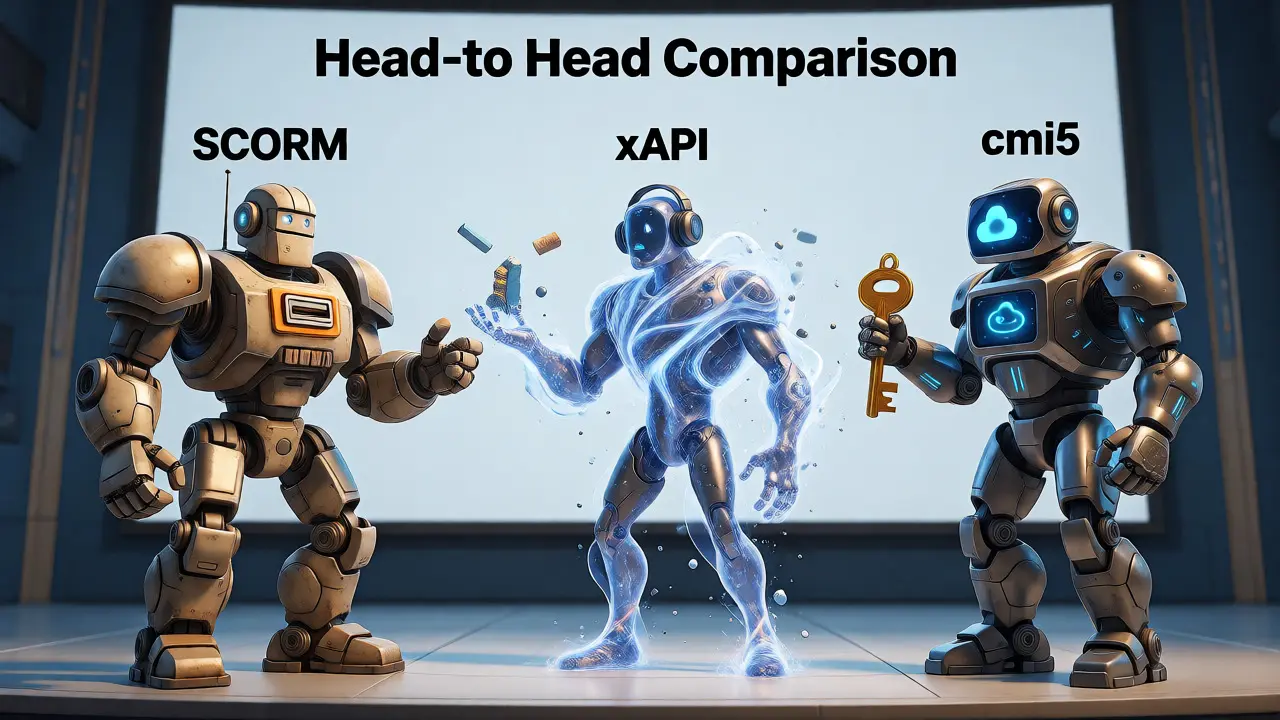
Head-to-Head Comparison
To help you decide which standard fits your needs, here’s a breakdown of key attributes. Note that "Ease of Development" refers to the complexity of authoring tools and debugging processes.
| Feature | SCORM (1.2/2004) | xAPI (Raw) | cmi5 |
|---|---|---|---|
| Tracking Scope | Inside LMS only | Anywhere (Mobile, VR, Real World) | Assignable Courseware (Anywhere) |
| Data Granularity | Low (Completion, Score, Time) | High (Custom Statements) | Medium-High (Structured xAPI) |
| LMS Dependency | High (Must run in LMS iframe) | None (Independent) | Low (Can run externally) |
| Compatibility | Universal (Legacy & Modern) | Requires LRS + LMS Integration | Growing (Modern LMSs) |
| Development Effort | Low (Authoring tools export easily) | High (Custom coding required) | Medium (Standardized libraries exist) |
| Best For | Compliance training, Legacy systems | Informal learning, Gamification, Mobile apps | New corporate training programs, Mixed environments |
Packaging Your Course: What Actually Goes in the Zip?
Regardless of the standard, your final deliverable is usually a ZIP file. But what’s inside that ZIP determines whether your course works. For SCORM, the heart of the package is the `imsmanifest.xml` file. This XML document tells the LMS exactly which HTML file to launch first, how long the lesson should take, and what metadata to display in the catalog. If you’re using an authoring tool like Articulate Storyline or Adobe Captivate, they generate this automatically. But if you’re coding from scratch, one typo here breaks everything.
For cmi5, the structure is similar but stricter. You still have a manifest file, but it must adhere to the cmi5 specification. Crucially, cmi5 requires a "launch URL" that points to your course entry point. Unlike SCORM, which often relies on relative paths within the LMS server, cmi5 can point to a cloud-hosted version of your course. This means you can update your course content on your web server without re-uploading a new ZIP file to the LMS every time. This "hosted course" model saves massive amounts of IT bandwidth and storage costs.
xAPI packages are less standardized because xAPI itself doesn’t mandate a file structure. However, most developers wrap their xAPI-enabled HTML5 apps in a ZIP file containing an `index.html` and JavaScript libraries that handle the API calls. The challenge with raw xAPI is ensuring your code correctly authenticates with the LRS. If your credentials are hardcoded in the JavaScript, security becomes a concern.
Deployment Pitfalls and How to Avoid Them
Even if you choose the right standard, deployment can fail. Here are the three most common issues I see when helping teams migrate to new LMS platforms.
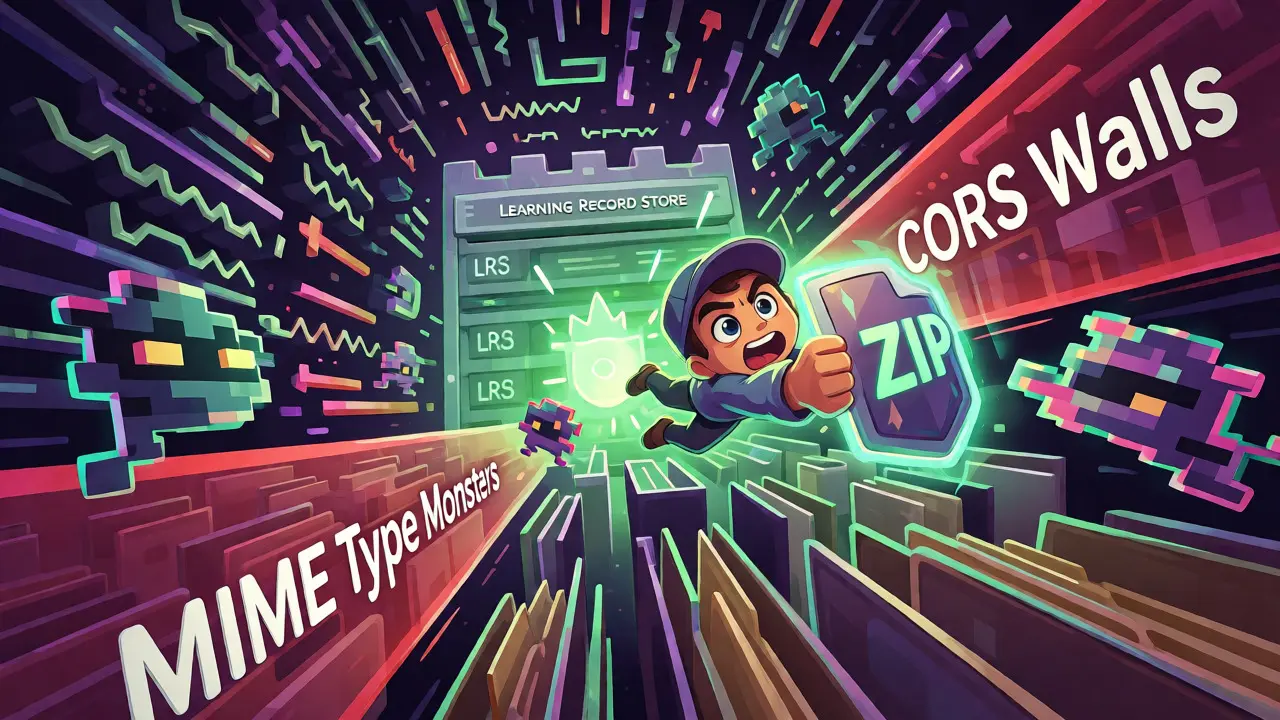
- MIME Type Errors: When you upload a ZIP, the LMS extracts it. If your server isn’t configured to serve `.js`, `.css`, or `.mp4` files with the correct MIME types, the browser blocks them. This results in a blank screen or missing assets. Always test your extracted folder on a local web server before uploading.
- Cross-Origin Resource Sharing (CORS): This is huge for cmi5 and hosted xAPI courses. If your course is hosted on Domain A and tries to send data to an LRS on Domain B, the browser might block the request due to CORS policies. You need to ensure your LRS accepts requests from your course domain.
- Version Mismatches: Uploading a SCORM 2004 package to an LMS that only fully supports SCORM 1.2 often leads to silent failures. The course might load, but sequencing rules will be ignored. Always check your LMS documentation for supported versions before building.
Which One Should You Choose?
If you are maintaining old content, leave it as SCORM 1.2. Don’t waste resources converting unless you need better analytics. If you are starting fresh and your organization uses a modern LMS, go with cmi5. It gives you the robust reporting of xAPI with the ease of management of SCORM. If you are building a mobile app or a standalone game that needs to track learning outside of a traditional LMS context, use raw xAPI.
Remember, the technology should serve the learning goal, not the other way around. Don’t adopt xAPI just because it sounds cool if your users only need simple compliance tracking. Stick to SCORM if it works. Move to cmi5 if you want scalability and future-proofing. The landscape is shifting, but understanding these core differences ensures you never get stuck in a compatibility trap again.
Can an LMS play SCORM and xAPI courses simultaneously?
Yes, most modern LMSs support multiple standards concurrently. You can have legacy SCORM courses alongside new cmi5 or xAPI modules. The key is ensuring your LMS has a connected Learning Record Store (LRS) to handle the xAPI data, as SCORM data is typically stored locally within the LMS database.
Is cmi5 replacing SCORM completely?
Not immediately, but it is the successor for new developments. SCORM remains dominant in legacy systems and regions with slow tech adoption. However, major industry bodies recommend cmi5 for new projects because it resolves SCORM’s technical limitations regarding mobile learning and external hosting.
Do I need a separate LRS for xAPI?
Technically, yes. An LRS is required to store xAPI statements. Some LMSs have built-in LRS capabilities, while others require you to subscribe to a third-party LRS service (like Watershed or Learning Locker) and integrate it via API keys.
What happens if my SCORM course fails to report completion?
This is usually due to incorrect API calls in the JavaScript wrapper. Check that the course is calling `LMSSetValue('cmi.core.lesson_status', 'completed')` and `LMSCommit()` correctly. Browser pop-up blockers or iframe sandbox restrictions can also prevent the API from communicating with the parent LMS frame.
Can I convert a SCORM course to cmi5 automatically?
Some tools offer converters, but they are rarely perfect. Converting SCORM to cmi5 often requires manual adjustment of the manifest file and verification of data mapping. It’s often faster to republish from the original source file (e.g., from Articulate Storyline) selecting cmi5 as the output format rather than trying to unzip and edit the SCORM package directly.