ADA Compliance: What It Means for Online Learning and Course Accessibility
When we talk about ADA compliance, the legal requirement that digital content be accessible to people with disabilities under the Americans with Disabilities Act. Also known as web accessibility, it means your online courses, videos, PDFs, and quizzes must work for learners who use screen readers, keyboard navigation, or need captioned videos. This isn’t about fancy design—it’s about basic access. If someone can’t join your course because the text can’t be read aloud or the buttons don’t respond to a keyboard, you’re not just losing a student—you’re breaking the law.
ADA compliance ties directly to accessible online courses, learning materials designed so people with vision, hearing, motor, or cognitive disabilities can use them without barriers. Think of it like building a ramp for a wheelchair—not because it looks good, but because it’s the only way some people can enter. The same goes for alt text on images, transcripts for audio, readable fonts, color contrast, and clear navigation. You don’t need expensive tools. You just need to know what to check. For example, a PowerPoint deck with no alt text for charts? That’s a barrier. A video without captions? That’s exclusion. A quiz that requires a mouse? That’s a legal risk.
Many people think ADA only applies to physical spaces, but courts have ruled again and again that websites and digital learning platforms fall under Title III of the ADA. Schools, training providers, and even private course creators have been sued for inaccessible content. The good news? Most fixes are simple. You can fix most issues in under an hour with free tools like WAVE or the built-in accessibility checker in PowerPoint and Google Docs. And it’s not just about avoiding lawsuits—it’s about reaching more learners. People with disabilities are a huge, often ignored market. Make your course accessible, and you open it to thousands more who want to learn.
What you’ll find in this collection are real, no-fluff guides on how to fix the most common accessibility mistakes in online courses. You’ll learn how to make slides readable, how to caption videos without hiring an expert, how to test your course with just a keyboard, and why your PDFs might be hiding legal risks. These aren’t theory pieces—they’re checklists, templates, and step-by-step fixes used by course creators who’ve been there. Whether you’re teaching forex, coding, or CPR, if it’s online, it needs to work for everyone. Let’s get it right.
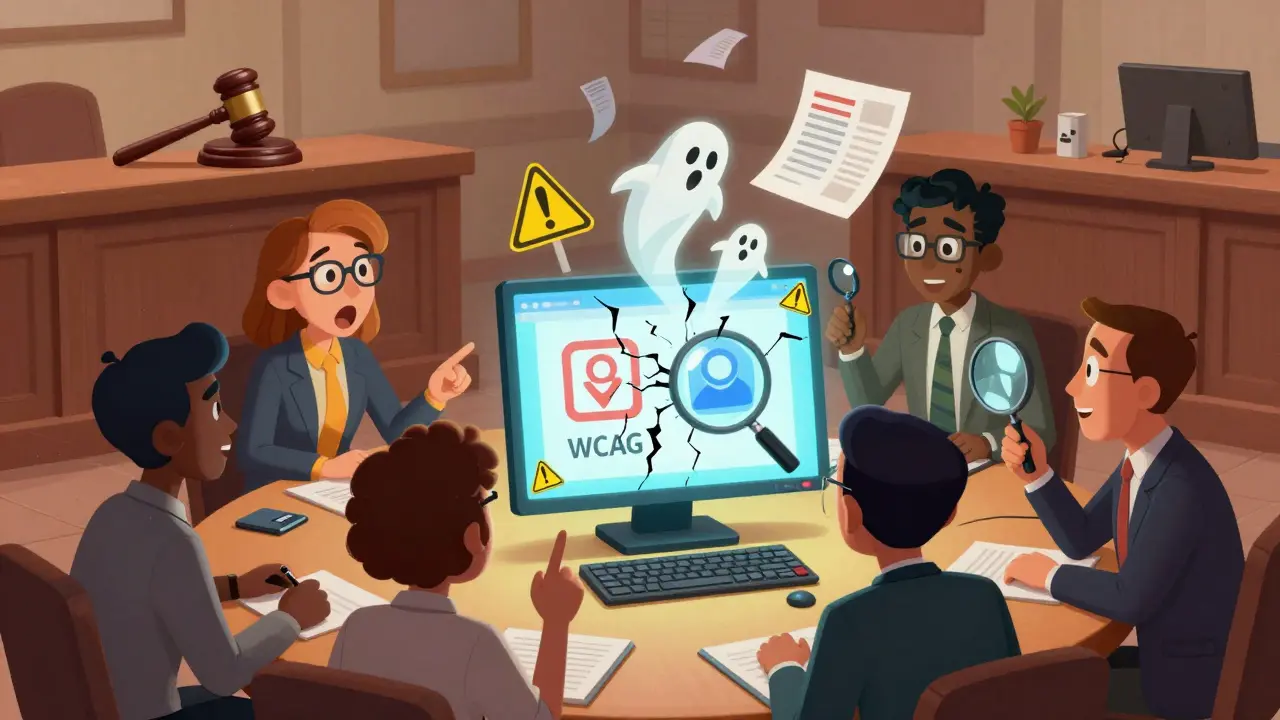
Legal Risks of Inaccessible Online Learning: What Teams Should Know
Inaccessible online learning isn't just unethical-it's illegal. Teams ignoring accessibility face lawsuits, fines, and reputational damage. Learn the real legal risks and what to do now.
Accessibility Statements for Course and LMS Compliance
An accessibility statement for courses and LMS platforms isn't optional-it's a legal and ethical requirement. Learn what to include, common mistakes to avoid, and how to build a clear, honest statement that protects your institution and serves all learners.
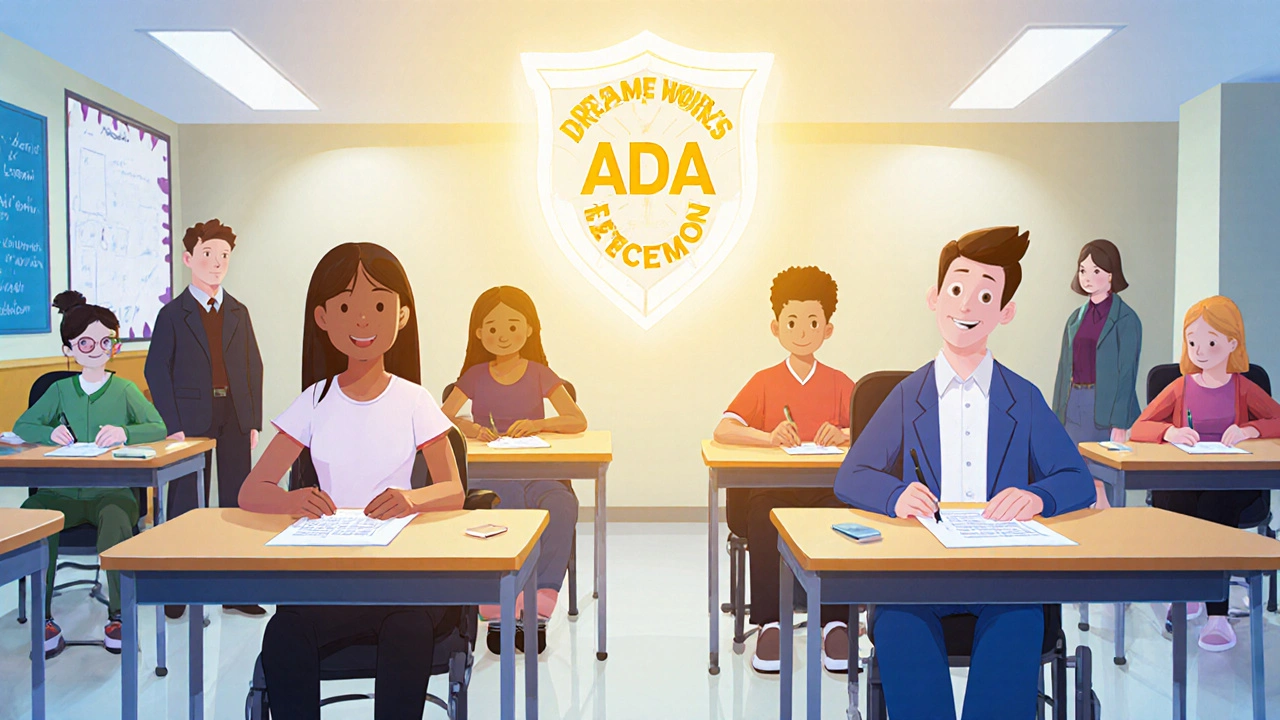
ADA and Accessibility Requirements for Certification Exams
ADA requires certification exams to be accessible to all. Learn what accommodations you can request, how providers must comply, and how WCAG standards ensure fair testing for people with disabilities.
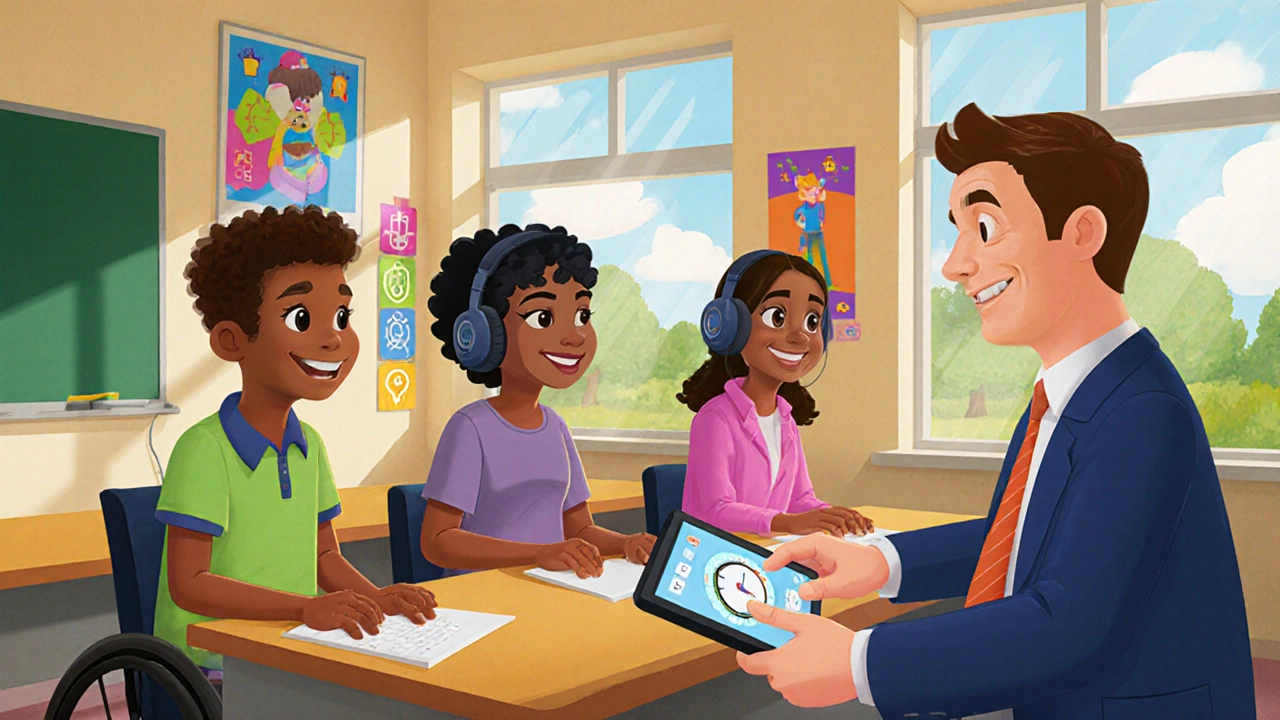
Disability Accommodation Policies and Procedures for Courses
Learn how to implement disability accommodations in courses legally and effectively. Understand common accommodations, instructor responsibilities, and how to design inclusive learning experiences that meet ADA and Section 504 requirements.