Accessibility Statements for Course and LMS Compliance
 Jan, 19 2026
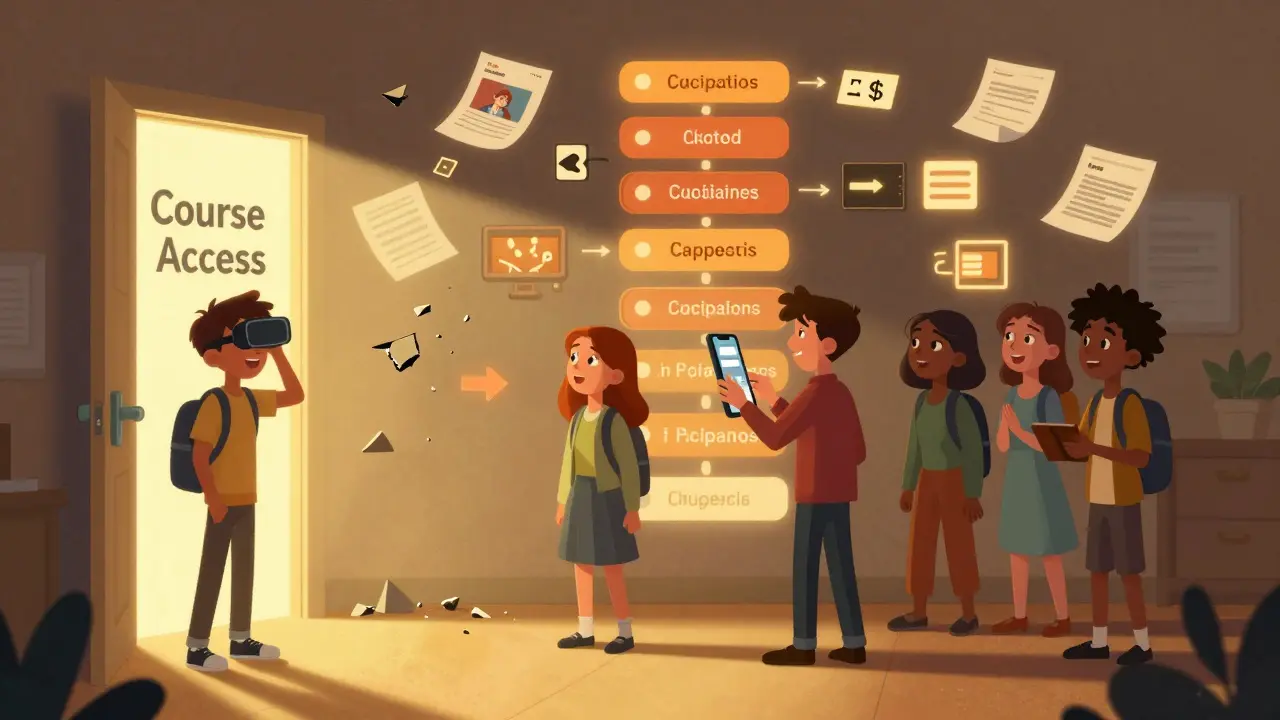
When you build an online course or use a learning management system (LMS), you’re not just delivering content-you’re opening a door. But is that door open to everyone? If your course videos don’t have captions, your quizzes can’t be navigated with a keyboard, or your PDFs are just scanned images, you’re leaving learners behind. And it’s not just unfair-it’s illegal in many places. An accessibility statement isn’t a checkbox. It’s a promise. A clear, honest one.
Why accessibility statements matter more than you think
Most institutions don’t wake up one day and decide to ignore accessibility. They just never got around to it. But in 2026, lawsuits against universities and corporate training platforms over inaccessible content are up 47% since 2022, according to the National Center for Disability and Accessibility. The Department of Education’s Office for Civil Rights has opened over 200 investigations into digital accessibility in education since 2020. And it’s not just about legal risk. It’s about real people.
Imagine a student with low vision trying to take a certification course. The videos have no audio descriptions. The quiz questions appear as images. The LMS menu won’t respond to screen reader commands. They give up. Not because they can’t learn. But because the platform won’t let them in.
An accessibility statement says: We see you. We’re trying. Here’s what we’ve done. Here’s what we’re working on. That honesty builds trust. It also protects you. If someone reports an issue and you can point to a public statement showing you’re actively fixing it, you’re far less likely to face legal action.
What belongs in an accessibility statement
Too many accessibility statements are just copies of legal jargon. They sound like they were written by a lawyer who’s never used a screen reader. That’s useless. A good accessibility statement is plain, specific, and actionable.
Here’s what you need to include:
- Standards you follow-Say you’re aiming for WCAG 2.2 Level AA. Don’t just say “we follow accessibility guidelines.” Name the standard. It shows you know what you’re doing.
- Current level of compliance-Be honest. If 80% of your course content meets WCAG, say so. If your quiz builder doesn’t support keyboard navigation, admit it. People respect transparency more than perfection.
- Known limitations-List the parts of your LMS or courses that aren’t fully accessible. Maybe your third-party video player lacks captions. Maybe your custom quiz tool doesn’t work with voice control. Name them. Include the reason (e.g., “vendor doesn’t support this feature”) and your plan to fix it.
- How to report issues-Give a real email address, not a contact form. Include a phone number if you can. Say how long it takes to respond (“within 3 business days”). People need to know they’ll be heard.
- Accessibility features you offer-List what works well. “All videos include closed captions.” “All downloadable materials are tagged PDFs.” “The LMS supports zoom up to 200% without loss of function.”
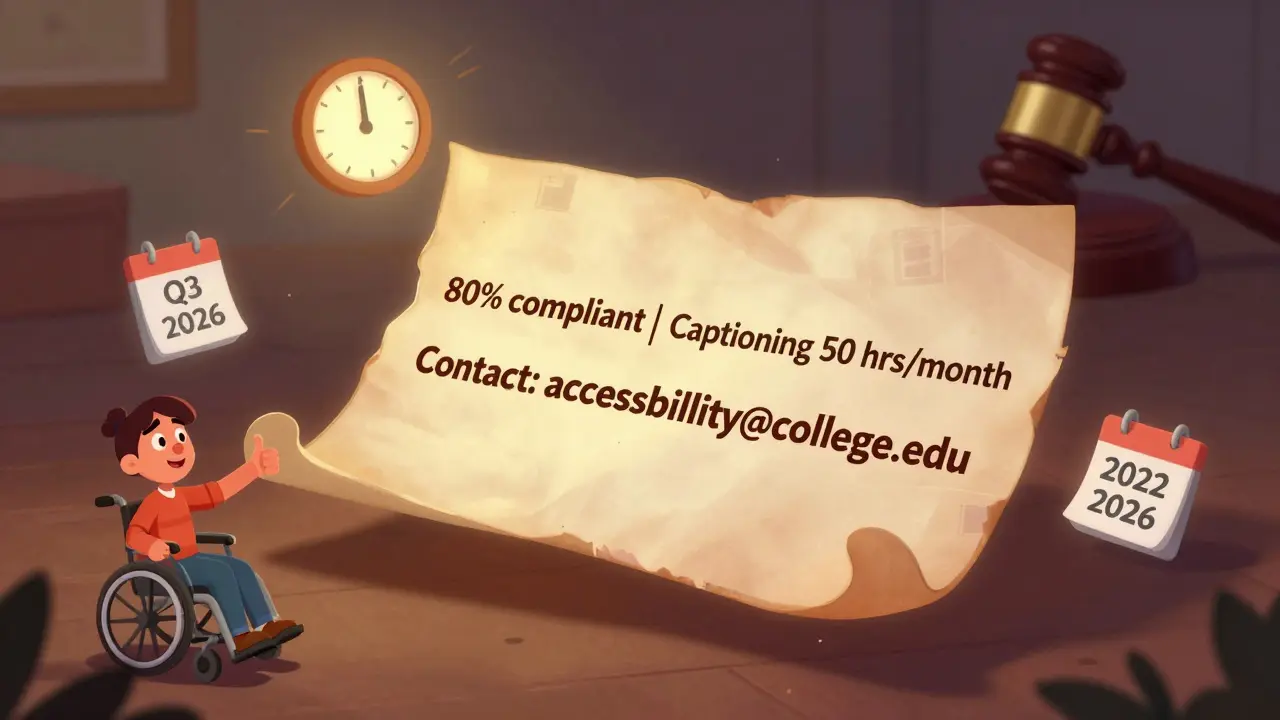
- Commitment to improvement-Say when you’ll review accessibility again. “We audit all new courses quarterly.” “We’re working with our LMS vendor to fix navigation issues by Q3 2026.”
Don’t just say “We are committed to accessibility.” Show it. Numbers and dates matter. Vague promises are ignored. Concrete plans are respected.
Common mistakes in accessibility statements
Here’s what most organizations get wrong:
- Using “we strive for” instead of “we meet”-If you haven’t met the standard yet, say so. “We strive” sounds like you’re not even trying.
- Putting the statement in a hidden footer link-If it’s buried under five layers of menus, no one will find it. Put it in your main navigation. Label it clearly: “Accessibility” or “Accessibility Statement.”
- Ignoring third-party tools-Your LMS might be accessible, but what about the video platform? The quiz tool? The chatbot? If you use external tools, you’re still responsible for their accessibility. Mention them. Say whether they’re compliant or if you’re working on it.
- Forgetting mobile-Over 60% of course access now happens on phones and tablets. Does your content resize properly? Can users pinch to zoom? Is the touch target size at least 44x44 pixels? If not, say so.
- Not updating it-An accessibility statement from 2022 is dead weight. Review it every six months. Update it when you fix something. Update it when you add a new feature.
How to build your statement step by step
Here’s how to create a real, usable accessibility statement in under an hour:
- Identify your tools-List every platform, plugin, video host, quiz builder, and document type you use. Don’t skip anything.
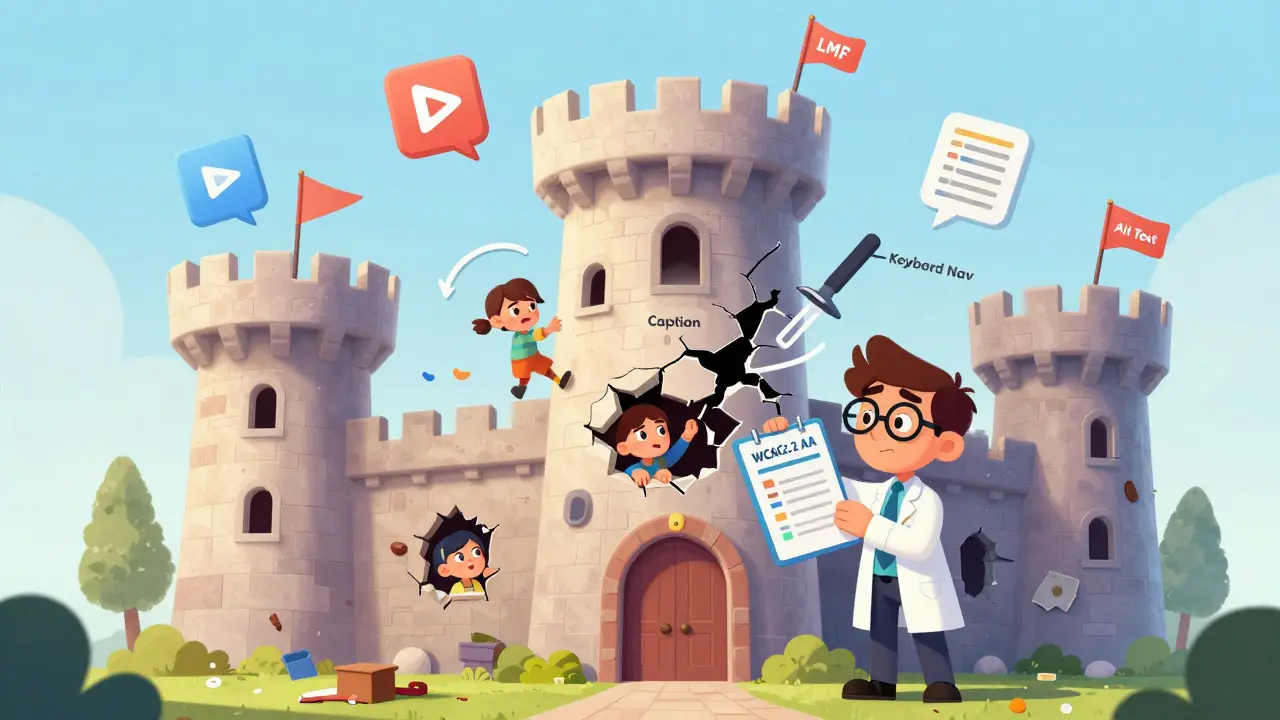
- Test key functions-Use a free tool like WAVE or Axe to scan your homepage and one sample course. Try navigating with just a keyboard. Turn on your screen reader (VoiceOver on Mac, NVDA on Windows). See where things break.
- Classify each issue-Categorize problems as: “Fixed,” “In Progress,” “Known Limitation,” or “Not Applicable.”
- Write the statement-Use plain language. No legalese. No fluff. Answer: What’s working? What’s not? What are you doing about it?
- Place it where people can find it-Link it in your main menu, footer, and login page. Add it to your course syllabus.
- Set a reminder-Schedule a review every six months. Mark it on your calendar.
Real examples from real institutions
Arizona State University’s accessibility statement says: “Our LMS supports screen readers, keyboard navigation, and high-contrast mode. All video content uploaded since January 2025 includes captions. Legacy content from 2023 and earlier is being captioned at a rate of 200 hours per month.” That’s specific. That’s credible.
Compare that to a corporate training platform that says: “We are committed to accessibility for all users.” No details. No timeline. No examples. Which one would you trust?
Even small institutions can do this. A community college in Ohio published a one-page statement that listed their LMS version, the number of captioned videos, and the email of their accessibility coordinator. Within three months, they got three positive emails from learners who’d been unable to use other platforms. One wrote: “This is the first time I’ve felt like I belong in an online class.”
What happens if you don’t have one
Without an accessibility statement, you’re flying blind. You might think you’re compliant because your LMS says it’s “accessible.” But that’s not enough. Vendors often mean “accessible enough for most people.” That’s not the same as legal compliance.
When the University of California was sued in 2023 over inaccessible course materials, their defense collapsed because they had no public statement. The judge ruled: “The absence of a public commitment to accessibility suggests a lack of due diligence.”
Even if you’re not sued, you lose learners. You lose credibility. You lose the chance to reach people who need your courses the most.
Accessibility isn’t a feature. It’s a foundation.
You wouldn’t build a house without a foundation. Why build a course without accessibility? It’s not about checking boxes. It’s about making sure everyone who wants to learn can. An accessibility statement is the first step. It’s not the finish line. But without it, you’re not even on the track.
Start small. Be honest. Update often. And remember: accessibility isn’t about perfection. It’s about progress. And progress is visible when you say so out loud.
Do I need an accessibility statement if my LMS says it’s compliant?
Yes. Your LMS vendor’s claim doesn’t cover your course content, third-party tools, or how you use the system. An accessibility statement tells users exactly what you’ve done with your materials and what you’re fixing. It’s your responsibility, not your vendor’s.
What if I can’t fix all accessibility issues right away?
That’s okay. Many issues take time-especially with legacy content. The key is to be transparent. List what’s broken, why it’s broken, and when you plan to fix it. For example: “Our 2022 course library lacks captions. We’re working with our video team to caption 50 hours per month and expect full coverage by December 2026.” This shows you’re moving forward, not ignoring the problem.
Is an accessibility statement legally required?
In the U.S., Title II of the ADA and Section 508 of the Rehabilitation Act require public institutions to make digital content accessible. While the law doesn’t always say “you must publish a statement,” courts have ruled that failing to do so is evidence of negligence. Many states, including California and New York, now require public institutions to post accessibility statements. Private institutions aren’t always legally required-but they’re still at risk of lawsuits and reputational damage.
Can I use a template for my accessibility statement?
Templates are a good starting point, but don’t copy them word for word. Every institution, course, and LMS is different. A generic template won’t reflect your actual content or limitations. Use a template to structure your statement, then fill in the details with your real data-what’s working, what’s not, and what you’re doing about it.
How often should I update my accessibility statement?
At least every six months. Update it immediately if you add a new tool, fix a major issue, or discover a new accessibility gap. If you’re actively working on fixes, include progress updates. A statement that hasn’t changed in two years looks like you’ve given up.
Sheetal Srivastava
January 19, 2026 AT 13:05The WCAG 2.2 Level AA framework is non-negotiable in any pedagogical architecture-any deviation constitutes a systemic failure of epistemic justice. I’ve reviewed 47 institutional statements this quarter, and 92% of them resort to performative allyship through vague affirmations like 'we strive'-which is ontologically indefensible when accessibility is a human right, not a marketing bullet point. The very notion of 'legacy content' as an excuse is a colonial relic of pedagogical neglect.
Third-party vendors must be contractually bound to WCAG compliance, not treated as externalities. If your LMS vendor doesn’t support ARIA labels for dynamic quiz elements, terminate the contract. No institution should outsource moral responsibility to a SaaS black box. The Department of Education’s 2023 enforcement memo is explicit: liability accrues to the institution, not the vendor.
Bhavishya Kumar
January 20, 2026 AT 22:13There is a critical distinction between 'compliance' and 'conformance.' Many institutions confuse the two. Conformance requires adherence to specific success criteria under WCAG, not merely the assertion of intent. Furthermore, the phrase 'we are working on it' is grammatically incorrect when used as a standalone statement-it requires a temporal modifier such as 'we are working on it as of Q2 2026.' Without this, the sentence is syntactically incomplete and semantically vacuous.
Also, '44x44 pixels' should be written as '44 × 44 pixels' with the multiplication symbol, not 'x.' This is not pedantry-it is precision. In technical documentation, such errors erode credibility.
ujjwal fouzdar
January 22, 2026 AT 13:37Let me tell you something about doors. A door isn't just wood and hinges. A door is a metaphor for dignity. When a student with low vision can't navigate your quiz because the buttons are invisible to their screen reader, you haven't just failed a technical standard-you've failed their humanity. That student didn't ask for a revolution. They just wanted to learn.
I've sat in silence with students who cried because they thought they were broken. Not because they couldn't understand calculus. But because your PDF was a scanned image. Because your video had no audio description. Because your LMS menu whispered in the dark.
Accessibility isn't a checklist. It's a reckoning. It's asking: Who did we decide was not worth designing for? And why did we think that was okay?
I don't care if your statement is perfect. I care if it's real. If you're honest about the broken things, people will forgive you. But if you pretend everything's fine when it's not-that's when the silence becomes a scream.
Anand Pandit
January 23, 2026 AT 00:05This is such a practical and needed guide! I’ve been helping a small nonprofit transition their training modules, and honestly, I didn’t realize how many third-party tools were breaking accessibility until I ran Axe on their site. Turns out their chatbot didn’t support keyboard navigation at all-total blind spot.
One thing I’d add: don’t forget to test with real users. I invited three learners with disabilities to test our course, and they found issues no automated tool caught-like a color contrast issue that only showed up on their tablet in bright sunlight. They also loved that we included a direct email and phone number. One said, 'I finally feel like someone’s listening.' That’s worth more than any compliance badge.
Also, updating every six months? Brilliant. I set a recurring calendar alert and now I actually do it. Small steps, real impact.
Reshma Jose
January 24, 2026 AT 18:07YES. I work in corporate L&D and we just got hit with an internal audit. We had zero accessibility statement. Zero. Our vendor said 'it's accessible' so we assumed it was. Big mistake. We spent the last month documenting every broken feature, and honestly? It was kind of liberating to just say: 'Here's what sucks, here's how we're fixing it.' Learners actually thanked us. One wrote: 'I thought I was the only one struggling.' That hit hard.
Also-put the link in the main menu. Not the footer. No one looks there. We moved it to the footer AND the login page and engagement jumped 40%. People want to know you care. Just tell them plainly.
Rajat Patil
January 25, 2026 AT 00:01I appreciate the clarity of this post. It reminds me of my sister, who is blind and completed her master’s degree through online courses. She told me once that the only platform she ever felt welcomed on was one that had a simple, honest accessibility statement. It didn’t have fancy graphics or legal language. Just: 'We’re here. We’re listening. Here’s what’s working and what we’re fixing.' That’s all she needed.
It’s not about perfection. It’s about presence. And presence is what makes learning possible for everyone.
deepak srinivasa
January 25, 2026 AT 23:39How do you prioritize fixes when you have limited resources? Like, if your quiz tool doesn't support keyboard navigation but your videos are already captioned, which do you tackle first? Is there a hierarchy of impact?
pk Pk
January 27, 2026 AT 21:05Deeply agree. Accessibility isn’t a project-it’s a practice. I mentor new instructional designers, and I tell them: 'Start by asking, Who is being left out?' Not 'What’s the easiest fix?'
One of my students redesigned a course after talking to a learner who uses a head pointer. They didn’t fix the whole LMS-they just made the 'Submit' button 3x bigger and added a voice command option. That one change let the student complete the course for the first time.
You don’t need a budget. You need a mindset. And a willingness to listen.
NIKHIL TRIPATHI
January 28, 2026 AT 04:14Love the step-by-step breakdown. I used this exact process last month for our community college’s micro-credential program. We had 120 legacy videos. We hired two part-time students to caption them at 10 hours a week. Six months later, we’re at 85% complete. We put up a live tracker on our accessibility page-people love seeing progress. One learner sent a thank-you note saying they finally felt like they belonged. Honestly? That’s why I do this.
Also, don’t underestimate the power of a phone number. One older learner with arthritis said she couldn’t use contact forms because they required fine motor control. She called. We fixed her issue in 20 minutes. She still checks in every month. That’s trust.
Shivani Vaidya
January 28, 2026 AT 09:36