Digital Accessibility in Online Learning: Tools, Laws, and Real Fixes
When you build an online course, digital accessibility, the practice of making online learning usable by people with disabilities, including visual, auditory, motor, and cognitive impairments. Also known as inclusive design, it’s not optional—it’s the law in most countries and the difference between someone learning or being left out. If your videos don’t have captions, your PDFs aren’t screen-reader friendly, or your quizzes can’t be navigated with a keyboard, you’re not just excluding learners—you’re risking legal action and losing trust.
Good digital accessibility isn’t about adding fancy plugins or hiring consultants. It’s about simple, consistent choices: using proper heading structures, giving images real alt text, making buttons large enough to tap on phones, and ensuring color contrast meets WCAG standards. These aren’t just technical tweaks—they’re human needs. A student with low vision shouldn’t have to guess what’s in a chart. Someone with carpal tunnel shouldn’t struggle to click tiny links. And a learner with ADHD shouldn’t be overwhelmed by flashing animations or confusing layouts. The posts below show how real educators fix these issues using tools like ADA compliance, legal requirements for educational institutions to provide equal access to learning, LMS accessibility, the built-in features in platforms like Canvas, Moodle, and Blackboard that support screen readers, keyboard navigation, and captioning, and inclusive education, a teaching approach that designs for diversity from the start, not as an afterthought. You’ll see how to turn compliance into better learning—for everyone.
Some think accessibility means expensive upgrades. It doesn’t. One instructor cut support requests by 70% just by fixing alt text and adding captions to existing videos. Another made her course usable for dyslexic learners by switching to a single-column layout and using a clear font—no software needed. The posts here don’t talk theory. They show you exactly how to fix broken menus, make quizzes work for motor-impaired users, and design materials that pass automated checks without slowing down your workflow. Whether you’re teaching crypto trading or communication skills, if people can’t access your content, they can’t learn from it. Below, you’ll find practical guides on how to make every course truly open to everyone.
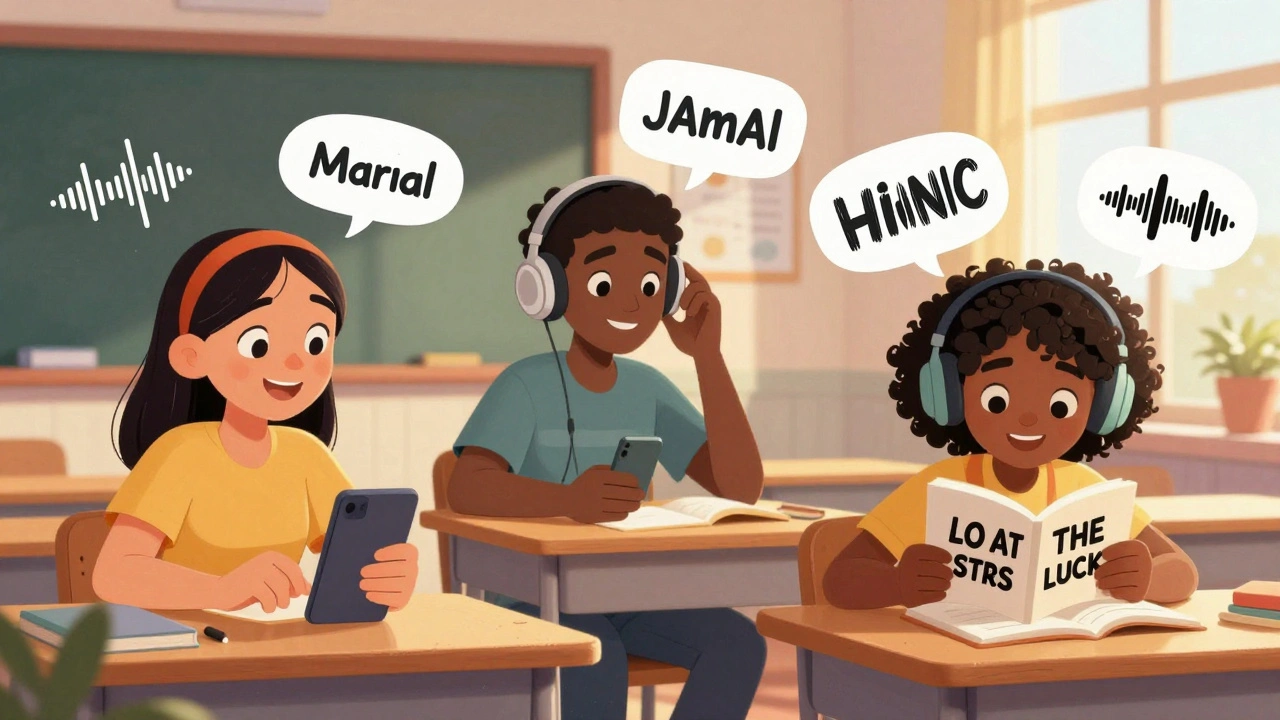
How to Build Inclusive Learning Experiences for All Learners
Learn how to create mobile learning experiences that work for everyone-regardless of ability, age, or background. Practical steps for inclusive design, real-world examples, and simple fixes anyone can apply today.