LMS Video Integration: How to Connect Videos to Your Learning Platform
When you add LMS video integration, the process of embedding and managing video content within a learning management system to track engagement and learning outcomes. Also known as video learning platform integration, it lets you turn passive watching into active learning by linking video views to student progress, quiz results, and completion certificates. Without it, your videos are just files sitting online—no data, no accountability, no way to know if students actually watched or understood anything.
Good LMS video integration doesn’t just play clips. It connects to learning analytics, data collected from student interactions to measure engagement, drop-off points, and knowledge gaps. That means you can see if someone watched the first 30 seconds of a trading risk video and then skipped ahead—or if they rewatched the section on stop-loss orders three times. It also works with multi-factor authentication, a security layer that ensures only enrolled students can access course videos, so your content stays protected from leaks. And when paired with adaptive learning, a system that changes what students see next based on how they interact with videos, your platform can automatically suggest a review video if someone fails a quiz after watching a lesson.
Most platforms like Moodle, Canvas, or Blackboard support video integration through embed codes, API connections, or built-in media libraries. But not all integrations are equal. Some only track play counts. The best ones track time spent, pause/resume patterns, quiz scores tied to specific video segments, and even heatmaps showing where students lost interest. If you’re using video to teach forex strategies or crypto risk management, you need to know if learners are getting lost at the 4-minute mark when you explain leverage ratios. That’s not guesswork—that’s data.
You don’t need a custom-built system. Tools like Vimeo Pro, Wistia, or even YouTube with privacy settings can plug into your LMS and give you the tracking you need. But if your LMS doesn’t support video analytics, you’re flying blind. You might think your course is working because students signed up—but if 70% of them never finish the first video, you’re not teaching. You’re just uploading.
Real improvement comes when you tie video performance to course outcomes. Did students who watched the full video on trading discipline pass their simulation test at a higher rate? Did those who skipped the oracle security video get liquidated in the demo account? That’s the kind of insight LMS video integration gives you. It’s not about fancy effects or 4K resolution. It’s about knowing what works—and what doesn’t—so you can fix your course before your students give up.
Below, you’ll find real examples from course creators who fixed their dropout rates by fixing how they integrated videos—not by making better content, but by making it trackable, testable, and tied to real learning behavior.
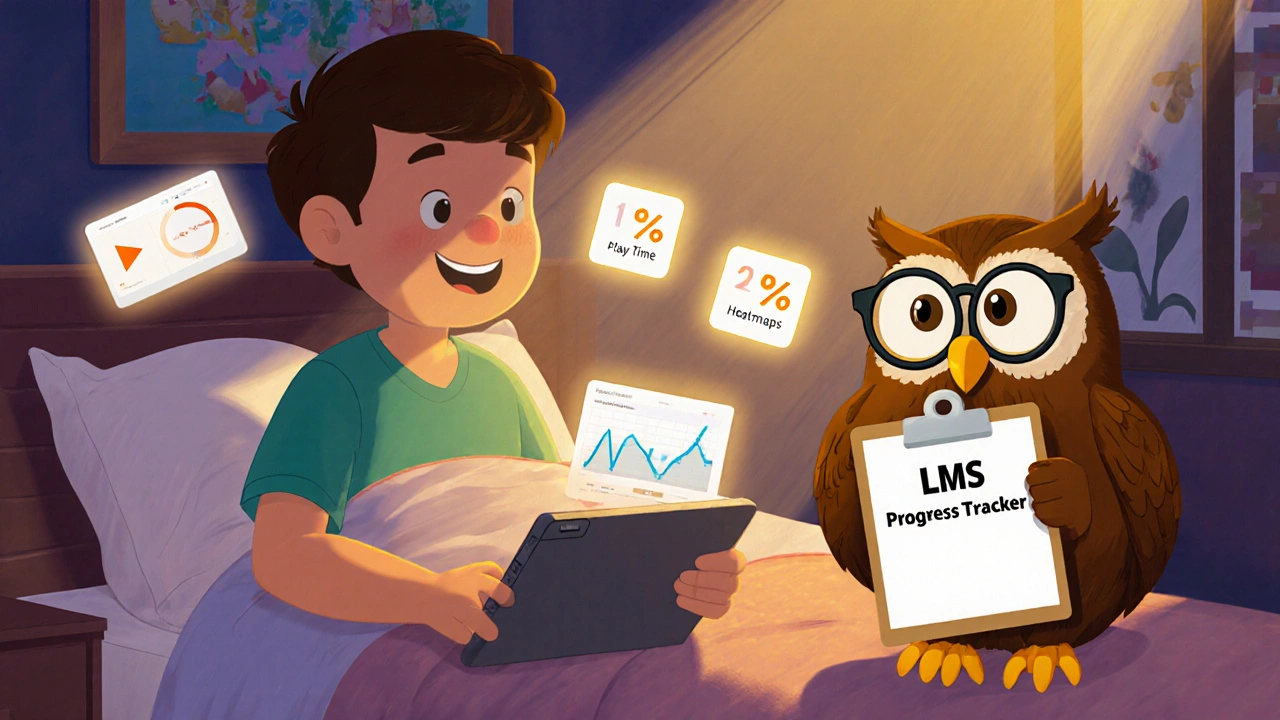
How to Embed Videos in Learning Management Systems (LMS)
Learn how to embed videos in popular LMS platforms like Canvas, Moodle, and Blackboard for better engagement and tracking. Avoid common mistakes and use the right tools to make your video lessons stick.