MFA in LMS: Multi-Factor Authentication for Learning Systems
When you log into your MFA in LMS, multi-factor authentication for learning management systems that adds extra layers of security beyond just a password. Also known as two-factor authentication, it’s no longer optional—it’s the bare minimum for protecting student records, course content, and payment data from breaches. If your LMS only asks for a username and password, you’re leaving the door wide open. Hackers don’t need fancy tools—they just need one stolen password, and suddenly your entire course is compromised.
Think about it: your LMS holds grades, personal info, discussion logs, even payment histories. Without MFA, a single phishing email can give someone full access. But with MFA, even if that password gets stolen, the attacker still needs a code from your phone, a fingerprint scan, or a hardware key. That’s why top platforms like Canvas, Moodle, and Blackboard now push MFA hard. It’s not just about compliance—it’s about trust. Students need to know their data won’t be leaked. Instructors need to know their materials won’t be altered. And admins need to know they won’t be the next headline.
It’s not just about logging in. MFA in LMS also ties into LMS security, the broader set of practices that keep learning platforms safe from intrusions, data leaks, and unauthorized changes. That includes things like role-based access control, audit logs, and session timeouts. But MFA is the first line of defense. It’s what stops automated bots from brute-forcing accounts. It’s what protects instructors who reuse passwords across sites. And it’s what makes your platform look professional to schools and corporations that audit their vendors.
You don’t need fancy tech to set it up. Most modern LMS platforms have built-in MFA options using apps like Google Authenticator or Microsoft Authenticator. It takes five minutes to enable. The real work? Getting users to actually turn it on. That’s where education comes in. Many learners think it’s annoying. Many instructors think it’s unnecessary. But once someone’s account gets hacked—once their grades disappear or their course gets deleted—they understand. That’s why the best LMS admins don’t just enable MFA—they explain why it matters, in plain language, with real examples.
And it’s not just for big institutions. Even small course creators using Teachable or Thinkific should use it. If you’re selling a $50 course, you’re still handling credit cards and emails. One breach can kill your reputation. MFA isn’t a luxury—it’s insurance. And like insurance, you don’t care until you need it.
Behind every secure LMS is a chain of protections: firewalls, encryption, backups. But MFA is the one thing that stops the most common attack—stolen credentials. It’s simple. It’s effective. And if you’re not using it, you’re already behind.
Below, you’ll find real guides on how to set up MFA in your LMS, what tools work best, how to train users without driving them away, and how it connects to other security practices like SIEM logging and access controls. No fluff. Just what works.
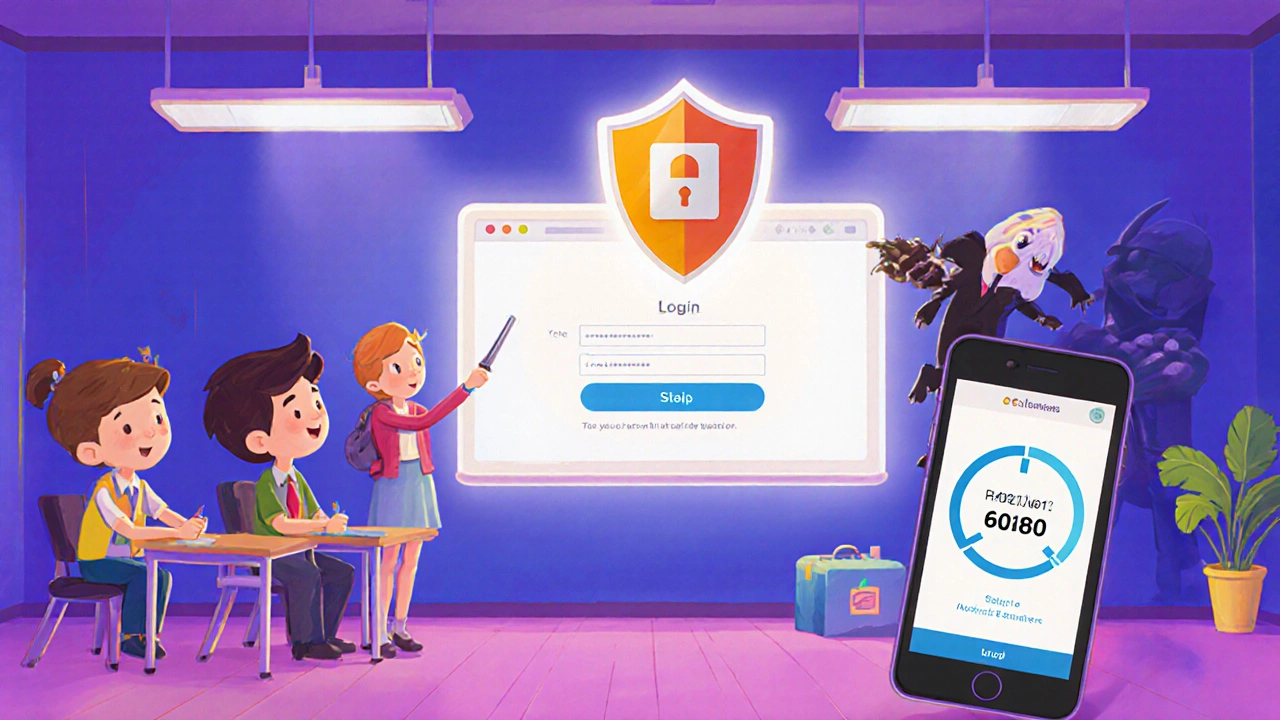
How to Implement Multi-Factor Authentication in an LMS for Better Security
Learn how to implement multi-factor authentication in your LMS to prevent breaches, meet compliance standards, and protect student data. Step-by-step guide for Canvas, Moodle, Blackboard, and more.