Universal Design in Education: Inclusive Learning for All Students
When we talk about universal design, a framework for creating learning experiences that work for everyone from the start, without needing special adjustments. Also known as universal design for learning, it’s not about making exceptions—it’s about building systems that naturally include people with different abilities, backgrounds, and learning styles. This isn’t theory. It’s what happens when a course works just as well for someone using a screen reader, someone with ADHD, someone learning in a noisy home, or someone who learns best by doing instead of reading.
Universal design requires clear structure, flexible tools, and multiple ways to engage with content. It’s not just adding captions to videos—it’s designing quizzes that let students choose between writing, recording, or drawing answers. It’s offering materials in text, audio, and visual formats so no one has to struggle to access the same information. You’ll see this in posts about disability accommodation, legal and practical steps to support learners with physical, cognitive, or sensory differences, and how they overlap with adaptive learning, systems that adjust content delivery based on how a student interacts with the material. These aren’t separate ideas—they’re parts of the same goal: remove friction before it becomes a barrier.
What makes universal design powerful is that it helps everyone—not just those with diagnosed needs. A student who’s tired, stressed, or learning in a second language benefits from clear headings and simple language. A busy professional taking a course after work appreciates short modules they can finish on their phone. The same design that helps someone with dyslexia also helps someone scrolling through a course during a lunch break. That’s the point. It’s not charity. It’s better teaching.
You won’t find grandiose claims here. No one’s selling a magic tool or expensive software. What you’ll find are real examples: how instructors use universal design to cut down on student dropouts, how simple changes in assignment rubrics improve understanding, how virtual office hours and mobile-friendly onboarding reduce stress for learners with anxiety or mobility limits. These aren’t niche fixes—they’re everyday improvements that make learning less confusing, less exhausting, and more human.
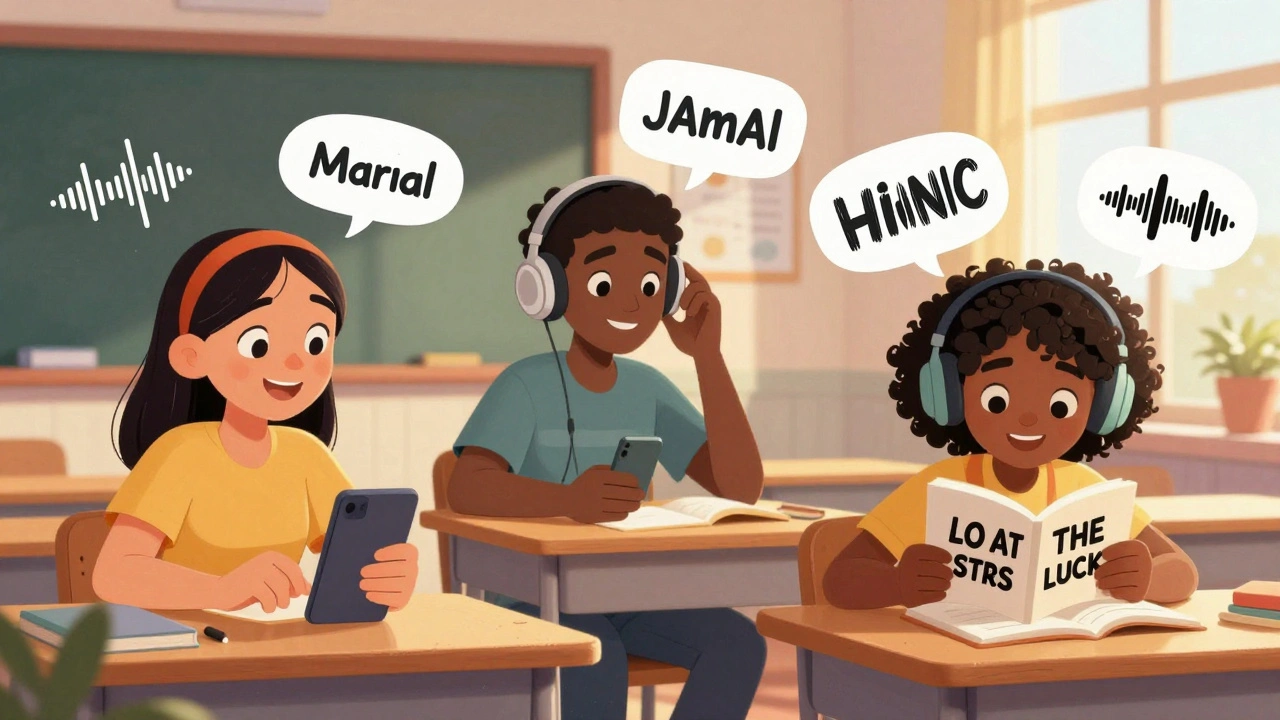
How to Build Inclusive Learning Experiences for All Learners
Learn how to create mobile learning experiences that work for everyone-regardless of ability, age, or background. Practical steps for inclusive design, real-world examples, and simple fixes anyone can apply today.