Version Control for Course Content: A Practical Guide to Managing Updates
 Jun, 25 2026
Imagine spending three weeks recording a video module, only to realize halfway through the upload that you used outdated statistics. You panic. Do you delete the whole file? Edit it in post-production and lose hours of rendering time? Or do you just leave the error there and hope no one notices?
This is the nightmare scenario for every course creator. But what if you treated your course content like software code? What if you could 'save' different versions, track who changed what, and revert to a previous state with a single click? That’s exactly what version control does. It’s not just for programmers anymore. Instructors, instructional designers, and ed-tech teams are adopting these systems to keep their learning materials accurate, organized, and scalable.
What is version control for course content?
Version control is a system that records changes to files over time so you can recall specific versions later. For course creators, it means tracking edits to scripts, slides, videos, and quizzes without losing previous iterations or creating confusing file names like 'final_v2_revised.docx'. It allows multiple people to work on the same material simultaneously while maintaining a clear history of all updates.
Why Your Current File System Is Failing You
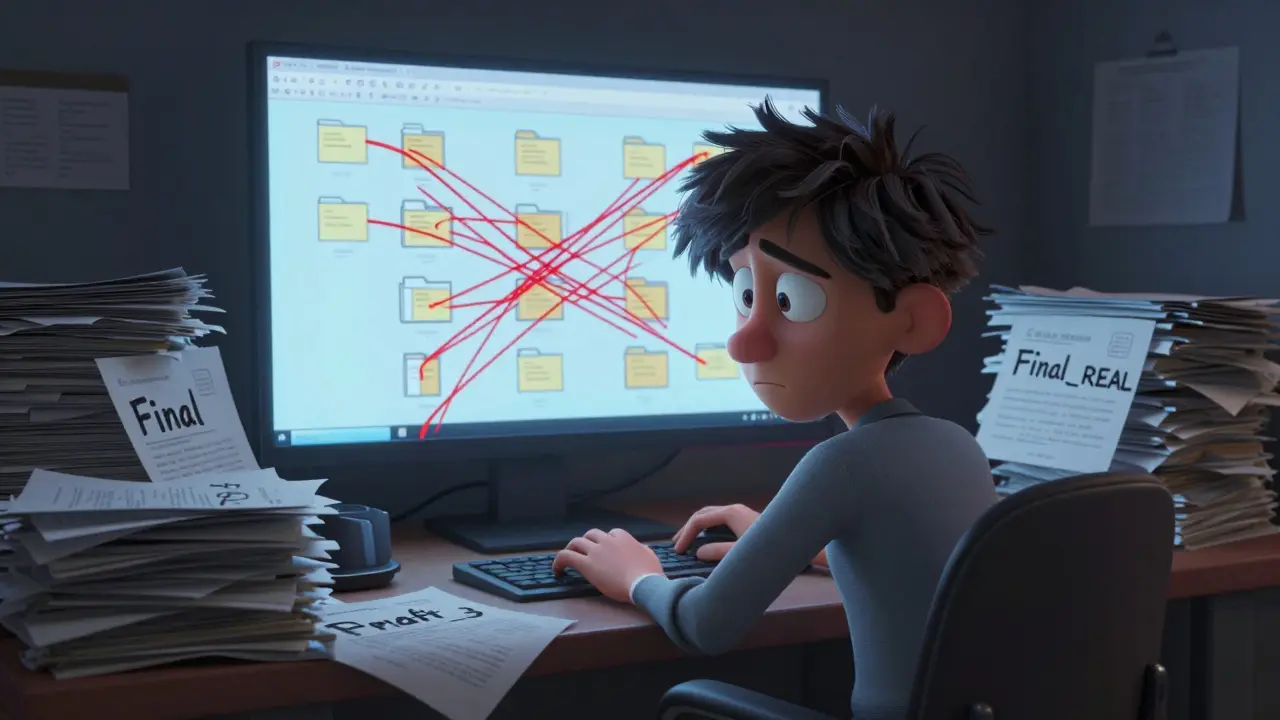
Most educators start simple. They save documents on their desktop or drop them into a shared Google Drive folder. It works fine when you’re solo. But as soon as you bring in a subject matter expert (SME), an editor, or a second instructor, chaos ensues. You end up with folders named "Course_Final," "Course_Final_REAL," and "Course_Draft_3." You spend more time searching for the right file than actually teaching.
The problem isn’t just organization; it’s accountability. When a student reports a broken link in Module 4, how do you know who broke it? Was it the last update from the designer? Did the SME change the text but forget to update the hyperlink? Without a structured way to track changes, you’re guessing. Version control solves this by creating a central source of truth. Every change is logged with a timestamp, an author, and a description of why it was made.
Consider the difference between saving a Word document and committing code to Git. With Word, you overwrite the previous state unless you manually save a new copy. With version control, every significant change creates a new snapshot. You can look back at any point in history and see exactly what the course looked like last week, last month, or even last year. This historical record is invaluable for auditing, compliance, and simply understanding how your curriculum evolved.
Core Concepts: Branching, Merging, and Committing
To use version control effectively, you need to understand three basic actions. These concepts apply whether you’re using a dedicated tool like Git or a simplified platform built for education.
- Committing: This is like hitting 'Save,' but with a message. Instead of just storing the file, you write a brief note explaining what changed. For example, "Updated tax rates in Module 3 based on 2026 regulations." This message becomes part of the permanent history. It tells future you (or your team) exactly why a change happened.
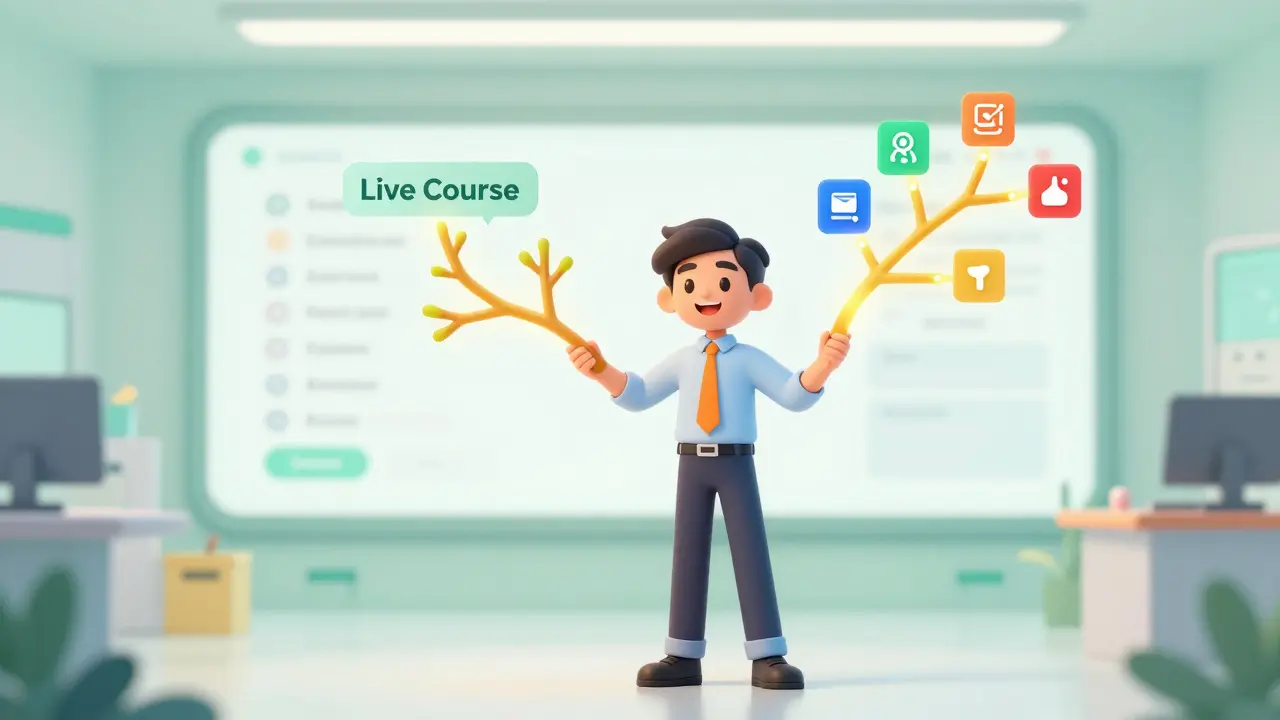
- Branching: Imagine you want to test a new interactive quiz format, but you don’t want to risk breaking the live course. You create a 'branch.' This is a parallel copy of your content where you can experiment freely. If the quiz works well, you merge it back into the main course. If it fails, you delete the branch, and the live course remains untouched.
- Merging: This is the process of combining changes from a branch back into the main line. If two instructors are working on different modules, merging brings their work together into a single, cohesive course package.
These steps might sound technical, but modern tools have made them visual and intuitive. You don’t need to type commands into a terminal. Most platforms offer drag-and-drop interfaces where you can see branches as separate lines on a timeline. The key benefit is safety. You can make bold improvements without fear of destroying what already works.
Choosing the Right Tool for Your Team
Not all version control systems are created equal. The best choice depends on your team size, technical comfort level, and the type of content you’re producing. Here’s a breakdown of the most common options for educators.
| Tool Type | Best For | Learning Curve | Key Feature |
|---|---|---|---|
| Git + GitHub/GitLab | Coding courses, tech-savvy teams | Steep | Industry standard, powerful branching |
| Google Workspace | Small teams, text-heavy content | Low | Real-time collaboration, automatic history |
| LMS Native Features | Platform-specific courses | Very Low | Integrated publishing, limited history |
| Specialized Ed-Tech Platforms | Instructional designers | Medium | Visual workflows, asset management |
If you’re building a coding bootcamp, Git is a distributed version control system designed for tracking changes in computer files. It’s the industry standard. Using it teaches your students a valuable skill while keeping your curriculum organized. However, for non-technical teams, Git can be overwhelming. In those cases, cloud-based suites like Google Workspace offer built-in version history. You can see who typed what and restore earlier drafts. It’s not as robust as Git, but it’s enough for most text-based lessons.
For complex multimedia courses, specialized platforms are emerging. These tools treat every video, slide deck, and quiz as a versioned object. They allow you to tag releases (e.g., "Spring 2026 Edition") and roll out updates gradually. This is crucial for large-scale programs where you can’t afford downtime during updates.
Implementing a Workflow: Step-by-Step
Having the tool is only half the battle. You need a workflow-a set of rules your team agrees to follow. Without discipline, version control becomes another source of clutter. Here’s a practical framework to get started.
1. Define Your Release Cycle
Decide how often you update your course. Will you push small fixes weekly? Or major revisions quarterly? Establish a naming convention for your branches. Use prefixes like feature/ for new content, bugfix/ for corrections, and hotfix/ for urgent issues. This makes it easy to scan your history and understand the nature of each change.
2. Separate Content from Code
If you’re using HTML or XML for your course structure, keep your raw content (text, images) separate from your layout files. This allows writers to edit text without worrying about breaking the design. When you merge changes, the system combines the updated text with the stable template automatically.
3. Require Descriptive Commit Messages
This is the most important rule. Never commit with messages like "update" or "fix." Be specific. Write: "Corrected typo in introduction paragraph" or "Added case study on renewable energy." Good commit messages turn your history log into a searchable changelog. Six months from now, you’ll thank yourself for being detailed.
4. Review Before Merging
Never let changes go live without a second pair of eyes. Implement a peer review process. One person writes the lesson, another reviews it for accuracy and clarity. In version control terms, this is called a 'pull request.' The reviewer checks the diff-the side-by-side comparison of old and new content-and approves it before it merges into the main branch.
Handling Multimedia and Large Files
Text files are small and easy to track. Videos, however, are massive. Storing every version of a 4K video in your version control system will bloat your repository quickly. Most traditional systems struggle with binary files.
The solution is to store large assets in a dedicated media library or cloud storage bucket (like AWS S3 or Google Cloud Storage). Then, in your version-controlled project, you only store links or references to those files. When you update a video, you replace the file in the storage bucket and update the reference in your course script. This keeps your version control system lightweight and fast.
Some advanced tools support Large File Storage (LFS) extensions. These handle big files differently, storing only the differences between versions rather than full copies. If you frequently update high-resolution graphics or audio tracks, look for tools that support LFS. It saves storage space and speeds up download times for your team.

Collaboration Across Time Zones
Modern education teams are often distributed. An instructor might be in London, a designer in New York, and an SME in Tokyo. Version control thrives in this environment because it removes the need for synchronous communication. You don’t need to schedule a meeting to swap files. Everyone works on their own branch, commits their changes, and merges when ready.
The key is asynchronous feedback. Use comments within the version control platform to discuss specific lines of text or sections of code. Tag colleagues directly. This keeps discussions tied to the actual content, preventing context loss in email chains or Slack threads. Over time, this builds a rich knowledge base around your course material. New team members can read the comment history to understand the rationale behind design decisions.
Troubleshooting Common Issues
Even with a good system, things can go wrong. Here’s how to handle the most frequent problems.
- Merge Conflicts: This happens when two people edit the same line of text at the same time. The system can’t decide which version to keep. You must manually resolve the conflict by choosing one version, combining both, or rewriting the section entirely. To avoid this, communicate clearly about who is working on which module.
- Lost History: Sometimes users accidentally delete branches or overwrite commits. Always back up your repository regularly. Most platforms offer automated backups, but verify they’re working. If you lose history, you lose the ability to trace errors or recover deleted content.
- Bloated Repositories: As mentioned, large files slow everything down. Regularly audit your repository size. Remove unnecessary assets and compress images before adding them to version control. Keep your working directory clean.
Future-Proofing Your Curriculum
Education is dynamic. Regulations change, technologies evolve, and pedagogical best practices shift. A course created in 2023 may be obsolete by 2027. Version control gives you the agility to adapt. You can spin off a new branch for a completely redesigned curriculum while keeping the old version available for legacy students.
This flexibility extends to analytics. By tagging versions with metadata, you can correlate specific content updates with student performance metrics. Did the new quiz format improve pass rates? Did the revised video reduce drop-off? With versioned data, you can answer these questions empirically rather than relying on gut feeling.
Start small. Pick one course module and implement a basic version control workflow. Train your team on the core concepts. Once you see the benefits-fewer errors, faster updates, clearer accountability-you’ll want to expand it across your entire program. Your content will become more resilient, and your team will collaborate with greater confidence.
Can I use version control for video editing?
Traditional version control systems like Git are not designed for large binary files like video projects. However, you can use them to manage the project files (XMLs, JSONs) that reference the video assets. For actual video editing, consider specialized tools that support frame-level versioning or cloud-based collaborative editing platforms that include built-in history features.
Is version control secure?
Yes, most modern version control platforms offer robust security features including role-based access control, two-factor authentication, and encrypted storage. You can restrict who can view, edit, or publish content. Private repositories ensure your intellectual property remains confidential until you choose to release it.
How do I migrate existing content to version control?
Start by organizing your current files into a logical folder structure. Create an initial commit with all existing content as the baseline. Then, begin tracking new changes going forward. You don’t need to recreate history for past updates; focus on establishing a clean starting point for future iterations.
Do I need to learn programming to use version control?
No. While version control originated in software development, many user-friendly interfaces exist today. Platforms like GitHub Desktop, GitKraken, or integrated solutions within LMS providers provide visual workflows. You can manage branches, commits, and merges without writing a single line of code.
What is the cost of implementing version control?
Basic version control tools are often free for small teams. Open-source solutions like Git are free, and hosting services like GitHub offer free tiers for public and private repositories. Paid plans usually add features like advanced security, larger storage limits, and priority support. The investment is typically minimal compared to the time saved from avoiding errors and rework.