Avatar and Profile Systems for Learner Identity and Progress
 Aug, 1 2026
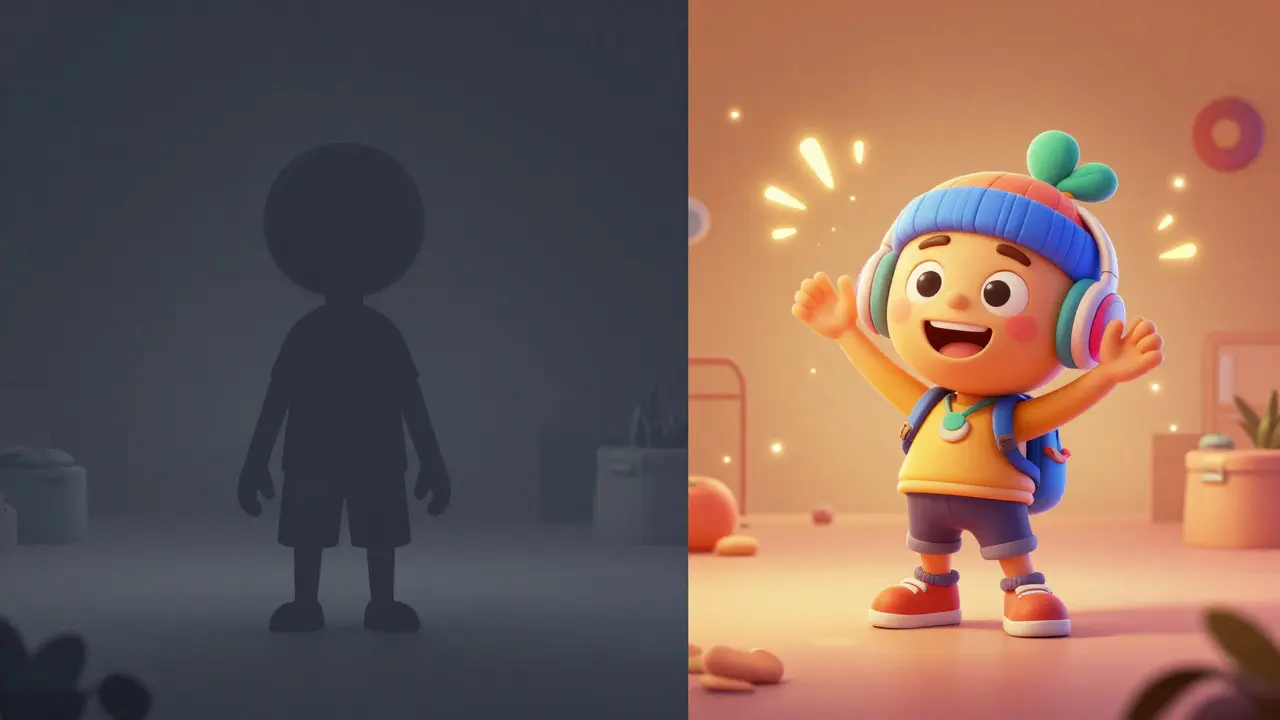
Imagine logging into a learning platform and seeing a generic gray silhouette where your name should be. Now imagine seeing a vibrant, customized character that reflects your interests, achievements, and current level of expertise. The difference isn't just aesthetic; it's psychological. In the world of gamification strategies, how you represent a learner on screen changes everything about their engagement. It turns a chore into a journey.
We often think of avatars as mere cartoons or game characters. But in educational technology, an avatar is a digital proxy for identity. It bridges the gap between who the learner is in real life and who they want to become through education. When done right, these systems drive retention, motivation, and long-term participation. When done poorly, they are ignored clutter. Let’s look at how to build systems that actually work.
The Psychology Behind Digital Identity
Why do we care about a pixelated face? Because humans are wired for self-expression. In traditional classroom settings, students might wear specific clothes, carry certain notebooks, or sit in particular spots to signal their identity. Online, those cues disappear. An Avatar System is a software feature allowing users to create and customize a visual representation of themselves within a digital environment.
When a learner spends time customizing their avatar-choosing hair color, accessories, or background-they invest effort. This triggers the "Ikea Effect," a cognitive bias where people place disproportionately high value on things they partially created. If they’ve built their digital self, they are less likely to abandon the platform. The avatar becomes an extension of their ego. Losing progress means losing part of that constructed identity, which creates a powerful retention hook.
Furthermore, avatars reduce social anxiety. For shy learners or those struggling with language barriers, interacting through a character feels safer than showing their real face on a video call. It lowers the barrier to entry for participation in discussions and collaborative tasks. You aren’t just teaching content; you’re facilitating a safe space for interaction.
Designing Effective Avatar Customization
Not all customization options are equal. A common mistake is offering too many choices upfront, leading to decision paralysis. Or worse, offering only silly, childish options that alienate adult learners. Your design strategy needs to match your audience.
- Relevance over Novelty: If you’re teaching coding, allow tech-themed accessories like keyboard necklaces or server rack backgrounds. If it’s a history course, offer period-appropriate attire. The customization should feel connected to the subject matter.
- Inclusivity First: Ensure skin tones, gender expressions, and abilities are represented accurately. Avoid binary choices unless necessary. Use inclusive language in menus (e.g., "Hair Style" instead of "Boy/Girl Hair").
- Progressive Unlocking: Don’t give everything away at once. Start with basic features. As the learner progresses, unlock new cosmetic items. This ties identity directly to achievement.
Consider the platform Duolingo. Their owl mascot is iconic, but their user profiles allow for subtle personalization that scales. They don’t overwhelm you with thousands of pixels; they give you clear, meaningful milestones. This simplicity keeps the focus on learning, not just dressing up a doll.
Linking Avatars to Progress Tracking
An avatar without context is just a picture. To make it a tool for Learner Progress is the measurable advancement of a student through a curriculum, tracked via data points such as completion rates, quiz scores, and time spent, you need to integrate it with performance metrics. This is where the magic of gamification happens.
Visual feedback loops are critical. When a learner completes a module, their avatar shouldn’t just get a notification badge. It should change. Maybe they earn a new hat, a glowing aura, or a special title next to their name. These visual markers serve as immediate, dopamine-triggering rewards. They signal status to other users on the platform, fostering healthy competition.
| Mechanism | Impact on Motivation | Implementation Complexity |
|---|---|---|
| Textual Badges | Low to Medium | Low |
| Avatar Accessories | High | Medium |
| Level Up Animations | Very High | High |
| Social Leaderboards | Variable (can demotivate) | Medium |
Notice how avatar accessories rank high in motivation. Why? Because they are permanent. A badge in a list can be scrolled past. A golden sword on your avatar is seen every time you log in. It’s a constant reminder of what you’ve achieved. This persistent visibility reinforces positive behavior and encourages others to strive for similar rewards.
Building Community Through Profiles
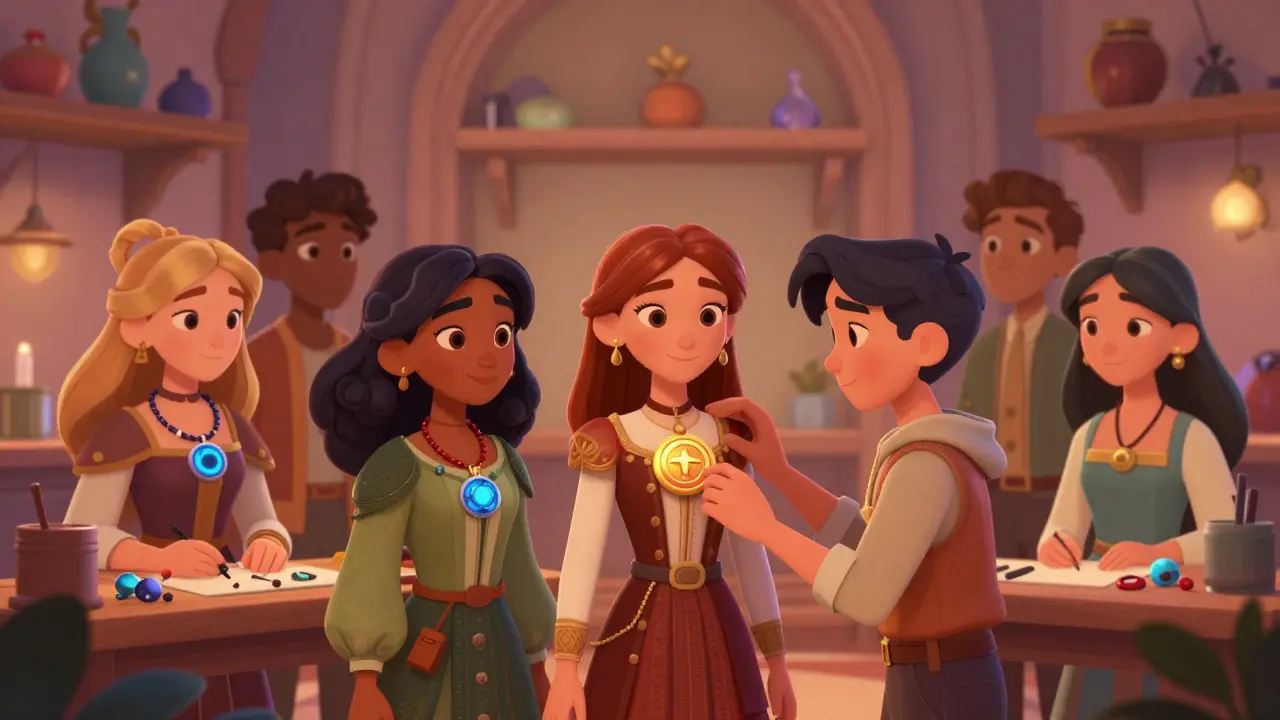
Profiles are more than just avatars. They are the public face of the learner. A well-designed profile system includes bios, skill tags, and recent activity feeds. This transparency builds trust and community.
When I see a peer’s profile showing they’ve mastered Python basics, I’m more likely to ask them for help or join their study group. The profile acts as a resume of sorts. It highlights expertise. In professional development courses, this is crucial. Employers or colleagues might view these profiles. Therefore, the system must allow for a balance between fun gamification elements and professional presentation.
Allow users to curate what they share. Some may want to show off their gaming-style avatar; others may prefer a clean, minimalist look with just their certifications listed. Giving control back to the user respects their autonomy and makes the platform adaptable to different cultural and professional contexts.
Pitfalls to Avoid in Implementation
It’s easy to go wrong here. One major trap is over-gamification. If the avatar system becomes too complex, it distracts from the actual learning objectives. Students start playing dress-up instead of studying. Keep the customization simple and the rewards tied strictly to educational milestones.
Another issue is data privacy. Avatars and profiles collect data. Who sees what? Is the avatar linked to a real email address? Be transparent. Follow GDPR and COPPA regulations if dealing with minors. Anonymity can be a feature, not a bug. Allow pseudonymous identities where appropriate to encourage risk-taking in learning environments.
Also, avoid pay-to-win mechanics. If premium users get better-looking avatars while free users look dull, you create a class system that harms community cohesion. Cosmetic upgrades should be earned through effort, not money. This maintains the integrity of the educational experience.
Future Trends in Learner Identity
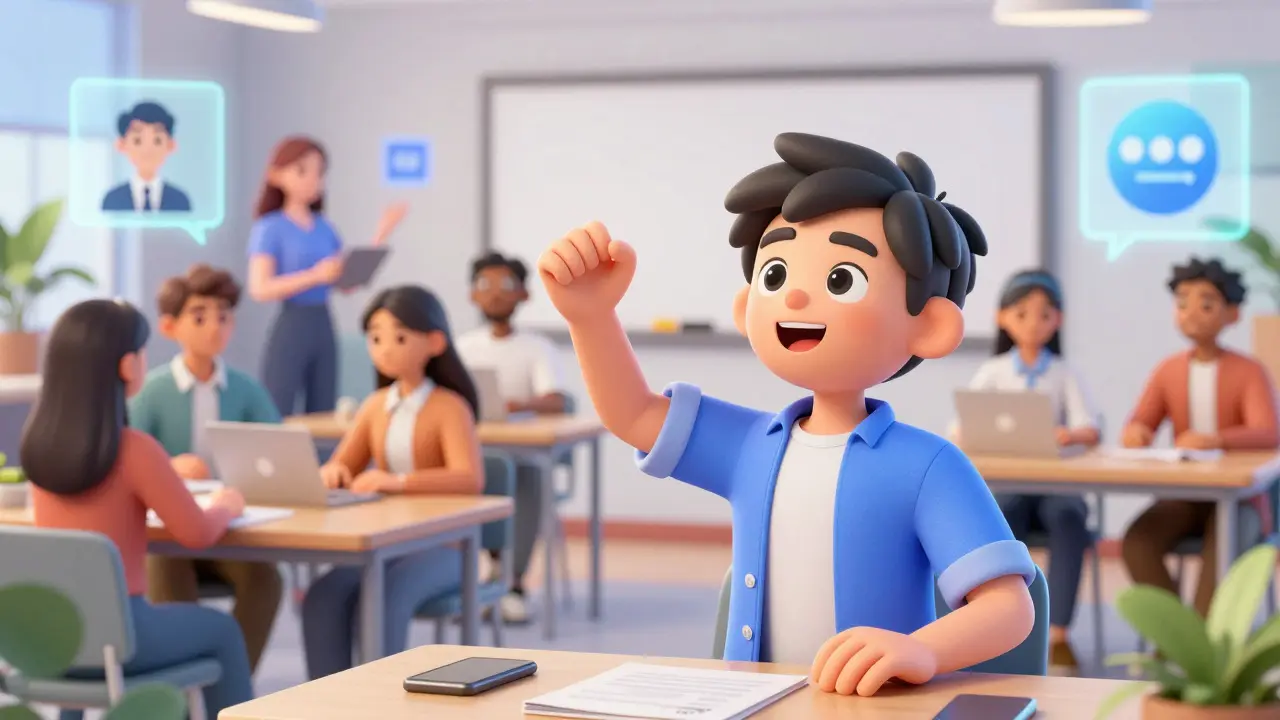
As technology evolves, so will avatars. We’re moving toward 3D models and even VR integration. Imagine walking into a virtual classroom where your avatar gestures naturally using motion capture. This immersion could revolutionize soft-skills training, like public speaking or negotiation.
AI-driven avatars are also emerging. These characters can adapt their appearance based on the learner’s mood or performance. Struggling? The avatar might look supportive. Succeeding? It celebrates with you. This emotional intelligence layer adds depth to the human-computer interaction, making the learning process feel more personalized and empathetic.
Blockchain-based credentials are another frontier. Your avatar could hold verifiable diplomas stored on a decentralized ledger. This ensures that your progress is yours forever, portable across platforms. No more lost accounts or forgotten passwords wiping out years of effort.
Conclusion: Making It Matter
Avatars and profile systems are not optional extras. They are foundational to modern learner engagement. By tapping into our desire for identity, recognition, and community, these tools transform passive consumption into active participation. Build them with care, tie them to real progress, and respect the user’s autonomy. Do that, and you won’t just have students; you’ll have advocates.
How do avatars improve learner retention?
Avatars improve retention by leveraging the "Ikea Effect," where users value what they create. Customizing an avatar requires time and emotional investment, making users less likely to abandon the platform. Additionally, visual progress markers on avatars provide continuous positive reinforcement, encouraging continued use.
What are the best practices for avatar customization?
Best practices include ensuring inclusivity in design options, linking unlocks to educational achievements rather than payments, and keeping the interface simple to avoid decision paralysis. Customizations should be relevant to the course content to maintain focus on learning goals.
Can avatars be used in professional development courses?
Yes, absolutely. In professional settings, avatars can be designed to be more realistic or minimalist. They can display certifications, skills, and professional titles. This allows for networking and collaboration while maintaining a sense of individual identity within the corporate learning management system.
How does gamification affect learning outcomes?
Gamification, when implemented correctly, increases motivation and engagement. It doesn’t necessarily make the material easier, but it makes the process of learning more enjoyable. This leads to higher completion rates and better knowledge retention due to increased practice and repetition driven by reward systems.
What are the privacy concerns with learner profiles?
Privacy concerns include data collection, sharing of personal information, and potential tracking. Platforms must ensure compliance with laws like GDPR and COPPA. Users should have control over what data is visible publicly versus privately. Pseudonymous identities can help mitigate risks, especially for younger learners.