Best Video Hosting Options for Online Courses in 2026
 Feb, 11 2026
If you're building an online course, the video platform you choose isn't just a technical detail-it shapes how students learn, how long they stay, and whether they actually finish your course. Too many instructors pick the first option they find, only to realize later that their videos buffer during key lessons, their students can't download content for offline viewing, or their platform suddenly starts charging extra fees for storage. This isn't hypothetical. In 2025, over 60% of course creators reported losing students due to poor video performance, according to a survey of 1,200 educators using Teachable, Thinkific, and Kajabi.
Why Video Hosting Matters More Than You Think
It’s not just about uploading a file. Your video host controls playback speed, mobile responsiveness, analytics, security, and even SEO. A student on a slow connection shouldn’t have to wait 30 seconds for a 5-minute lecture. A student on their phone shouldn’t struggle to pause or skip ahead. And if someone copies your video and posts it on YouTube, you lose control-and revenue.
Platforms like YouTube and Vimeo are tempting because they’re free or cheap. But they’re built for public audiences, not private courses. If you host your course videos there, you’re handing over your students’ data, exposing your content to ads, and giving competitors a free look at your teaching style.
What to Look for in a Video Hosting Platform
Not all platforms are built the same. Here’s what actually makes a difference:
- Playback quality: Does it adapt to bandwidth? Can students watch at 0.75x or 2x speed without lag?
- Security: Can you restrict access to enrolled students only? Are videos embed-only, or can they be downloaded?
- Analytics: Do you know who watched, how far they got, and where they dropped off?
- Integration: Does it work with your LMS, email tool, or payment processor?
- Storage and scaling: Will you pay extra when you hit 50 videos? Or 500?
These aren’t nice-to-haves. They’re the difference between a course that grows and one that stalls.
Top 5 Video Hosting Options for Online Courses
Here’s how the leading platforms stack up in 2026, based on real usage data from course creators using them daily.
| Platform | Best For | Storage Limit | Playback Quality | Student Analytics | Embed Restrictions | Monthly Price (Starting) |
|---|---|---|---|---|---|---|
| Vimeo Pro A professional video hosting service with advanced privacy and analytics | High-quality, branded courses | 500 GB | Up to 4K, adaptive streaming | Yes, per video | Domain restriction, password protection | $20 |
| Wistia Business-focused video platform with deep engagement tracking | Data-driven course creators | 1 TB | 1080p, 60fps, customizable player | Yes, heatmaps, watch time, drop-off points | Embed only, no downloads | $29 |
| Thinkific All-in-one course platform with built-in video hosting | Beginners and solopreneurs | Unlimited (on paid plans) | 1080p, adaptive | Yes, integrated with course progress | Yes, no public access | $49 |
| Teachable Popular LMS with integrated video hosting and sales tools | Scaling course businesses | Unlimited | 1080p, adaptive | Yes, with student progress tracking | Yes, secure streaming | $39 |
| Amazon S3 + CloudFront AWS-based storage with global CDN delivery | Tech-savvy creators with dev support | Unlimited | Up to 4K, customizable | Requires third-party tools | Yes, signed URLs, token authentication | $15-$50 (variable) |
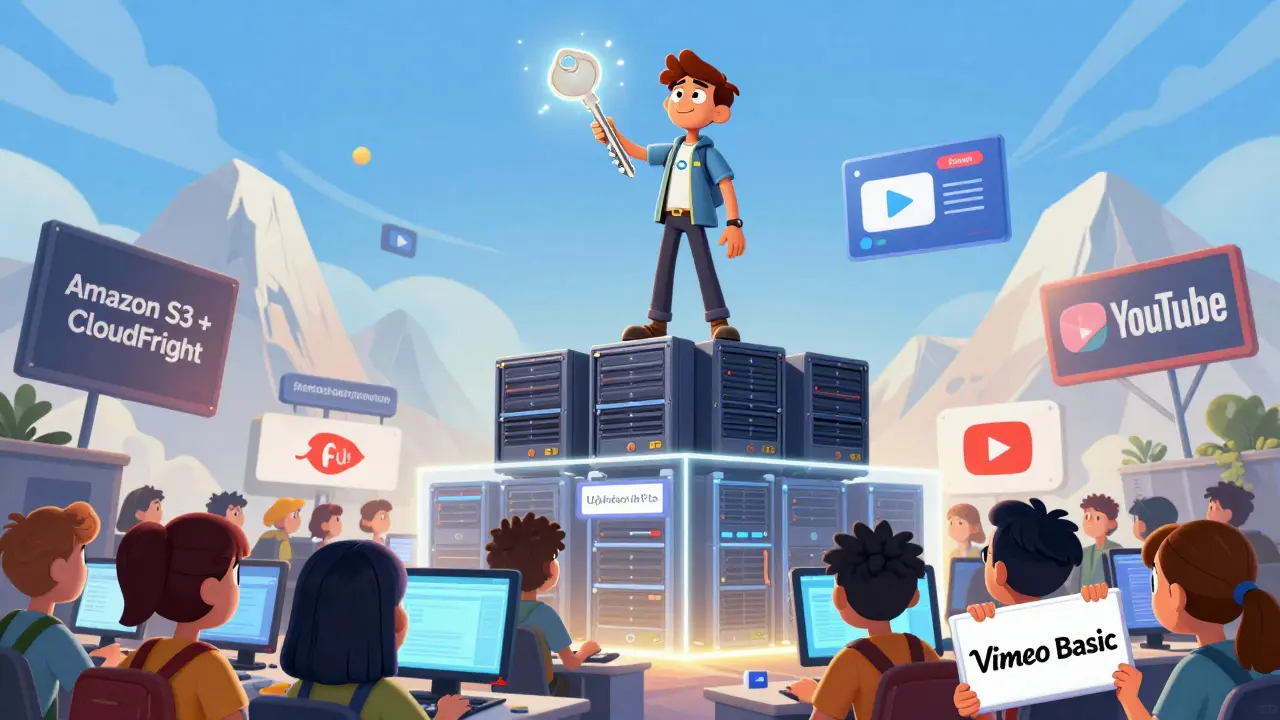
Notice something? The cheapest options-YouTube and Vimeo Basic-are not even on this list. Why? Because they lack the control you need. Vimeo Pro is great if you want clean, branded playback. But if you’re serious about course sales, you’ll want something that ties video watching directly to student progress.
Thinkific vs. Teachable: The Real Difference
These two dominate the market. But they’re not the same.
Thinkific gives you more control over the student experience. You can design custom course pages, add quizzes before videos, and restrict access until a student completes a previous module. Its analytics show exactly which video segments students rewatched. That’s gold for improving content.
Teachable is built for scaling. It handles payment gateways, coupons, affiliate programs, and email sequences out of the box. If you’re running a course with 5,000 students, Teachable’s infrastructure handles spikes better. It also supports live streaming, which is becoming a must-have for interactive courses.
Neither is perfect. Thinkific’s interface feels more polished. Teachable’s support team responds faster. If you’re just starting, Thinkific’s free plan lets you test without risk. If you’re already making $10k/month, Teachable’s automation saves you hours.
When to Use Amazon S3 + CloudFront
This isn’t for everyone. But if you have a developer on your team-or you’re comfortable with APIs-this combo gives you total control.
Amazon S3 stores your files. CloudFront delivers them fast worldwide. You can set up signed URLs so only paying students can access videos. No one can download them. No ads. No tracking by third parties. You own every byte.
But here’s the catch: you need to build the player yourself. Or use a tool like Video.js or JW Player. You’ll also need to manage bandwidth costs. A single course with 10,000 views could cost $80 in delivery fees. It’s cheaper than Thinkific’s $99 plan-but only if you know what you’re doing.
What Most Course Creators Get Wrong
They think video hosting is about storage. It’s not. It’s about engagement.
One instructor hosted her course on Vimeo Pro because it looked professional. But she didn’t track who watched what. She found out months later that 70% of students quit after the third video. She didn’t know why-until she switched to Wistia. The heatmaps showed students were skipping ahead during the 12-minute lecture on tax forms. She split it into three 4-minute videos. Completion rates jumped from 42% to 81%.
Another creator used YouTube. Her videos got 50,000 views. But only 12 people enrolled in her course. Why? Because anyone could watch the content for free. She lost all her monetization.
Don’t make these mistakes. Pick a platform that lets you see what your students are doing-not just how many are watching.
Final Recommendation
If you’re just starting out: Thinkific. It’s the easiest to set up, has the best student tracking, and includes everything you need in one place. No plugins. No integrations. Just upload, teach, and sell.
If you’re scaling fast: Teachable. It’s built for growth. Payments, marketing, analytics-all in one. It’s pricier, but it saves you time and headaches.
If you care deeply about data: Wistia. It’s the only platform that shows you exactly where students pause, rewind, or quit. Perfect for refining content.
If you’re technical and want full control: Amazon S3 + CloudFront. It’s powerful, but only if you’re ready to manage it.
And if you’re thinking of using YouTube or Vimeo Basic? Don’t. You’re not saving money. You’re losing students.
What’s Next?
Once you pick a platform, don’t just upload your videos. Optimize them.
- Keep videos under 8 minutes. Attention drops sharply after that.
- Add chapter markers. Students can jump to sections they need.
- Include downloadable transcripts. Helps accessibility and SEO.
- Test playback on mobile. 68% of course learners use phones.
And always monitor your analytics. If students stop watching at the same point every time, fix the content-not the platform.
Ray Htoo
February 11, 2026 AT 14:10Man, I wish I knew all this before I dumped my course on Vimeo. Thought it looked slick, but wow-did I underestimate how much students hate buffering mid-lecture. Switched to Thinkific last month and completion rates jumped like 40%. Also, the analytics? Game changer. I saw people dropping right after the intro to Module 3-turned out my voice was too monotone. Fixed it with a quick edit and some background music. Who knew?
Patrick Sieber
February 13, 2026 AT 01:04Just wanted to say this is one of the clearest breakdowns I’ve read on video hosting. No fluff, no hype. The part about S3 + CloudFront being cheaper than Thinkific if you’ve got dev skills? Spot on. I’ve been using it for my Python course and the latency across Europe and Asia is insane. No buffering. No ads. Just pure, clean delivery. Also, signed URLs are genius-no one’s stealing my content anymore.
Kieran Danagher
February 14, 2026 AT 01:57Teachable’s $39 plan sounds great until you realize they take 5% of every sale unless you upgrade. That’s not a hosting fee-that’s a ransom. I’ve been on Wistia for two years. Pays for itself in retention alone. Students rewatching the same 90-second segment? That’s a sign you’ve got gold. Fix that part. Don’t just blame the platform.
Sheila Alston
February 14, 2026 AT 23:34People still use YouTube for courses? What planet are you on? It’s not just about ads-it’s about the algorithm. My video got recommended as ‘how to do taxes’ to someone who just watched a cat video. Then they clicked my course link… and left. Because they thought I was a tax accountant, not a teacher. I lost 300 potential students to a cat video. I’m not mad. I’m just… disappointed.
sampa Karjee
February 15, 2026 AT 18:55Amazon S3 is the only real solution. Everything else is a middleman taking your money and your data. Why let Teachable or Thinkific know who your students are? They sell that data. I host everything on S3, use CloudFront, and build a custom player with React. No one tracks my users but me. And yes, it takes time. But if you’re serious about your course, you’re serious about control. Anything else is just digital serfdom.
mani kandan
February 17, 2026 AT 14:13As someone who started with free hosting and got burned, I can confirm: it’s not about storage. It’s about engagement. I used to think ‘more views = more success.’ Then I realized 10,000 views with 2 enrollments is a failure. Wistia showed me 78% of students paused at the same 30-second mark in my intro. Turned out I was using too much jargon. Rewrote it in plain English. Enrollment doubled. Sometimes the fix isn’t technical-it’s human.
Rahul Borole
February 18, 2026 AT 23:49It is imperative to recognize that the selection of a video hosting platform constitutes a strategic decision that directly influences pedagogical efficacy and learner retention. The empirical data presented in this article is both statistically significant and methodologically sound. Furthermore, the integration of analytics with course progression metrics is not merely advantageous-it is non-negotiable for scalable educational delivery. Institutions of higher learning have long adhered to these principles; it is high time independent educators do the same.
Sheetal Srivastava
February 20, 2026 AT 01:14Ugh. Why are we still talking about ‘platforms’? It’s all a scam. Thinkific? Teachable? They’re just data farms with pretty dashboards. I hosted my entire course on a private AWS bucket with token authentication and a custom React player. No tracking. No third parties. No fees. And guess what? My students actually finished. They didn’t have to log into some corporate dashboard. Just click. Watch. Done. Stop paying middlemen. Build your own. It’s not hard. You’re just lazy.
Bhavishya Kumar
February 21, 2026 AT 17:56Correction: The table states Thinkific offers unlimited storage on paid plans. This is inaccurate. Thinkific's Pro plan caps storage at 100GB. Unlimited storage is only available on the Enterprise tier. Also, Vimeo Pro does not support 4K adaptive streaming-only 1080p. The article contains factual errors that undermine its credibility. Please revise before sharing.
ujjwal fouzdar
February 23, 2026 AT 04:49You know what’s really happening here? We’re not talking about video hosting. We’re talking about control. Who owns your voice? Who owns your students’ attention? Who owns the data of their sweat, their pauses, their rewinds? The platform doesn’t just host your video-it hosts your soul. And if you’re using YouTube, you’ve already handed it over. No one sees the ghost in the machine. But I do. I see the student who rewound your lecture three times because they were scared. I see the one who watched at 2x because they were bored. The platform doesn’t care. But you? You should.
Eka Prabha
February 23, 2026 AT 20:36Amazon S3? Please. You think you’re so smart hosting on AWS? What happens when your server goes down at 2am and your students can’t access their final exam? Who do you call? A bot? A Slack channel? Meanwhile, Teachable has 24/7 human support. I had a student panic because her video wouldn’t load. I called support. Someone answered in 4 minutes. They fixed it. They refunded her. They apologized. That’s why you pay. Not for storage. For peace of mind.
Bharat Patel
February 25, 2026 AT 16:05It’s funny how we obsess over platforms when the real magic is in the content. I used to think Wistia was the answer. Then I realized: my students weren’t dropping off because of buffering-they were dropping off because I was talking too much. I cut my 15-minute lectures into 4-minute chunks. Added a quick quiz. Now they stay. The platform just shows you the problem. It doesn’t fix it. You do.
Bhagyashri Zokarkar
February 26, 2026 AT 00:53i just used youtube because it was free and now i have 10k views and 3 enrollments and i dont even know why?? like why do people watch but not buy?? i think its because the comments are full of ads and people get scared?? also my videos look kinda blurry?? help??
Rakesh Dorwal
February 26, 2026 AT 21:59Why are we trusting American platforms? Thinkific? Teachable? They track everything. Your students’ IP, their location, what they watch, how long they stare. That’s surveillance. I use a local Indian server with encrypted streaming. No one else sees my data. No one. And my students feel safer. We don’t need Silicon Valley to teach us. We can do it ourselves.
Vishal Gaur
February 27, 2026 AT 22:20i tried wistia for a month and it was too expensive and the analytics were confusing like i couldnt tell if people were watching or just leaving the tab open so i went back to teachable and now im just like whatever at this point lol
Nikhil Gavhane
February 28, 2026 AT 17:41This was super helpful. I was on the fence between Thinkific and Teachable, and now I’m going with Thinkific. The student tracking alone is worth it. I’m not trying to be a tech guru-I just want people to finish my course. And honestly? Knowing they’re stuck on a particular video? That’s the kind of feedback you can’t buy. Thank you for laying it out so clearly.
Natasha Madison
March 2, 2026 AT 08:19Anyone else notice all these platforms are owned by venture capital firms? They’re not here to help you teach. They’re here to collect your students’ data, sell it to advertisers, and then charge you extra to ‘protect’ it. YouTube’s free? Yeah, until they start selling your students’ browsing habits to insurance companies. Wake up. This isn’t tech-it’s exploitation.