Blended Learning for Corporate Training: Design and Delivery
 Dec, 14 2025
Most companies still think training means locking employees in a room with a PowerPoint deck and a timer. But in 2025, that’s not just outdated-it’s costly. Employees forget 70% of what they learn in a single day-long workshop, according to the Association for Talent Development. Meanwhile, companies that use blended learning see 40% higher retention and 30% faster skill application. The real question isn’t whether to use blended learning-it’s how to design it so it actually sticks.
What Blended Learning Really Means in Corporate Settings
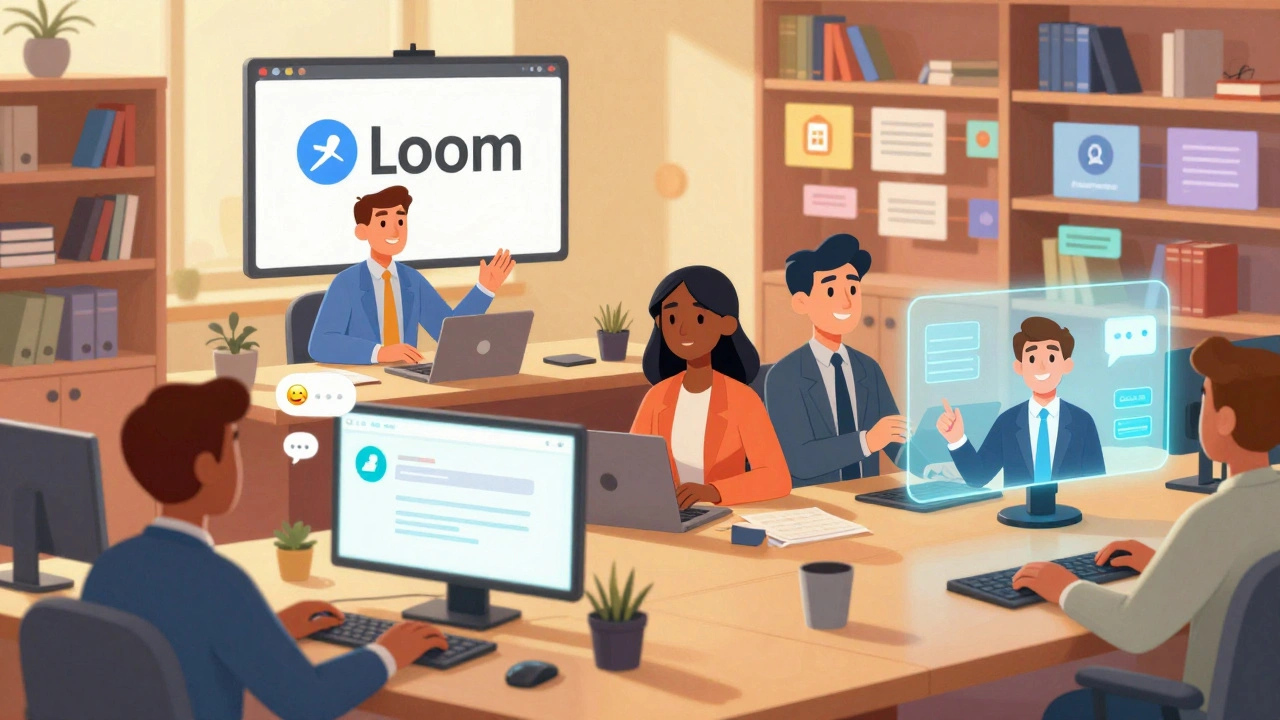
Blended learning isn’t just adding a video to a live session. It’s the intentional mix of face-to-face interaction, self-paced digital modules, peer collaboration, and real-world application-all tied together by clear goals. In corporate training, that means pairing a two-hour in-person workshop on sales techniques with daily 10-minute microlearning videos, a shared Slack channel for peer feedback, and a simulated client call in the company’s CRM system.
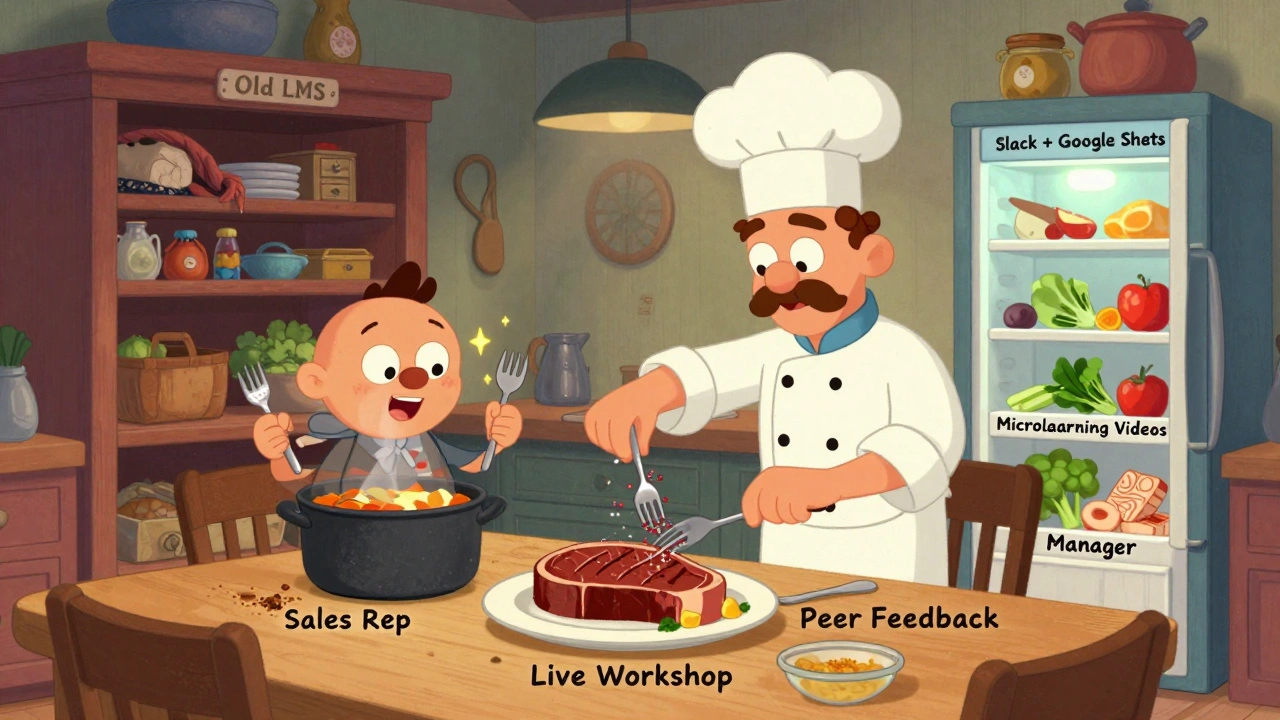
Think of it like cooking. You don’t just throw all ingredients into a pot and call it a meal. You sear, simmer, season, and rest. Blended learning works the same way. The live session is the sear-builds connection and clarifies confusion. The digital modules are the simmer-letting skills sink in over time. The practice tasks are the seasoning-making it personal.
Designing for Behavior Change, Not Just Information
Most training programs fail because they treat learning like a one-time event. You watch a video, take a quiz, and move on. But behavior change takes repetition, feedback, and context.
Start by asking: What specific behavior do we want to change? Is it managers giving better feedback? Sales reps closing more deals? IT staff following security protocols? Then reverse-engineer the training.
For example, if you want managers to give weekly feedback:
- Live session: Role-play feedback conversations with real employee scenarios from your company.
- Online module: A 5-minute video showing the difference between vague praise and specific, actionable feedback-with timestamps from actual company recordings (anonymized).
- Practice: Managers record a 90-second feedback clip using a template and submit it to a peer review group in Microsoft Teams.
- Reinforcement: A weekly push notification: “Who did you give feedback to this week? Reply with one word: improved, delayed, skipped.”
This isn’t theory. A Fortune 500 logistics company cut manager turnover by 22% in 18 months using this exact model. They didn’t add more training-they redesigned what they already had.
Choosing the Right Tools-Without Overcomplicating
You don’t need a fancy LMS with 17 integrations. You need tools that fit your team’s habits.
Here’s what actually works in 2025:
- For microlearning: Loom or Vimeo for short videos (under 7 minutes). Employees watch these on their phones during breaks.
- For collaboration: Slack or Microsoft Teams with dedicated channels for each training topic. No new apps.
- For practice: Use your existing tools. If you use Salesforce, build simulations inside it. If you use Asana, turn tasks into learning checkpoints.
- For tracking: Google Forms or Typeform for simple pre- and post-checks. No need for complex analytics unless you’re training 5,000+ people.
One retail chain switched from a bloated LMS to just Slack + Google Sheets. Their completion rate jumped from 41% to 89%. Why? Because their employees were already on Slack. They didn’t have to log into another system.
Delivery That Actually Works-No More One-Size-Fits-All
Not everyone learns the same way. And not everyone has the same time.
Design delivery around three key rhythms:
- Before: Send a 2-minute video or quiz to prime the brain. “What’s your biggest challenge with remote team feedback?”
- During: Live sessions should be interactive, not lecture-based. Use breakout rooms, live polls, and real-time case studies from your own company.
- After: Don’t just say “here’s the recording.” Assign a micro-action: “Reply with one thing you’ll try tomorrow.” Then follow up in 3 days with a peer check-in.
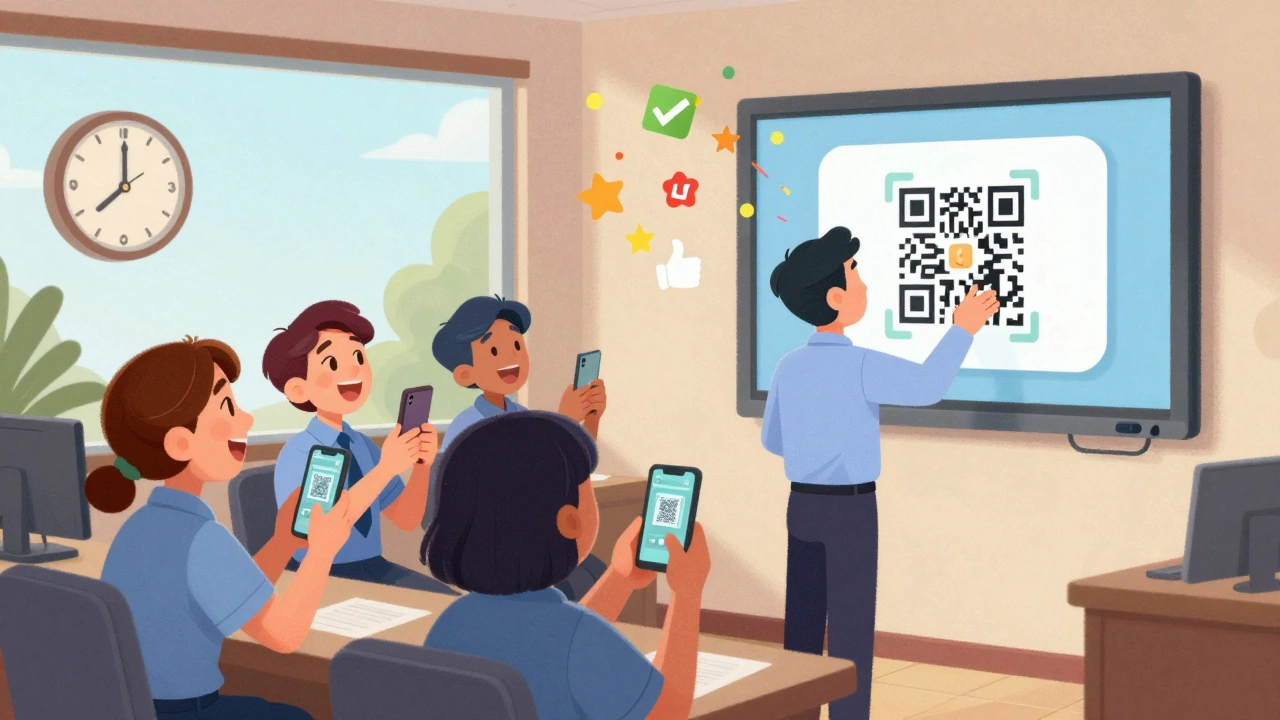
Manufacturing plants in Ohio started doing 15-minute huddle trainings before shifts-no laptops needed. Supervisors used printed cards with QR codes that linked to 3-minute videos on equipment safety. Attendance jumped from 58% to 94%. The key? Training became part of the daily rhythm, not an extra task.
Measuring What Matters-Beyond Completion Rates
Completion rates are vanity metrics. Did they finish the course? Great. Did they change how they work? That’s the real question.
Track these three things instead:
- Behavior change: Are managers giving feedback more often? Are reps using the new CRM feature?
- Business impact: Did customer satisfaction scores go up after the service training? Did error rates drop after the compliance module?
- Self-reported confidence: Ask: “On a scale of 1-10, how confident are you in applying this skill?” Measure it before and after.
A tech company in Austin tracked how often employees used a new project management template after training. Usage didn’t spike right away-it took 11 days. But once it did, adoption stayed at 87% for six months. They didn’t track completion. They tracked usage.
Common Pitfalls-And How to Avoid Them
Here’s what goes wrong-and how to fix it:
- Pitfall: “We did a webinar and called it blended learning.” Fix: Blended means interaction, not just delivery channels. Add discussion, practice, and feedback.
- Pitfall: Too many tools. Fix: Use what people already use. Don’t force them to learn a new platform.
- Pitfall: Training is optional. Fix: Tie it to performance goals. “Completing this module is part of your Q3 objectives.”
- Pitfall: No follow-up. Fix: Schedule a 10-minute check-in two weeks after training. Ask: “What worked? What didn’t?”
One HR team stopped sending mandatory training emails. Instead, they started tagging managers in Slack when their team members completed a module. “Great job, Sarah! Your team just finished the DEI training-want to share what you learned in the next all-hands?” The tone shifted from compliance to recognition.
Where to Start-Your 7-Day Plan
You don’t need a full overhaul. Start small:
- Day 1: Pick one skill your team struggles with. (e.g., giving feedback, using the new software, handling customer complaints.)
- Day 2: Record a 5-minute video explaining the skill using a real example from your company.
- Day 3: Set up a Slack channel for that topic. Post the video and ask: “What’s your biggest hurdle with this?”
- Day 4: Run a 30-minute live Q&A. No slides. Just answers.
- Day 5: Ask everyone to try the skill once and post a quick update in Slack.
- Day 6: Pick one person’s example and highlight it in the next team meeting.
- Day 7: Ask: “What should we do next?”
That’s it. No new software. No budget. Just better design.
Is blended learning only for large companies?
No. Blended learning works best for small teams because it’s flexible. A team of 12 can use WhatsApp for microlearning, Google Meet for live sessions, and a shared Notion page for practice tasks. The key isn’t size-it’s intentionality. Small teams often move faster because they don’t need complex systems.
How much time should employees spend on blended training each week?
Keep it under 90 minutes total per week. That’s about 15 minutes, 6 days a week. Longer sessions lead to burnout. Short, consistent practice builds habits. Think of it like brushing your teeth-not a weekly dental deep clean.
What if employees don’t have time for training?
Then you’re not designing for them-you’re designing for HR. Embed training into their workflow. If you’re teaching a new reporting tool, make the training the first step in generating the report. If you’re teaching communication skills, make feedback part of your weekly 1:1s. Training shouldn’t be an add-on. It should be the way work gets done.
Do I need an LMS for blended learning?
No. Many teams use free tools: Google Drive for content, Slack for discussion, Zoom for live sessions, and Google Forms for feedback. An LMS adds cost and complexity. Only get one if you’re managing hundreds of employees across multiple locations and need automated reporting. Otherwise, you’re paying for features you don’t need.
How do I get leadership to support blended learning?
Show them the cost of doing nothing. If sales reps keep missing targets, and training hasn’t improved results, that’s the real cost. Frame blended learning as a tool to fix a measurable problem-not a “nice-to-have.” Share data: “Last quarter, 68% of new hires didn’t close their first deal. After the new training, that dropped to 22%.”
Can blended learning work for hourly workers?
Absolutely. One warehouse in Ohio trained 300 hourly staff on safety procedures using printed QR codes on lockers. Workers scanned them during breaks on their phones to watch 3-minute videos. They also had a 10-minute huddle each Monday to discuss one video. Turnover dropped by 31% in six months. The key? Accessible, bite-sized, and tied to daily routines.
Next Steps: Start Small, Scale Smart
Don’t wait for perfect. Start with one skill, one tool, one team. Track what changes. Listen to feedback. Adjust. Blended learning isn’t about technology-it’s about designing experiences that fit real lives. The best training doesn’t feel like training. It feels like part of the job.
Shivam Mogha
December 14, 2025 AT 07:46Blended learning isn't magic. It's just respect for people's time.
mani kandan
December 14, 2025 AT 18:41The cooking analogy? Chef's kiss. I've seen too many L&D teams treat training like a buffet-throw everything in and hope someone eats it. But this? This is sous-vide training. Low and slow, with intention. The Slack channels, the micro-videos, the QR codes on lockers-it’s not about tech, it’s about texture. You don’t force a square peg into a round hole. You carve the hole to fit the peg. And honestly? The fact that a warehouse in Ohio cut turnover by 31% using printed QR codes tells me we’ve been overengineering this whole thing for a decade.
Rahul Borole
December 14, 2025 AT 21:10While the conceptual framework presented is commendable, it is imperative to underscore that the successful implementation of blended learning requires a robust alignment with organizational KPIs and a clearly defined competency architecture. Without a formalized learning taxonomy and a validated assessment rubric, even the most elegantly designed microlearning modules risk becoming cognitive noise. Organizations must institutionalize learning as a performance lever-not a compliance checkbox. The Fortune 500 case cited demonstrates not merely innovation, but strategic governance of human capital development.
Sheetal Srivastava
December 16, 2025 AT 13:35Let’s be honest-this is just corporate buzzword bingo dressed up as innovation. ‘Blended learning’? Sounds like a fancy way to say ‘we didn’t want to pay for a proper LMS.’ And don’t get me started on Slack channels for training. Who’s moderating that? Who’s ensuring the content isn’t drowned in memes and GIFs? And don’t tell me ‘use existing tools’-that’s how companies end up with 17 different Slack bots, 3 Google Forms, and zero accountability. This isn’t design. It’s digital chaos with a PowerPoint slide.
rahul shrimali
December 17, 2025 AT 19:37QR codes on lockers for safety videos? That’s genius. No app no login no headache. Just scan and learn during a smoke break. Why did no one think of this sooner? We’re overcomplicating everything. Just make it easy. Make it part of the day. Done.
Eka Prabha
December 18, 2025 AT 17:13Of course this works in India where people still have landlines and fax machines. In the real world-where employees are overworked, underpaid, and drowning in Zoom fatigue-this is a luxury. You think a nurse on a 12-hour shift is going to watch a 5-minute video? Or a warehouse worker who’s been on their feet since 5 AM? This isn’t training-it’s performative HR theater. They’ll just check the box and forget. And don’t even get me started on ‘self-reported confidence.’ That’s just corporate gaslighting wrapped in a Loom video.
Bharat Patel
December 18, 2025 AT 22:06Training as part of the job, not an add-on-that’s the quiet revolution here. We’ve been treating learning like a weekend retreat: something you escape to, then return from unchanged. But what if learning was like breathing? You don’t schedule breathing. You just do it, naturally, rhythmically. The QR codes, the Slack nudges, the 90-second feedback clips-they’re not tools. They’re rituals. And rituals, over time, reshape identity. Maybe the real question isn’t how to design training-but how to design a culture where growth is the default, not the exception.
Bhagyashri Zokarkar
December 19, 2025 AT 06:58okay so i read this whole thing and honestly i think its kinda cringe but also kinda smart? like i get the whole cooking analogy but why do we need to make everything so poetic? its just training. people dont need to feel inspired they need to know how to use the damn software. also i tried the slack thing at my job and someone posted a cat video in the training channel and now no one takes it seriously. also why are we using google forms? cant we just use a whatsapp poll? i mean like… its 2025 not 2012. also i fell asleep during the 5 min video and woke up at 3am wondering why my coffee tasted like regret.
Rakesh Dorwal
December 19, 2025 AT 10:01Blended learning? Sounds like western corporate propaganda. In India we’ve been doing this for decades-field training, on-the-job mentoring, peer teaching. No LMS. No Slack. Just elders showing juniors how it’s done. Why are we copying American jargon? We don’t need ‘microlearning.’ We need respect. Stop calling it innovation. Call it common sense. And stop pretending tech fixes human problems. We’ve had tech for 20 years and still no one listens.
Vishal Gaur
December 20, 2025 AT 14:17So i read this like 3 times and i think the part about managers giving feedback is spot on but i think you missed something big. What if the manager is just a jerk? What if they dont care? What if they give feedback once a year and then ignore everyone the rest of the time? No amount of video modules or slack nudges will fix a toxic culture. And dont get me started on the ‘weekly push notification’-that’s just another thing on the to-do list that no one will ever reply to. We need to fix the managers first. Not the training. The training is just the bandaid on a broken arm.
Nikhil Gavhane
December 22, 2025 AT 13:03This is the kind of thinking that actually makes a difference. Not because it’s flashy, but because it’s human. The idea of asking ‘who did you give feedback to this week?’ and just letting people reply with one word? That’s brilliant. It’s low effort, high impact. It doesn’t demand perfection-it invites participation. And that’s the real secret. People don’t resist learning. They resist being treated like problems to be fixed. This approach treats them like people who want to grow. That’s rare.
Rajat Patil
December 23, 2025 AT 22:19I appreciate the practicality of this approach. The emphasis on embedding learning into existing workflows is not only efficient but sustainable. Many organizations attempt transformation through technology, but true change occurs when the process becomes invisible-when the learning is woven into the fabric of daily work. The case of the retail chain using Slack and Google Sheets is a compelling example of simplicity triumphing over complexity. I would only add that leadership must model the behavior. Without visible endorsement, even the best-designed system will falter.
deepak srinivasa
December 24, 2025 AT 00:24Interesting. But I’m curious-what happens when the person who posts the 90-second feedback clip is shy? Or introverted? Or doesn’t feel safe sharing? The model assumes psychological safety, but not every workplace has it. And if the peer review group is full of people who just say ‘good job’ to avoid conflict, does the system still work? I wonder if there’s a hidden assumption here that culture is already healthy. What if it’s not?
pk Pk
December 25, 2025 AT 19:00Look I’ve been in this game for 15 years and this is the first time I’ve seen something that doesn’t sound like a sales pitch. You don’t need a budget. You don’t need a team. You just need to start. Pick one thing. Do it badly. Then do it again. The magic isn’t in the tool-it’s in the momentum. I’ve had teams who didn’t believe in training. We started with one 5-minute video on how to file expenses. One week later, they were asking for the next one. That’s the ripple. Don’t wait for perfect. Start with imperfect action. That’s how real change happens.