Brand Identity Capstone: Guidebooks, Assets, and Handoffs
 Oct, 30 2026
You’ve spent weeks refining your logo. You’ve agonized over the exact shade of teal that feels "trustworthy but not boring." Your mood board looks like a Pinterest dream. But here’s the hard truth most design students ignore until it bites them in the job interview: a pretty logo isn’t a brand. It’s just an image. The real work-the part that gets you hired-is the Brand Identity System is the comprehensive collection of rules, assets, and documentation that ensures a company looks and sounds consistent across every touchpoint. If you can’t explain how that teal works on a dark mode app versus a business card, or why you chose that specific sans-serif font for headlines but not body text, you don’t have a system. You have a guess.
This is where the capstone project separates the hobbyists from the professionals. It’s not about showing off your drawing skills. It’s about proving you can think like a strategist who happens to draw. The deliverable? A Brand Guidebook is a living document that dictates how a brand should be applied in various contexts. Think of it as the user manual for your visual language. Without it, your beautiful design falls apart the second a marketing intern tries to make a Facebook ad. Let’s break down exactly what goes into this final package, because getting the details right here is often more important than the initial concept sketch.
The Anatomy of a Brand Guidebook
Most junior designers treat the guidebook like a trophy case. They slap the logo on page one, throw some color swatches on page two, and call it a day. That’s a mistake. A guidebook is a rulebook. It needs to answer questions before they’re asked. When I review portfolios, I look for specific sections that prove you understand application, not just aesthetics.
Start with the foundation. This includes your primary and secondary logos, clear space requirements, and minimum size constraints. But don’t just show the logo. Show it failing. Include a section called "Misuses" or "Don’ts." Show the logo stretched, colored incorrectly, or placed on a busy background. This demonstrates critical thinking. It tells a hiring manager, "I know people will try to ruin my design, so I’m telling them exactly how not to do it."
Next comes typography. Don’t just list the fonts. Explain the hierarchy. Which font is for H1? Which is for captions? What is the line height? Is there a fallback font if the web font fails to load? These are practical engineering questions. If you specify a custom typeface like Circular Std, you must also provide a web-safe alternative like Arial or Helvetica for cases where licensing doesn’t cover all platforms.
Color usage is another trap. Providing hex codes isn’t enough. You need to define roles. Which color is primary? Which is accent? How much whitespace should surround these elements? Use percentages. For example, "Primary Blue should occupy no more than 20% of any given layout." This gives developers and marketers concrete constraints to work within, rather than vague artistic suggestions.
Curating Your Asset Library
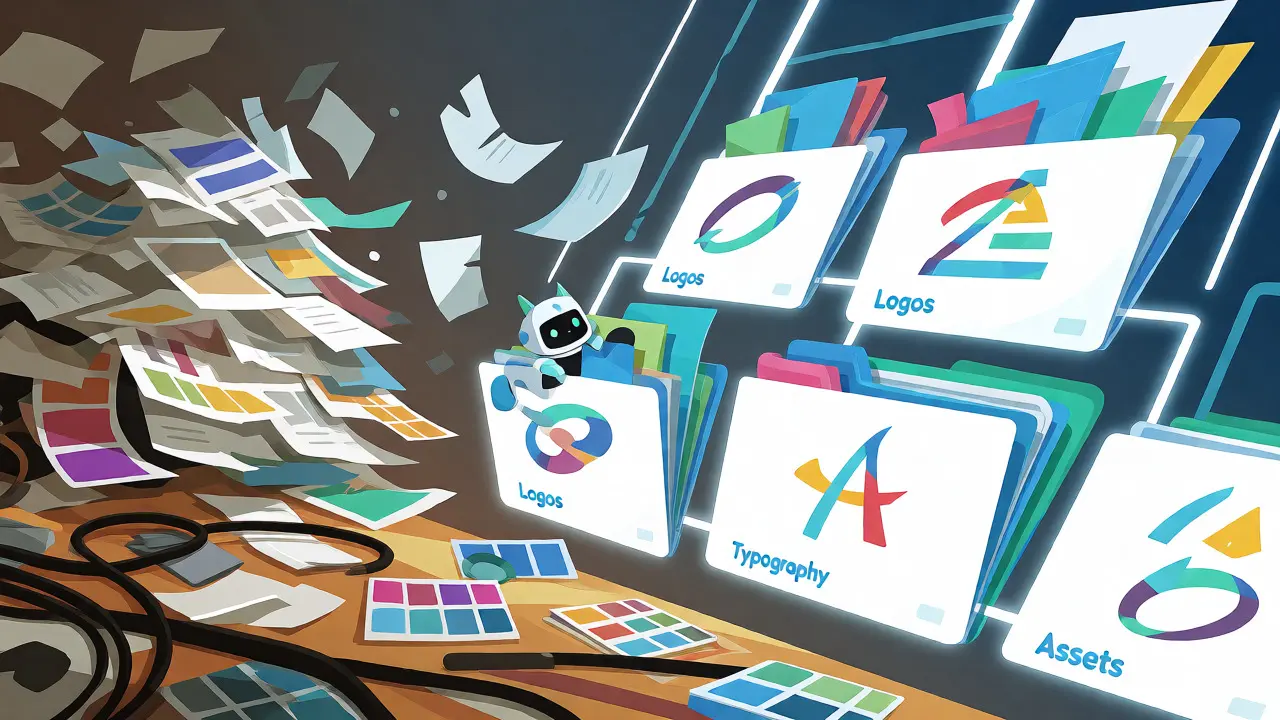
Once the rules are set, you need to deliver the goods. This is the Asset Library, which is the organized folder structure containing all editable and exportable files needed to implement the brand. A common complaint from developers is receiving a single PDF. That’s useless for implementation. You need to provide source files and exports.
Organize your folders logically. Here’s a structure that actually works:
- Logos: Separate folders for Primary, Secondary, Icon-only, and Wordmark. Inside each, include vector formats (SVG, AI, EPS) and raster formats (PNG with transparent background). Always include a light version and a dark version.
- Typography: Include the actual .otf or .ttf files if you own the license. If it’s a web font, provide the CSS snippets or link to the Google Fonts URL.
- Imagery: Provide a curated set of stock photos or original photography that matches the brand’s vibe. Crop them into standard aspect ratios (16:9 for social, 1:1 for Instagram, 4:5 for mobile stories).
- UI Components: If you designed a website, export the buttons, form fields, and navigation bars as SVGs or PNGs. Better yet, provide a Figma library link.
File naming conventions matter more than you think. Do not name a file "Logo_Final_v3_REAL_final.png." Name it "AcmeCorp_Logo_Primary_Black.svg." Consistency saves hours of confusion during the handoff.
The Art of the Handoff
Designing is half the battle; handing it off without drama is the other half. The Design Handoff is the process of transferring design files and specifications to developers or clients for implementation is where projects live or die. If you send a zip file via email and disappear, you’ve failed.
Treat the handoff as a presentation. Schedule a meeting. Walk through the guidebook. Highlight the tricky parts. Ask questions like, "How does this button state look when disabled?" or "Are we sure this contrast ratio passes accessibility standards on the older monitors our users might have?"
Use tools that bridge the gap between design and code. Figma has largely replaced Sketch in this regard because its Dev Mode allows developers to inspect CSS properties directly. Instead of guessing padding values, they can click on your element and see `padding: 24px`. Reduce friction. If you use Adobe XD or InVision, ensure the specs are legible and up-to-date. Outdated specs cause bugs that cost money to fix later.
Document your decisions. Why did you choose rounded corners instead of sharp edges? Write it down. "Rounded corners were chosen to convey approachability and soften the interface for younger demographics." This context helps developers understand the intent behind the pixels, leading to better implementation choices when edge cases arise.
Common Pitfalls in Capstone Projects
I’ve graded hundreds of these projects. The same mistakes pop up repeatedly. Avoid these traps to stand out.
| Mistake | Why It Fails | Professional Solution |
|---|---|---|
| Single Logo Version | Fails on dark backgrounds or small icons. | Provide Monochrome, Reversed, and Icon variants. |
| Vague Color Rules | Marketers misuse colors randomly. | Define % usage and contrast ratios (WCAG AA). |
| No Misuse Examples | Stakeholders stretch/skew logos. | Show "Do Not" examples clearly. |
| Poor File Organization | Developers waste time finding files. | Use strict naming conventions and folder structures. |
| Ignoring Accessibility | Excludes users with visual impairments. | Test contrast and font sizes against WCAG guidelines. |
Another major issue is ignoring scalability. Your logo might look great on a laptop screen, but does it read at 16x16 pixels in a browser tab? Does it hold up when printed on a pen? Test your designs at extreme scales. If the detail disappears, simplify the icon. Simplicity wins in long-term brand recognition.
Also, stop trying to design everything. You don’t need to mock up a billboard, a t-shirt, and a car wrap unless those are relevant to the client’s actual business model. Focus on the core digital and print touchpoints that matter. Depth beats breadth. Three well-executed applications are better than ten shallow ones.

Building Your Portfolio Narrative
Your capstone isn’t just a file dump; it’s a story. When presenting this project, structure your narrative around the problem-solution framework. Start with the client’s pain point. "They had inconsistent branding that confused customers." Then show your research. "I audited their current assets and found five different blue tones." Then reveal the solution. "I created a unified palette and a flexible logo system."
Include before-and-after shots. Visual comparisons are powerful. Show the old messy website next to your new clean interface. Show the old confusing forms next to your streamlined inputs. This proves impact, not just effort.
Finally, reflect on the process. What would you change? Design is iterative. Admitting what didn’t work shows maturity. Maybe you struggled with the font pairing initially. Say so. Explain how you solved it. Hiring managers love candidates who learn from failure rather than pretending perfection.
Tools of the Trade for 2026
The landscape shifts quickly. While Adobe Illustrator remains the gold standard for vector creation, collaboration tools have evolved. Notion is increasingly used for hosting brand guidelines because it allows for interactive tables and easy updates. Unlike static PDFs, a Notion page can be updated instantly when a new product launch requires a temporary color tweak.
For asset management, consider using Frontify or Bynder if you’re working with larger teams. These Digital Asset Management (DAM) systems allow non-designers to search for approved logos and templates without emailing you. For student projects, a well-organized shared drive with clear permissions often suffices, but mentioning DAM concepts shows you understand enterprise-scale challenges.
Keep your software versions consistent. If you design in Figma, don’t export to Photoshop for editing unless necessary. Round-tripping files introduces errors. Stick to one primary tool for the main system, and use others only for specialized tasks like photo manipulation.
How many pages should a brand guidebook be?
There is no fixed number, but clarity matters more than length. A typical effective guidebook ranges from 15 to 30 pages. It should be concise enough to be read but detailed enough to prevent misinterpretation. If you find yourself writing paragraphs of philosophy, cut it down. Focus on visual examples and clear rules.
Do I need to buy commercial fonts for my capstone?
For educational purposes, using free open-source fonts like Inter or Roboto is perfectly acceptable and often preferred by recruiters because they demonstrate awareness of budget constraints. However, if you want to showcase premium taste, you can use trial licenses for fonts like Circular or Gotham, but always note in your presentation that the final client purchase would be required for full commercial use.
What file formats should I include in the asset handoff?
Always include vector formats (SVG, EPS, AI) for logos to ensure scalability. Include high-resolution PNGs with transparent backgrounds for quick digital use. For UI components, provide SVGs or direct links to the Figma library. Avoid sending only JPEGs, as they lack transparency and lose quality when resized.
How do I handle brand consistency for social media?
Create template sets for key social platforms. Define safe zones for text overlays so logos aren't covered by platform icons. Specify which filters or color adjustments are allowed for user-generated content. Including a few pre-made Instagram Story or LinkedIn banner templates in your asset pack adds significant value.
Is a physical mockup necessary for a digital-first brand?
Yes, even for digital brands. Mockups help stakeholders visualize the brand in the real world. Show the logo on a coffee cup, a tote bag, or a conference badge. It makes the abstract system feel tangible and complete. Use realistic lighting and shadows to avoid the "clipart" look.