Breakout Room Facilitation Techniques for Group Work in Virtual Classrooms
 May, 13 2026
Imagine this: you drop students into breakout rooms is smaller virtual meeting spaces within a larger video conference that allow participants to collaborate in groups, give them a task, and wait. When you pull everyone back together, the silence is deafening. One person speaks for the whole group, or worse, nobody has done anything at all. This is the classic breakout room failure.
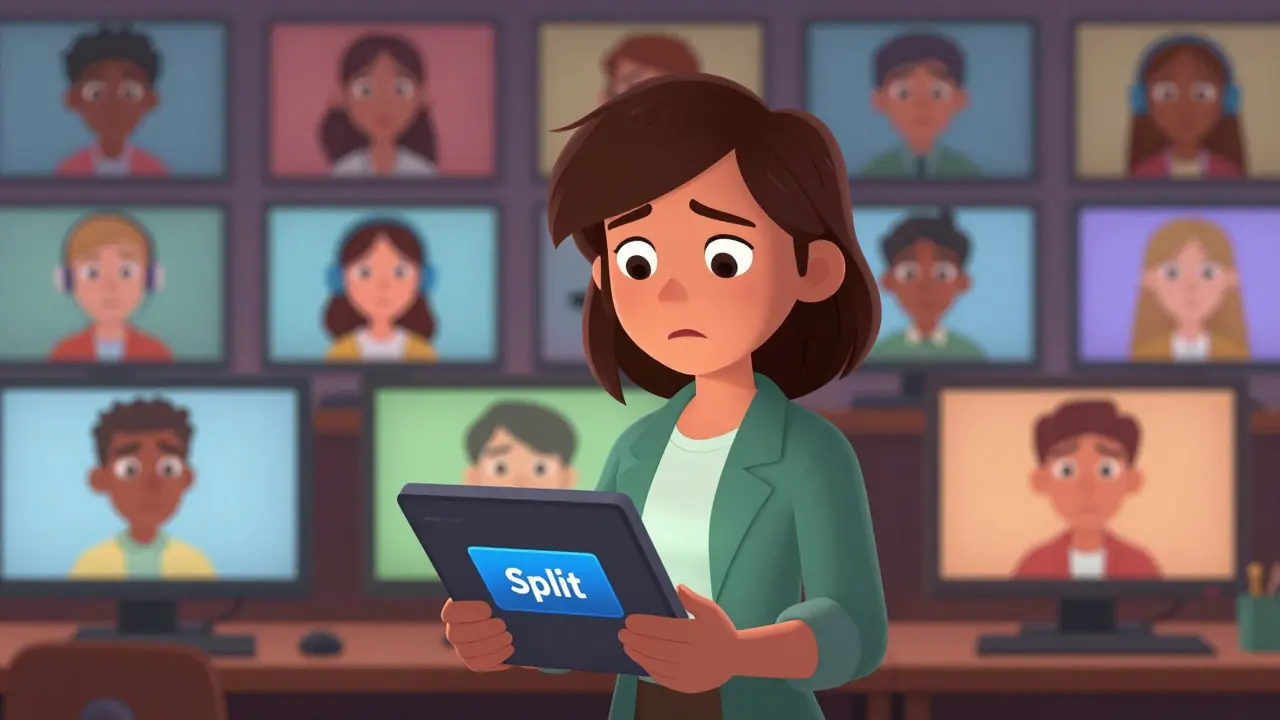
Virtual classrooms have become the norm, but they don't automatically create community or deep learning. The technology exists-Zoom, Microsoft Teams, Google Meet-but the human element of facilitation often gets left behind. You aren't just hosting a meeting; you are orchestrating social dynamics in a digital void. If you want your group work to actually stick, you need more than just a 'split' button. You need a strategy.
The Psychology of Digital Small Groups
Before you click any buttons, understand why breakout rooms fail. In a physical classroom, body language does half the work. A nod, a raised eyebrow, or leaning forward signals engagement. In a virtual environment is a digital space where interactions occur through screens rather than face-to-face, these cues are muted or lost entirely. Students feel anonymous, which leads to 'social loafing.' That’s the fancy term for letting others do the heavy lifting because no one is watching closely.
To fix this, you have to reduce anonymity. Assign roles before the split. Make every single person accountable. If you know you’re going to be called on to present the group’s finding in two minutes, you’re less likely to zone out. The key isn't the software; it's the structure you impose on it. You are designing an experience, not just transmitting information.
Pre-Breakout Preparation: Setting the Stage
Success starts long before the timer begins. If you send people into rooms with vague instructions like "discuss chapter four," you will get vague results. Clarity is king. Here is how to set the stage properly:
- Define the Output: Tell them exactly what they need to produce. A shared document? A sketch on a whiteboard? A three-bullet summary? Ambiguity kills momentum.
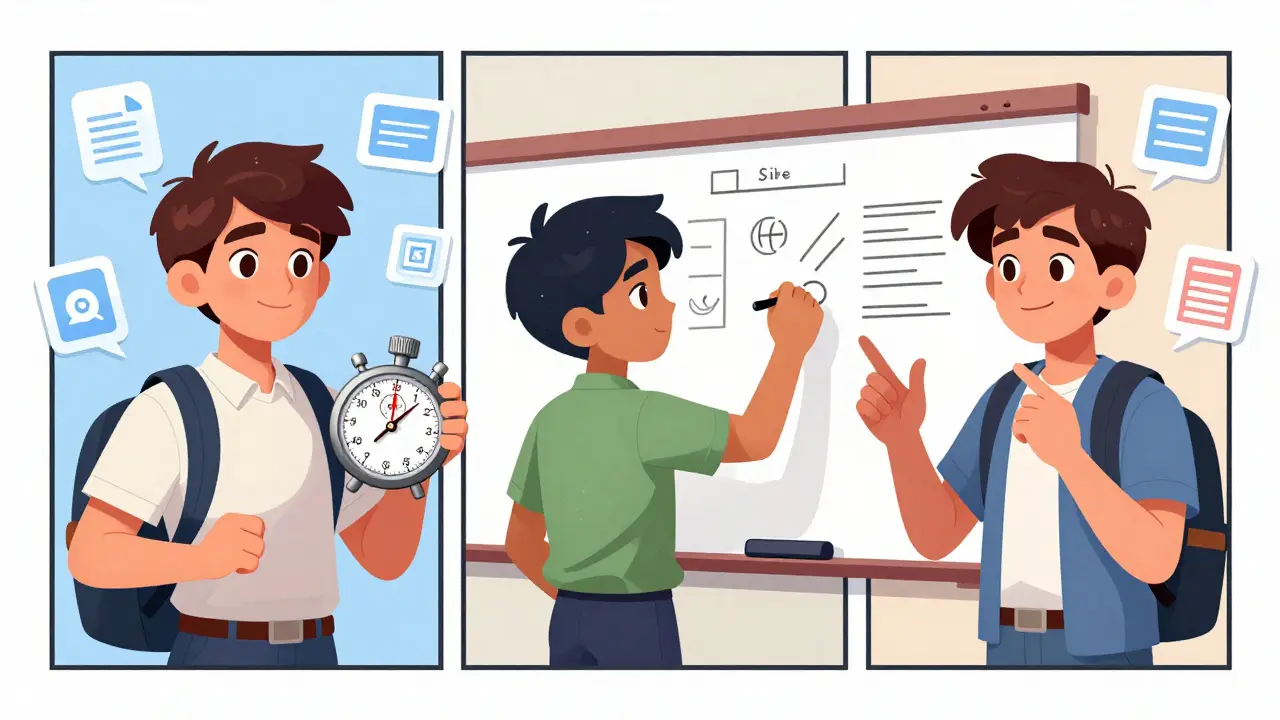
- Assign Roles Explicitly: Use a randomizer or a pre-set list. Give each student a role: Timekeeper, Scribe, Devil’s Advocate, or Presenter. Rotate these roles every session so everyone practices different skills.
- Provide the Tool: Don't make them figure out how to share a screen. Link directly to a collaborative tool like Miro is an online collaborative whiteboarding platform used for visual collaboration, Mural is a digital workspace for teams to visualize ideas and workflows, or a simple Google Doc is a cloud-based word processing application that allows real-time collaboration. Drop the link in the chat immediately.
- Set the Timer: Be strict. Five minutes is five minutes. It creates urgency, which forces focus.
When you handle the logistics upfront, you remove friction. Students spend their energy on the task, not on figuring out where to write or who should talk next.
In-Room Facilitation: The Art of Dropping In
A common mistake is setting it and forgetting it. You think you're giving them space, but you're actually abandoning them. Effective facilitators circulate. Most platforms allow you to jump between rooms instantly. Use this power wisely.
Your goal when dropping in is not to take over, but to unblock. Listen for confusion. Are they stuck on step one? Gently guide them back. Are they off-topic? Bring them back to the prompt. Keep your visits short-30 seconds to a minute max. You are a coach on the sidelines, not a player on the field.
If you notice a room is silent, don't panic. Sometimes it takes a minute for voices to warm up. But if ten minutes pass and there's no sound, pop in and ask a direct question to a specific person. "Sarah, what’s your first thought on this problem?" Breaking the ice digitally requires a direct spark.
Post-Breakout Synthesis: Making It Count
The most valuable part of breakout room activity isn't the discussion itself-it's the synthesis afterward. If you just let each group read their notes and move on, you've wasted the collective intelligence of the room.
Use a structured debrief. Instead of asking "What did you discuss?" try "What was the most surprising insight from your group?" or "Which point did you disagree on most?" This forces higher-order thinking.
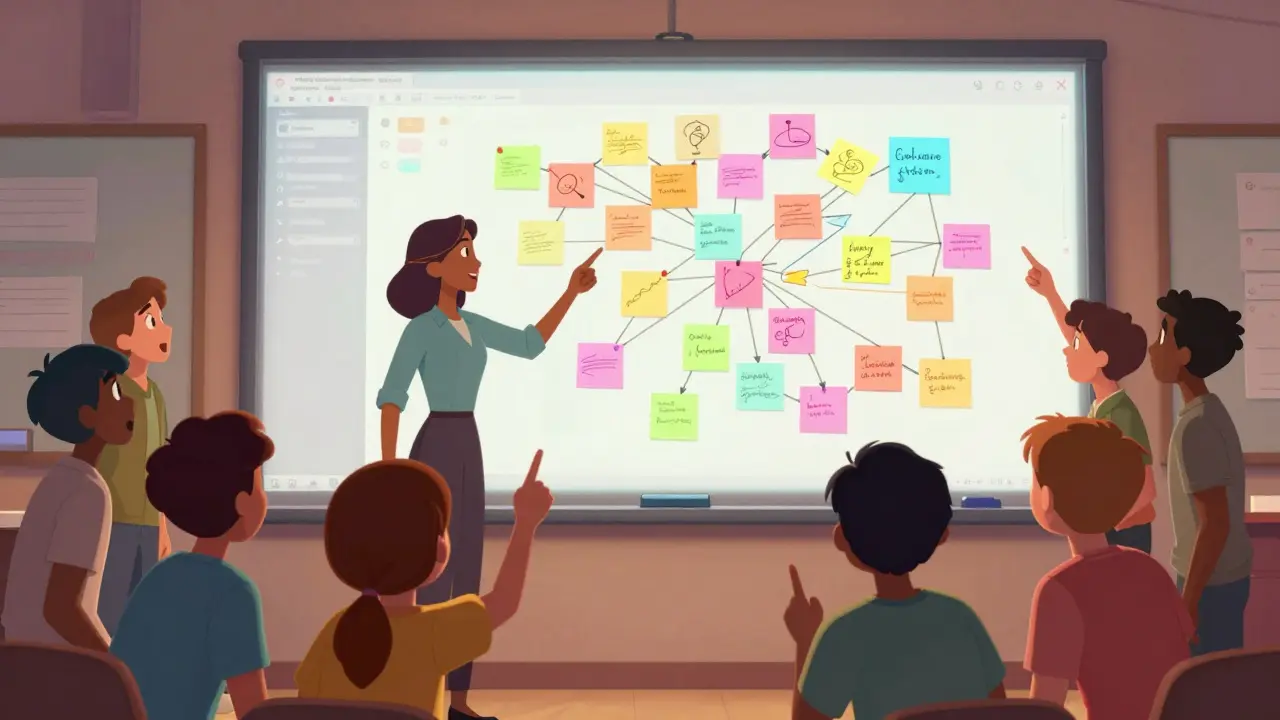
Create a master list on a visible slide or whiteboard as groups report back. Look for patterns. Did three groups land on the same solution? Highlight that convergence. Did one group find a unique angle? Celebrate that divergence. This shows students that their small-group work contributed to the larger class narrative. They weren't just talking in a vacuum; they were building knowledge together.
| Strategy | Best For | Potential Pitfall |
|---|---|---|
| Role Assignment | Ensuring equal participation | Rigidity can feel artificial |
| Circulating Facilitator | Keeping groups on track | Can interrupt flow if too frequent |
| Shared Digital Workspace | Tangible outputs and collaboration | Technical glitches or access issues |
| Structured Debrief | Synthesizing diverse viewpoints | Time-consuming if not managed tightly |
Handling Common Technical and Social Hurdles
Even with perfect planning, things go wrong. Audio cuts out. Someone forgets their password. A dominant voice hogs the airtime. How you react defines the culture of your class.
For technical issues, have a backup plan. If the breakout room fails, switch to a 'raise hand' protocol in the main room. Or use a dedicated chat channel for text-based collaboration. Flexibility is your best tool.
For social dominance, address it privately after the session if possible, or gently redirect in the moment. "Thanks, Mike. I’d love to hear from someone who hasn’t spoken yet." Normalize the expectation that everyone contributes. Over time, this becomes the standard behavior.
Remember, trust builds slowly online. Start with low-stakes activities. Ask them to solve a fun puzzle or debate a harmless topic. Once they feel safe sharing ideas, they’ll tackle harder problems with confidence.
Measuring Success Beyond Completion
How do you know if your breakout rooms are working? Don't just check if they finished the task. Look for quality indicators. Is the conversation deeper? Are students referencing each other's points? Are they asking follow-up questions?
Use quick polls after the session. "On a scale of 1-5, how prepared did you feel for the discussion?" or "Did your group reach a consensus?" These micro-feedback loops help you adjust your approach in real-time. Maybe your groups are too large. Maybe the time limit is too short. Data drives improvement.
Ultimately, great breakout room facilitation turns isolation into connection. It transforms a list of avatars into a community of learners. You provide the framework; they provide the energy. When those two align, magic happens.
How many students should be in a breakout room?
Ideally, keep groups small, between 3 to 5 students. Smaller groups ensure everyone has a chance to speak and reduces the likelihood of social loafing. Larger groups often result in sub-groups forming or some members disengaging entirely.
What if a student doesn't join a breakout room?
Most platforms allow you to manually move a student into a room. Send a polite message in the main chat inviting them to join. If they refuse or continue to struggle, consider having them participate via the main room chat or audio while observing the group's work, ensuring they still engage without disrupting the flow.
Should I assign groups randomly or by interest?
Random assignment is generally better for fostering broader connections and preventing cliques. However, for specialized tasks, grouping by skill level or interest can deepen expertise. Mix both approaches throughout a course to balance social cohesion and targeted learning.
How long should a breakout room session last?
Keep sessions short and focused. 10 to 15 minutes is usually the sweet spot for maintaining attention and energy. Longer sessions risk losing momentum unless the task is complex and clearly segmented into phases.
What tools work best for breakout room collaboration?
Tools that allow real-time co-editing are essential. Google Docs, Miro, Mural, and even simple polling apps like Mentimeter work well. Avoid tools that require sequential editing, as they create bottlenecks and reduce active participation.