Canva and No-Code Design Tools Training: Practical Lessons for Beginners
 Dec, 2 2025
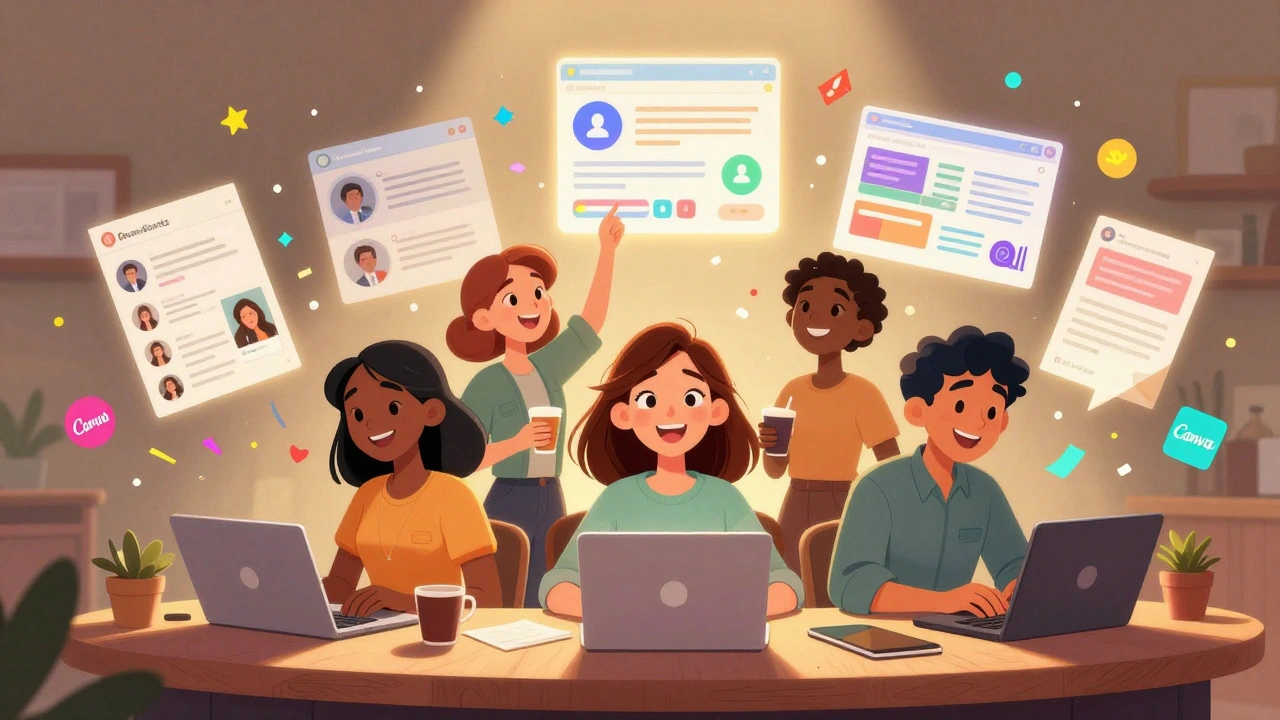
Most people think you need to be a designer-or know how to code-to make professional-looking graphics. That’s not true anymore. With tools like Canva and other no-code design platforms, anyone can create social media posts, presentations, logos, and even full-brand kits in under an hour. No design degree. No Photoshop skills. Just a laptop and a little practice.
Why No-Code Design Tools Are Changing the Game
Five years ago, if you wanted a flyer for your small business, you either hired a designer or spent weeks learning Adobe Illustrator. Today, a teacher in Ohio, a barista in Texas, or a startup founder in Arizona can make a polished Instagram post using drag-and-drop tools. Canva alone has over 175 million monthly active users, and 80% of them have never taken a design class.
These tools aren’t just for amateurs. Marketing teams at mid-sized companies now use Canva, Figma, and Adobe Express to turn ideas into visuals in minutes. Why? Because speed matters. A brand that can update its visuals in real time-say, for a flash sale or trending topic-gains an edge. No-code design tools give that power to people who aren’t designers by trade.
What You Can Actually Build With Canva
Canva isn’t just about templates. It’s a full design system. Here’s what you can create with it-and how:
- Social media graphics - Pick a template for Instagram, TikTok, or LinkedIn. Change the colors, swap the font, add your logo. Done in 5 minutes.
- Presentations - No more boring PowerPoint slides. Use Canva’s animated transitions and built-in icons to make decks that actually hold attention.
- Branding kits - Set your brand colors, fonts, and logo once. Then reuse them across every design. Canva’s Brand Kit feature saves hours.
- Print materials - Business cards, posters, menus. Canva has pre-sized templates for everything. Print them yourself or order through their partner services.
- Video content - Add stock footage, text animations, and music. Create 30-second reels or YouTube thumbnails without touching Premiere Pro.
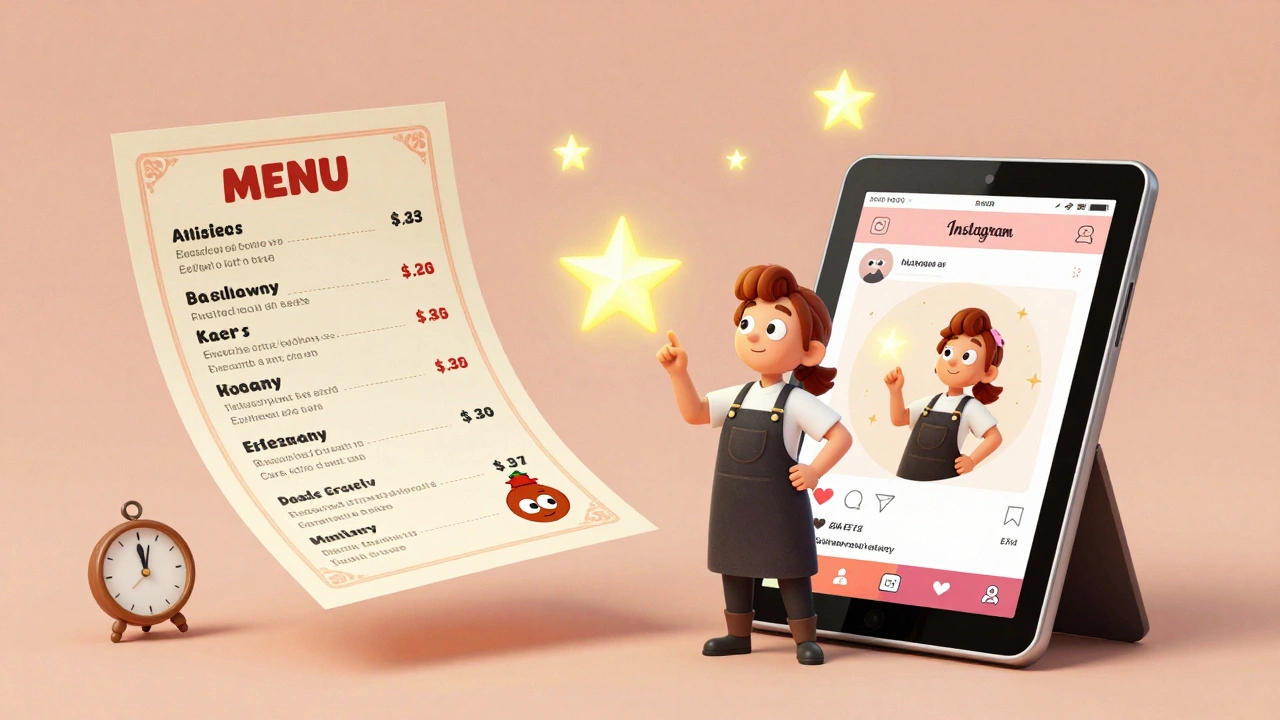
One user in Arizona runs a local bakery. She uses Canva to design weekly Instagram posts, holiday flyers, and even her menu. She doesn’t pay a designer. She spends 20 minutes a week on it. Her engagement went up 40% in three months.
Other No-Code Design Tools Worth Knowing
Canva is the most popular, but it’s not the only one. Here are three others that fit different needs:
| Tool | Best For | Free Plan? | Key Advantage |
|---|---|---|---|
| Canva | Beginners, social media, quick projects | Yes | Massive template library, easy collaboration |
| Figma | UI/UX, prototyping, teams | Yes | Real-time collaboration, design systems |
| Adobe Express | Adobe users, brand consistency | Yes | Integrates with Photoshop and Lightroom assets |
| Visme | Infographics, reports, interactive content | Yes | Strong data visualization tools |
Figma is popular with product teams because it lets multiple people edit at once. Adobe Express is great if you already use Lightroom or Photoshop-you can pull in your photos directly. Visme is the go-to for turning spreadsheets into visual reports.
Practical Lessons: How to Learn Without Overwhelm
Learning design tools can feel like drinking from a firehose. Here’s how to avoid that:
- Start with one goal - Don’t try to learn everything. Pick one thing: “I want to make Instagram posts.” Focus only on that.
- Use the template library - Click “Templates,” search for “Instagram Post,” pick one. Change the text. Change the image. That’s your first design.
- Break down what you like - Find a design you admire. Ask: What font is used? How many colors? Is there white space? You’re learning by reverse-engineering.
- Copy, then customize - It’s okay to start by copying. Every designer did. The goal isn’t to be original right away. It’s to understand how design works.
- Set a weekly design challenge - Every Monday, make one thing. A flyer. A quote graphic. A story post. Do it for 30 days. You’ll improve faster than you think.
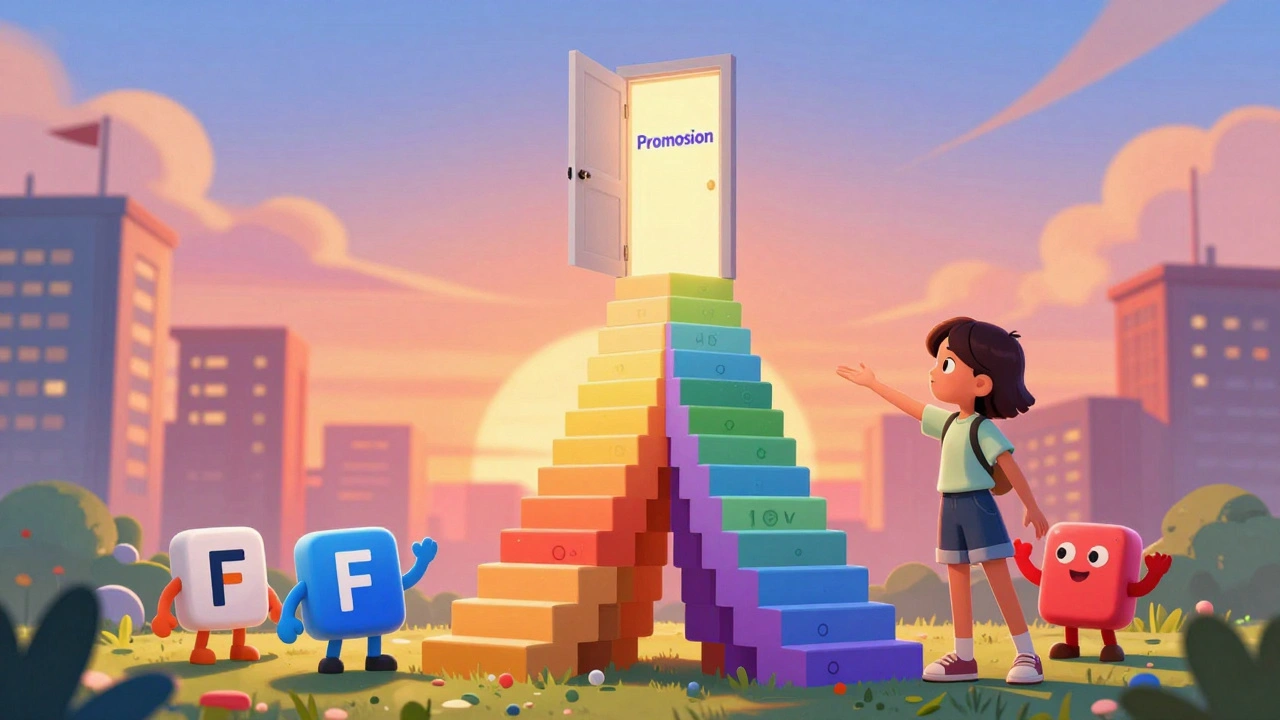
One student in Arizona took this approach. She made one Canva post every day for a month. By day 15, her boss asked her to redesign the company’s social media. She didn’t ask for permission. She just did it. Got promoted.
Common Mistakes to Avoid
Even with easy tools, people still mess up. Here are the top three errors:
- Using too many fonts - Stick to two. One for headings, one for body. More than that looks messy.
- Ignoring alignment - If text or images don’t line up, it feels off. Use Canva’s grid and snap-to guides.
- Choosing low-res images - Free stock photos often look blurry when enlarged. Use Canva’s built-in library or upload high-quality files (300 DPI for print).
Also, don’t fall for “designer traps.” Some templates have 15 different animations, neon colors, and Comic Sans. Just because it’s available doesn’t mean it’s good. Simplicity wins.
How to Build a Personal Design Portfolio
You don’t need a degree to prove you can design. You need examples. Here’s how to build a simple portfolio in under a week:
- Create 5 real-world designs: a social post, a flyer, a presentation slide, a logo mockup, a video thumbnail.
- For each, write a short note: “Designed for [client/project], used to [purpose].”
- Save them as PDF or link them in a free Google Site or Notion page.
- Add a one-sentence bio: “I help small businesses create clear, eye-catching visuals without hiring a designer.”
This portfolio isn’t for fancy agencies. It’s for your next job, freelance gig, or side hustle. One person in Tempe used this method to land three clients on Upwork in two weeks. All from Canva designs.
Where to Go Next
Once you’re comfortable with Canva, try these next steps:
- Learn basic color theory - Use Canva’s color palette generator to pick harmonious combinations.
- Explore Figma for more complex layouts - It’s free and teaches you how design systems work.
- Study typography - Watch a 10-minute YouTube video on font pairing. It’s the #1 thing that separates amateur from professional.
- Join a community - Reddit’s r/Canva or Facebook groups for no-code designers. Ask questions. Share your work.
You don’t need to become a graphic designer. You just need to be someone who can make visuals that communicate clearly. That’s a skill that pays off in every job, every industry, every year.
Do I need to pay for Canva to learn design?
No. Canva’s free plan includes thousands of templates, basic fonts, and stock images. You can build professional-looking designs without paying. Upgrade only if you need advanced features like brand kits, video editing, or team collaboration.
Can I use Canva for commercial projects?
Yes, but check the license. Free elements in Canva are licensed for commercial use. Premium elements require a Pro subscription. Always review the usage rights before selling a design or using it for a client.
Is Canva better than Photoshop for beginners?
For most people, yes. Photoshop is powerful but complex. Canva is built for quick, intuitive design. If you’re making social media posts, flyers, or presentations, Canva is faster and easier. Save Photoshop for detailed photo editing or illustration.
How long does it take to get good at Canva?
You can make decent designs within a day. To feel confident? About 2-3 weeks of regular practice. Make one design a day. That’s 20-30 minutes. After 15-20 pieces, you’ll start recognizing what works and what doesn’t.
Can I make money using Canva?
Absolutely. People sell Canva templates on Etsy, offer social media management services, or freelance as a no-code designer. You don’t need to code or have a degree. You just need to deliver clean, clear visuals on time.
Final Thought: Design Is a Language, Not a Magic Trick
You don’t need to be artistic to learn design. You just need to be willing to try. Every great designer started by copying. Every expert once made a poster with five fonts and a clipart unicorn. Progress isn’t about perfection. It’s about showing up, making something, and doing it again.
The tools are here. The templates are free. The only thing standing between you and your next great design is the decision to start.
mark nine
December 2, 2025 AT 15:52Eva Monhaut
December 3, 2025 AT 22:41Sandi Johnson
December 4, 2025 AT 08:27Rakesh Kumar
December 5, 2025 AT 09:07Bill Castanier
December 6, 2025 AT 08:27Ronnie Kaye
December 8, 2025 AT 05:28Priyank Panchal
December 9, 2025 AT 04:11Ian Maggs
December 10, 2025 AT 14:34Michael Gradwell
December 10, 2025 AT 19:37Flannery Smail
December 12, 2025 AT 08:45Emmanuel Sadi
December 13, 2025 AT 08:23Chuck Doland
December 14, 2025 AT 21:35Madeline VanHorn
December 15, 2025 AT 06:25Glenn Celaya
December 15, 2025 AT 15:49Wilda Mcgee
December 15, 2025 AT 18:09Chris Atkins
December 16, 2025 AT 20:48Jen Becker
December 17, 2025 AT 22:18Tony Smith
December 19, 2025 AT 20:18