CI/CD Practices in Programming Courses: Essential Tools and Lab Setups
 May, 7 2026
Imagine writing a brilliant piece of code, only to have it crash because you forgot to update a dependency on your teammate's machine. This "it works on my machine" nightmare is exactly why Continuous Integration and Continuous Deployment (CI/CD) is a set of practices where code changes are automatically tested and deployed has moved from being an enterprise luxury to a core requirement in modern software development. For students learning to code today, mastering these pipelines isn't just about getting a job; it's about understanding how professional teams actually build reliable software.
In the past, programming courses focused heavily on syntax and algorithmic logic. You learned how to write a function, but rarely how that function survives in a shared repository with five other contributors. Now, educational institutions and bootcamps are integrating CI/CD directly into their curriculum. The goal? To stop teaching students to write isolated scripts and start teaching them to engineer systems. If you are looking to upgrade your coding course experience or design one, here is how tools and labs are reshaping the landscape.
The Shift from Manual Checks to Automated Pipelines
Traditionally, a student’s workflow looked like this: write code, run it locally, commit, and hope for the best. If a professor wanted to grade the work, they might download the zip file and run it on their own computer. This process was slow, error-prone, and didn't scale. With Automated Testing is the practice of using software to execute tests without human intervention, this dynamic has flipped. Students now push code to a remote repository, and a server immediately checks if the code breaks anything.
This shift teaches a critical lesson early on: automation saves time. In a real-world scenario, developers might run hundreds of tests daily. Doing this manually is impossible. By embedding CI/CD into coursework, educators force students to adopt habits that prevent bugs before they reach production. It also introduces the concept of "shift-left" testing, meaning errors are caught during the development phase rather than after deployment. This mindset change is often more valuable than the specific tool used.
Essential Tools for Educational CI/CD Labs
Not all CI/CD tools are created equal, especially when it comes to education. Some require complex infrastructure setups that distract from the actual learning objectives. Others offer generous free tiers perfect for individual projects. Here are the most common tools found in modern programming curricula:
| Tool | Best For | Ease of Setup | Cost for Students |
|---|---|---|---|
| GitHub Actions | Web Development & General Purpose | High (YAML-based) | Free for public repos |
| GitLab CI | DevOps Focus & Self-Hosting | Medium | Free tier available |
| CircleCI | Fast Builds & Docker Integration | High | Generous free plan |
| Jenkins | Legacy Systems & Customization | Low (Complex) | Free (Open Source) |
GitHub Actions is an integrated CI/CD service within GitHub that allows users to automate workflows has become the default choice for many introductory courses. Why? Because students are already using GitHub for version control. Adding a .github/workflows/main.yml file feels less like setting up a new server and more like adding another configuration file. This lowers the barrier to entry significantly.
For more advanced DevOps tracks, Jenkins is an open-source automation server that enables developers to build, test, and deploy software remains relevant. While its setup is notoriously difficult, struggling through Jenkins configuration teaches students about server management, plugin ecosystems, and legacy infrastructure-skills that are still highly demanded in enterprise environments.
Designing Effective CI/CD Labs
Integrating these tools into a course requires careful lab design. A bad lab can frustrate students by spending hours debugging pipeline syntax instead of learning programming concepts. A good lab strikes a balance between automation and code quality.
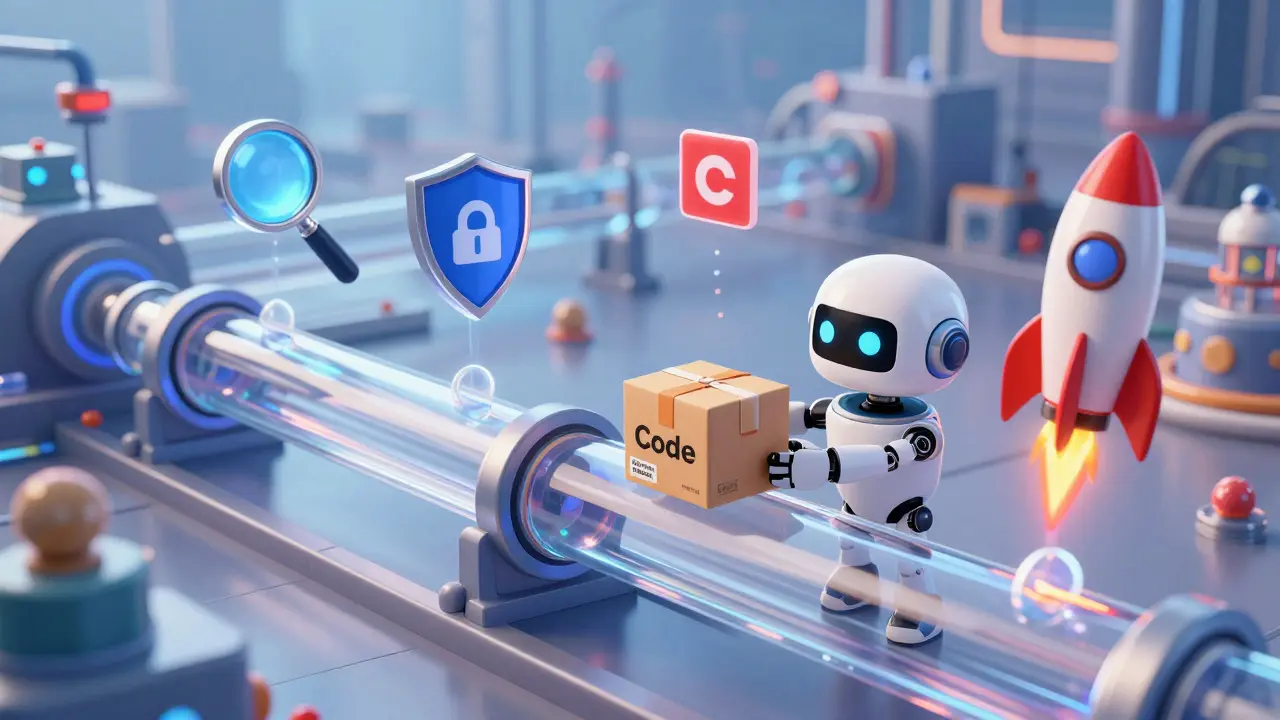
Here is a recommended progression for structuring CI/CD labs throughout a semester:
- Week 1-4: Local Testing Basics. Before automating, students must understand manual testing. They should write unit tests using frameworks like JUnit (for Java) or PyTest (for Python). The goal is to ensure the code passes locally.
- Week 5-8: Basic Pipeline Configuration. Introduce the CI tool. Have students create a simple workflow that runs their local tests on every commit. If the tests fail, the pipeline fails. This reinforces the importance of writing passing tests.
- Week 9-12: Code Quality Gates. Add static analysis tools like ESLint (JavaScript) or SonarQube to the pipeline. These tools check for style violations and potential security vulnerabilities. Students learn that "working" code isn't always "good" code.
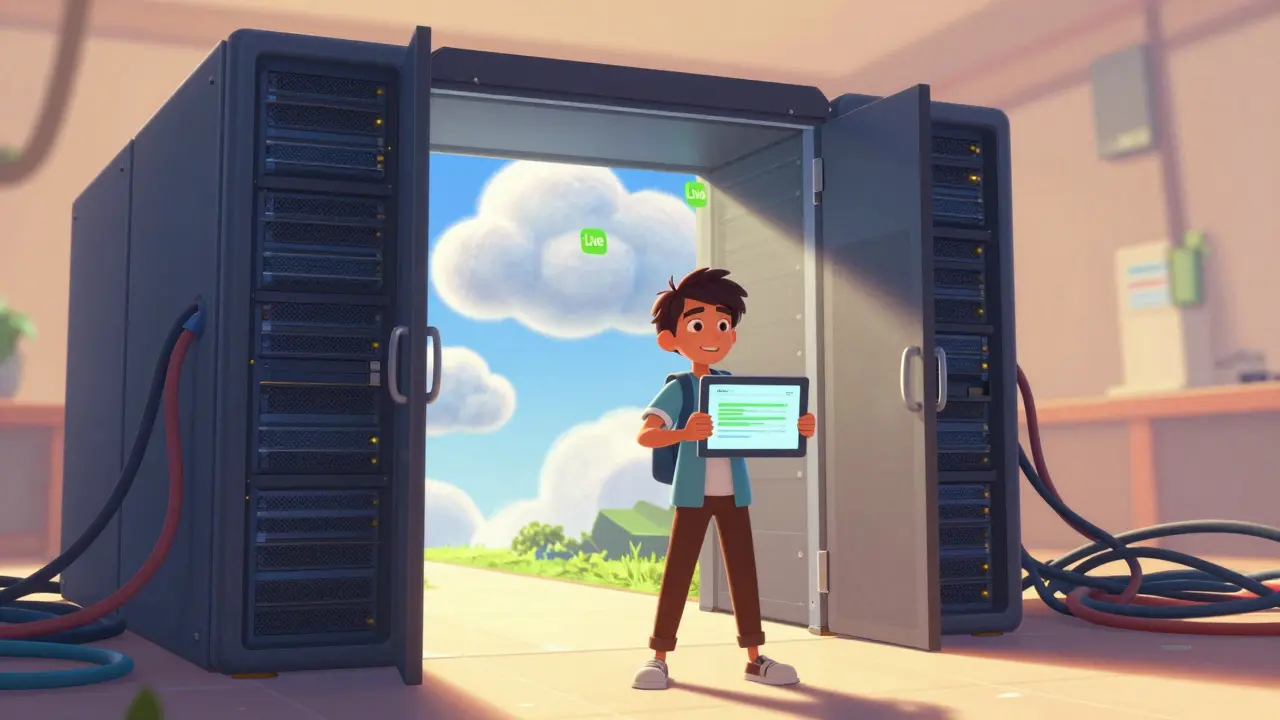
- Week 13-16: Deployment Automation. For full-stack courses, add a CD step. Automatically deploy the application to a hosting provider like Vercel or Netlify upon successful merge. Seeing their live URL update instantly provides immediate gratification and demonstrates the power of continuous deployment.
This structure ensures that students don't feel overwhelmed. They start with the familiar (local tests) and gradually move to the abstract (cloud pipelines). Each step builds confidence and competence.
Common Pitfalls in Educational CI/CD Implementation
Even well-intentioned labs can go wrong. One major issue is over-engineering. Professors sometimes create complex pipelines that mimic large corporate structures, including multiple stages, parallel jobs, and custom Docker images. For a beginner, this is noise. Keep the initial pipelines simple. A single job that runs tests is enough to teach the core concept.
Another pitfall is ignoring cost implications. While many tools offer free tiers, heavy usage can incur charges. Educators must monitor resource consumption and teach students how to optimize build times. For example, caching dependencies in Docker containers can speed up builds and reduce compute costs. This is a practical skill that translates directly to professional efficiency.
Finally, there is the risk of "pipeline anxiety." When a student’s grade depends on a passing pipeline, they may spend more time fixing YAML syntax than writing code. To mitigate this, provide starter templates and clear documentation. Debugging CI/CD logs should be part of the learning process, but it shouldn't block progress entirely. Encourage peer support and office hours dedicated to pipeline issues.
The Future of CI/CD in Coding Education
As AI-assisted coding tools become more prevalent, the role of CI/CD will evolve. Students will need to verify AI-generated code against strict quality standards. Automated pipelines will serve as the gatekeepers ensuring that AI suggestions meet project requirements. Furthermore, integration with collaborative platforms will deepen, allowing for real-time feedback on pull requests.
We are also seeing a rise in low-code CI/CD interfaces. Tools that allow users to configure pipelines via drag-and-drop rather than YAML files may simplify the learning curve for non-technical learners. However, understanding the underlying logic of automation remains crucial. Regardless of the interface, the principles of continuous integration-frequent commits, automated testing, and rapid feedback-will remain the backbone of software engineering education.
By embracing these practices now, students graduate not just as coders, but as engineers who understand the entire lifecycle of software. They know how to collaborate, how to maintain quality, and how to deliver value quickly. That is the true power of CI/CD in the classroom.
What is the easiest CI/CD tool for beginners?
GitHub Actions is generally considered the easiest for beginners because it is integrated directly into GitHub, which most students already use. Its YAML-based configuration is straightforward, and it offers a generous free tier for public repositories.
Why is CI/CD important in programming courses?
CI/CD teaches students essential professional habits like automated testing, collaboration, and code quality assurance. It moves them beyond writing isolated scripts to building robust, maintainable systems that can handle team contributions.
Can I use Jenkins for a small school project?
Yes, but it might be overkill. Jenkins is powerful and highly customizable, but its setup is complex. For small projects or introductory courses, simpler tools like GitHub Actions or CircleCI are usually more efficient and less frustrating.
How do I debug a failing CI/CD pipeline?
Start by checking the build logs provided by your CI tool. Look for error messages related to syntax, missing dependencies, or failed tests. Often, reproducing the steps locally can help identify the issue. Ensure your environment variables and configurations match those in the pipeline.
Is continuous deployment necessary for educational labs?
It depends on the course level. For introductory courses, focusing on continuous integration (automated testing) is sufficient. Continuous deployment (automatic release to production) is better suited for advanced full-stack or DevOps courses where students manage hosting and live applications.