Classroom Producer Role: Tech Support for Instructors in Virtual Classrooms
 Feb, 10 2026
Ever sat through a virtual class where the instructor fumbled with mute buttons, lost their screen share, or got stuck on a frozen video? You weren’t just watching a lesson-you were watching someone struggle with tech they never signed up to master. That’s where the classroom producer comes in. This isn’t a flashy title. It’s not a job most schools advertise. But in every successful virtual classroom, there’s one behind-the-scenes person making sure the instructor looks like a pro-even if they’ve never used Zoom before.
What Exactly Does a Classroom Producer Do?
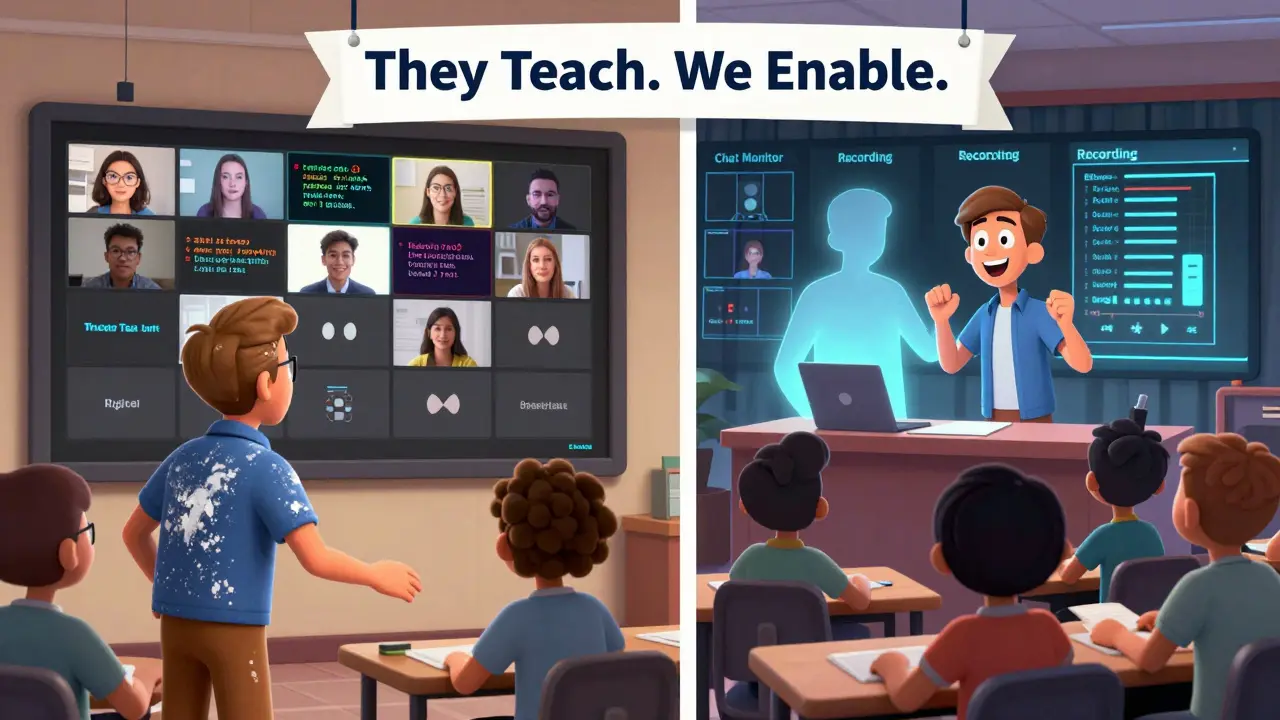
A classroom producer is the tech lifeline for instructors teaching online. Think of them as the stage manager for a live theater show, except instead of lights and microphones, they handle internet connections, breakout rooms, screen shares, and chat moderation. Their job isn’t to teach. It’s to remove every technical barrier so the instructor can focus on teaching.
In a physical classroom, a teacher walks in, opens a book, and starts talking. Online? That same teacher has to log in, check audio levels, verify students can see slides, monitor chat for questions, manage recording permissions, and troubleshoot a student’s camera freeze-all while trying to explain quadratic equations. It’s impossible. That’s why producers exist.
The Daily Workflow of a Classroom Producer
Here’s what a typical day looks like for someone in this role:
- 30 minutes before class: Double-checks the LMS link, tests all audio/video inputs, confirms recording settings, and sends a pre-class tech checklist to the instructor.
- 10 minutes before class: Joins the session early, verifies student entry, checks for latecomers, and ensures the chat is active and monitored.
- During class: Manages screen sharing, toggles breakout rooms, handles student audio requests, logs technical issues, and quietly fixes glitches without interrupting the lesson.
- After class: Downloads recordings, sends links to the instructor, compiles a tech log (what worked, what broke), and updates templates for next time.
They don’t need to know how to teach calculus. But they do need to know how to fix a broken microphone in under 15 seconds. They don’t write lesson plans. But they do write run sheets-step-by-step guides for each class that say things like: "At 12:05, switch to Slide 7, enable annotation tools, and unmute student #12."
Who Becomes a Classroom Producer?
You don’t need a teaching degree. You don’t need to be an IT specialist. You just need to be calm under pressure, detail-oriented, and good at explaining tech in plain language.
Most producers start as:
- Teaching assistants who noticed instructors were drowning in tech
- Student tech support staff who got tired of fixing laptops during finals week
- Former customer service reps who realized they loved helping people figure out how to turn on their cameras
At Arizona State University’s online program, over 60% of classroom producers were former student workers. They knew the pain points because they’d sat in those same virtual classes. They knew which buttons students clicked by accident. They knew when a student was confused because the chat was silent-not because they understood, but because they were too shy to ask.
Why This Role Isn’t Just Helpful-It’s Necessary
Let’s say you’re an instructor. You’ve taught for 15 years. You’re brilliant. But you’ve never used a digital whiteboard. You don’t know what “raise hand” means in Microsoft Teams. You’re not lazy-you’re just not a tech person.
Without a producer, your class becomes a series of awkward pauses, frustrated sighs, and students leaving because "it’s too hard to get in."
With a producer? You show up, say hello, and teach. The producer handles everything else. Students stay engaged. Attendance stays high. You don’t burn out.
A 2025 survey of 2,100 online instructors found that those with dedicated classroom producers reported:
- 47% fewer tech-related interruptions per class
- 32% higher student satisfaction scores
- 51% reduction in after-class tech troubleshooting time
That’s not a luxury. That’s a productivity multiplier.
Tools of the Trade
Classroom producers don’t need expensive gear. But they do need the right setup:
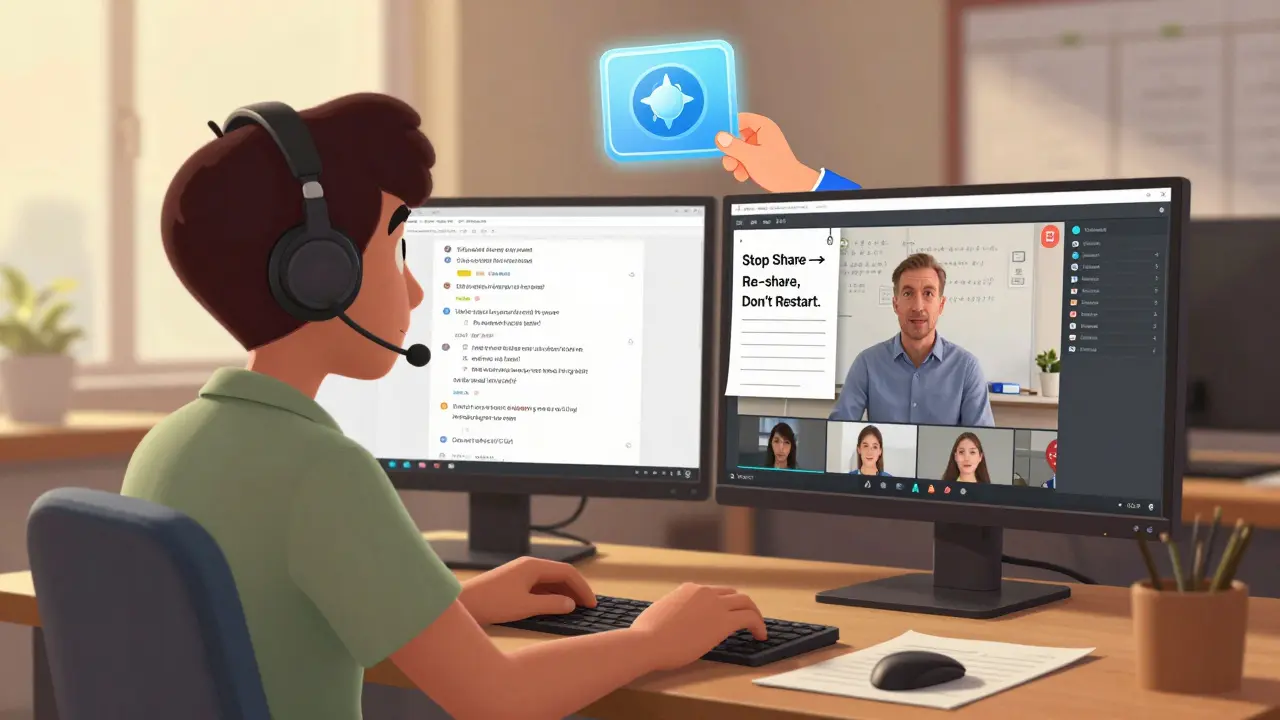
- Two monitors: One for the live class, one for monitoring chat, attendance, and controls.
- Headset with noise cancellation: So they can hear the instructor while monitoring student audio.
- Quick-reference cheat sheets: Printed or digital. For example: "If screen share freezes, click ‘Stop Share’ then ‘Share Screen’ again-don’t restart the meeting."
- Chat monitoring tools: Tools like Miro or Notion boards to log recurring issues and share fixes with the team.
- Remote access software: Like TeamViewer or Chrome Remote Desktop, to help students fix their own setups before class.
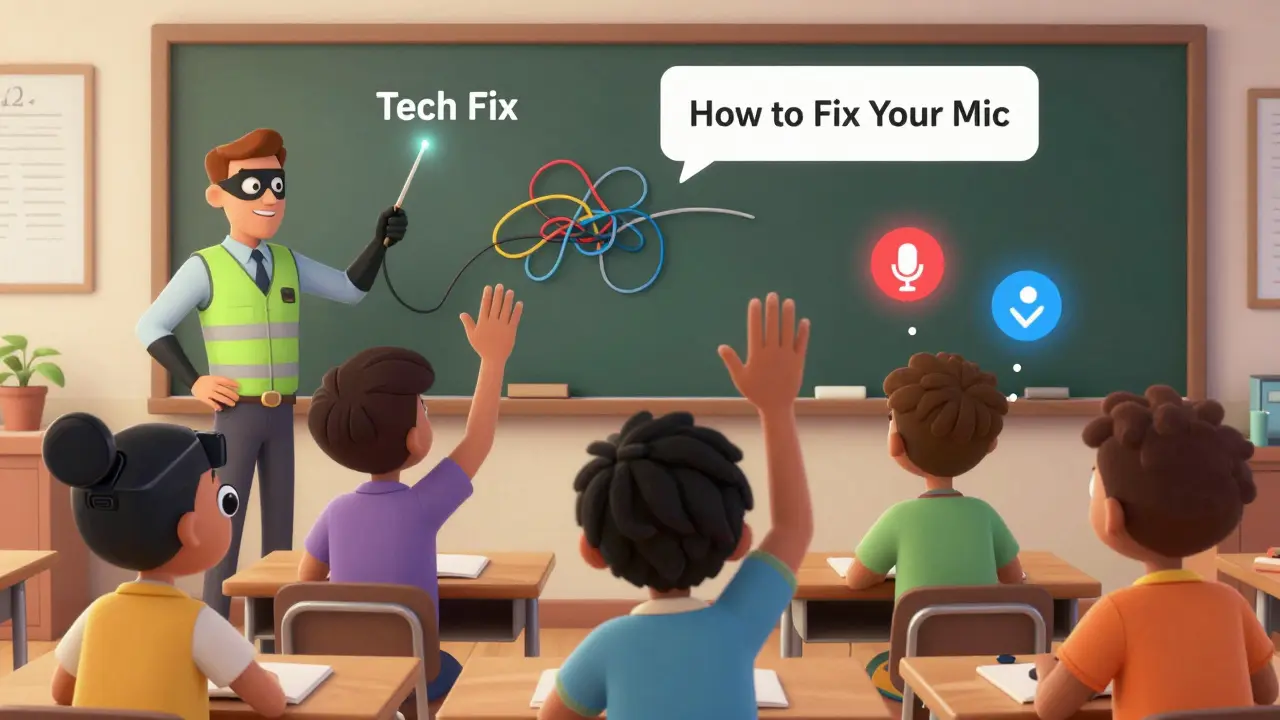
One producer at a community college in Texas created a 12-second TikTok-style video for each common issue: "How to fix your mic on Chrome," "Why your camera is upside down," "How to join a breakout room without clicking 5 times." They got 800 views in a week. Students watched them. No one had to ask for help again.
How Schools Can Start This Role
If your school doesn’t have a classroom producer, here’s how to get one:
- Identify the instructors who are most stressed about tech. Ask them: "What’s the one thing that makes your online class harder than it should be?"
- Look for students or staff who already help others with tech. They’re your best candidates.
- Start with one producer for five instructors. Pilot it for one term.
- Track metrics: Class interruptions, student feedback, instructor satisfaction.
- Scale. Once it works, make it a standard role-not an add-on.
At Grand Canyon University, they started with one part-time producer. Within six months, they had five. Enrollment in online courses jumped 18%. Why? Because students stopped saying, "I didn’t understand the lesson." They started saying, "I didn’t know my mic was muted."
The Bigger Picture
The classroom producer isn’t just about fixing tech. It’s about respecting the instructor’s time and expertise. It’s about recognizing that teaching is hard enough without having to be your own IT department.
It’s also about equity. Not every student has a tech-savvy parent. Not every instructor has a 10-year IT background. The producer levels the playing field. They make sure the lesson matters-not the login process.
Virtual classrooms aren’t going away. And neither are the instructors who want to teach, not troubleshoot. The classroom producer is the quiet hero making sure they can.
Do classroom producers need a technical degree?
No. Most classroom producers come from non-technical backgrounds-teaching assistants, student workers, or customer service roles. What matters is patience, problem-solving, and the ability to explain tech simply. Training usually takes a week or two. Hands-on experience matters more than certifications.
Can one producer handle multiple instructors?
Yes, and it’s common. A single producer can support 5-8 instructors if their schedules are staggered. For example, if Instructor A teaches at 9 a.m. and Instructor B at 1 p.m., the producer can prep for both in between. But if instructors teach back-to-back with no break, you’ll need one producer per instructor.
What’s the biggest mistake schools make when starting this role?
Treating it as an add-on instead of a core function. Some schools assign the role to a part-time staff member with no budget, no training, and no authority to fix system-wide issues. That sets them up to fail. A classroom producer needs access to IT, budget for tools, and a seat at curriculum planning meetings.
How do producers handle students who can’t get into the class?
They have a pre-class check-in system. Students email or message the producer 30 minutes before class with their issue. The producer then either screenshare to guide them, sends a quick video tutorial, or schedules a 5-minute one-on-one fix. This prevents chaos during class time. At some schools, this is called "Tech Check-In Hour."
Are classroom producers only for universities?
No. K-12 schools, corporate training centers, and even private tutors are starting to use this model. A high school in Arizona hired a producer to support 12 AP teachers. The number of tech-related complaints dropped by 80% in one semester. It works at any scale.
Janiss McCamish
February 11, 2026 AT 10:10Zoe Hill
February 13, 2026 AT 01:16Robert Byrne
February 15, 2026 AT 00:31Tia Muzdalifah
February 15, 2026 AT 23:03Meredith Howard
February 16, 2026 AT 08:31Albert Navat
February 16, 2026 AT 19:08LeVar Trotter
February 16, 2026 AT 19:14Richard H
February 17, 2026 AT 20:31Kristina Kalolo
February 19, 2026 AT 05:20Tyler Durden
February 21, 2026 AT 03:03Rae Blackburn
February 21, 2026 AT 23:04King Medoo
February 22, 2026 AT 22:20