COPPA Compliance for Online Courses: A Practical Guide
 Nov, 7 2026
You built an amazing course. It’s interactive, fun, and perfect for kids aged 8 to 12. You launch it, and suddenly you’re sweating over a legal term you barely understand: COPPA is the Children’s Online Privacy Protection Act, a U.S. federal law that regulates the collection of personal information from children under 13. If you miss one checkbox in your sign-up form or forget to update your privacy policy, the Federal Trade Commission (FTC) can hit you with fines up to $50,120 per violation. That number isn’t theoretical; it’s real money that can wipe out a small business’s annual profit.
Most educators think COPPA only applies if they explicitly target babies or toddlers. Wrong. If your math tutorial uses a gamified app that collects email addresses, or if your coding bootcamp allows users to create profiles with birthdates, you are likely in the crosshairs. The goal here isn’t just to avoid lawsuits. It’s about building trust with parents who are increasingly wary of how their kids’ data is used. Let’s break down exactly what you need to do to keep your course compliant without killing its user experience.
Who Exactly Does COPPA Cover?
The first mistake many course creators make is assuming age brackets are vague. They aren’t. COPPA specifically protects children under the age of 13. But here is where it gets tricky: it also covers "mixed audiences." If your platform hosts both adult professional development courses and children’s summer camps, you cannot treat all users the same way. You must segregate the data flows.
Consider this scenario: You have a general sign-up page. An adult signs up for a Python course, and a 10-year-old signs up for a Scratch course. If your database lumps them together and sends marketing emails to everyone based on a shared profile field, you might be violating COPPA by sending targeted ads to the child without parental consent. The rule of thumb? If there is a reasonable chance a child will use your service, you need a mechanism to identify them before collecting any personal data.
| Scenario | COPPA Applies? | Action Required |
|---|---|---|
| Course marketed explicitly to ages 6-12 | Yes | Full parental consent workflow required |
| General audience course with no age gate | Potentially | Must verify age before collecting PII |
| High school prep course (ages 14+) | No | Standard GDPR/CCPA rules may apply instead |
| Interactive quiz asking for zip code | Yes (if user <13) | Treat as Personal Information |
What Counts as Personal Information?
You might think "personal information" means just names and social security numbers. In the digital world, it’s much broader. The FTC defines it aggressively to protect kids from profiling. For your course, this means almost any identifier that can track a specific student across different websites or services counts.
Here is the checklist of what triggers COPPA:
- Contact Info: Email addresses, phone numbers, physical addresses.
- Usernames: Even if they don’t include the real name, if the username links to other info, it’s protected.
- Photos and Videos: Any image that includes a child’s face or voice.
- Location Data: GPS coordinates or even just a zip code if it’s linked to the user profile.
- Identifiers: IP addresses, cookies, device IDs, and advertising IDs.
Wait, IP addresses? Yes. If you use analytics tools like Google Analytics 4 or Hotjar to see where students drop off in your video lessons, those tools often collect IP-based location data. If you don’t disable IP anonymization or get consent, you are collecting personal info from a child. This is the silent killer of compliance for many EdTech startups.
The Age Gate: Your First Line of Defense
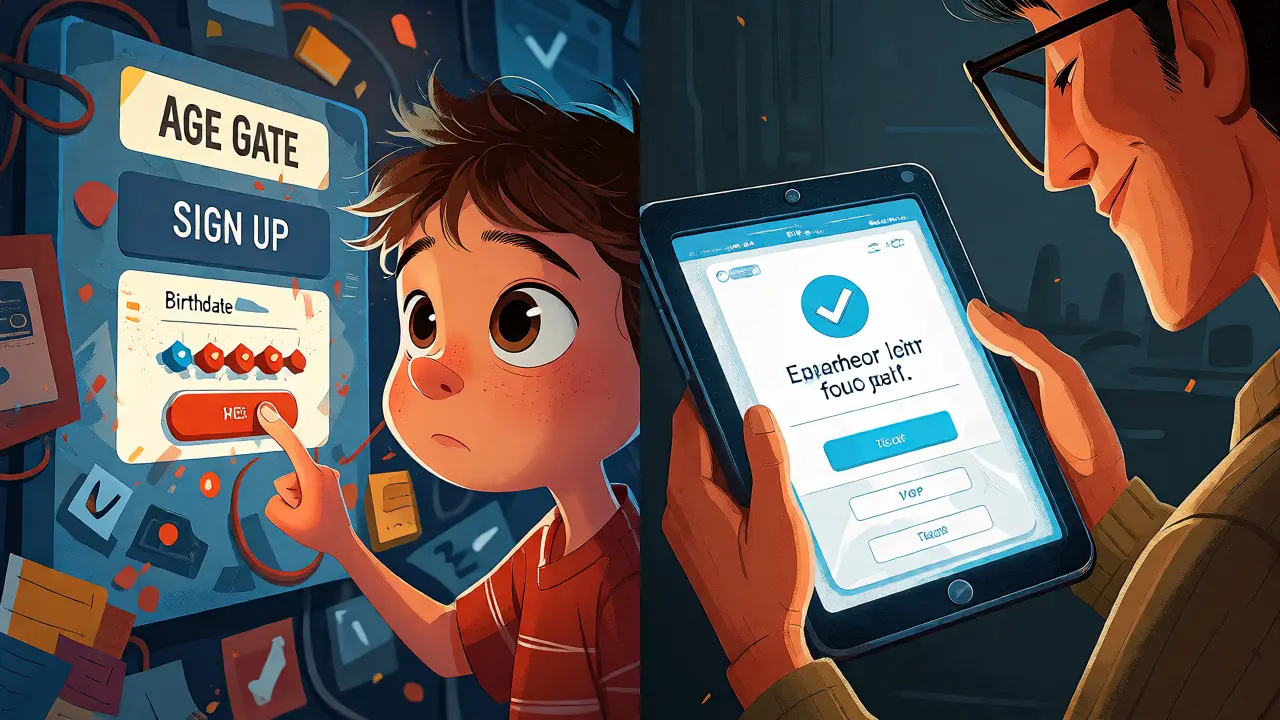
You can’t ask a 7-year-old to read a 10-page privacy policy. So, how do you know who is a child? You need an effective age gate. This isn’t just a checkbox that says "I am 13+." Kids lie. They always lie. A simple checkbox is easily bypassed.
Best practices for age gating include:
- Date of Birth Entry: Ask for the full date. Calculate the age automatically. If the user is under 13, block the standard sign-up flow immediately.
- Parental Verification: If a child tries to sign up, redirect the process to a parent. Ask for the parent’s email, not the child’s.
- Neutral Wording: Don’t say "Are you a kid?" Say "When were you born?" This feels less like a restriction and more like standard registration.
Remember, the burden of proof is on you. If a child signs up claiming to be 15 but looks like 10 in their profile picture, and you allow them to post comments, you might still be liable. Some platforms use AI-driven age estimation tools now, but for most course creators, a robust front-end filter combined with clear terms of service is sufficient.
Verifiable Parental Consent (VPC)
This is the hardest part. You cannot collect personal info from a child until you have "verifiable parental consent." This means you need to prove that the person giving permission is actually the parent or guardian. The FTC outlines several methods, but two are practical for online courses.
The first method is the Email Plus Method. You send an email to the parent’s address. The email contains a link to a consent form. The parent clicks the link, fills out the form, and submits it. To make it verifiable, you must take additional steps, such as requiring the parent to enter a credit card number (even if you don’t charge it) or calling them via toll-free number. However, for low-risk educational content, the FTC has accepted simpler mechanisms if the data use is limited.
The second, and more modern approach, is using a Third-Party Service. Companies like KwikKit or specialized EdTech compliance providers handle this verification. They integrate with your Learning Management System (LMS). When a child tries to register, the service pings the parent’s email, verifies identity through knowledge-based authentication or payment cards, and passes the token back to your system. This costs money-usually between $0.50 and $2.00 per verified student-but it saves you from building complex logic yourself.
Data Minimization and Retention Policies
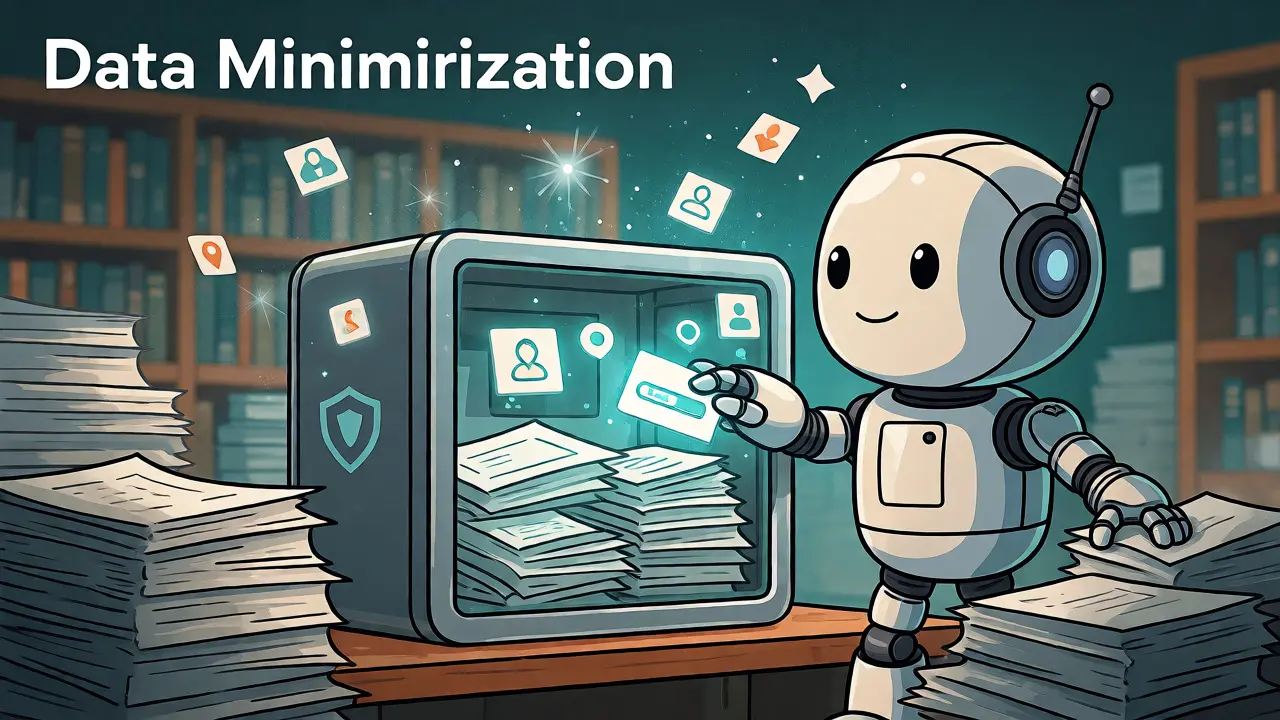
Once you have consent, don’t go wild collecting data. COPPA follows the principle of data minimization. Collect only what you strictly need to deliver the course. Do you really need the child’s home address to teach them algebra? Probably not. Do you need their gender? Maybe for demographic reporting, but can you infer it from other data or leave it optional?
Retention is equally critical. You cannot keep a child’s data forever. Once the course is completed, or if the account becomes inactive for a certain period, you must delete the personal information. Many LMS platforms default to keeping records indefinitely. You need to configure your database to purge PII after a set timeframe, say 12 months after course completion, unless the parent requests otherwise.
Pro Tip: Separate your databases. Keep the "learning progress" data (scores, completion status) separate from the "identity" data (name, email). This makes deletion easier. When you delete the identity record, the learning stats can remain anonymous for your aggregate reports.
Privacy Policy Requirements
Your privacy policy needs a dedicated section for children. It must be written in plain language-not legalese. Parents are busy. They want to know three things quickly:
- What data are you collecting?
- Who are you sharing it with?
- How can they review or delete it?
If you use third-party plugins for quizzes, videos, or chat features, list them. If YouTube embeds are used, note that YouTube sets cookies. If you use Stripe for payments, mention that Stripe processes transaction data. Transparency builds trust. If a parent sees you’ve hidden a tracking pixel in your footer, they’ll lose confidence in your brand.
Common Pitfalls to Avoid
Even well-intentioned educators slip up. Here are the most common mistakes I’ve seen while auditing course platforms:
1. Ignoring Third-Party Trackers: You might clean up your own forms, but if you embed a Facebook Pixel or Twitter tag on your landing page, those scripts collect data from every visitor, including kids. Ensure these tags fire *after* the age gate is passed or are disabled for under-13 sessions.
2. User-Generated Content (UGC): If your course has a forum where students post questions, and a 12-year-old posts their photo or mentions their town, you are storing personal info. Moderate UGC actively. Have a report button for inappropriate disclosures. Better yet, restrict forums to text-only for younger cohorts.
3. Assuming Non-Profit Status Exempts You: Being a non-profit doesn’t exempt you from COPPA. If you serve children, the rules apply. The only major exemption is for schools acting on behalf of students, but private course creators rarely qualify for this.
4. International Confusion: If you have students in Europe, remember GDPR-K (the UK version) and the EU’s General Data Protection Regulation. While similar, they have different age thresholds (often 16, varying by country) and stricter consent requirements. Don’t assume a US-compliant setup works globally without tweaks.
Building Trust Through Compliance
Compliance isn’t just a hurdle; it’s a feature. Parents are more likely to buy a course that clearly states, "We never sell your child’s data," than one that hides behind fine print. By implementing strict COPPA standards, you signal professionalism and care. You show that you respect the family unit, not just the transaction.
Start small. Audit your current sign-up flow. List every piece of data collected. Identify which fields are unnecessary. Then, implement a basic age gate. You don’t need to overhaul your entire tech stack overnight. Incremental changes reduce risk and improve user experience simultaneously. The goal is a safe, secure environment where learning happens without privacy anxiety.
Does COPPA apply if my course is free?
Yes. COPPA applies regardless of whether you charge money. If you collect personal information from children under 13, you must comply. Free apps and courses often monetize through ads or data collection, so the financial model does not exempt you from the law.
Can I rely on a self-declaration of age?
Self-declaration alone is generally insufficient for collecting personal information from children under 13. While you can ask users to declare their age, if you then collect data like emails or names, you typically need verifiable parental consent. Relying solely on a checkbox exposes you to liability if a child lies about their age.
What happens if I accidentally collect data from a child without consent?
You should promptly delete the data and stop further collection. The FTC encourages voluntary remediation. If you discover the error, notify the affected parents, delete the profiles, and document your corrective actions. This demonstrates good faith and can mitigate potential penalties.
Do I need to hire a lawyer for COPPA compliance?
For small courses, you might manage initial compliance using templates and reputable LMS settings. However, if you plan to scale, use complex third-party integrations, or market heavily to children, consulting a privacy attorney is wise. They can review your specific data flows and ensure your policies match your actual technical implementation.
How does COPPA interact with FERPA?
FERPA protects education records held by schools, while COPPA protects personal information collected online by commercial entities. If you partner with a school district, FERPA might apply to student records. If you operate a direct-to-consumer course, COPPA applies. Often, both frameworks intersect, requiring careful navigation of consent and data handling protocols.