Credential Marketing and Promotion Strategy for Course Providers
 Feb, 12 2026
Most course providers focus on content quality, pricing, or platform features-but they forget the real driver of enrollment: credential marketing. People don’t just buy a course. They buy the proof they got something valuable. A certificate, badge, or verified completion isn’t just a PDF. It’s a signal to employers, peers, and even themselves that they’ve changed. If you’re not treating your course credential like a product, you’re leaving money on the table.
Why Credentials Are Your Secret Sales Tool
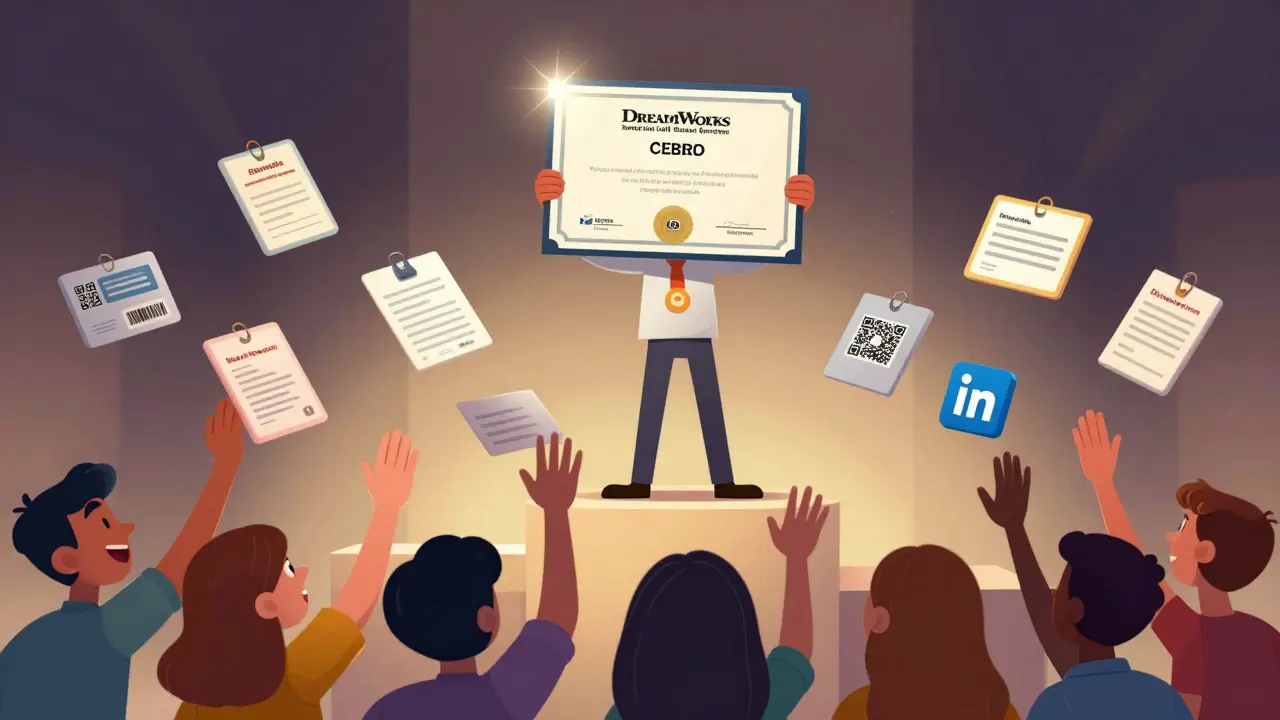
Think about it. A student finishes a 12-week Python course. They’re proud. But if all they get is a vague email saying "Good job," what do they do? They forget it. But if they get a branded, verifiable, LinkedIn-shareable credential with a unique ID, a QR code, and a logo from a trusted provider? Now they show it off. They tag you. They post about it. They refer friends. That’s organic marketing at zero cost.
According to a 2025 survey of 12,000 learners across North America, 78% said they’d choose a course over a competitor if it offered a verifiable credential. And 63% said they’d pay up to 20% more for it. The credential isn’t an afterthought-it’s the main selling point.
What Makes a Credential Worth Sharing?
Not all certificates are created equal. A generic PDF with your logo and a date won’t cut it. Learners want credentials that feel real, trackable, and valuable. Here’s what works:
- Verifiable via blockchain or third-party platform-like Credly, Accredible, or Blockcerts. Employers can click a link and confirm it’s real.
- Includes specific skills-not just "Completed Data Analysis Course," but "Mastered SQL, Python Pandas, and Tableau Visualization."
- Has a unique ID and QR code-so it can’t be copied or faked.
- Is mobile-friendly and LinkedIn-ready-learners should be able to add it to their profile with one click.
- Features your brand prominently-your logo, colors, and domain. This turns every badge into a mini-ad.
Think of your credential as a business card. If it looks like it was made in 2005, people won’t trust it. If it looks like something from Google or Coursera, they’ll take it seriously.
How to Market Your Credentials (Without Spending a Fortune)
You don’t need a $50K ad budget. Here’s what actually works:
- Let learners promote for you-After they earn their credential, send an automated email with a pre-written LinkedIn post, a shareable image, and a button to add it to their profile. Make it easy. 60% of learners will share if you give them the template.
- Build a public credential gallery-Showcase real learners (with permission). Include their name, photo, course, and a quote like: "This credential helped me land my first data analyst role." People trust people, not ads.
- Partner with employers-Reach out to local tech firms, nonprofits, or HR departments. Offer to verify your credential holders for them. Now you’re not just selling a course-you’re feeding talent pipelines.
- Use your credential as a lead magnet-Offer a free mini-course with a credential at the end. Collect emails. Then nurture them into your paid program.
- Feature credentials in your ads-Don’t say "Learn Python." Say "Earn a verifiable Python credential used by 1,200+ employers." Numbers build trust.
Don’t Ignore the Trust Factor
There’s a reason LinkedIn Learning and Google Career Certificates work: people trust them. You don’t need to be Google. But you do need to prove you’re credible.
Here’s how:
- Get your credential recognized by an industry body-like the Project Management Institute or CompTIA-even if it’s just a partnership.
- Display logos of companies whose employees have completed your course.
- Link to alumni success stories with job titles and companies.
- Use a trusted third-party issuer (like Credly) instead of hosting credentials yourself. It adds instant legitimacy.
One course provider in Austin saw a 40% increase in conversions after switching from a self-hosted PDF to a Credly-issued credential with employer logos displayed on the badge.
How to Design Credentials That Convert
Design matters more than you think. A poorly designed credential looks like spam. A well-designed one looks like a professional award.
Follow these rules:
- Use your brand colors and fonts consistently.
- Include the course name, learner name, completion date, and issuing organization.
- Add a badge icon or seal-something visual that stands out.
- Make sure it works on mobile. Most people view credentials on their phones.
- Test it. Send five real learners a sample. Ask: "Would you share this? Why or why not?"
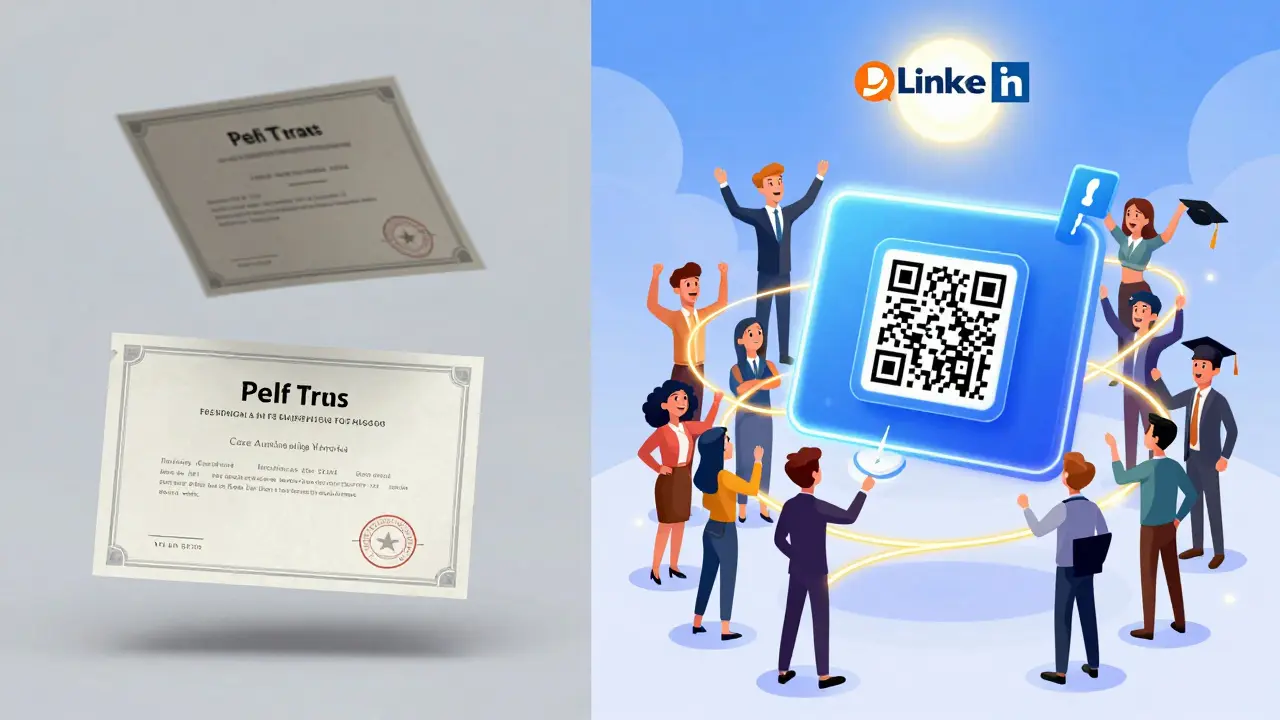
One course provider tested three versions of their credential. Version A: plain text. Version B: colored template. Version C: colored template with employer logos and a QR code. Version C got shared 5x more than A.
Track What Works
Track your credential’s performance like you track ad campaigns:
- How many learners download or share their credential?
- How many add it to LinkedIn? (Use LinkedIn’s public profile search to find them.)
- How many mention your course in job applications?
- What’s the conversion rate from free credential holders to paid course buyers?
Use UTM parameters on your credential links. Set up Google Analytics goals. You’ll be surprised how many people are already promoting you-without you asking.
Common Mistakes to Avoid
- Using generic templates from Canva or Google Docs. They look amateur.
- Not making credentials verifiable. If no one can check them, they’re worthless.
- Only offering them at the end. Some learners want to see the credential before enrolling-it builds confidence.
- Ignoring mobile users. 70% of LinkedIn profile updates happen on mobile. Your credential must look good there.
- Forgetting to update your credential design. If your brand evolves, your credential should too.
Next Steps: Start Small, Scale Fast
You don’t need to overhaul everything tomorrow. Pick one course. Redesign its credential. Add a share button. Track shares for 30 days. See how many new sign-ups come from those shares. Then do it again with another course.
Credential marketing isn’t about fancy software. It’s about giving learners something worth showing off. When they do, you win.
Are course credentials really that important for learners?
Yes. A 2025 study of 12,000 learners found that 78% chose a course over a competitor because it offered a verifiable credential. Learners aren’t just buying knowledge-they’re buying proof they can do something. Employers recognize these credentials. Peers see them. And learners use them to land jobs, promotions, or freelance gigs. A credential is the tangible outcome of the learning journey.
Can small course providers afford to issue verifiable credentials?
Absolutely. Platforms like Credly, Accredible, and Badgr offer affordable plans starting at under $50/month. Many include automated email delivery, LinkedIn integration, and analytics. For a course with 100+ learners per month, the cost is less than $0.50 per credential. The return in referrals, testimonials, and conversions far outweighs the cost.
Should I charge extra for a credential?
Not necessarily. Most learners expect a credential as part of the course. But if you offer a premium version-like a printed certificate, a personalized video from the instructor, or a LinkedIn endorsement-you can charge more. The key is bundling value. A basic digital credential should be included. A premium one can be an upsell.
How do I know if my credential is trustworthy?
Ask: Can someone verify it without contacting you? If yes, it’s trustworthy. Use third-party platforms that issue blockchain-backed or digitally signed credentials. Avoid PDFs with no verification link. Also, include your website URL, a unique ID, and the date issued. Employers look for these details. If they’re missing, the credential feels like a placeholder.
What’s the fastest way to improve credential sharing?
Send an automated email right after completion with: 1) a one-click LinkedIn share button, 2) a pre-written post, and 3) a high-res image of the credential. Add a short message: "Congrats! Share your achievement with your network." This simple step increased sharing by 140% for a course provider in Tempe last year.
Jen Becker
February 12, 2026 AT 18:54Ryan Toporowski
February 14, 2026 AT 17:07Samuel Bennett
February 14, 2026 AT 18:06Rob D
February 14, 2026 AT 21:04Franklin Hooper
February 15, 2026 AT 13:39Jess Ciro
February 15, 2026 AT 20:34saravana kumar
February 17, 2026 AT 02:43Tamil selvan
February 17, 2026 AT 05:27Mark Brantner
February 17, 2026 AT 13:54Kate Tran
February 18, 2026 AT 13:57Anuj Kumar
February 19, 2026 AT 14:18Christina Morgan
February 20, 2026 AT 10:02Kathy Yip
February 20, 2026 AT 14:19Rocky Wyatt
February 21, 2026 AT 20:16Santhosh Santhosh
February 23, 2026 AT 11:16Jen Becker
February 24, 2026 AT 00:36