Designing Online Higher Education Programs for Special Populations
 Apr, 17 2026
- Shift from synchronous to asynchronous-first delivery to support diverse time zones and work schedules.
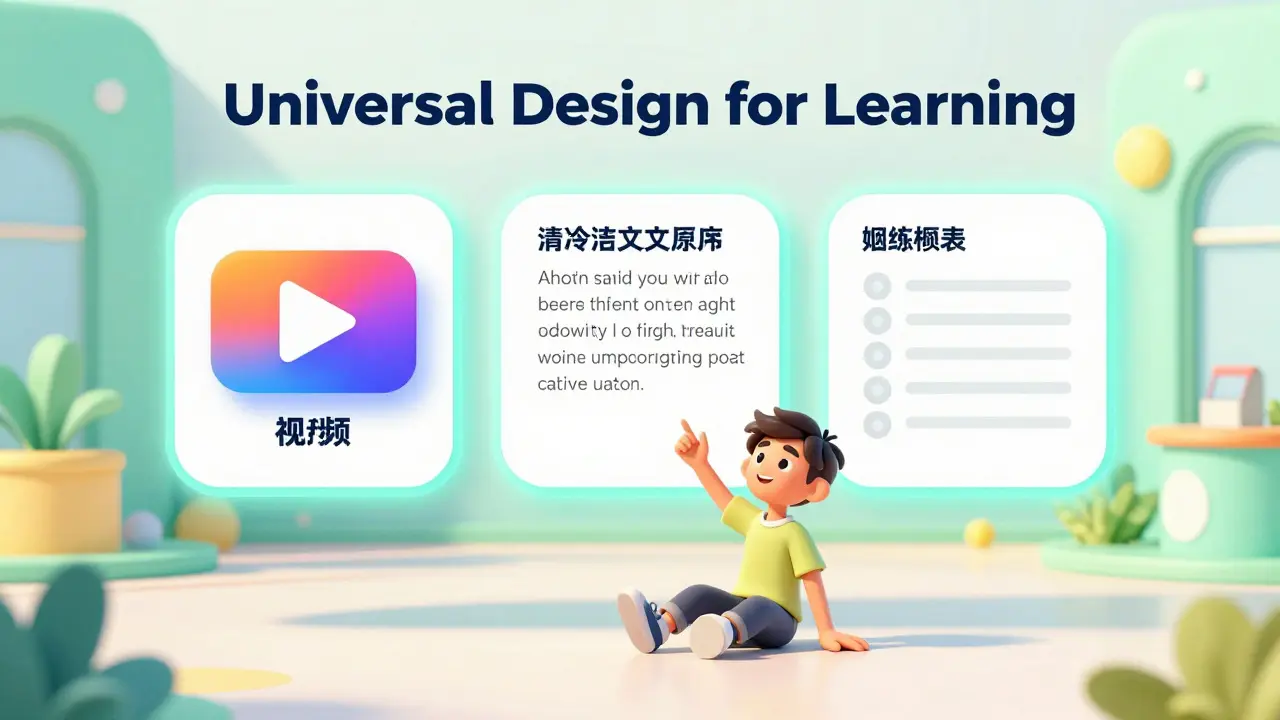
- Implement Universal Design for Learning (UDL) to provide multiple ways of engaging with content.
- Use screen-reader compatible navigation and high-contrast visuals for all digital assets.
- Provide low-bandwidth alternatives (like transcripts) for students in rural or underserved areas.
- Create flexible assessment paths that allow students to prove mastery without relying on a single high-stakes exam.
The Core of Inclusive Architecture: Universal Design for Learning
To build a program that actually works for everyone, we need to move beyond simple compliance. Universal Design for Learning (or UDL) is a framework that guides the design of learning environments to be accessible to all, regardless of their abilities or backgrounds. Instead of creating one version of a course and then making "accommodations" for specific students, UDL builds those options into the course from day one. Think about how you deliver a lecture. If you only provide a live video, you're ignoring the student who is deaf, the student with a spotty internet connection, and the student who learns better by reading. A UDL approach means providing the video, a searchable transcript, and a summarized reading list. This isn't just about helping students with disabilities; it's about giving every learner a choice in how they consume information. When a student can choose between watching a 10-minute video or reading a 5-minute summary, they are more likely to stay engaged and actually retain the material.Designing for Neurodiversity and Cognitive Accessibility
Standard online interfaces can be a nightmare for students with ADHD or Autism Spectrum Disorder. A cluttered dashboard with five different plugins, flashing notifications, and a confusing folder structure creates a "cognitive load" that has nothing to do with the actual subject matter. If a student spends 30 minutes just trying to find the assignment link, they've already lost the mental energy needed to do the work. Clean, predictable navigation is a requirement, not a luxury. This means using a consistent naming convention for every module (e.g., "Week 1: Introduction," "Week 2: Theory") and placing the "Submit" button in the same spot every time. We should also move away from dense walls of text. Using bullet points, bold headers, and plenty of white space helps students with dyslexia or focus challenges scan the page without feeling overwhelmed. Have you ever tried to read a 2,000-word page of single-spaced text on a tablet? It's exhausting. Now imagine doing that while managing a sensory processing disorder.Bridging the Digital Divide for Rural and Low-Income Students
We often assume everyone has a MacBook and fiber-optic internet. In reality, many students in online higher education design rely on a five-year-old smartphone and a limited data plan. When a professor requires a high-definition video stream for a three-hour synchronous seminar, they are effectively telling low-income students that this program isn't for them. To solve this, we need to prioritize "low-bandwidth" delivery. This involves optimizing images, providing text-based versions of all audio/visual content, and ensuring the Learning Management System (LMS) is mobile-responsive. A great rule of thumb is the "Mobile-First Test": if a student can't reasonably complete a quiz or read a primary source on a phone while riding a bus, the design is flawed. By reducing the technical barriers, we ensure that academic success is determined by intellectual effort, not by the quality of the student's ISP.| Feature | Traditional Online Model | Inclusive/UDL Model | Impact on Special Populations |
|---|---|---|---|
| Lecture Style | Live Zoom (Synchronous) | Recorded + Transcript (Asynchronous) | Supports non-traditional work hours and hearing impaired. |
| Content Format | Static PDFs | Interactive HTML / Audio / Video | Crucial for screen readers and different learning styles. |
| Assessments | Midterm/Final Exams | Portfolios, Projects, Oral Exams | Reduces anxiety and allows for diverse demonstrations of skill. |
| Navigation | Complex Folder Hierarchies | Linear, Consistent Pathing | Reduces cognitive load for neurodivergent learners. |
Support Systems for Non-Traditional Students
Online programs often forget that "delivery" isn't just about the software; it's about the human support. Special populations, such as military veterans or adult learners returning to school after a decade, often face unique psychological barriers. They may struggle with "imposter syndrome" or find it difficult to navigate the hidden bureaucracy of higher education. Effective delivery requires a proactive support layer. This means embedding an "Academic Success Coach" directly into the course modules rather than hiding them in a separate department. We should also implement "early warning systems" using Learning Analytics to identify students who stop logging in for three days. For a traditional student, a three-day gap might be a long weekend. For a student working three jobs or dealing with a chronic health condition, it's a signal that they are slipping through the cracks. A quick, supportive check-in email can be the difference between a student finishing their degree or dropping out.Evaluating Accessibility with Real-World Metrics
How do we know if our design actually works? Most institutions rely on a simple WCAG (Web Content Accessibility Guidelines) audit, which tells you if a button is the right color, but not if a student is actually learning. To truly measure success, we need to look at the "friction points" in the user journey. Start by tracking the time it takes for different student cohorts to find essential resources. If students with disabilities take 40% longer to locate the syllabus than the general population, your navigation is a barrier. Additionally, implement a "User Experience (UX) Panel" consisting of students from your target special populations. Let them try to complete a module while thinking out loud. You'll quickly find that the "intuitive" layout you spent months designing is actually confusing for someone using a screen reader or someone whose primary language isn't English.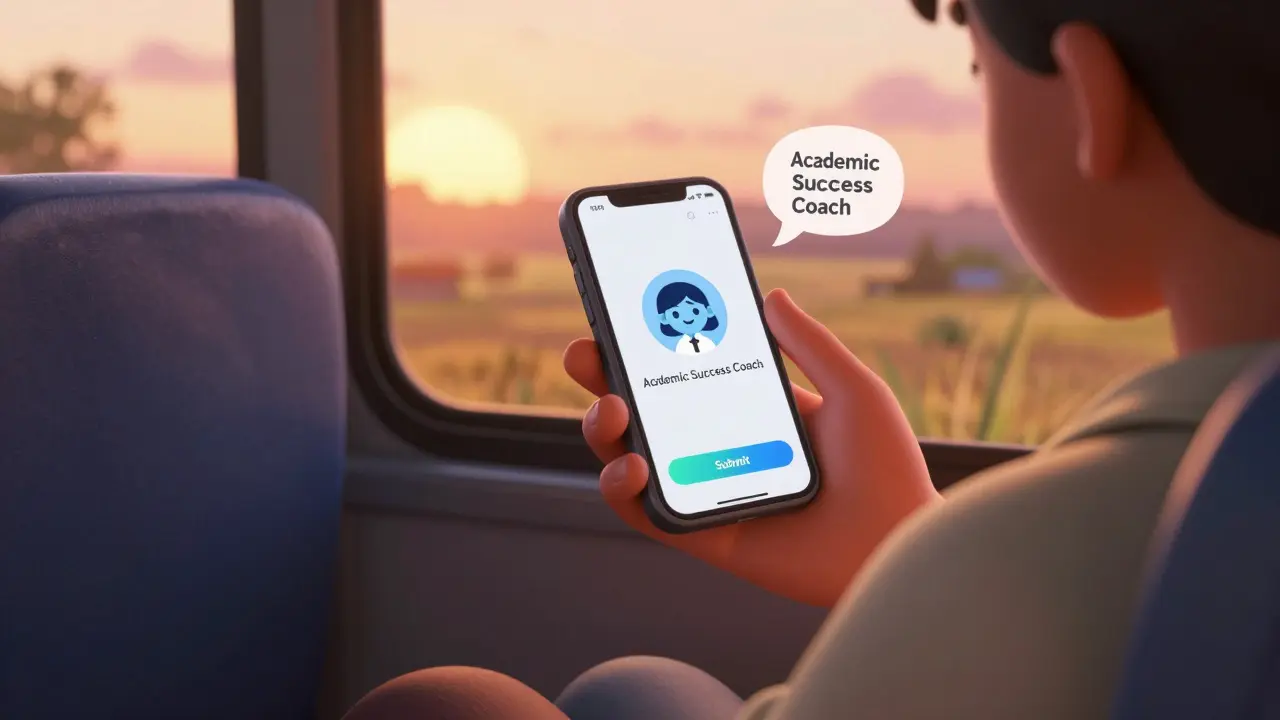
The Role of Technology in Scalable Inclusion
While we shouldn't rely solely on tools, the right Education Technology (or EdTech) can amplify inclusivity. Learning Management Systems (LMS) like Canvas or Moodle have built-in accessibility checkers that can flag missing alt-text on images or poor color contrast. But the real power lies in integrating third-party assistive tools like Grammarly for students with writing disabilities or AI-driven captioning services that provide real-time translation. However, there is a danger of "tech-creep." Adding too many tools can paradoxically make a course less accessible by increasing the number of logins and interfaces a student must manage. The goal should be a "single pane of glass" experience where the technology disappears and the content takes center stage. If a student has to leave the course page five times to access different tools, you've created a fragmented learning experience that penalizes those with lower digital literacy.What is the difference between accessibility and inclusive design?
Accessibility is often about meeting specific standards (like WCAG) to ensure people with disabilities can access a site. Inclusive design is broader; it's a philosophy that considers the full range of human diversity-including socioeconomic status, age, and culture-to create a product that works for everyone without needing special adaptation.
How can I make my online course more accessible without spending months redesigning it?
Start with the "low-hanging fruit": add alt-text to all images, provide a written transcript for every video, and use a high-contrast color palette. Then, switch your high-stakes synchronous meetings to an asynchronous format where students can participate via a forum or recorded clip on their own time.
Does UDL benefit students who do not have documented disabilities?
Yes, absolutely. For example, a transcript of a lecture helps a student who is deaf, but it also helps a student who is studying in a noisy library or someone who prefers reading over listening to speed up their learning process. Flexibility helps everyone.
What are the most common barriers for rural students in online programs?
The primary barriers are unreliable internet bandwidth (latency), lack of hardware (relying on smartphones instead of laptops), and a lack of local physical support services like libraries or tutoring centers.
How should I handle assessments for students with severe anxiety or ADHD?
Move away from a single, timed final exam. Instead, offer "scaffolded" assessments-smaller, low-stakes assignments that build toward a final project. This allows students to receive feedback and adjust their approach, reducing the pressure of a one-time-only performance.
Ian Cassidy
April 18, 2026 AT 18:53The UX friction here is real. Way too many LMS setups are just legacy bloatware with no regard for the end-user's cognitive load.
kelvin kind
April 20, 2026 AT 04:32Fair points.
Kenny Stockman
April 20, 2026 AT 05:34Love the focus on asynchronous delivery. It really takes the pressure off people juggling a million things at once, like parents or folks in different time zones. Just giving that flexibility can be a total game-changer for someone's mental health during a tough semester.
Paritosh Bhagat
April 21, 2026 AT 15:34It is quite a shame that some people cannot even write a proper sentence without relying on bullet points, though I must admit the sentiment here is noble. However, one must wonder if the pursuit of "equity" is simply a mask for lowering academic standards until they are practically nonexistent, which is a tragedy for the intellectual rigor of our institutions. It is truly disheartening to see the erosion of discipline in favor of convenience, yet I suppose I shall remain polite about it while I correct the implied laziness of this approach.
Zach Beggs
April 21, 2026 AT 19:44I'm on board with the UDL framework. It just makes a lot of sense to build it in from the start rather than patching things together later.
Adrienne Temple
April 21, 2026 AT 22:18The mobile-first test is such a great way to look at this! 😊 I've seen so many students struggle with those clunky portals on their phones. It would be amazing to see more programs actually use that as a standard for their design process! 🌟
Aaron Elliott
April 22, 2026 AT 15:04One finds the premise of this discourse to be somewhat simplistic, if not entirely pedestrian. The notion that a "style guide" can remedy the systemic failures of pedagogical philosophy is a fallacy of the highest order, as it mistakes the medium for the message. True education requires a certain level of struggle, and by removing all "friction," one risk creating an academic environment that is more a cushioned nursery than a rigorous institution of higher learning. It is quite a banal interpretation of accessibility.
Sandy Dog
April 23, 2026 AT 09:06Omg, I cannot even begin to tell you how much I relate to the part about the cognitive load!! 😱 Like, I literally had a breakdown last semester because my professor had a folder inside a folder inside a link that was broken, and I just sat there crying for an hour because I couldn't find the syllabus and I felt like my entire life was falling apart just because of a website layout!! 😭😭 It's actually insane how some people think this is "fine" when it's literally sabotaging our entire existence and making us feel like we're failing just because we can't navigate a digital maze!! 💅✨
Antonio Hunter
April 23, 2026 AT 13:19While the points regarding the digital divide are certainly valid, I find myself reflecting on the broader implications of how we define a "special population," as the intersectionality of race, class, and disability often creates a unique set of hurdles that a simple low-bandwidth alternative may not fully address, though I believe that by iteratively implementing these UDL strategies, we can slowly move toward a more empathetic system that recognizes the human being behind the screen, even if the progress feels painstakingly slow in the current bureaucratic climate of most universities.
Chris Heffron
April 23, 2026 AT 14:29Good stuff here! :) Just a tiny thing, maybe check the formatting on a few of the lists? Keep it up! 👍
Ben De Keersmaecker
April 23, 2026 AT 23:27The point about the "single pane of glass" experience is interesting. It's a classic trade-off between tool specialization and user cohesion, especially when dealing with assistive tech.