How to Choose an LMS for Compliance Training in Regulated Industries
 Mar, 4 2026
Choosing the right Learning Management System (LMS) for compliance training isn’t about picking the fanciest platform. It’s about finding one that actually keeps your people safe, your company legal, and your audits smooth. In industries like healthcare, finance, aviation, and manufacturing, a single missed training module can mean fines, shutdowns, or worse. You don’t need a system that looks good on a demo. You need one that works when it matters.
Start with the regulations that apply to you
Every regulated industry has its own rules. Healthcare follows HIPAA. Financial firms deal with FINRA and SEC. Manufacturing must meet OSHA standards. Airlines operate under FAA and IATA guidelines. If your LMS can’t handle those specific requirements, it’s a liability, not a tool.Don’t just ask if the LMS supports compliance. Ask: Which ones? Look for platforms that list exact regulatory frameworks they’re built for. Some LMS vendors even include pre-built templates for OSHA 10-hour training, HIPAA privacy modules, or anti-bribery policies under FCPA. If they can’t name the regulations you’re subject to, walk away.
Track completion with real-time precision
In compliance training, late or incomplete training isn’t an oversight-it’s a legal risk. You need to know who hasn’t finished, who failed a quiz, and who needs retraining-all before the next audit.Look for LMS features like automated reminders, deadline enforcement, and real-time dashboards. The best systems send alerts when someone is 7 days from their due date. They flag users who scored below 90% on mandatory quizzes. They generate exportable logs with timestamps, user IDs, and quiz answers. These aren’t nice-to-haves. They’re your defense in an inspection.
One food processing plant in Ohio avoided a $250,000 OSHA fine in 2024 because their LMS automatically flagged 14 employees who hadn’t completed their annual safety training. The system even showed which modules they skipped. That’s the kind of detail you need.
Support for mandatory assessments and certifications
Compliance isn’t about watching videos. It’s about proving understanding. Your LMS must handle proctored exams, timed tests, and certification tracking. Some regulations require employees to pass a test with a minimum score-often 90% or higher-and retake it if they fail.Check if the platform supports:
- Randomized question pools to prevent cheating
- Lockdown browsers that block screen sharing or tab switching
- Electronic signatures for completion acknowledgment
- Auto-reassignment of failed modules
Platforms like Docebo and TalentLMS have built-in proctoring tools that integrate with identity verification services. If your industry requires certified training (like FDA’s GxP or PCI-DSS), make sure the LMS can issue and track digital certificates with expiration dates. A certificate that expires in 12 months? The system should automatically re-enroll the learner.
Mobile access and offline functionality
Not everyone sits at a desk. Warehouse workers, truck drivers, field technicians, and nurses can’t log into a desktop system during their shift. Your LMS must work on smartphones and tablets-even without internet.Look for offline mode capabilities. Some platforms let users download training modules, complete quizzes, and sync progress once they’re back online. This is critical in places with spotty connectivity: rural clinics, remote construction sites, or ships at sea.
A logistics company in Texas switched to an LMS with offline support and cut their annual compliance failures by 68%. Their drivers completed safety training during layovers using their phones. No more waiting for office hours. No more excuses.
Integration with HR and identity systems
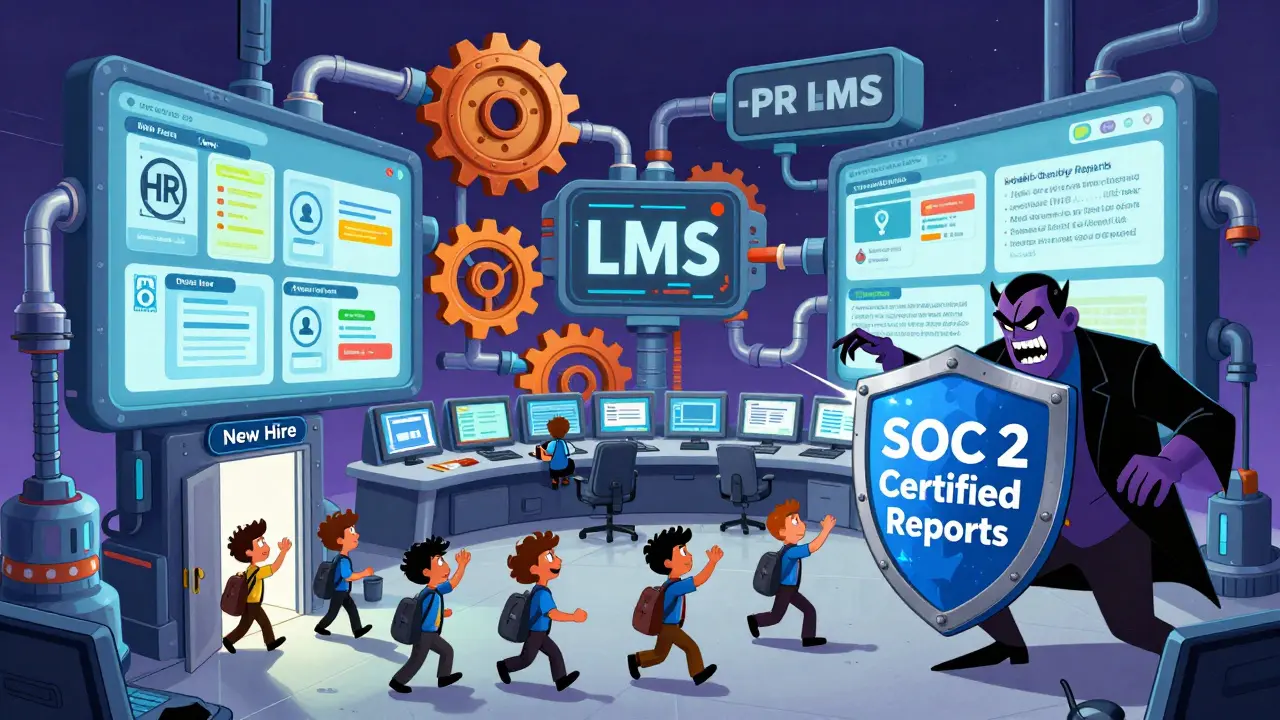
If your LMS doesn’t talk to your HRIS (like Workday, SAP SuccessFactors, or Oracle HCM), you’re manually managing enrollments. That’s a recipe for errors.Automatic user provisioning means:
- New hires get enrolled in required training on day one
- Departing employees are automatically removed
- Role changes trigger new training assignments
Single Sign-On (SSO) via SAML or OAuth is non-negotiable. Employees shouldn’t need another password. If they’re logging into Active Directory or Azure AD, the LMS should too. This reduces friction and increases completion rates.
One bank in Chicago reduced help desk calls about login issues by 82% after connecting their LMS to Microsoft Entra ID. That’s time saved-and risk lowered.
Reporting that auditors actually understand
Auditors don’t care about engagement scores or course likes. They want:- Who was trained
- When
- What they were trained on
- Whether they passed
- Proof of completion
Your LMS must generate PDF or Excel reports with audit-ready data. Look for customizable report templates. Can you export a list of all employees who completed their HIPAA training in Q1 2026? Can you filter by department, location, or job title? Can you include the exact version of the training content they took?
Some LMSs offer pre-built audit packs for HIPAA, SOX, or GDPR. These include standardized report formats and retention logs that meet regulatory requirements. If your vendor doesn’t mention audit compliance out of the box, assume they don’t support it.
Security and data residency matter
Compliance training often contains personal health info, financial data, or employee records. The LMS must be as secure as your internal systems.Ask:
- Is the platform SOC 2 Type II certified?
- Where is your data stored? (EU? US? Both?)
- Does it support encryption at rest and in transit?
- Can you control data retention periods?
For industries under GDPR or CCPA, data residency matters. If your employees are in Germany, your LMS can’t store their training records on servers in India without legal review. Choose vendors that let you pick your data center region.
Scalability without complexity
You might have 50 employees today. In a year, you could have 500. Your LMS shouldn’t require a full rebuild when you grow.Check if the platform scales without adding layers of complexity. Can you add new departments, locations, or training tracks without hiring a developer? Can you create custom roles and permissions? Can you manage multiple training programs (e.g., safety, ethics, cybersecurity) from one dashboard?
Some LMSs charge per user or per module. Avoid those. Look for flat-rate pricing based on company size, not usage. One medical device company scaled from 200 to 2,000 employees in 18 months without changing their LMS plan. Their costs stayed flat. Their compliance stayed intact.
What to avoid
Steer clear of:- Free or consumer-grade LMSs (like Google Classroom or Moodle without enterprise support)
- Platforms that can’t export audit logs
- Systems that require users to create separate accounts
- Vendors who can’t name the regulations they support
- Mobile apps that don’t work offline
These might work for onboarding new hires or teaching software tips. But for compliance? They’re ticking time bombs.
Final checklist before you buy
Before signing a contract, verify these five things:- Can it auto-enroll users based on HR data?
- Does it support offline training and mobile access?
- Can it generate audit-ready reports with timestamps and signatures?
- Is it certified for your industry’s regulations (HIPAA, OSHA, FINRA, etc.)?
- Can you control data location and retention?
If the vendor hesitates on any of these, keep looking. Compliance isn’t optional. Your LMS shouldn’t be either.
Can I use a general LMS for compliance training?
You can, but you shouldn’t. General LMS platforms often lack audit trails, regulatory templates, proctoring tools, and data residency controls. If your industry requires specific certifications (like HIPAA or OSHA), a general system won’t automatically meet those standards. You’ll end up manually tracking compliance-and that’s how violations happen.
What’s the biggest mistake companies make when choosing an LMS?
They focus on features like gamification or social learning instead of audit readiness. Compliance isn’t about engagement-it’s about proof. If you can’t show regulators exactly who was trained, when, and what they passed, you’re at risk-even if everyone says they "loved" the course.
Do I need a dedicated compliance LMS or can I add modules to my existing one?
It depends. If your current LMS supports SSO, automated enrollment, audit exports, and regulatory templates, you might be fine. But if you’re using a basic system without those features, adding modules won’t fix the gaps. Compliance needs infrastructure, not just content. Many companies end up switching platforms after their first audit.
How often should compliance training be updated?
At least annually-but often more. Regulations change. OSHA updates standards every 1-2 years. HIPAA guidance shifts with new enforcement priorities. Your LMS should let you version training content so employees always get the latest version. If your system doesn’t track content versions, you’re training people on outdated rules.
Is cloud-based or on-premise better for compliance?
Cloud-based is better for most. Modern cloud platforms offer stronger security, automatic updates, and built-in compliance certifications (like SOC 2, ISO 27001). On-premise systems require you to manage patches, backups, and audits yourself-which increases risk. Unless you’re in a highly restricted environment (like military or nuclear), cloud is the safer, smarter choice.