How to Create Effective Quizzes for Online Courses: A Practical Guide
 Nov, 22 2026
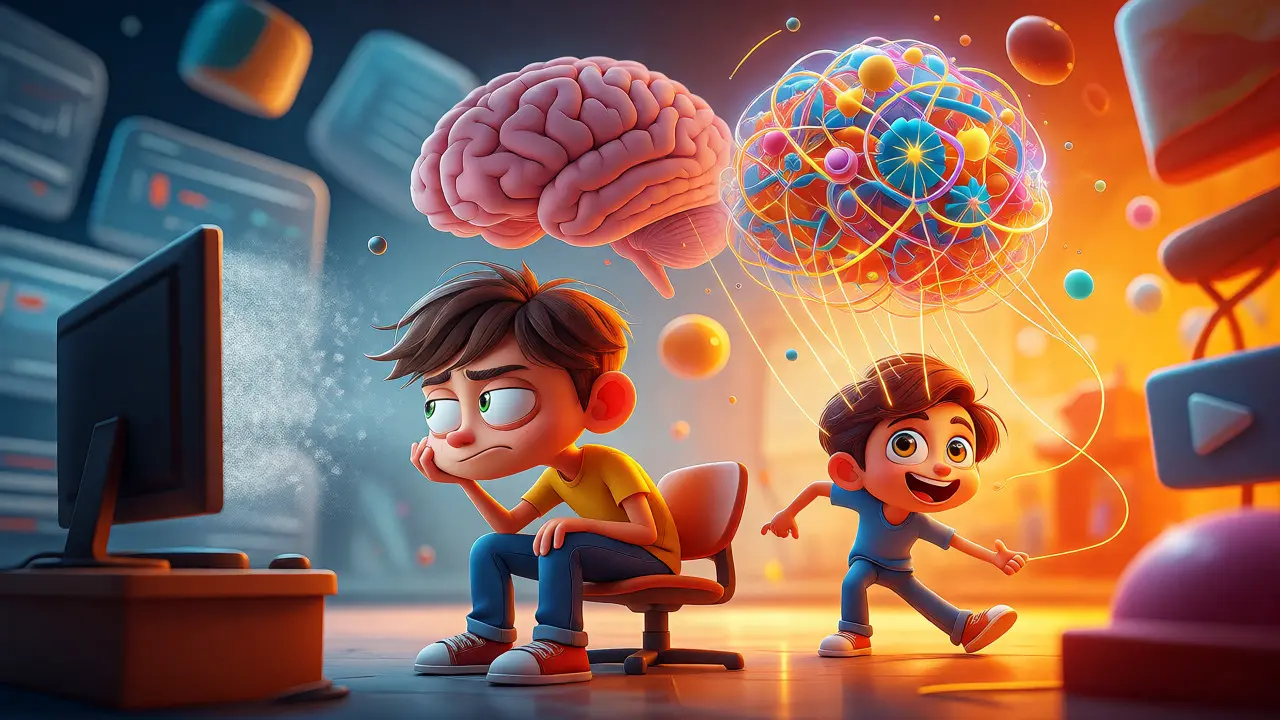
You spent weeks recording videos, designing slides, and writing scripts. You hit publish, expecting students to rave about your content. Instead, you see a 40% completion rate and complaints that the course felt like watching TV. The missing piece? Active recall is a learning technique where students retrieve information from memory rather than passively consuming it. It’s the single most effective way to turn passive viewers into active learners.
Most instructors treat quizzes as an afterthought-a checkbox to prove someone watched the video. That approach fails. When done right, quizzes are not just assessments; they are learning tools. They force the brain to work, which strengthens neural pathways. If you want your students to actually remember what you taught them six months later, you need to rethink how you build your online course quizzes.
The Science Behind Why Most Quizzes Fail
Think about the last multiple-choice question you saw in a bad online course. Did it ask something like, "What year was this concept introduced?" or "Who wrote this book?" These are trivia questions, not learning checks. They test rote memorization of isolated facts that rarely stick. Real learning happens when students can apply concepts, analyze scenarios, or solve problems.
Cognitive science tells us that retrieval practice strengthens memory traces more effectively than re-reading material. Every time a student struggles to pull an answer from their brain, the connection gets stronger. If your quiz is too easy, they guess. If it’s too hard, they quit. The sweet spot is difficulty that requires effort but remains achievable with study. This is often called the "desirable difficulty" principle.
Another common mistake is timing. Placing one massive quiz at the end of a four-hour course is ineffective by then, students have forgotten the first hour’s content. Spaced repetition works better. Small, frequent checks throughout the course keep the material fresh in their minds.
Choosing the Right Question Types
Not every question needs to be multiple choice. In fact, relying solely on MCQs (Multiple Choice Questions) limits your ability to assess higher-order thinking. Here is how to match question types to learning goals:
- Recall & Recognition: Use True/False or simple MCQs for basic definitions. Good for checking if they paid attention.
- Application: Use scenario-based questions. Give them a real-world problem and ask what the next step should be.
- Analysis: Use matching or ordering questions. Ask them to sequence steps in a process or match causes to effects.
- Evaluation: Use short-answer or essay prompts (if auto-grading allows). Ask them to justify a decision or critique a strategy.
For example, instead of asking, "What is the definition of inflation?" try: "If the central bank raises interest rates, what is the likely immediate effect on consumer spending?" The second question forces the student to understand the mechanism, not just memorize the term.
Designing Distractors That Actually Teach
In multiple-choice questions, the wrong answers are called distractors. Bad distractors are obviously wrong or nonsensical. Good distractors reflect common misconceptions. When a student picks a wrong answer, they should learn why it’s wrong. This turns failure into feedback.
Let’s say you’re teaching email marketing. A common mistake is sending emails only to new subscribers. Your options might look like this:
| Question Context | Poor Distractor | Effective Distractor |
|---|---|---|
| Who should receive a promotional email? | A) Only people who bought yesterday B) All active subscribers C) People named John D) The CEO |
A) Only new leads B) All active subscribers C) Only customers with open rates above 50% D) People who unsubscribed |
In the poor example, C and D are joke answers. Students pick B by elimination without understanding why. In the effective example, A and C are plausible mistakes. Many marketers think they should only target new leads or highly engaged users. By choosing those, students engage with the nuance of segmentation strategy.
Structuring Feedback for Maximum Impact
Here is where many platforms fall short. If a student gets a question wrong, simply showing "Incorrect" is useless. It creates frustration, not clarity. You must provide immediate, specific feedback.
Use a three-part feedback structure:
- State the result: "That’s incorrect." or "Great job!"
- Explain the error: "You chose option B, but segmenting by activity level ignores potential revenue from dormant accounts."
- Direct to resources: "Review Module 3, Video 2, where we discuss customer lifecycle stages."
This transforms the quiz from a judgment tool into a tutoring session. Students appreciate knowing exactly where to go to fix their misunderstanding. It reduces support tickets because they self-correct before moving on.

Leveraging Technology for Adaptive Learning
Static quizzes treat every student the same. But modern Learning Management Systems (LMS) software platforms used to administer education courses offer adaptive features. If a student fails a question about Python loops, the system can serve them a remedial video or a simpler question before moving forward. This personalizes the path.
Consider using branching logic. If a student scores below 70% on a module quiz, automatically unlock a supplementary reading. If they score above 90%, skip the review section and move them straight to the project. This respects advanced learners’ time while supporting those who need extra help.
Tools like Articulate Rise, Kajabi, or Teachable allow varying degrees of customization. Check your platform’s capabilities. Some allow conditional release, where passing Quiz A unlocks Lesson B. Others allow randomizing question order to prevent cheating among peers sharing screenshots.
Common Pitfalls to Avoid
Even experienced creators make these errors. Watch out for them:
- Trick Questions: Avoid wordplay. If the answer hinges on spotting the word "not" in bold tiny font, you’re testing eyesight, not knowledge.
- All-of-the-Above: This option often breaks down because if two answers are correct, the third is usually forced. It lowers the quality of assessment.
- Length Overload: Keep quizzes under 10 questions per module. Long quizzes cause fatigue. Five well-designed questions beat twenty rushed ones.
- Ignoring Mobile Users: Ensure your drag-and-drop or matching questions work on touchscreens. Nothing kills engagement faster than a broken interface on a phone.
How many questions should be in an online course quiz?
Aim for 5 to 10 questions per module. This length is enough to assess comprehension without causing cognitive fatigue. If your module covers complex topics, consider splitting it into two shorter quizzes rather than one long one. Shorter quizzes encourage completion and allow for more frequent feedback loops.
Should I allow unlimited attempts on quizzes?
Yes, generally. Since the goal is learning, not gatekeeping, allow students to retake quizzes until they master the material. However, limit the number of attempts (e.g., 3 or 5) to maintain some urgency. Randomize the order of questions and answer choices on each attempt to prevent memorization of position rather than content.
How do I prevent cheating in online quizzes?
Focus on application-based questions rather than factual recall. Cheating is easier when answers are static facts. Scenario-based questions require critical thinking that is harder to Google quickly. Additionally, use time limits appropriate to the question complexity, and consider proctoring software for high-stakes certifications. For lower-stakes courses, assume some collaboration will happen and focus on whether the student can demonstrate competence afterward.
What is the best format for assessing practical skills?
For practical skills, use assignments or simulations rather than traditional quizzes. If you must use a quiz, use "hotspot" questions where students click on parts of an image, or drag-and-drop activities to arrange steps. Video submissions where students record themselves performing a task are also highly effective for skills like public speaking or coding.
How does quiz design affect course completion rates?
Well-designed quizzes increase completion rates by breaking up content into manageable chunks. They provide dopamine hits through progress markers and positive feedback. Poorly designed quizzes create friction and frustration, leading to drop-offs. Data from various LMS providers suggests that courses with interactive elements have 20-30% higher completion rates than purely video-based courses.