How to Create Engaging Pre-Recorded Videos for Online Learning
 Jan, 16 2026
Most online courses fail not because the content is bad, but because the videos are boring. You’ve probably sat through one - a lecturer reading slides with a monotone voice, awkward pauses, and zero energy. By the third minute, your brain checks out. That’s not learning. That’s punishment.
Creating engaging pre-recorded videos for online learning isn’t about fancy cameras or expensive software. It’s about human connection. It’s about making learners feel like you’re talking to them, not at them. And yes, you can do this even if you’re not a professional filmmaker.
Start with a clear goal for every video
Every video should answer one question: What should the learner be able to do after watching this?
Don’t try to cover everything. Break big topics into 5- to 12-minute chunks. A 45-minute lecture on Excel formulas? Split it into five videos: one on SUM, one on VLOOKUP, one on conditional formatting, and so on. Shorter videos mean higher completion rates. A 2024 study from Stanford’s Learning Analytics Lab found that videos under 10 minutes had a 68% completion rate, while those over 20 minutes dropped to 29%.
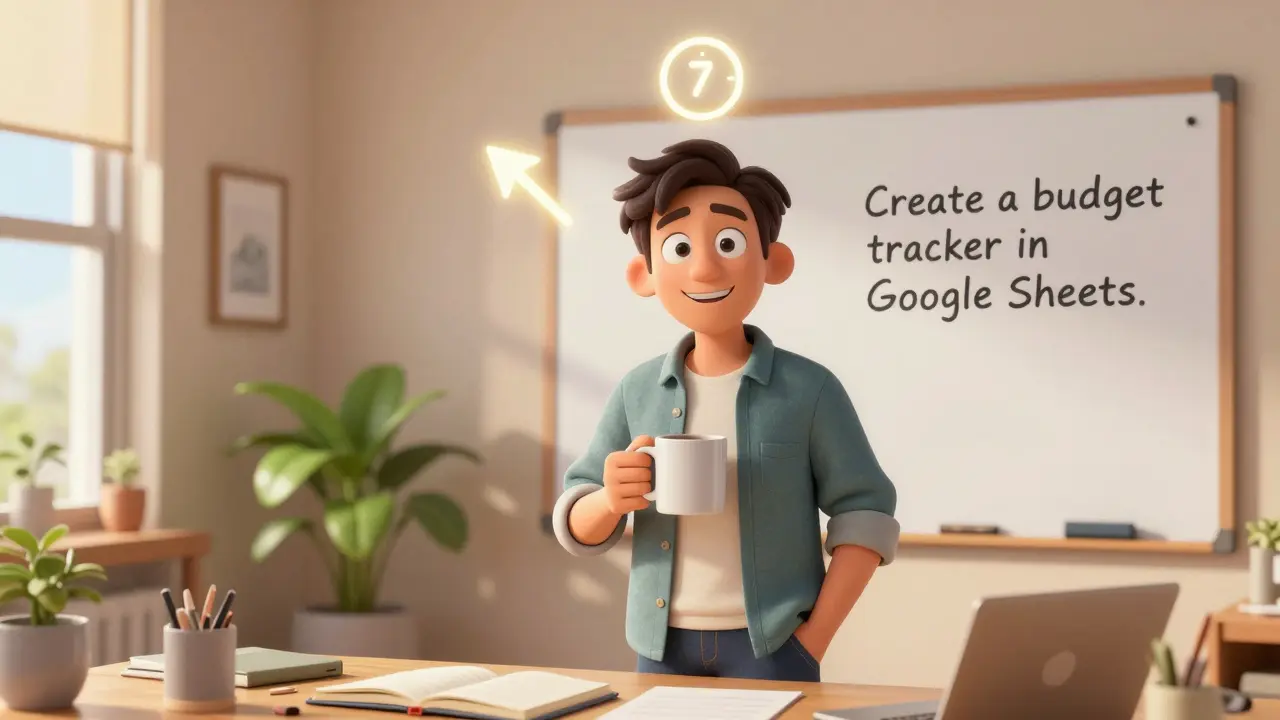
Write a one-sentence objective for each video before you even turn on the camera. Example: “By the end of this video, you’ll be able to create a budget tracker in Google Sheets using formulas.” Keep that sentence visible while filming. It keeps you focused.
Script, but don’t sound scripted
Writing a full script isn’t optional - it’s the difference between a polished video and a rambling mess. But reading word-for-word from a teleprompter makes you sound like a robot.
Use a bullet-point outline instead. List the key ideas in order, then speak naturally around them. Record yourself saying it out loud first. If you stumble on a phrase, rewrite it. Use contractions. Say “you’ll” instead of “you will.” Say “don’t” instead of “do not.”
Here’s a trick: Record your script as if you’re explaining it to a friend who’s curious but has no background in the topic. Imagine they’re sitting across from you with a cup of coffee. That tone works every time.
Use visuals that reinforce, not distract
People learn better when they see something while they hear it. But slides full of text? That’s the opposite of helpful.
Use visuals that show, not tell. If you’re teaching how to use a software tool, record your screen with clear zoom-ins on buttons. Use arrows, circles, and highlights to draw attention. Tools like Loom, Camtasia, or even free options like OBS Studio let you do this easily.
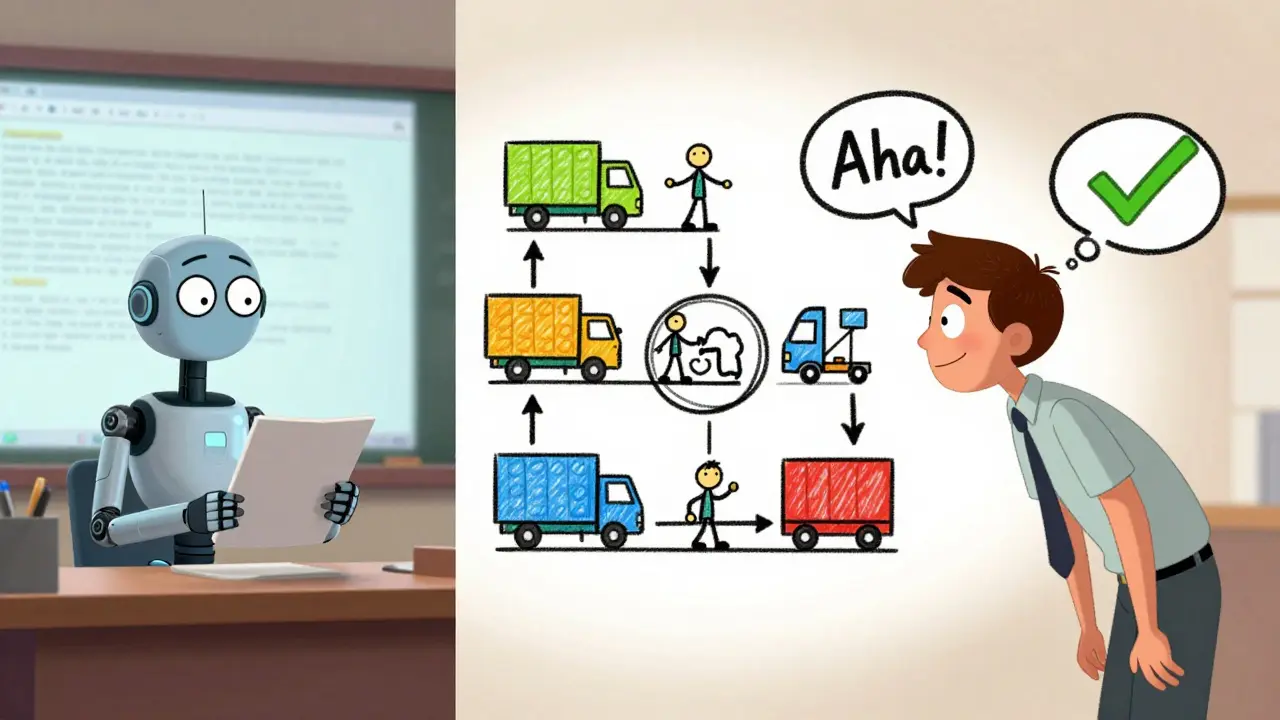
For abstract concepts - like how supply chains work or how neural networks learn - use simple animations or hand-drawn sketches. Even stick figures work if they’re clear. A 2023 meta-analysis in the Journal of Educational Psychology showed that learners who saw hand-drawn explanations scored 22% higher on retention tests than those who saw static slides.
Avoid stock footage unless it directly illustrates your point. A clip of people shaking hands while you talk about team communication? That’s filler. That’s noise.
Speak like a person, not a professor
Your voice matters more than your lighting. If you sound bored, they’ll tune out. If you sound curious, they’ll lean in.
Record in a quiet room. Use a cheap USB mic - the Audio-Technica AT2020 or even the built-in mic on a modern smartphone works fine. Speak clearly. Slow down just a little. Pause after key points. Let the idea sink in.
Smile while you talk. It changes your tone. Even if the camera is off, smiling makes your voice warmer. You don’t need to be loud. You just need to be present.
And don’t be afraid of silence. A two-second pause after saying, “This is the part most people get wrong,” gives learners time to think. That silence is powerful.
Break the fourth wall
Look into the camera. Not at your screen. Not at your notes. At the lens.
This feels weird at first. You’ll feel like you’re staring into nothing. But that’s the point. When learners see your eyes, they feel like you’re talking directly to them. It builds trust. It creates connection.
Set up your camera so the lens is at eye level. Use a stack of books if you need to. Don’t film from above - it makes you look like you’re giving a lecture to the ceiling.
Use your body. Gesture naturally. Lean in when you say something important. Stand up if you need to. Movement keeps energy high. You’re not performing. You’re guiding.
Add interaction - even in pre-recorded videos
Passive watching kills retention. Engagement isn’t just for live classes.
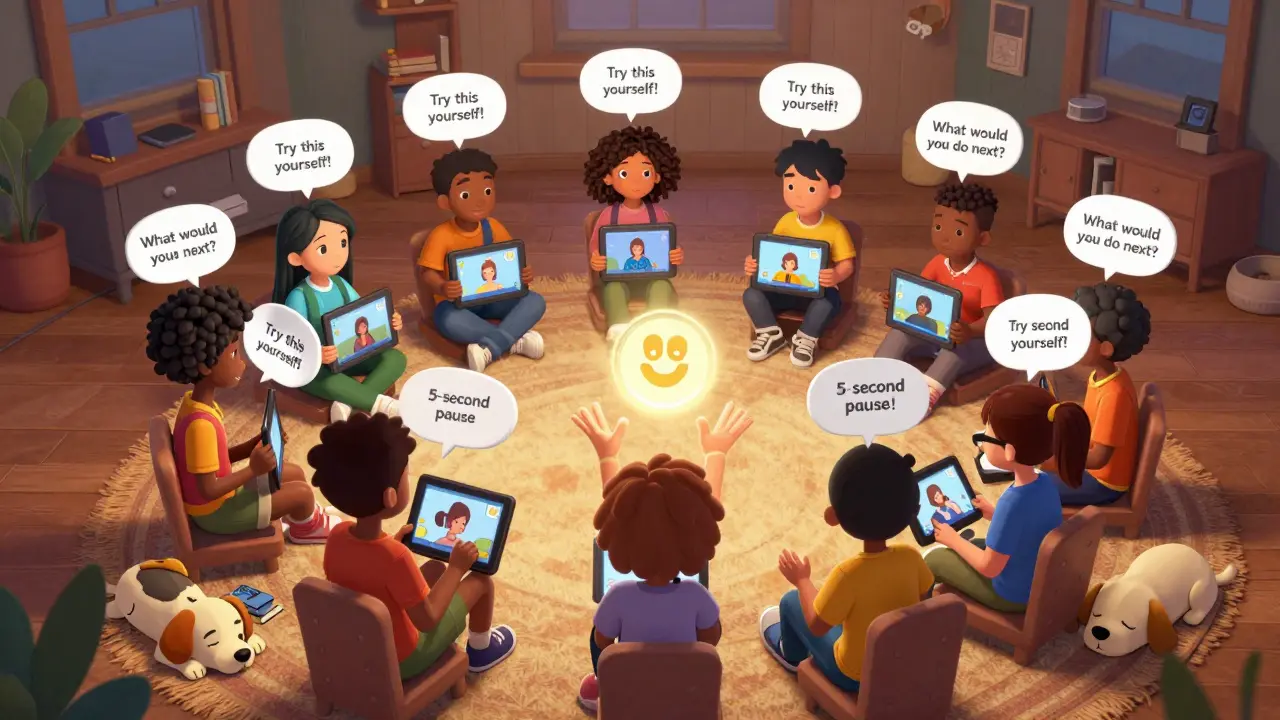
Pause your video every 2-3 minutes and ask a question. “What would you do next?” “Have you ever run into this problem?” Then show the answer after a 5-second pause. This forces the brain to activate. It’s called the “testing effect,” and it’s backed by decades of cognitive science.
Use on-screen prompts: “Take a moment to write this down,” or “Try this yourself before we move on.” You can even add clickable annotations in platforms like Teachable or Thinkific that let learners click to reveal a hint or answer.
End each video with a single action step. “Before you close this, open your spreadsheet and try the formula we just covered.” That tiny nudge turns watching into doing.
Keep it real - imperfections build trust
Don’t chase perfection. If you stumble over a word, don’t re-record the whole thing. Just pause, take a breath, and keep going. Learners don’t want flawless videos. They want honest ones.
One instructor recorded a video while her dog barked in the background. She didn’t edit it out. In the comments, students said: “I felt like I was learning with a real person.” That’s gold.
Even small things help. Show your workspace. Have a coffee mug in frame. Wear something you’d normally wear. Authenticity beats polish every time.
Test your videos before launching
Don’t assume your video works because it looks good. Test it with someone who’s new to the topic.
Ask them: “What was the main point?” “What would you do after watching this?” “Was anything confusing?”
If they can’t summarize it in one sentence, you need to simplify. If they say, “I didn’t know what you meant when you said ‘the API endpoint,’” then your language needs to change.
Use free tools like Google Forms to collect feedback. Ask five people. Their answers will tell you more than any analytics dashboard.
Update your videos regularly
Technology changes. Tools get updated. Laws shift. Your video from 2022 might be outdated now.
Set a reminder every 6 months to review your top-performing videos. Does the software look the same? Are the links still working? Is the terminology current?
Even a 30-second update at the start of the video - “This tutorial was updated in January 2026 to reflect the new interface” - builds credibility. Learners notice when you care enough to keep things fresh.
What to avoid
- Long, uninterrupted talking heads without visuals
- Reading from slides with 50 words per slide
- Background music that drowns out your voice
- Using jargon without explaining it
- Recording in echoey rooms (use a closet or blanket over a microphone)
- Assuming learners will rewatch - make every minute count
One of the most common mistakes? Trying to make videos too long to “get your money’s worth.” That’s not how learning works. Short, focused, and memorable beats long and overwhelming every time.
Tools you can start with today
- Recording: iPhone camera, OBS Studio (free), Loom (free tier)
- Editing: CapCut (free, mobile and desktop), DaVinci Resolve (free, professional-grade)
- Screen recording: Loom, Screencast-O-Matic, or built-in Windows Game Bar (Win + G)
- Visuals: Canva (for simple graphics), Excalidraw (free hand-drawn style), PowerPoint (yes, really)
- Hosting: Teachable, Thinkific, or even YouTube (set to unlisted)
You don’t need all of them. Start with one tool for recording and one for editing. Master those before adding more.
Final thought: You’re not selling a video. You’re building a relationship.
People don’t enroll in courses because the videos are pretty. They enroll because they believe you understand their struggle. They stay because they feel like you’re in their corner.
Every video you create is a chance to say: “I see you. I know this is hard. And I’m here to help you get through it.”
That’s what makes learning stick. Not the resolution. Not the lighting. Not the fancy transitions.
Just you - real, clear, and ready to help.
How long should each pre-recorded learning video be?
Keep videos between 5 and 12 minutes. Research shows completion rates drop sharply after 10 minutes. Shorter videos help learners focus, retain more, and come back for the next one. Break complex topics into smaller chunks instead of making one long lecture.
Do I need a professional camera to make good learning videos?
No. Most learners care more about clear audio and a steady image than 4K resolution. Use your smartphone’s rear camera, place it on a stack of books at eye level, and record in natural light near a window. A $50 USB mic like the Audio-Technica AT2020 improves sound quality more than any expensive camera.
Should I script my videos word-for-word?
No. Word-for-word scripts make you sound robotic. Instead, use a bullet-point outline with key ideas. Practice saying it out loud until it feels natural. Record yourself once, listen back, and tweak the wording. Your goal is to sound conversational, not rehearsed.
How can I make my videos more interactive without live classes?
Pause every 2-3 minutes and ask learners a question like, “What would you do next?” Then give the answer after a 5-second silence. Use on-screen prompts like “Try this yourself” or “Write this down.” Platforms like Teachable let you add clickable hints or quiz pop-ups right inside the video player.
Is it okay to show my messy desk or wear casual clothes in videos?
Yes. Authenticity builds trust more than a perfectly staged setup. Learners connect with real people, not polished performers. A coffee mug, a plant, or a slightly messy background can make you feel more approachable. Focus on clarity and warmth, not perfection.
How often should I update my pre-recorded videos?
Review your top videos every 6 months. Check for outdated software screenshots, broken links, or changed terminology. Even a short 15-30 second update at the beginning - “This was updated in January 2026” - signals you care about accuracy. Outdated content loses credibility fast.
If you’re just starting, pick one video topic. Write a one-sentence goal. Record it with your phone. Edit out the longest pause. Upload it. Then do it again tomorrow. Progress beats perfection.
mark nine
January 16, 2026 AT 08:40Tony Smith
January 16, 2026 AT 20:15Rakesh Kumar
January 18, 2026 AT 14:19Bill Castanier
January 19, 2026 AT 15:56Ronnie Kaye
January 20, 2026 AT 00:52Priyank Panchal
January 21, 2026 AT 21:18Michael Gradwell
January 22, 2026 AT 16:57Flannery Smail
January 24, 2026 AT 15:52Emmanuel Sadi
January 25, 2026 AT 01:03Nicholas Carpenter
January 25, 2026 AT 04:27