How to Evaluate SCORM Compliance When Selecting an LMS
 Oct, 27 2026
You spent three months building a brilliant interactive module. The animations are smooth, the branching scenarios work perfectly, and your subject matter expert loves it. You upload it to your new Learning Management System (LMS), click "Launch," and... nothing. Or worse, it launches but doesn't track completion. Your employees did the training, but the system thinks they didn't. This is the classic SCORM failure nightmare, and it’s entirely avoidable if you know what to look for before you sign that contract.
Choosing an LMS is rarely just about pretty dashboards or mobile apps. For most corporate trainers and instructional designers, the non-negotiable requirement is interoperability. You need your content to talk to your platform seamlessly. That’s where SCORM comes in. But here’s the trap: almost every vendor claims their system is "SCORM compliant." It’s like saying a car has wheels. Sure, it does, but does it have tires? Does it have brakes? Does it actually drive?
What Actually Is SCORM Compliance?
Before you evaluate vendors, you need to understand what you’re evaluating. SCORM (Sharable Content Object Reference Model) isn’t a single piece of software; it’s a set of technical standards developed by the Advanced Distributed Learning (ADL) initiative. Think of it as a universal translator between your e-learning content and the LMS.
When a vendor says they support SCORM, they usually mean one of two things: SCORM 1.2 or SCORM 2004. These are different beasts. SCORM 1.2 is older, simpler, and still widely used because it’s robust and forgiving. SCORM 2004 is more complex, allowing for sequencing and navigation controls, but it’s notorious for implementation inconsistencies across different platforms. If you don’t specify which version you need, you might end up with a platform that supports the standard on paper but fails when you try to run a specific course structure.
Compliance means the LMS correctly interprets the data packets sent by the courseware. It tracks status (passed, failed, completed), score, time spent, and interactions. If the LMS ignores the "suspend data" command, your user loses their place when they close the browser. That’s not just annoying; it’s a compliance risk if you’re tracking mandatory safety training.
The Hidden Pitfalls of "Standard" Support
Here is where many buyers get burned. A vendor will show you a checklist: "Yes, we support SCORM 1.2. Yes, we support SCORM 2004." But ask them how they handle edge cases. Do they support multi-sco packages? What happens if a user tries to launch the same course from two different devices simultaneously? Some basic LMS platforms lock the session, preventing the second launch. Others allow both but only save the final state, wiping out progress from the first device.
You also need to dig into error handling. When a SCORM package fails to communicate, does the LMS give you a helpful log? Or does it just spin forever? In my experience working with various educational technology stacks, the difference between a good LMS and a bad one often shows up in the logs. If you can’t see why a course failed to report completion, you’re flying blind during audits.
| Feature | Basic Compliance | Advanced Compliance |
|---|---|---|
| Session Locking | Prevents multiple launches | Allows multi-device sync |
| Error Logging | Generic "Failed" message | Detailed API call logs |
| Suspend Data Size | Limited (often 4KB) | Extended storage options |
| Offline Tracking | No support | Queues data for later sync |
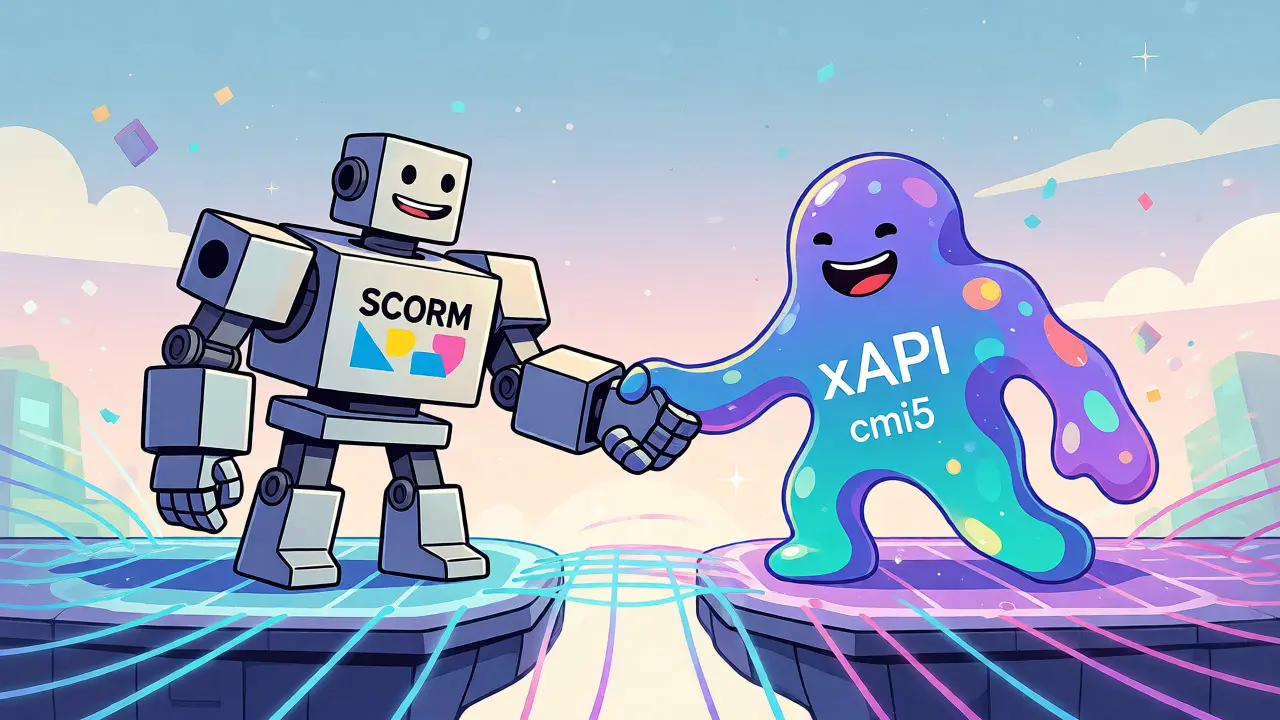
Beyond SCORM: Why You Need xAPI and cmi5
If you think SCORM is the finish line, you’re looking at the map upside down. SCORM was designed for desktop browsers in the early 2000s. Today, people learn on phones, tablets, VR headsets, and even smartwatches. SCORM struggles with this fragmented landscape because it relies on a strict client-server communication model that breaks easily in offline or native app environments.
This is why modern LMS evaluation must include xAPI (Experience API). Unlike SCORM, which only tracks what happens inside the player window, xAPI tracks any learning experience. Did the user watch a video on YouTube? Did they attend a webinar? Did they read a PDF? xAPI captures these as statements: "User [verb] Object." It’s flexible, future-proof, and essential for blended learning programs.
But xAPI alone is too loose. That’s where cmi5 comes in. Think of cmi5 as a profile of xAPI specifically designed for structured courses. It bridges the gap, allowing you to use modern tracking capabilities while maintaining the rigorous structure of traditional e-learning modules. When selecting an LMS in 2026, if it doesn’t support xAPI and cmi5 alongside SCORM, you’re buying into legacy tech that will cost you more to migrate later.
Practical Steps to Test Vendor Claims
Don’t trust the marketing brochure. Trust your own tests. Before committing to a long-term contract, demand a sandbox environment. Then, run this gauntlet:
- The Upload Test: Try uploading a zipped SCORM 1.2 package. Does it unzip cleanly? Does it recognize the manifest file immediately?
- The Launch Test: Launch the course in Chrome, Firefox, Safari, and Edge. Does it behave consistently? Mobile responsiveness is critical-test on iOS and Android.
- The Completion Test: Complete the course. Check the gradebook. Did it mark as "Complete"? Did it record the score accurately?
- The Retake Test: Can users retake the course? If yes, does the system overwrite the previous score or keep the highest? This policy varies wildly between platforms and impacts reporting accuracy.
- The Offline Test: Turn off Wi-Fi. Complete part of the course. Turn Wi-Fi back on. Did the progress sync? This is crucial for field workers or remote teams.
Pay attention to how the LMS handles large files. SCORM packages can be heavy, especially with video content. Some platforms have strict file size limits or timeout issues that cause uploads to fail silently. Ask about their infrastructure. Are they using cloud-native storage that scales, or a monolithic server that chokes under load?

Reporting and Analytics Integration
Tracking data is useless if you can’t extract it. Many LMS platforms offer built-in reports, but they’re often rigid. Can you export raw SCORM data? Can you integrate with your HRIS or BI tools? Look for APIs that allow you to pull detailed interaction data, not just pass/fail rates.
For example, if you’re running sales training, you don’t just want to know who finished the course. You want to know which questions they got wrong repeatedly. SCORM provides interaction records, but many LMSs discard this detail after calculating the final score. Ensure your chosen platform stores granular data so you can analyze knowledge gaps effectively.
Future-Proofing Your Selection
The learning technology landscape shifts fast. What works today might be obsolete in five years. When evaluating SCORM compliance, consider the vendor’s roadmap. Are they investing in AI-driven personalization? How do they handle accessibility standards like WCAG 2.1? An LMS that respects SCORM standards should also respect accessibility standards, ensuring screen readers can navigate the course structure properly.
Also, check for community support. Open-source LMS options like Moodle have vast communities that patch bugs quickly. Proprietary SaaS platforms rely on vendor updates, which can sometimes break existing integrations. Read case studies from companies similar in size to yours. Did they face migration headaches? How responsive was customer support when a SCORM package failed?
Ultimately, SCORM compliance isn’t a checkbox-it’s a foundation. Get it wrong, and your entire learning strategy crumbles under the weight of broken tracking and frustrated users. Get it right, and you build a system that adapts, scales, and truly measures impact.
Is SCORM 1.2 better than SCORM 2004?
Neither is inherently "better," but SCORM 1.2 is more widely supported and less prone to implementation errors. SCORM 2004 offers advanced sequencing features but requires stricter adherence to standards, leading to more compatibility issues across different LMSs. For most corporate training needs, SCORM 1.2 remains the safer bet for reliability.
Can I convert old SCORM courses to xAPI?
You cannot directly convert SCORM code to xAPI without modifying the courseware. However, many modern authoring tools (like Articulate Storyline or Adobe Captivate) allow you to publish the same source project as either SCORM or xAPI/cmi5. If your source files are lost, you may need to rebuild the content or use middleware wrappers, though these are temporary fixes.
Why does my SCORM course not track completion?
Common reasons include incorrect manifest configuration (imsmetadata.xml), the course not sending the "completed" status signal, browser security settings blocking cookies or local storage, or the LMS having strict session timeout rules. Always check the LMS debug logs to see if the API calls were received.
Do I need an LRS if I use xAPI?
Yes. xAPI sends data to a Learning Record Store (LRS). Some LMSs have a built-in LRS, while others require integration with a third-party LRS (like Watershed or Veracity). Ensure your LMS either includes an LRS or has seamless API connectivity to one.
What is the maximum file size for SCORM packages?
There is no official SCORM limit, but practical limits depend on the LMS. Most platforms recommend keeping zip files under 500MB-1GB for optimal performance. Large videos should be hosted externally (e.g., via Vimeo or Wistia) and embedded via iframe to keep the SCORM package lightweight.