How to Run Live Q&A Sessions and Office Hours for Course Engagement
 Jul, 26 2026
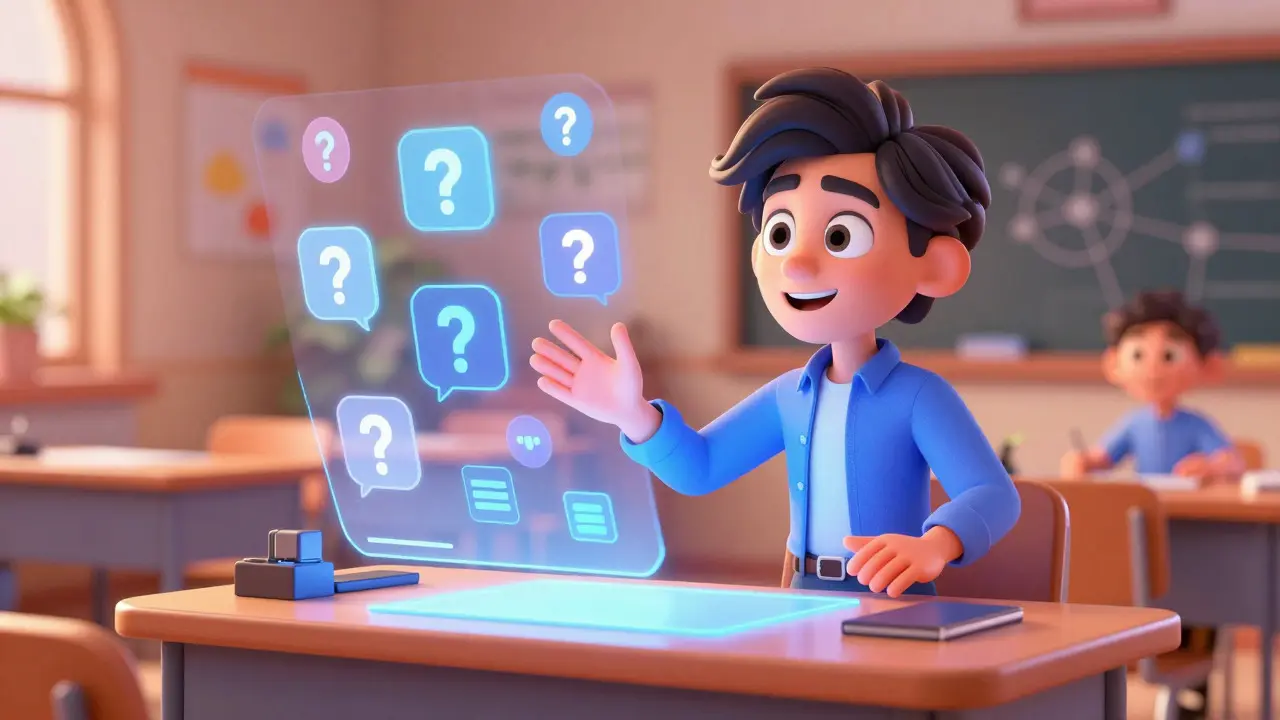
Dead forums are the silent killer of online courses. You can have the best video lectures in the world, but if students never ask questions or get stuck on a concept without help, they drop out. That is where Live Q&A sessions and office hours come in. They are not just extra features; they are the heartbeat of a thriving learning community.
Think about your own experience. When you were stuck on a complex topic, did reading a FAQ help, or did talking to a human solve it? Usually, it was the latter. In 2026, with AI tutors handling basic queries, live human interaction has become a premium feature that signals quality and care. This guide breaks down exactly how to structure these sessions so they drive engagement rather than drain your energy.
The Psychology Behind Real-Time Interaction
Why do live sessions work when recorded videos don't? It comes down to accountability and immediacy. When a student knows there is a specific time to ask a question, they are more likely to prepare for it. This creates a feedback loop: preparation leads to attendance, which leads to clarity, which leads to completion.
Research in educational psychology highlights the concept of "social presence." In an online environment, social presence is the degree to which participants feel connected to each other. Live Q&A sessions boost this metric significantly. A study by the Community of Inquiry framework suggests that higher social presence correlates directly with deeper cognitive engagement. Simply put, students who feel seen by their instructor learn better.
However, there is a catch. If the session is disorganized, it feels like a waste of time. Students will tune out. The key is to treat these sessions as structured events, not casual hangouts.
Structuring Effective Live Q&A Sessions
A successful Q&A session needs a clear agenda. You cannot just say, "Ask me anything," and hope for the best. You need to guide the conversation to ensure maximum value for all attendees, not just the loudest voices.
- Premodulation: One week before the session, post a prompt asking students to submit their most pressing questions related to the current module. Use a tool like Google Forms or your Learning Management System (LMS) discussion board.
- Theme Selection: Review the submitted questions. Group them into themes. For example, if you are teaching Python, you might see clusters around "Data Structures" and "API Integration." Choose the top two themes to focus on.
- The Broadcast: Start the session by outlining the themes. "Today we are tackling Data Structures and API Integration based on your submissions." This sets expectations immediately.
- Interactive Demo: Don't just talk. Show. If a question is technical, share your screen and code the solution live. This visual reinforcement is critical for retention.
- Open Floor: Leave the last 10-15 minutes for unscripted questions. This allows for spontaneity and addresses edge cases.
Using a platform like Zoom or Microsoft Teams is standard, but consider using breakout rooms for smaller groups if you have more than 20 students. This increases individual participation rates because shy students are more likely to speak in a group of five than in a room of fifty.
Designing Accessible Office Hours
While Q&A sessions are broadcast-style, office hours are intimate and flexible. They serve a different purpose: personalized support. Think of them as a drop-in clinic for academic struggles.
The biggest mistake instructors make with office hours is treating them like a second lecture. They shouldn't be. They should be a space for one-on-one or small-group troubleshooting. Here is how to make them effective:
- Consistency is Key: Set a recurring time. Every Tuesday from 2 PM to 4 PM, for instance. Students need to know when you are available without checking an email every day.
- Low Barrier to Entry: Make joining easy. A single link that works for anyone. No complex registration processes. If a student is stressed, friction kills attendance.
- Signage Matters: Keep a virtual "sign-in sheet" or a status indicator. Let students know if you are currently helping someone else. This manages expectations and reduces anxiety about interrupting.
- Asynchronous Backup: Not everyone can make the live slot. Offer a way to leave voice notes or short video messages via tools like Loom or Slack, promising a response within 24 hours. This bridges the gap between live and async support.
In my experience teaching digital marketing courses, I found that office hours attendance spiked when I shared quick wins during the session. For example, "Sarah just asked about SEO meta tags, and here is a 30-second tip that applies to everyone." This rewards those who attend and encourages others to join next time.

Tools and Technology Stack
You don't need expensive software to run these sessions, but you do need the right mix of tools to manage the workflow. Here is a comparison of common platforms used in 2026:
| Tool Type | Example Platforms | Best Use Case | Pros | Cons |
|---|---|---|---|---|
| Video Conferencing | Zoom, Google Meet | Large group Q&A | High reliability, breakout rooms | Can feel impersonal at scale |
| Collaborative Whiteboard | Miro, Mural | Visual problem solving | Interactive, great for diagrams | Steeper learning curve for some |
| Async Video | Loom, Vimeo Record | Office hour backups | Flexible timing, recordable | No real-time feedback |
| Community Hub | Slack, Discord | Ongoing discussion | Always-on, peer-to-peer help | Requires moderation |
Integrating these tools seamlessly is crucial. If your Q&A is on Zoom but your questions are collected in Email, you create friction. Centralize your communication. If your course lives on Teachable or Thinkific, use their built-in discussion boards for pre-session questions to keep everything in one ecosystem.
Handling Difficult Dynamics
Even with perfect planning, things go wrong. A dominant student hogs the airtime. Technical glitches occur. Or worse, no one shows up. Here is how to handle these scenarios with grace.
The Dominant Student: This person asks question after question, leaving others behind. Acknowledge their enthusiasm but set boundaries. "That's a great point, Alex. Let's park that specific detail for a one-on-one chat after the session so we can cover Maria's question about X." This validates the student while protecting the group's time.
The Empty Room: Low attendance is discouraging. Don't cancel. Instead, pivot. Treat the session as a recording opportunity. Announce beforehand: "If we have low attendance, I will record a deep-dive tutorial on Topic Y instead." This adds value even if few people watch live. Over time, consistency builds trust, and attendance usually grows.
Technical Issues: Always have a backup plan. If Zoom fails, switch to phone audio. If the internet dies, move to text-based chat in your LMS. Communicate clearly: "Tech issues happening. Moving to chat for 5 minutes." Transparency reduces frustration.
Measuring Success and Iteration
How do you know if your Q&A sessions are working? Look beyond attendance numbers. Attendance tells you who showed up; engagement metrics tell you if they learned.
Track these three KPIs:
- Question Volume: Are students submitting more questions over time? An increase indicates growing comfort and engagement.
- Course Completion Rates: Compare cohorts with active live sessions to those without. Data consistently shows that live interaction boosts completion by 15-20%.
- Sentiment Analysis: Read the comments in your post-session surveys. Look for keywords like "clarified," "helpful," and "connected."
Use a simple survey tool like Typeform after each session. Ask one question: "What was the biggest takeaway from today's session?" Analyze the responses. If everyone mentions the same topic, you hit a nerve. If responses are vague, adjust your next agenda.
Scaling Without Losing Touch
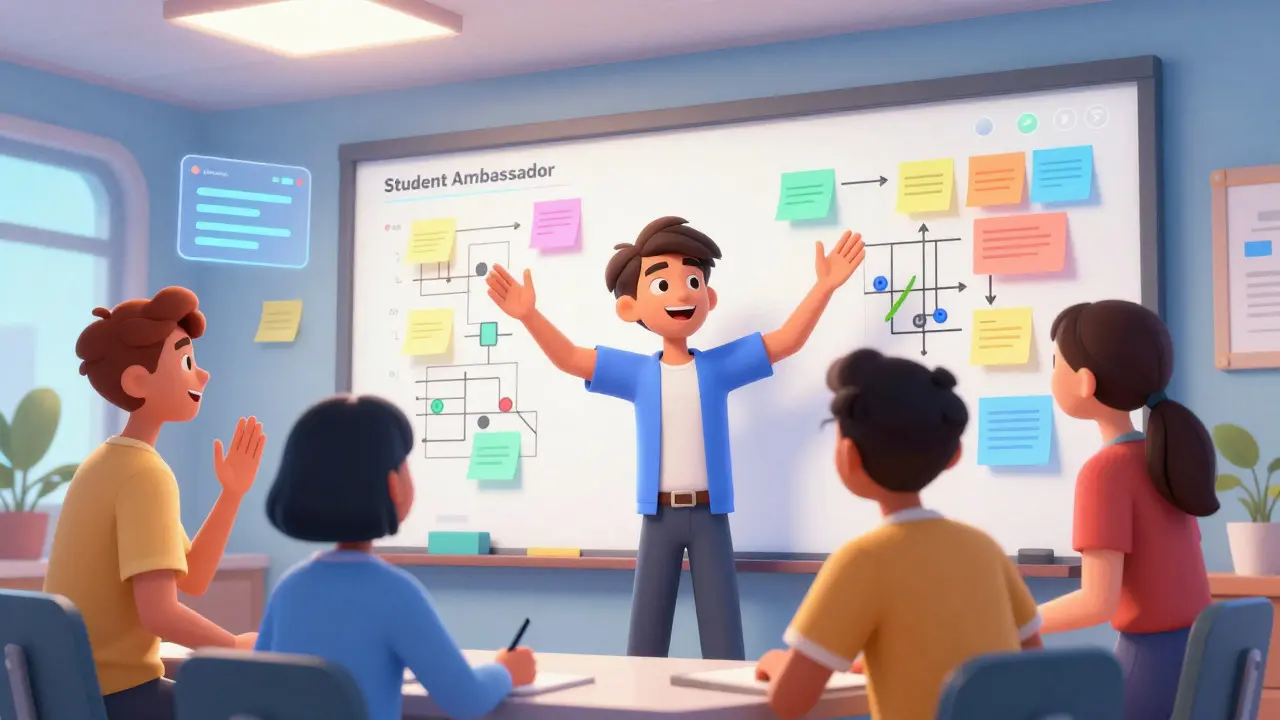
As your course grows, running weekly live sessions becomes unsustainable. You need to scale. The secret is leveraging peer-to-peer support. Train advanced students to lead "mini-office hours" or moderate the Q&A.
Create a "Student Ambassador" program. Reward top contributors with certificates or discounts. When students teach each other, they reinforce their own learning (the Protégé Effect). This shifts the burden from you to the community, making the course self-sustaining.
Additionally, archive your sessions. Create a searchable library of past Q&As. Tag them by topic. New students can search for answers before asking, reducing repetitive questions. This turns your live content into a permanent resource, extending its value indefinitely.
How often should I hold live Q&A sessions?
For intensive courses, weekly sessions are ideal. For longer, self-paced programs, bi-weekly or monthly sessions work well. Consistency matters more than frequency. Choose a schedule you can maintain for the entire duration of the course.
What if students don't prepare questions beforehand?
Start with prepared topics yourself. Share common misconceptions or tricky concepts from the previous module. Model the behavior by asking your own questions. Gradually, students will start contributing as they see the value.
Should I record office hours?
Yes, but with consent. Inform students at the start that the session will be recorded for archival purposes. Blur faces if privacy is a concern, or focus on screen sharing. Recorded office hours become valuable study resources for future cohorts.
How do I handle timezone differences in global courses?
Rotate your session times. If you have students in the US, Europe, and Asia, alternate between morning, afternoon, and evening slots on a monthly basis. Alternatively, host two shorter sessions per month to cover major time zones.
Can AI replace live Q&A sessions?
AI can answer factual questions instantly, but it lacks empathy and nuanced understanding. Live sessions provide emotional connection and complex problem-solving that AI currently cannot replicate. Use AI for tier-1 support and humans for tier-2 engagement.