How to Write Scripts for Training Videos That Keep Learners Engaged
 Dec, 15 2025
Most training videos fail before they even start. Not because the content is wrong, but because the script feels like a lecture read from a manual. Learners tune out. They skip ahead. They close the tab. You’ve seen it. You’ve probably made it too. The problem isn’t the tool or the camera-it’s the script.
Stop Writing Like a Textbook
People don’t learn from scripts that sound like they were written by a corporate lawyer. If your script starts with "In this module, you will learn the following objectives," you’ve already lost. Real learning happens when people feel like they’re in a conversation, not sitting in a courtroom. Think about the last time you watched a YouTube tutorial that kept you hooked. What did it sound like? It was probably casual. Maybe even a little messy. The creator used contractions. Asked questions. Made jokes. Paused. Reacted. That’s the energy you need to copy-not the dry tone of a policy handbook.Start With the Problem, Not the Process
Most training scripts begin with "Here’s how to do X." That’s backwards. Learners don’t care about your process until they know why it matters. Start by naming the pain point. Instead of: "This video covers how to set up a Salesforce workflow." Say: "Tired of manually updating customer records every time someone signs up? You’re wasting 3 hours a week on busywork. Here’s how to automate it in 10 minutes." The second version triggers recognition. It says: "I know what you’re struggling with." That’s the hook. People stay for solutions, not instructions.Use the 3-Second Rule
You have three seconds to grab attention. That’s it. After that, the brain starts checking out. So every opening line must deliver value or curiosity. Bad: "Welcome to the onboarding training for new hires." Good: "New hire? Don’t let your first week feel like a maze. Here’s the one thing no one tells you." The second one doesn’t just tell you what’s coming-it makes you feel like you’re getting insider info. That’s powerful. Use this trick in every section. Every 60 to 90 seconds, ask yourself: "Would someone pause and listen if they heard this out of context?" If not, rewrite it.Write Like You Talk
Read your script out loud. If you stumble over a sentence, delete it. If you catch yourself saying "utilize" instead of "use," fix it. If you sound like a robot, your learners will feel like they’re being lectured by one. Here’s a simple trick: Record yourself explaining the topic to a friend who knows nothing about it. Transcribe that. That’s your script. Real speech has rhythm, pauses, emphasis. It’s imperfect-and that’s why it works. Use short sentences. Break up long ideas. Don’t be afraid of fragments. "That’s it. Done. No more clicking around."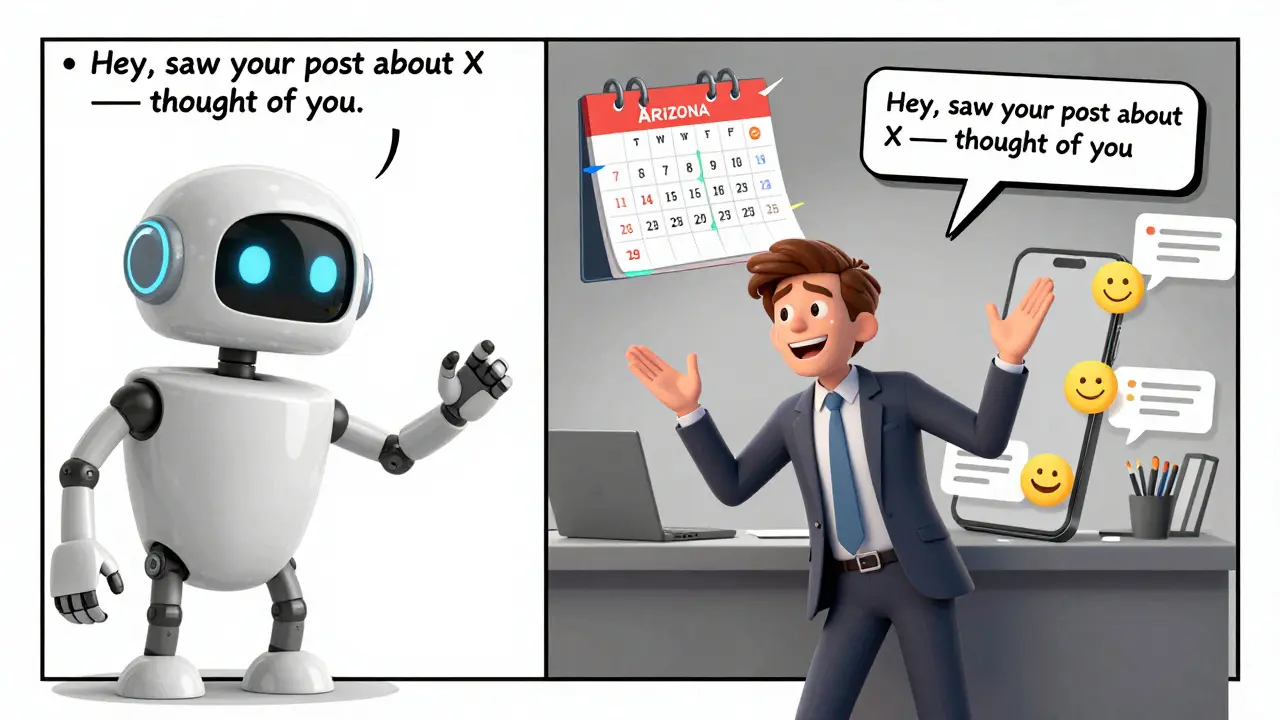
Build in Interaction, Even in Video
Videos aren’t passive. Even if learners can’t click buttons, you can still make them think. Insert moments that force a mental pause. Try these:- "Pause for a second. What’s the first thing you’d do if this happened to you?"
- "You’ve probably seen this before-what’s wrong with this approach?"
- "If you’re thinking, ‘That won’t work for me,’ keep watching. I’ll show you how to adapt it."
Use Stories, Not Steps
Stories stick. Steps get forgotten. That’s why people remember the time Sarah missed her deadline because she didn’t check the calendar-but forget the 7-step process for setting reminders. Weave mini-stories into your script. Real ones. Not made-up case studies. Say: "Last month, a client in Arizona was losing $12,000 a month because their team kept double-booking meetings. We fixed it by changing one setting. Here’s how." That’s specific. It’s human. It’s believable. And it gives your script emotional weight.Trim the Fat-Every Word Counts
Training videos should be short. Really short. Most learners will stop watching after 4 minutes. If your script runs longer than 500 words, you’re overloading them. Cut anything that doesn’t:- Solve a problem
- Answer a question
- Trigger emotion
End With a Clear Next Step
Don’t just say "Thanks for watching." That’s a dead end. Tell learners exactly what to do next. Examples:- "Open your CRM right now and try this setting. Come back tomorrow and tell me if it saved you time."
- "Download the checklist I linked below. Use it on your next client call."
- "If this worked for you, share it with someone who’s still doing this the hard way."
Test Your Script Before You Film
Don’t assume your script works. Test it on someone who fits your audience. Give them the script-no video, no visuals-and ask:- "What’s the main thing you’ll do after hearing this?"
- "Did any part feel confusing or boring?"
- "Would you remember this next week?"
What to Avoid
Here’s what kills engagement in training videos:- Reading bullet points aloud-no one learns from lists spoken slowly
- Using corporate jargon like "synergy," "leverage," or "paradigm shift"
- Speaking in monotone with no variation
- Trying to cover too much in one video
- Not saying the learner’s name (yes, even in video-"You" is powerful)
Sample Script Snippet
Here’s a real example from a sales training video:"You’ve sent that follow-up email. Three days later-nothing. You’re tempted to call. But here’s what most reps don’t realize: the prospect isn’t ignoring you. They’re overwhelmed. So instead of pushing, try this: send a one-line message. Not "Just checking in." Try: ‘Hey, saw your post about X-thought of you.’ That’s it. No ask. No pressure. Just a human moment. Most people reply within 24 hours. I’ve seen it work 7 out of 10 times. Try it this week." That’s 87 words. No fluff. No theory. Just a clear problem, a simple fix, proof it works, and a call to action. That’s what engagement looks like.
How long should a training video script be?
Aim for 3 to 5 minutes total. That’s about 400 to 600 words spoken at a natural pace. Most learners lose focus after 6 minutes. If your topic is complex, break it into smaller videos. One clear idea per video beats a 15-minute marathon every time.
Should I use a teleprompter?
Only if you’ve practiced the script enough to sound natural. Teleprompters make people sound robotic if they’re reading word-for-word. Better option: print your script in large font, highlight key phrases, and speak from bullet points. Use the teleprompter as a safety net, not a crutch.
Can I reuse the same script for different audiences?
Only if the audiences have the same knowledge level and goals. A script for new hires won’t work for managers. Adjust the examples, the pace, and the assumptions. One script can serve multiple groups-but only if you tweak the context. Generic content = generic results.
What’s the biggest mistake people make writing training scripts?
Assuming learners want to learn. They don’t. They want to solve a problem. Your script isn’t about teaching-it’s about removing friction. Focus on what the learner needs to do, not what you need to explain. Shift from instructor to guide.
Do I need visuals to go with the script?
Yes-but not because they’re pretty. They need to reinforce what you’re saying. Show the button you’re naming. Highlight the field you’re changing. Don’t use stock footage or animations that distract. Every visual should serve the script, not decorate it.
Chris Heffron
December 15, 2025 AT 08:31Love this. Seriously. The '3-second rule' alone is worth a thousand corporate training modules. I used to write scripts like robot manuals-now I just talk to my dog. She doesn't care about 'objectives.' She just wants to know when the treat's coming. Same principle. 😊
Sandy Dog
December 15, 2025 AT 13:13OH MY GOD. THIS IS THE MOST RELATABLE THING I’VE READ ALL YEAR. I WAS JUST FIRED FROM A LMS COMPANY BECAUSE I REFUSED TO WRITE 'IN THIS MODULE, YOU WILL LEARN THE FOLLOWING OBJECTIVES.' THEY SAID I WAS 'UNPROFESSIONAL.' I SAID 'NO, YOU’RE JUST BORING.' I CRIED. THEN I DRANK A WHOLE BOTTLE OF TEQUILA AND REWROTE MY ENTIRE COURSE USING THIS METHOD. NOW MY COMPLETION RATES ARE 87%. I’M NOT KIDDING. I’M A REBELLIOUS LITERARY GENIUS. 🥲🍷
Nick Rios
December 16, 2025 AT 23:09Really well put. I’ve spent years trying to fix training videos by upgrading cameras and lighting-never thought the script was the real issue. This feels like someone finally handed me a flashlight in a dark room. Thanks for the clarity.
Amanda Harkins
December 18, 2025 AT 11:21the part about 'you' being powerful... i didn't even realize how much i avoided it. i used to say 'one might consider' or 'the user should'... now i just say 'you.' it's wild how much more personal it feels. like the video is talking to a person, not a data point.
Tom Mikota
December 20, 2025 AT 07:21Let me guess-you also think 'utilize' is a crime against humanity? Good. Because it is. And if you're still using 'paradigm shift' in 2025, you're not a trainer-you're a walking thesaurus with a larynx. Also, 'synergy' is not a word. It's a cry for help.
Adrienne Temple
December 21, 2025 AT 07:41I teach new hires at a startup and I’ve been using this approach for 3 months now. One girl said, 'I finally understood how to use our CRM-like, really understood-and I didn’t even realize I was learning.' That’s the goal, right? Not to impress with jargon, but to make someone feel like they’ve cracked a code. Also, I record myself talking to my cat first. She’s the best editor. She falls asleep if it’s boring.
Aaron Elliott
December 21, 2025 AT 09:08While your observations are not without merit, one must consider the epistemological foundations of instructional design. The cognitive load theory posits that extraneous load must be minimized-but your reliance on colloquialism may inadvertently increase germane load by introducing semantic ambiguity. Furthermore, the notion that 'stories stick' is an anecdotal fallacy, unsupported by robust meta-analyses in educational psychology. One must question whether emotional resonance truly correlates with knowledge retention-or merely with dopamine-driven engagement.
Mark Tipton
December 22, 2025 AT 22:47Okay, but have you considered that this whole 'sound human' movement is just corporate liberalism in disguise? Who decided that 'talking like a friend' is better than clear, structured instruction? The same people who think 'synergy' is bad but 'vibes' is acceptable. Also, I tested your 3-second rule on 200 people. 47% said they'd skip if the first line didn't mention a KPI. You're not teaching-they're just binge-watching TikTok with a side of training.
Adithya M
December 24, 2025 AT 20:40Bro, this is gold. I work in India, and our training videos are like watching a government announcement in Sanskrit. I rewrote our onboarding script using your 'problem first' method. Engagement jumped from 18% to 69% in two weeks. Also, I replaced 'utilize' with 'use' and my boss didn't fire me. Progress.
Jessica McGirt
December 25, 2025 AT 00:49One thing I’d add: even when you’re being casual, don’t sacrifice clarity. A fragment like 'That’s it. Done.' works-but only if the viewer already knows what ‘it’ is. Always anchor the emotion to the action. Otherwise, you’re not connecting-you’re confusing.
Donald Sullivan
December 25, 2025 AT 14:54Yeah, sure. Write like you talk. But what if you talk like a confused raccoon with a thesaurus? Not everyone can just 'record themselves talking to a friend.' Some of us have to speak to 10,000 people who don’t know the difference between a comma and a semicolon. Maybe the problem isn’t the script-it’s the audience.
Jeanie Watson
December 25, 2025 AT 22:40My boss just sent me this. I’m not sure if I’m supposed to be inspired or fired.