Legal Risks of Inaccessible Online Learning: What Teams Should Know
 Mar, 18 2026
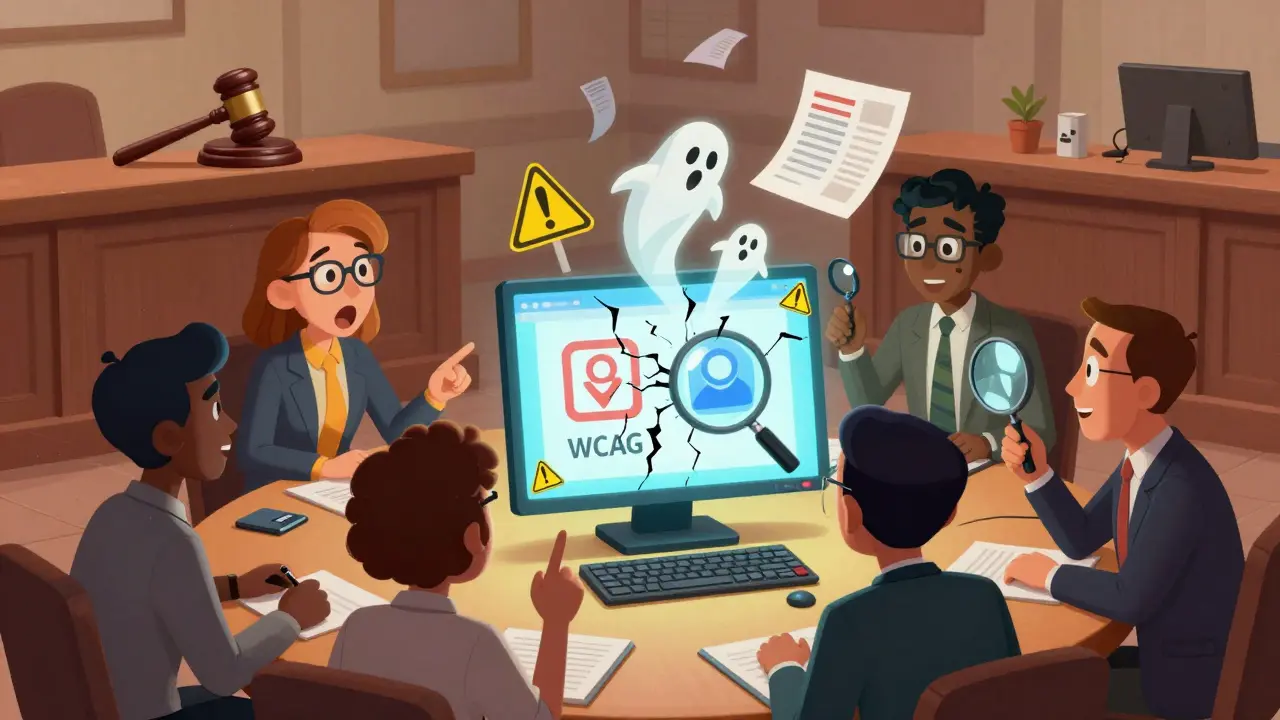
Imagine this: your company spent months building a new online training course. It’s polished, engaging, and packed with content. But half your employees can’t use it. Not because it’s too hard, but because the videos have no captions, the quizzes won’t respond to keyboard navigation, and the PDF handouts are just scanned images. That’s not just a bad user experience-it’s a legal time bomb.
Why Accessibility Isn’t Just a Nice-to-Have
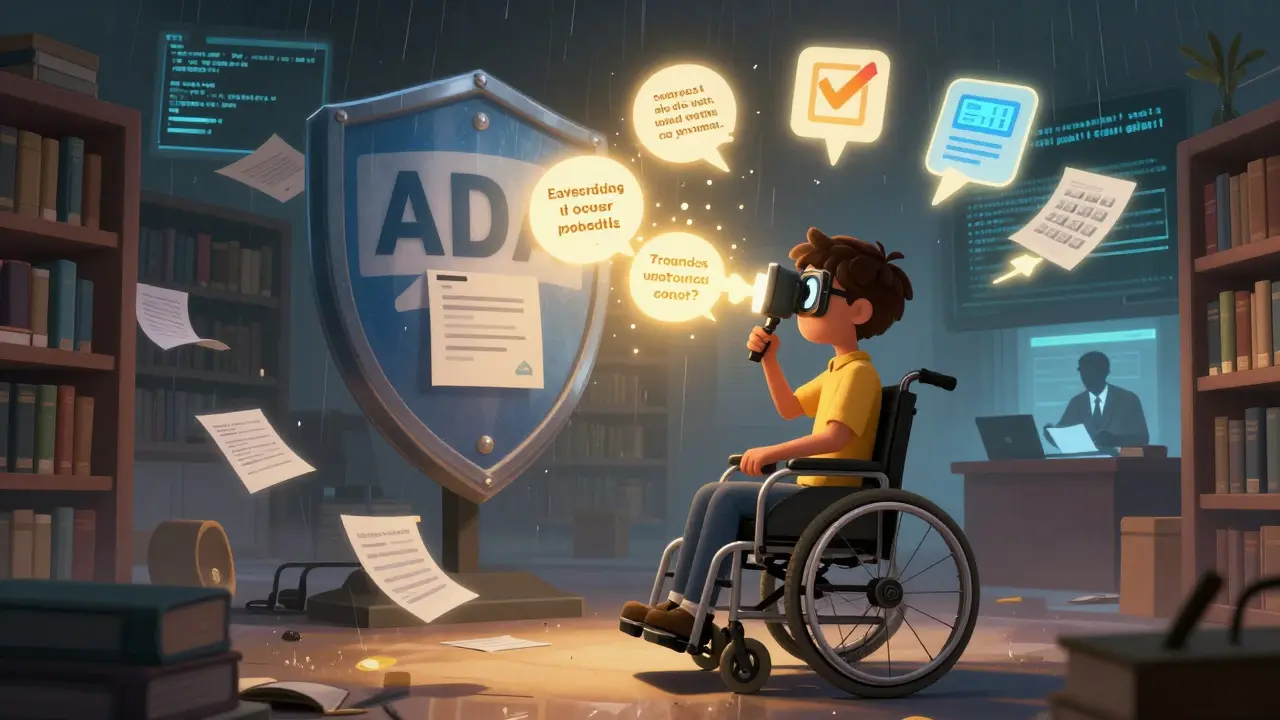
Online learning platforms aren’t just tools. They’re public-facing services under federal law. If your organization offers training, onboarding, or continuing education to employees, students, or the public, you’re required to make it accessible under the Americans with Disabilities Act (ADA) a civil rights law that prohibits discrimination based on disability. Courts have consistently ruled that digital spaces, including e-learning platforms, fall under Title III of the ADA, which covers public accommodations.
It’s not theoretical. In 2023, a major U.S. university settled a lawsuit for $1.2 million after students with vision impairments couldn’t access course materials. The platform didn’t support screen readers, and instructors uploaded untagged PDFs. The university didn’t have an accessibility policy. That’s the kind of mistake that costs millions.
What Counts as Inaccessible?
You don’t need a PhD in accessibility to spot the red flags. Here’s what teams are missing-and what gets them sued:
- Videos without captions or transcripts - Deaf or hard-of-hearing learners are locked out.
- Mouse-only navigation - People who can’t use a mouse (due to motor impairments) can’t complete quizzes or move through modules.
- Low color contrast - Text that blends into the background excludes users with low vision or color blindness.
- Unclear form labels - If a screen reader can’t identify what a field is asking for, users can’t fill out assessments.
- Unstructured content - No headings, no lists, no logical reading order. This breaks screen readers and cognitive accessibility tools.
- PDFs and documents without tags - Scanned documents are digital ghosts. They’re invisible to assistive tech.
These aren’t edge cases. The Web Content Accessibility Guidelines (WCAG) 2.2 the internationally recognized standard for digital accessibility says 90% of accessibility issues can be fixed with basic practices. Yet, a 2025 audit of 500 corporate learning platforms found that 78% failed Level AA compliance on at least three critical criteria.
The Legal Consequences Are Real
Legal risk isn’t just about lawsuits. It’s about enforcement, reputation, and operational disruption.
The U.S. Department of Justice (DOJ) the federal agency responsible for enforcing the ADA has made it clear: they’re ramping up enforcement. In 2024, they opened 147 investigations into education and training platforms. That’s up 63% from 2022. Most of these were triggered by complaints from learners, not audits.
Penalties aren’t small. The DOJ can demand:
- Full platform remediation within 90 days
- Payment of damages to affected users
- Monthly reporting to the government for up to five years
- Publicly posted corrective action plans
And that’s just federal. Many states have their own accessibility laws. California’s Unruh Civil Rights Act allows individuals to sue for $4,000 per violation-plus attorney fees. One employee’s complaint about an inaccessible onboarding module could cost your company $20,000 if five others join the suit.
Who’s Liable?
People assume legal risk falls on the IT team. It doesn’t. It falls on leadership.
If your HR director approves a learning platform without checking accessibility, they’re legally responsible. If your LMS vendor promises "ADA-compliant" but delivers a broken product, you’re still on the hook. Courts don’t care if you outsourced it. You’re the one offering the service.
Executives who sign off on contracts without accessibility clauses are putting the company at risk. In one 2024 case, a Fortune 500 company lost a lawsuit because their procurement team didn’t include accessibility requirements in the RFP. The vendor had no obligation to deliver an accessible product-because the company never asked.
What Teams Need to Do Right Now
You don’t need to become an accessibility expert. But you do need to build guardrails.
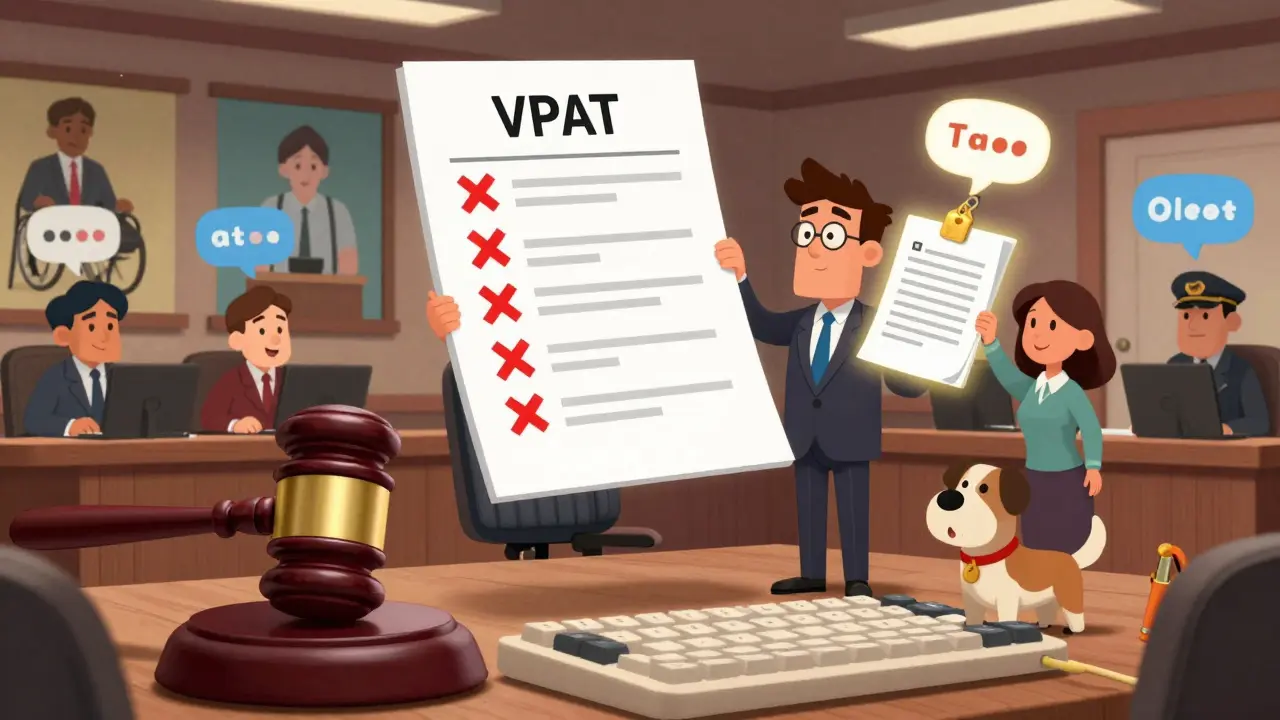
- Require WCAG 2.2 AA compliance in all vendor contracts. Don’t accept "we’re accessible"-ask for a Voluntary Product Accessibility Template (VPAT) and verify it.
- Train your content creators. Instructors, instructional designers, and SMEs need to know how to create accessible PDFs, caption videos, and structure headings. A 30-minute training module can cut 80% of errors.
- Test with real users. Hire people with disabilities to test your platform. Not once. Every six months. Their feedback is more valuable than any automated tool.
- Build an accessibility checklist for every course launch. Include: captions, keyboard nav, alt text, contrast ratio, form labels, and document structure.
- Assign ownership. Who’s responsible? HR? IT? Legal? Put it in writing. If no one owns it, no one fixes it.
Common Myths That Get Teams in Trouble
Here’s what you’ve probably heard-and why it’s wrong:
- "We’re a small company, so we’re exempt." False. ADA applies to all private employers with 15+ employees. Size doesn’t matter.
- "We have a help desk. Users can call for assistance." That’s not accessibility. It’s accommodation. The law requires equal access, not special treatment.
- "We’re using a third-party platform, so it’s their problem." Nope. You’re the provider. You’re liable.
- "Accessibility is too expensive." Fixing issues early costs $500. Fixing them after a lawsuit costs $500,000.
The Bottom Line
Inaccessible online learning isn’t an IT problem. It’s a legal, financial, and ethical failure. Every course you launch without accessibility is a potential lawsuit waiting to happen. The tools, standards, and knowledge to fix this exist. What’s missing is the will to act.
Start today. Audit one course. Talk to your vendor. Train your team. Document your process. You don’t need perfection. You just need to show you’re trying-and that you’re serious about inclusion.
Is accessibility required for internal training only?
Yes. Even if your online learning is only for employees, it’s still covered under the ADA. Title I of the ADA requires employers to provide reasonable accommodations, and inaccessible training is a form of discrimination. Courts have ruled that internal systems are public accommodations if they’re used by employees as part of their job.
Can automated tools catch all accessibility issues?
No. Automated tools like WAVE or Axe can find about 30% of issues-things like missing alt text or low contrast. But they can’t check if a video’s captions match the audio, if a form’s instructions are clear, or if the navigation order makes sense to someone using a screen reader. Human testing is non-negotiable.
What’s the difference between WCAG and ADA?
The ADA is a law. WCAG is the technical standard that tells you how to comply with it. Courts and the DOJ use WCAG 2.2 AA as the benchmark for ADA compliance. You don’t have to follow WCAG word-for-word, but if you don’t, you’ll need to prove your alternative approach provides equal access-which is much harder.
Do I need to make everything accessible if I use an LMS like Canvas or Moodle?
Yes. The platform itself may be accessible, but if you upload untagged PDFs, embed uncaptioned videos, or build quizzes that only work with a mouse, you’re breaking accessibility. Your responsibility doesn’t end when you hit "publish." You’re still the content provider.
Can I get sued even if no one complained?
Absolutely. The DOJ doesn’t wait for complaints. They conduct random audits. And private plaintiffs can sue under ADA without proving harm-they just need to show the platform is inaccessible. A single automated scan can trigger a demand letter from an accessibility law firm.
Nicholas Carpenter
March 19, 2026 AT 00:40Had a similar situation last year with our onboarding modules. No captions, no keyboard nav-turns out 12% of new hires were struggling silently. We fixed it in two weeks with a simple audit and a $500 tool subscription. Worth every penny. No lawsuits, no drama, just people actually learning.
Accessibility isn’t charity. It’s common sense.
Chuck Doland
March 20, 2026 AT 17:06The legal framework is unambiguous: Title III of the ADA extends to digital interfaces as public accommodations. The jurisprudence is settled, as evidenced by the Department of Justice’s 2024 enforcement metrics and the precedent set in Robles v. Domino’s Pizza. To assert otherwise is not merely negligent-it is a willful misinterpretation of civil rights jurisprudence.
WCAG 2.2 AA is not aspirational; it is the minimum threshold of legal compliance. Failure to meet it constitutes actionable discrimination under federal statute.
Madeline VanHorn
March 20, 2026 AT 17:13Ugh. Another ‘accessibility’ post. Like, can we just stop pretending this is a big deal? People with disabilities have been fine for decades using help desks and personal assistants. Stop forcing companies to spend millions on stuff nobody even asked for.
It’s not discrimination if you’re just… inconvenient.
Glenn Celaya
March 21, 2026 AT 18:27Why are we even talking about this again
Someone gets mad because they can’t click a button
So now every company has to rebuild their entire platform
And for what
Just let them call IT
Problem solved
Stop making everything about you
People are lazy
That’s it
Wilda Mcgee
March 22, 2026 AT 01:11I love how this post breaks it down so clearly. Seriously, the real win isn’t avoiding lawsuits-it’s creating learning experiences that actually work for everyone.
One of our teams started using screen reader testers last quarter. One user pointed out that the ‘Next’ button was hidden behind a hover effect. We fixed it. Suddenly, three people who’d been quietly dropping out of training were finishing modules.
That’s the magic. Not fear. Not fines. Just better design.
And yeah, training content creators? Do it. A 30-minute module with real examples? Game changer. I’ve seen it.
Chris Atkins
March 23, 2026 AT 12:36Man I used to think accessibility was just for websites
Turns out it’s for everything
My cousin who’s blind uses our company’s training system now
She said it’s the first time she’s ever been able to finish a course on her own
That’s wild
And easy to fix too
Just talk to people
Listen
Do the thing
Jen Becker
March 24, 2026 AT 12:54So now we’re all criminals because we didn’t make a quiz keyboard-friendly?
What’s next
Do we have to make our coffee machines accessible too
And why is this even a thing
People are too sensitive
Just give them help
Why does everything have to be perfect
Ryan Toporowski
March 24, 2026 AT 17:34Y’all need to chill. This isn’t about guilt. It’s about impact.
One of our interns who’s autistic told us our course layout made her feel like she was failing-because the buttons were too close and the colors were overwhelming. We changed the palette and added spacing. She passed her certification with flying colors.
That’s not a legal win. That’s a human win.
And yeah, emoji time: 🙌✨
Samuel Bennett
March 25, 2026 AT 14:02Wait so you’re telling me if I upload a PDF that’s just a scan of a page I’m breaking federal law
And you’re telling me I need to tag it
And use alt text
And check contrast
And test with screen readers
And get a VPAT
And train instructors
And assign ownership
And do audits every six months
And what if I’m a single person running the whole LMS
Do I go to jail
Is this some kind of dystopian HR cult
Why is this even a thing
Who made this up
It’s not 1990 anymore
People have phones now
Rob D
March 25, 2026 AT 17:25Let me get this straight-some guy in a wheelchair can’t click a button so now America has to rewire its entire corporate training system
And we call this freedom
What a joke
Next they’ll make us install ramps in Zoom
And give everyone a personal assistant
Get real
Stop rewarding laziness
People with disabilities have been surviving since the dawn of time
Why are we suddenly obligated to make everything perfect
It’s not 1964 anymore
Get over it
Franklin Hooper
March 25, 2026 AT 20:08The WCAG 2.2 AA standard is not a suggestion
It is the de facto benchmark for ADA compliance
As established in multiple federal court rulings including Department of Justice v. University of California
Any assertion that accessibility is optional or too burdensome reflects a fundamental misunderstanding of civil rights obligations
Further
Outsourcing does not absolve liability
It exacerbates it
Because now you’ve failed in two dimensions
Compliance
And due diligence
Jess Ciro
March 25, 2026 AT 22:13They’re coming for our PDFs next
Next thing you know
They’ll demand every email be screen-reader friendly
And every PowerPoint has audio descriptions
And every meeting has live captioning
And we’ll all be working in a sterile compliance bubble
Where no one can say ‘check this out’ without a VPAT attached
It’s not accessibility
It’s digital fascism
saravana kumar
March 26, 2026 AT 02:07India has same problem
Companies think accessibility is western problem
But here also
People with disability are ignored
Even in government training portals
PDFs are scanned
Videos no captions
And no one cares
Until someone sues
Then panic
Same as US
Just slower
And cheaper
But same outcome
Tamil selvan
March 27, 2026 AT 14:21It is imperative that organizations recognize accessibility not as a burden, but as a moral imperative and a legal obligation. The consequences of inaction are not merely financial-they are deeply human. A single untagged PDF can exclude an entire class of learners. The cost of remediation is infinitesimal compared to the cost of alienation.
I urge every institution to adopt a culture of inclusion-not because the law demands it, but because humanity requires it.
Mark Brantner
March 28, 2026 AT 03:54So wait-you’re telling me if I forget to caption a 2-minute video I’m risking a $1.2M lawsuit?
And I have to get a VPAT?
And train my SMEs?
And test with real users?
And assign ownership?
And audit every six months?
And now I’m supposed to be excited about this?
Bro
Who designed this system
Was it a robot
Or a lawyer
Who hates fun
Because I just want to upload a video and move on
Not build a compliance dungeon
Also
😂
Kate Tran
March 28, 2026 AT 21:53My mum’s got low vision and she uses our company’s training system now
She said it’s the first time she’s ever felt like she belonged
Not because it’s fancy
But because the text didn’t vanish
And the buttons didn’t disappear when she tabbed
And the captions matched the audio
It’s not hard
Just… think about people
That’s all
amber hopman
March 30, 2026 AT 09:02I work in L&D and I’ve seen this play out three times. Teams think accessibility is ‘someone else’s job.’ It’s not. It’s everyone’s. We had a course go live with no alt text. A learner reached out-not with a complaint, but with a thank you. Said she’d been too embarrassed to ask before. We fixed it. Then we added a checklist. Now it’s standard. No one’s been sued. Everyone’s happier.
It’s not about fear. It’s about care.
Jim Sonntag
April 1, 2026 AT 08:44So the DOJ is auditing training platforms now
And people are acting like this is a surprise
What did you think was going to happen
When you ignored 1 in 5 people
And called it ‘edge case’
And said ‘they can call help’
And blamed the vendor
And skipped the training
And never tested with real users
And thought ‘we’re small’ meant ‘exempt’
Bro
It’s 2025
Not 2005
Get with it
Or get sued
Either way
It’s on you
Nicholas Carpenter
April 1, 2026 AT 16:28Exactly. And the best part? Once you fix it, everyone benefits.
Our mobile users love the cleaner layout. Our ESL learners love the captions. Our older employees love the contrast.
Accessibility isn’t a checkbox. It’s a UX upgrade for everyone.