Live Labs and Sandboxes: Hands-On Practice in Online Courses
 Aug, 15 2026
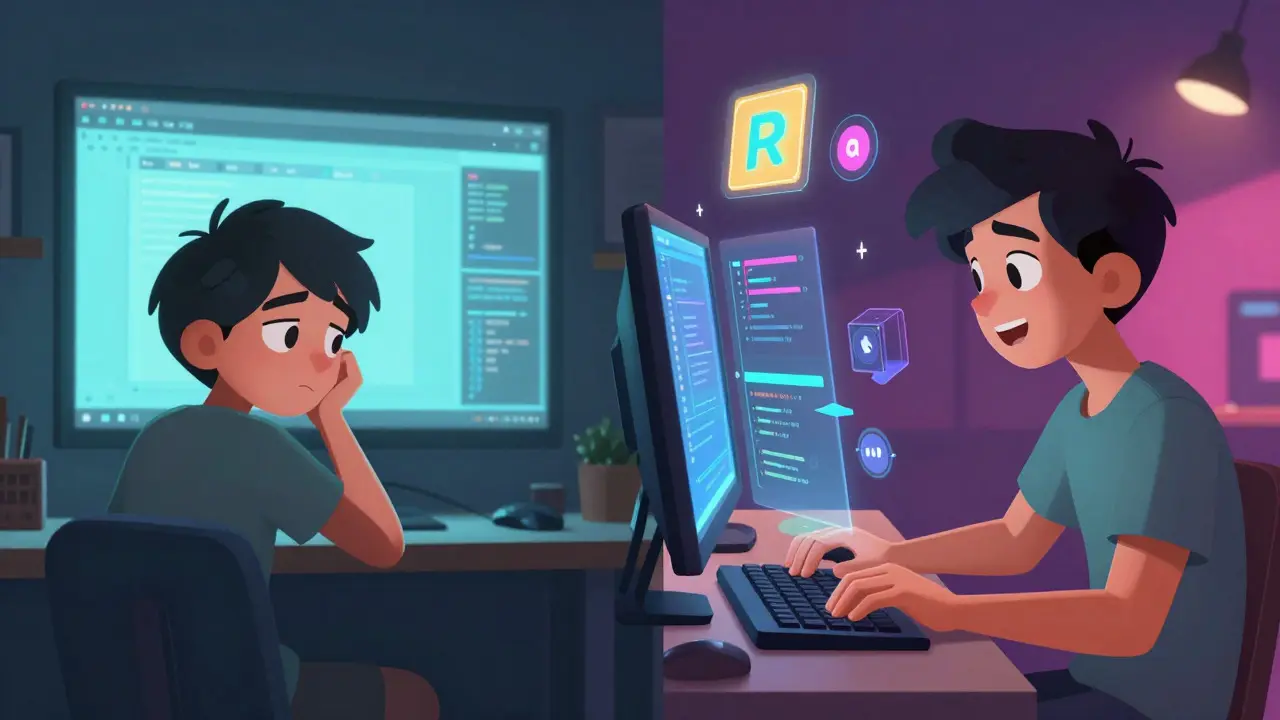
Watching a video tutorial on how to fix a car engine is helpful. Actually turning the wrench? That’s where you learn. The same logic applies to digital skills. You can watch ten hours of lectures on Python coding or network security, but until you type the code yourself or configure the firewall, you haven’t really learned it. This gap between theory and practice is exactly why Live Labs and interactive sandbox environments have become the gold standard for modern online education.
In 2026, passive learning is dead. Learners demand experience. They want to break things, fix them, and try again without consequences. Live labs provide that safety net. They are temporary, cloud-based computing environments where students can practice real-world tasks. Unlike static videos, these environments respond to your input in real-time. If you make a mistake, the system tells you immediately. If you succeed, you move forward. It is the difference between reading a recipe and baking the cake.
The Core Difference: Static vs. Dynamic Learning
To understand the value of live labs, we need to look at what they replace. Traditional e-learning relies heavily on Video Lectures and pre-recorded content. These formats are efficient for delivering information. They scale well. But they fail at building muscle memory. When you watch someone else solve a problem, your brain registers the solution as external knowledge. It doesn't encode the process into your own neural pathways.
Sandbox Environments change this dynamic. A sandbox is an isolated area within a computer system where software runs independently from the rest of the system. In an educational context, it means you have a safe space to experiment. You can install weird software, delete critical files, or run risky scripts. If you crash the environment, you just click "Reset" and start over. There is no fear of breaking your personal laptop or corrupting company data. This psychological safety encourages exploration, which is crucial for deep learning.
Consider the difference in outcomes. A student who watches a video on SQL queries might remember the syntax for a week. A student who spends two hours writing those queries in a live database sandbox will remember the logic for years. The friction of typing, debugging, and seeing immediate results creates stronger cognitive bonds.
How Live Labs Work Under the Hood
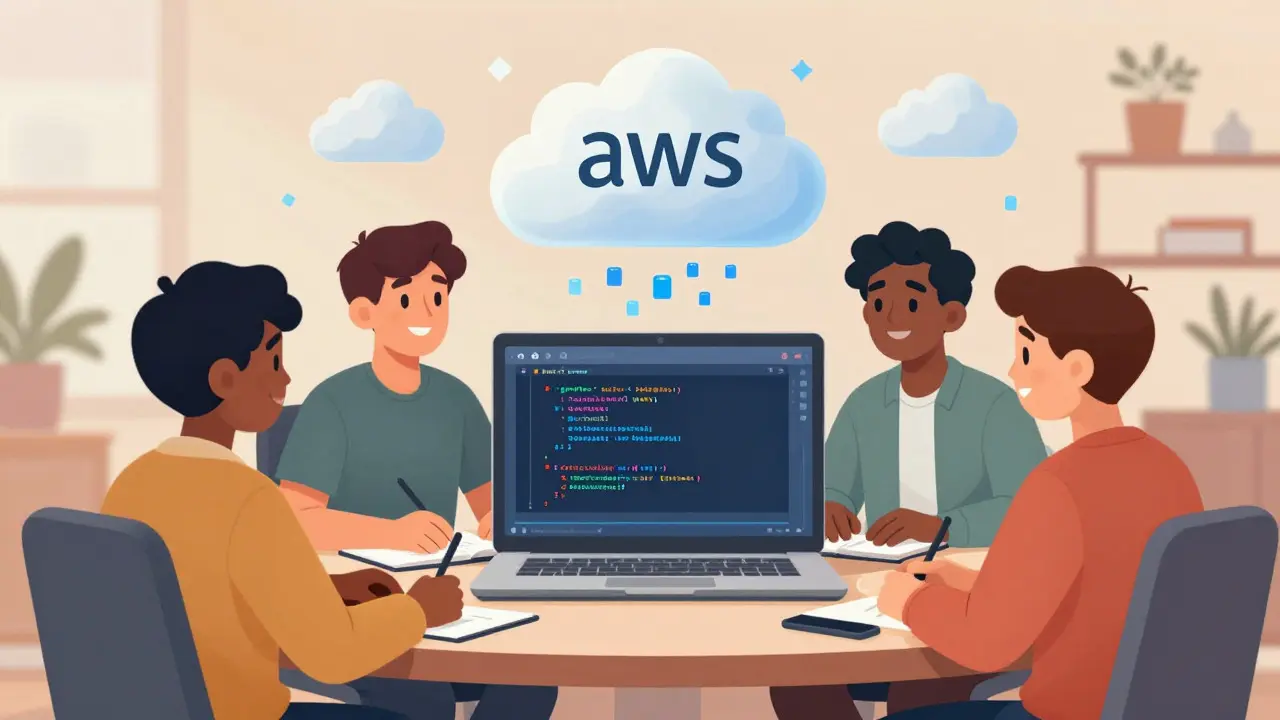
You might wonder how platforms deliver these complex environments instantly. It isn't magic; it's cloud infrastructure. When you launch a lab, the platform spins up a Virtual Machine (VM) or containerized instance in the cloud. This happens in seconds. You connect to it via your web browser. No downloads, no installations, no compatibility issues with your operating system.
The technology stack usually involves Cloud Computing providers like AWS, Azure, or Google Cloud. These services handle the heavy lifting of resource allocation. For the learner, it looks like a simple desktop interface or a terminal window inside their browser. Behind the scenes, the platform monitors your activity. It tracks which commands you run, which files you edit, and whether you achieve the learning objectives. This data allows for automated grading and instant feedback.
This immediacy is key. In a traditional classroom, you might wait days for a professor to grade your assignment. In a live lab, the system validates your work as you go. Did you secure the server correctly? The lab checks. Did you optimize the code? The lab measures execution time. This feedback loop accelerates mastery.
Why Industries Are Shifting to Hands-On Training
The shift toward live labs isn't just about better pedagogy; it's driven by industry needs. Employers are tired of hiring candidates who know the theory but can't execute. This is especially true in high-stakes fields like cybersecurity and software development.
In Cybersecurity, live labs are essential. You cannot learn to defend against a ransomware attack by reading a textbook. You need to see how the malware spreads, how it encrypts files, and how to isolate the infected machine. Platforms like HackTheBox or TryHackMe use gamified sandboxes to simulate these attacks. Users earn points for finding vulnerabilities. This mimics the pressure and curiosity required in real incident response roles.
Similarly, in Software Development, version control and deployment pipelines are best learned by doing. A live lab can provide a pre-configured GitHub repository and a CI/CD pipeline. Students push code, watch the build fail, fix the error, and push again. They experience the full developer lifecycle without needing to set up their own local environment, which can take hours of troubleshooting.
| Feature | Video-Based Learning | Live Labs & Sandboxes |
|---|---|---|
| Engagement Level | Passive | Active |
| Error Consequence | None (watch only) | Low (reset available) |
| Feedback Speed | Delayed (if any) | Instant |
| Retention Rate | ~10-20% | ~75%+ |
| Technical Setup | Minimal | Zero (cloud-hosted) |
Overcoming Common Barriers to Adoption
If live labs are so effective, why aren't all courses using them? Cost and complexity are the main hurdles. Building and maintaining cloud infrastructure is expensive. Every minute a student spends in a lab costs money in compute resources. For large-scale courses with thousands of users, these costs add up quickly.
However, the model has evolved. Instead of keeping VMs running 24/7, platforms now use ephemeral instances. The environment starts when you log in and shuts down when you leave. This reduces idle costs significantly. Additionally, containerization technologies like Docker allow multiple users to share underlying resources more efficiently than traditional virtual machines.
Another barrier is the curriculum design. Creating a good lab is harder than recording a lecture. Instructors must anticipate every possible way a student might get stuck. They need to write detailed instructions, create validation scripts, and design checkpoints. This requires a different skill set than traditional teaching. Many organizations are now hiring "Lab Engineers" specifically to bridge this gap.
Best Practices for Designing Effective Labs
If you are creating or choosing a course with live labs, look for specific design elements that indicate quality. A good lab should be scenario-based. Instead of asking students to "configure a router," present a problem: "Users in Branch Office B cannot access the email server. Diagnose and fix the issue." This contextualizes the task and makes it relevant.
Include scaffolding. Beginners shouldn't start with a blank slate. Provide partial configurations or starter code. As they progress, remove the support. This gradual release of responsibility builds confidence. Also, ensure the lab includes clear success criteria. Students should know exactly what they need to achieve to pass each stage.
Finally, integrate reflection. After the hands-on activity, ask students to explain what they did and why. This metacognitive step helps solidify the learning. Without it, students might complete the task mechanically without understanding the underlying principles.
The Future of Interactive Education
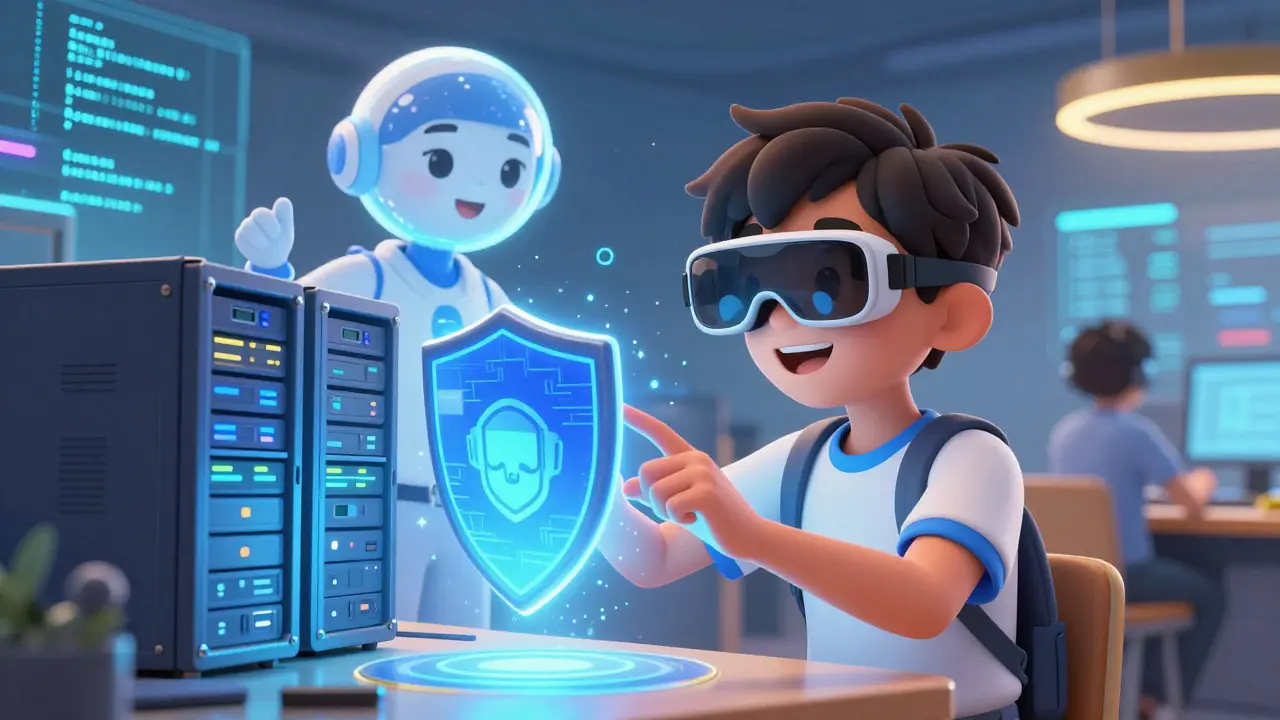
We are moving toward even more immersive experiences. Augmented Reality (AR) and Virtual Reality (VR) are beginning to enter the sandbox space. Imagine practicing surgical procedures in VR or repairing industrial machinery in AR. While still emerging, these technologies promise to extend the benefits of live labs beyond digital skills into physical trades.
Artificial Intelligence is also playing a bigger role. AI tutors can analyze your actions in the lab and offer personalized hints. If you struggle with a specific concept, the AI can adjust the difficulty or provide additional resources. This adaptive learning ensures that each student moves at their own pace, maximizing efficiency.
For learners, the message is clear. Seek out courses that offer hands-on practice. Don't settle for watching. Do. Break things. Fix them. Learn. The future of education is not about consuming content; it's about interacting with it.
What is the difference between a live lab and a sandbox?
While often used interchangeably, there is a subtle distinction. A sandbox is primarily an isolated environment designed for safety and experimentation, allowing users to run untrusted code without risk. A live lab is a structured educational experience that uses a sandbox-like environment to teach specific skills. All live labs use sandbox technology, but not all sandboxes are structured as educational labs.
Are live labs free?
It depends on the provider. Some platforms offer limited free tiers with restricted access times or basic environments. However, most comprehensive live lab services charge a subscription fee or per-hour rate due to the cost of cloud computing resources. Look for educational discounts or enterprise agreements if you are part of an organization.
Do I need a powerful computer to use live labs?
No. Since the processing happens in the cloud, your device only needs to display the interface. A standard laptop or tablet with a stable internet connection is sufficient. This democratizes access to high-performance tools that would otherwise require expensive hardware.
How do live labs help with job readiness?
Employers value practical experience. Live labs allow you to build a portfolio of completed projects and demonstrate proficiency in specific tools. You can cite these hands-on experiences in interviews, showing that you have actually performed the tasks rather than just studied them theoretically.
Can live labs be used for non-technical subjects?
Yes. While common in IT, live labs are expanding into other fields. Marketing students can use simulated ad platforms to test campaigns. Business students can use virtual trading floors to practice stock analysis. Any subject that involves decision-making and immediate feedback can benefit from a sandbox approach.
Kyle Ware
August 16, 2026 AT 11:21finally someone gets it. watching videos is useless if you cant type the code yourself. i spent months watching tutorials and still failed my first interview because i froze when asked to write a simple function. live labs force you to deal with the syntax errors and logic gaps in real time which is exactly what happens on the job.
Joanna Mucha
August 18, 2026 AT 07:35how quaint. the masses believe that clicking buttons in a cloud sandbox constitutes 'learning'. true mastery requires suffering through local environment configurations until your soul leaves your body. only then do you understand the machine. these ephemeral instances are for tourists not engineers.
Kim Edwards
August 20, 2026 AT 06:20wait wait wait hold on. so you are telling me i can just click reset and try again without crying? this sounds like a dream world where mistakes dont haunt me forever. i need this immediately. my laptop has been crashing since 2019 and i am tired of the drama.
Bonnie Watt
August 21, 2026 AT 08:29sure whatever. its just another way for big tech to charge us subscription fees for basic terminal access. we used to learn by breaking things on our own machines and we turned out fine. now everyone needs hand holding and instant feedback like babies.
Meagan Mueller
August 22, 2026 AT 19:51they want to track every keystroke you make. think about it. who owns the data from your lab sessions? probably some government agency or corporate overlord building a profile of your incompetence. trust no one. keep your learning offline or lose your freedom.
Dave Gibbeson
August 23, 2026 AT 23:41stop overthinking it. the industry demands results. if you want to get hired you need to show you can deploy code. live labs give you the portfolio pieces employers care about. stop worrying about privacy and start worrying about your paycheck. get to work.
Sabrina Newland
August 24, 2026 AT 19:59i feel like this is such a beautiful concept 🌟 but sometimes the platforms are buggy right? like when the vm spins up slowly it kills the vibe 😩 does anyone have tips for choosing good ones? i tried one last week and it timed out before i even started coding 💔
Amara Akbar
August 25, 2026 AT 18:07it is indeed a transformative approach to pedagogy. however one must consider the cognitive load placed upon beginners who are simultaneously learning the tool and the subject matter. perhaps scaffolding should be more explicit to prevent frustration from derailing the educational objective.
Mark Harvey
August 25, 2026 AT 21:32you got this. dont let the bugs get you down. just restart and try again. thats the whole point. every error is a lesson. keep pushing forward and you will see progress soon enough.
Art HND
August 26, 2026 AT 05:38overrated. most labs are just copy paste exercises disguised as interactive content. real devs read docs not follow step by step wizards.
Brandon Olvera
August 26, 2026 AT 18:32american companies are forcing this on us because they want cheap labor that fits their specific tools. why should we use aws sandboxes when we could build our own infrastructure domestically. it is about control and keeping the talent pool dependent on foreign clouds.
Elizabeth Brooks
August 27, 2026 AT 14:09i totally agree with kyle above. i struggled so much setting up docker locally for weeks. once i switched to using cloud based labs for my cert prep it clicked instantly. the ability to break stuff without fear is huge. highly recommend trying hackthebox if you into security.
Jacob Baby Official
August 29, 2026 AT 05:47look at all these sheep following the herd. you think resetting a virtual machine makes you a hacker? pathetic. you are playing dress up while real operators are exploiting zero days in production environments. your little sandbox achievements mean nothing to the people who actually run the world. wake up.
john randall
August 29, 2026 AT 11:55interesting perspective. i guess it depends on the goal. if you want to pass a certification exams these labs are efficient. if you want to be a red team operator maybe you need more than just guided exercises. both have their place i suppose.
Jeff Falcon
August 30, 2026 AT 00:08I have been teaching networking for fifteen years, and I can tell you that the shift to hands-on labs has been the single most impactful change in student outcomes; previously, students would memorize OSI model layers but fail to configure a simple VLAN, whereas now, they struggle initially with the command line interface, but eventually develop an intuitive understanding of packet flow that persists long after the course ends, which is precisely what we aim for in higher education institutions today.
Alyson Karson
August 30, 2026 AT 03:29YES!! finally someone said it. passive learning is BORING and ineffective. i love how you can just jump in and start doing. no setup headaches. lets goooooo! 🔥🔥🔥