Mobile Learning (mLearning) in Corporate Training: A Practical Guide
 Nov, 17 2026
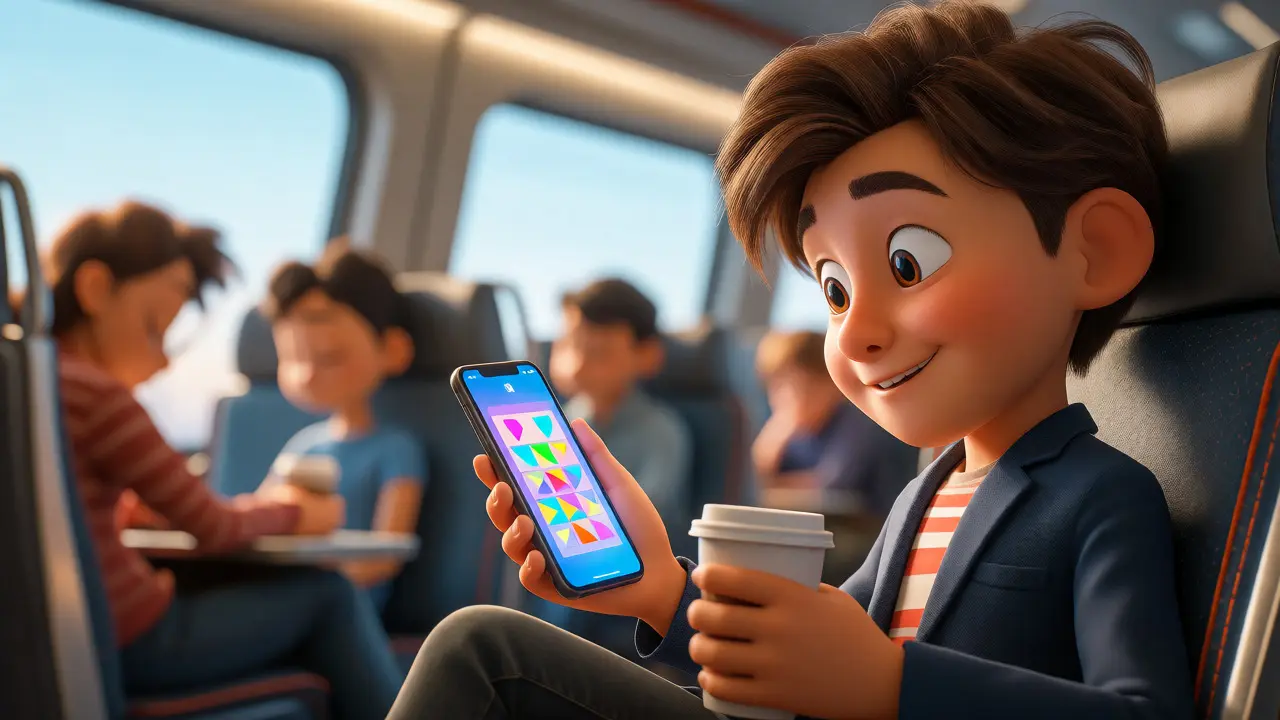
You’re sitting on a train, waiting for a delayed flight, or standing in line at the coffee shop. You have ten minutes of dead time. Would you rather scroll through Instagram or finish a module that actually helps your career? For most employees today, the answer is complicated by friction. If the training requires a desktop login, a specific browser plugin, and twenty uninterrupted minutes, it doesn’t happen. This is where Mobile Learning, often abbreviated as mLearning, changes the game. It’s not just about shrinking PowerPoint slides onto an iPhone screen; it’s about respecting the learner’s context, time, and cognitive load.
Corporate training has long suffered from the "click-through" problem. Employees sit in webinars, eyes glazed over, clicking "Next" until the progress bar hits 100%. They retain almost nothing. Mobile learning flips this dynamic by delivering content in bite-sized chunks that fit into the natural rhythms of a workday. But here’s the catch: bad mobile learning is worse than no learning. It frustrates users, drains data plans, and gets deleted before the first slide loads. To make it work, you need a strategy that goes beyond simple responsive design.
Why Desktop-First Training Fails Modern Workforces
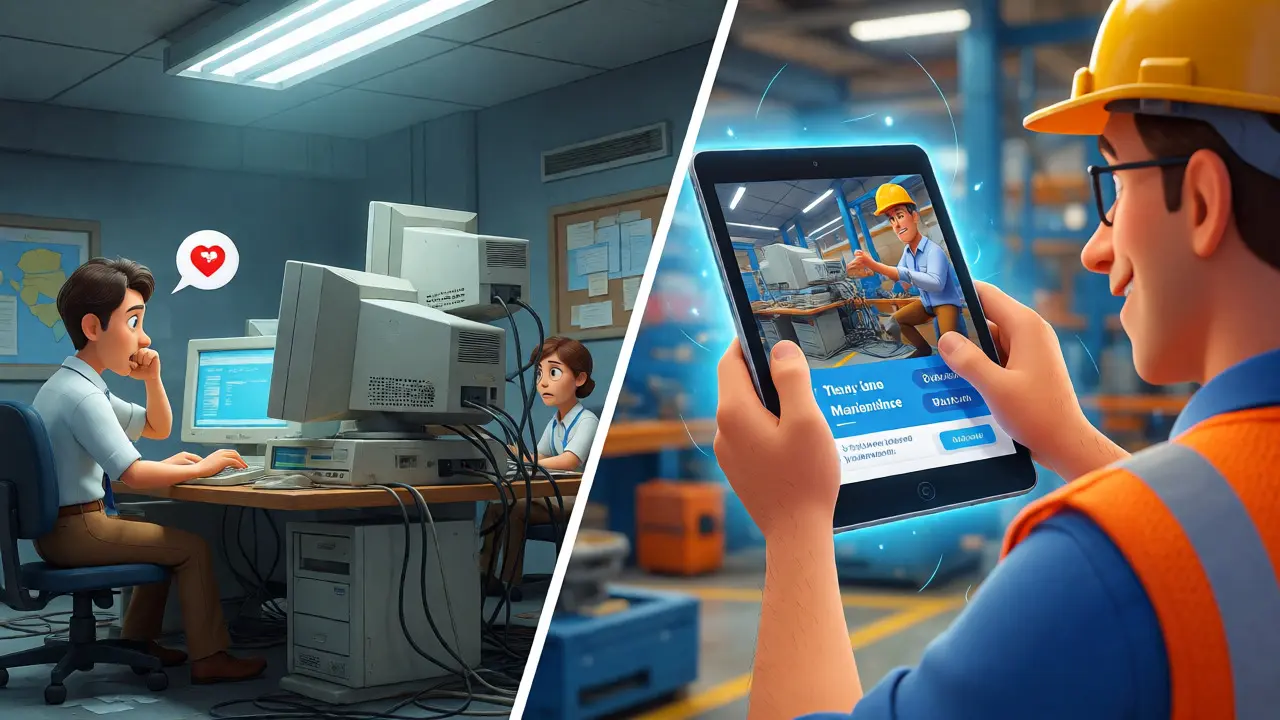
Think about the last time you tried to learn something new on your phone while commuting. Did you feel rushed? Did the text look tiny? Did you abandon the task because the video buffered? Traditional corporate training platforms were built for office desks. They assume a stable internet connection, a large monitor, and a quiet environment. None of those assumptions hold true for field sales reps, remote workers, or factory floor managers who might only have five minutes between shifts.
The shift to mobile isn't just a convenience feature; it's a necessity driven by workforce demographics. Millennials and Gen Z now make up the majority of the global workforce. These digital natives expect instant access to information, similar to how they use Google or YouTube. When a company forces them to wait until they are back at their desk to access critical compliance updates or product knowledge, engagement drops. According to recent industry reports, mobile-first learning solutions can increase completion rates by up to 50% compared to traditional e-learning modules. That’s not magic-it’s usability.
Designing for Small Screens: The Microlearning Advantage
If you try to cram a 45-minute seminar into a mobile interface, you’ve already lost. The core principle of effective mLearning is microlearning: breaking complex topics into small, focused units that take less than five minutes to complete. Why five minutes? Because that’s the average attention span for casual learning sessions on a device. Anything longer risks interruption, and interruptions kill retention.
Consider a scenario for a retail chain rolling out a new point-of-sale system. Instead of a two-hour PDF manual, create a series of ten short videos. Each video demonstrates one specific function, like "Processing a Return" or "Applying a Discount Code." The employee watches the clip on their break, practices it on the terminal, and moves on. This approach reduces cognitive overload. You aren’t asking the brain to store abstract theory; you’re providing immediate, actionable steps.
But microlearning isn’t just about length. It’s about focus. One concept per module. No fluff. No lengthy introductions. Get straight to the value proposition. If the user can’t understand the benefit within the first ten seconds, they’ll swipe away.
Technical Requirements: Offline Access and Syncing
Here is a technical reality check: not every workplace has perfect Wi-Fi. Think about warehouses, hospitals with signal-blocking walls, or airplanes. If your learning app requires a constant internet connection, it fails in these environments. The best mobile learning platforms offer robust offline capabilities. Users should be able to download content when they are connected, consume it later without data, and sync their progress once they reconnect.
This syncing mechanism is critical for L&D managers. You need accurate reporting. If an employee completes a module offline, the system must capture that timestamp and score accurately upon reconnection. Without this, your analytics will show gaps that don’t exist, leading to poor decisions about which courses are working and which are failing. Look for platforms that handle conflict resolution well-what happens if a user takes a quiz offline, then retakes it online? The system needs clear rules.
Content Formats That Work on Mobile
Not all content translates well to mobile. Long-form text is painful to read on a 6-inch screen. Complex infographics become unreadable unless you zoom in constantly. So, what actually works?
- Short Videos: Vertical video formats (9:16 aspect ratio) are gaining traction because they fill the screen naturally. Keep them under 90 seconds. Use captions heavily, since many people watch mobile videos with the sound off.
- Interactive Quizzes: Gamified elements work exceptionally well on touchscreens. Swipe-to-match activities, tap-to-select answers, and drag-and-drop interactions leverage the tactile nature of mobile devices. They keep the user engaged actively rather than passively watching.
- Audio Podcasts: Don’t underestimate audio. For employees driving between client visits or doing physical tasks, audio learning is hands-free and safe. Curated playlists of expert interviews or quick tips can serve as powerful reinforcement tools.
- Push Notifications: These are your secret weapon for habit formation. Instead of emailing a reminder, send a push notification with a single question related to yesterday’s lesson. "Quick check: What was the maximum discount allowed for VIP customers?" Tap to answer. Done.
Measuring Success: Beyond Completion Rates
It’s easy to track how many people clicked "Start." It’s much harder to track if they learned anything. In mobile learning, you need deeper metrics. Track the time spent per module. Are people spending 30 seconds on a 5-minute video? That means they’re skipping. Are they repeating a quiz three times? That means the content was unclear.
| Metric | What It Tells You | Actionable Insight |
|---|---|---|
| Completion Rate | Engagement level | Low rates indicate poor UX or irrelevant content |
| Time on Task | Depth of engagement | Too short suggests skimming; too long suggests confusion |
| Repeat Views | Content clarity | High repeats mean the explanation wasn’t clear enough |
| Social Interactions | Community impact | Comments/shares indicate high-value content worth expanding |
Also, look at business outcomes. Did sales close faster after the product training rollout? Did safety incidents drop after the compliance update? Correlating mobile learning activity with real-world performance data is the ultimate proof of ROI. This moves the conversation from "we did training" to "training drove results."
Pitfalls to Avoid in Your Rollout
Even with good intentions, mobile learning projects can stumble. The biggest mistake is treating mobile as an afterthought. Copy-pasting desktop content onto a phone is lazy design. Another common error is ignoring accessibility. Ensure your app supports screen readers, offers adjustable font sizes, and maintains sufficient color contrast. Remember, inclusive design benefits everyone, including users with temporary disabilities like a broken arm or bright sunlight glare.
Finally, don’t forget security. Corporate data on personal devices raises privacy concerns. Use BYOD (Bring Your Own Device) policies that clearly define what data is stored locally versus in the cloud. Encryption is non-negotiable. If an employee loses their phone, you shouldn’t lose sensitive training records or expose internal company secrets.
Frequently Asked Questions
Is mobile learning suitable for complex technical training?
Yes, but it requires restructuring. Complex topics should be broken down into modular sequences. Use mobile for foundational knowledge, quick references, and reinforcement quizzes. Save deep-dive simulations or extensive reading for desktop sessions, creating a blended learning model that leverages the strengths of each device.
How does mLearning improve employee retention?
By reducing friction. Employees are more likely to engage with learning when it fits into their existing routine without requiring extra time or equipment. This autonomy increases job satisfaction and perceived value of the employer, directly impacting retention rates.
What is the ideal length for a mobile learning module?
The sweet spot is typically between 3 to 7 minutes. This duration aligns with microlearning principles, allowing learners to complete a unit during short breaks or commutes without feeling overwhelmed or interrupted.
Can we track mobile learning progress across different devices?
Most modern Learning Experience Platforms (LXPs) support cross-device synchronization via cloud storage. As long as the user logs in with the same credentials, their progress, bookmarks, and notes sync automatically between smartphones, tablets, and desktops.
Do I need a custom app for mobile learning?
Not necessarily. Many LMS providers offer responsive web apps that work perfectly in mobile browsers. However, native apps provide better offline access, push notifications, and camera integration for scanning QR codes, which can enhance the user experience significantly.
Adam Fenech
November 17, 2026 AT 14:40I find the premise of this article to be fundamentally flawed. We are not cattle to be fed bite-sized nuggets of information while standing in a queue. The assumption that modern workers lack the discipline for deep work is an insult to the workforce. I personally refuse to engage with content that has been dumbed down for the sake of convenience. If one cannot spare twenty minutes for proper study, perhaps they are unfit for their role.