Multilingual Learning Support: Strategies for Global Learners
 Nov, 21 2026
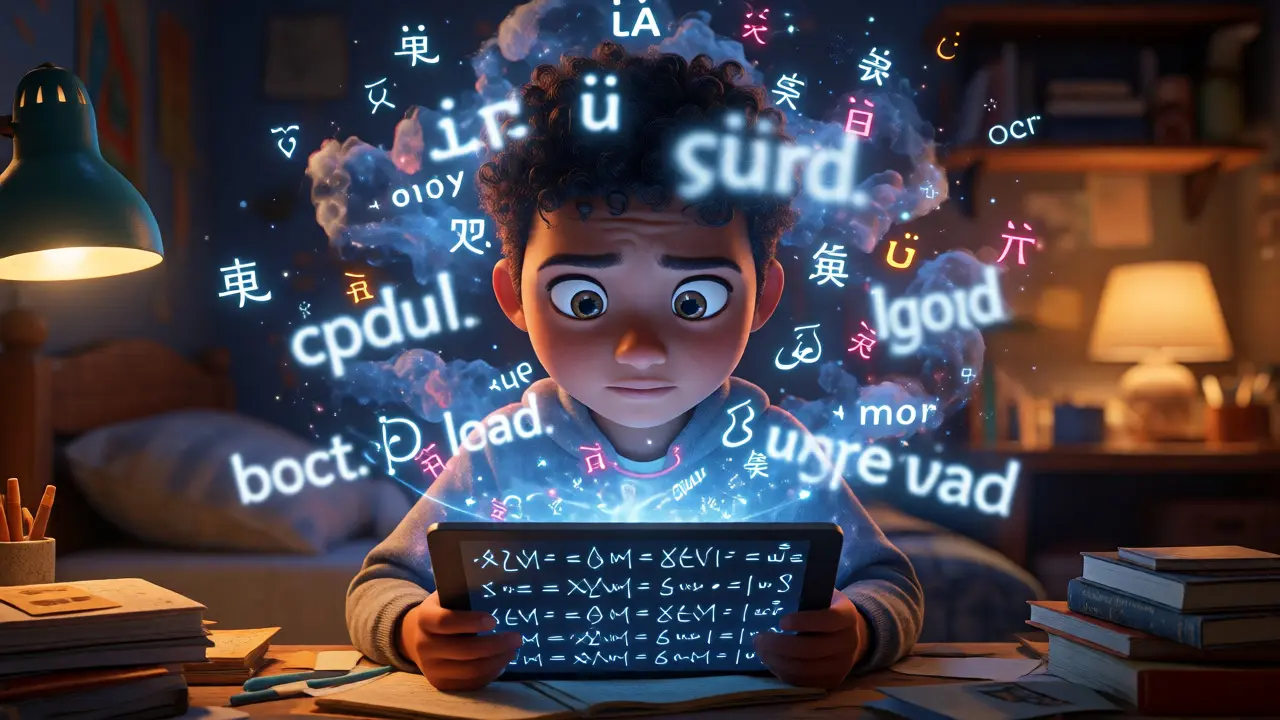
Imagine signing up for a course on quantum physics, only to realize the instructions are in German. You understand the math, but you’re stuck on the words. This isn't just an inconvenience; it’s a barrier that shuts out millions of potential students every day. Multilingual learning support is the strategic integration of language resources and cultural context into educational content to ensure accessibility for non-native speakers. It’s not just about translating words; it’s about bridging the gap between complex concepts and diverse linguistic backgrounds.
You might think adding subtitles is enough. But if you’ve ever tried to learn something difficult in your second language, you know that cognitive load spikes when you’re fighting both the subject matter and the syntax. Effective multilingual support reduces this friction. It allows learners to focus on what they’re actually there to learn, rather than decoding the medium. Whether you are an educator building a curriculum or a platform developer designing a user experience, getting this right can double your engagement rates.
The Cognitive Cost of Language Barriers
Let’s talk about what happens in the brain when you read technical material in a non-native language. Researchers call this "extraneous cognitive load." When a student reads a sentence like "The mitochondria is the powerhouse of the cell," their brain processes the meaning effortlessly. Now, translate that into a less familiar language with different grammatical structures. The brain now spends energy parsing syntax before it can access the concept. If the subject is already hard-say, coding in Python or understanding macroeconomics-this extra step can cause learners to quit.
This is why simple machine translation often fails. A direct translation of "break down" (meaning to analyze) might become a physical destruction term in another language. Context matters. Providing support means anticipating these ambiguities. It requires a shift from "translation-first" to "clarity-first." The goal isn’t perfect grammar; it’s perfect comprehension.
Strategic Approaches to Content Localization
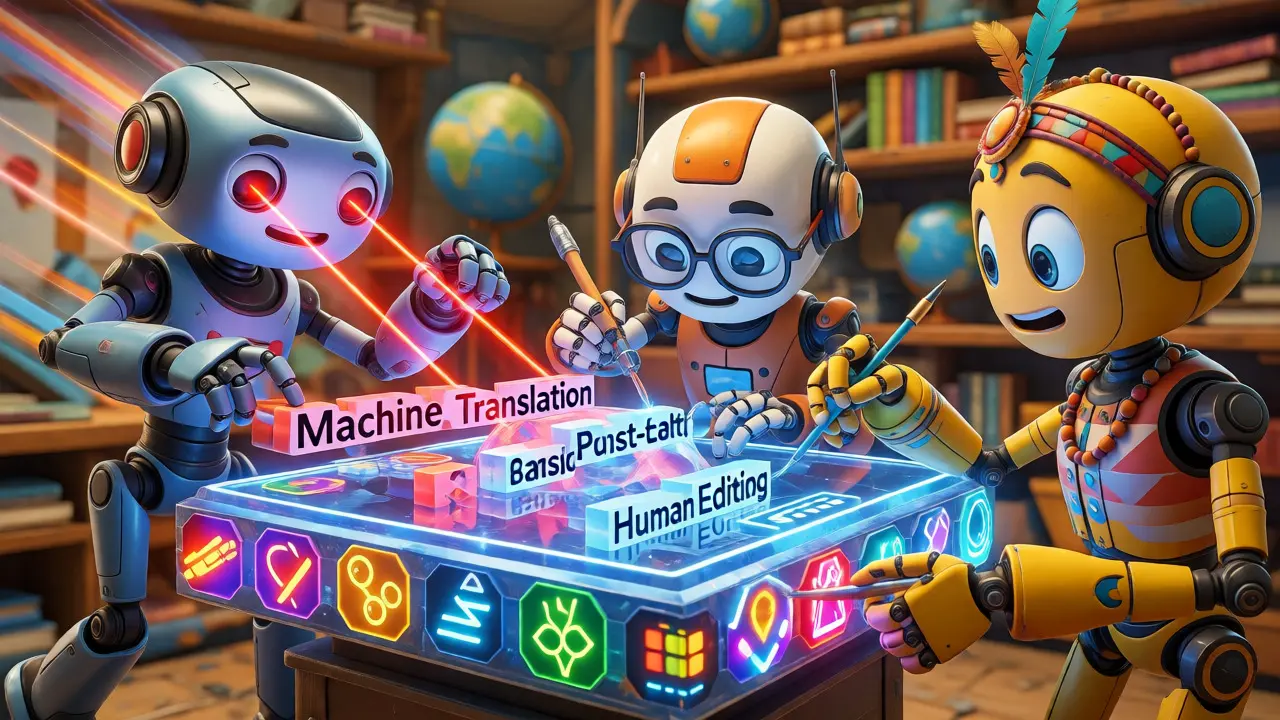
How do you actually implement this? You have three main tiers of support, each with different costs and benefits. Choosing the wrong one can waste budget or leave users confused.
| Method | Cost | Accuracy | Best For |
|---|---|---|---|
| Machine Translation | Low | Variable | Drafts, low-stakes content, rapid updates |
| Human Post-Editing | Medium | High | Core lessons, technical definitions, FAQs |
| Full Transcreation | High | Native-level | Marketing copy, cultural nuances, gamified elements |
Machine Translation (MT) is fast. Tools like DeepL or Google Cloud Translation API can churn out thousands of words per minute. But MT struggles with idioms and tone. Use it for bulk content where speed matters more than nuance, like blog posts or community forum comments.
Human Post-Editing (MTEPE) is the sweet spot for most educational platforms. An AI does the heavy lifting, and a human expert fixes the errors. This ensures that critical terms-like "variable" in programming or "supply curve" in economics-are translated correctly according to local academic standards. It balances cost with quality.
Transcreation goes beyond translation. It adapts the message to fit the culture. If you’re teaching business etiquette, a joke that works in the US might fall flat in Japan. Transcreation rewrites the content to resonate locally. This is essential for high-value courses where brand trust and deep engagement are paramount.
Beyond Text: Visual and Audio Accessibility
Text is only half the battle. Many learners prefer audio or visual cues. Here, AI voice synthesis has changed the game. Modern text-to-speech engines can now generate natural-sounding voices in over 40 languages. Instead of recording new videos for every language, you can dub existing lectures using AI. This saves weeks of production time.
But don’t ignore visuals. Icons and symbols aren’t universal. A "thumbs up" is positive in the US but offensive in parts of the Middle East. Check your graphics. Ensure charts use neutral colors and clear labels. If you’re using screenshots of software interfaces, consider localized versions of the UI images. Seeing the menu in their own language helps learners navigate faster.
Subtitles are also crucial, but they need to be smart. Burned-in subtitles (hardcoded into the video) cannot be turned off. Closed captions allow users to toggle them. Always offer closed captions. They help not just non-native speakers, but also people in noisy environments or those with hearing impairments.
Cultural Nuances in Pedagogy
Language carries culture. How we teach is influenced by how we communicate. In some cultures, direct questions are seen as aggressive. In others, silence indicates confusion, while in others, it shows respect. If your course includes interactive quizzes or peer reviews, you need to account for this.
For example, a prompt asking "What did you do wrong?" might feel accusatory to a learner from a high-context culture. Rephrasing it to "Where could you improve?" feels softer and more collaborative. Small tweaks in phrasing can significantly impact participation rates. Encourage instructors to avoid slang, sports metaphors, or regional references unless they explain them. "It’s a home run" means nothing to someone who doesn’t watch baseball.
Technical Implementation Tips
If you’re managing a Learning Management System (LMS), here are practical steps to streamline multilingual support:
- Use Resource Files: Keep all text strings in separate JSON or XML files. Never hardcode text into HTML or CSS. This makes swapping languages easy.
- Right-to-Left (RTL) Support: Languages like Arabic and Hebrew read right-to-left. Your CSS must handle mirroring layouts. Test this early; fixing RTL issues late in development is a nightmare.
- Font Compatibility: Not all fonts support all scripts. A font that looks great in English might render Chinese characters poorly. Use web-safe fonts or include specific font families for target languages.
- Date and Number Formats: 11/21/2026 is November 21st in the US, but January 11th in many other countries. Use locale-aware formatting libraries to display dates and currencies correctly.
Measuring Success
How do you know if your multilingual strategy is working? Don’t just look at enrollment numbers. Dig deeper into completion rates and support tickets. If Spanish-speaking learners drop out after Module 2, check the content for that module. Is the language too complex? Are the examples culturally irrelevant?
Set up feedback loops. Add a simple "Was this helpful?" button in multiple languages. Monitor search queries within your platform. If users are searching for terms in their native language that don’t exist in your translated glossary, you have a gap. Fill it. Continuous improvement is key. Language evolves, and so do your learners’ needs.
Is machine translation good enough for educational content?
Generally, no, not for core instructional materials. Machine translation lacks the nuance required for complex pedagogical concepts. It works best for auxiliary content like navigation menus, short descriptions, or community forums. For lessons and assessments, human review or post-editing is necessary to prevent misunderstandings.
How much does multilingual support increase costs?
Costs vary based on volume and method. Full human translation can cost $0.10-$0.30 per word. Machine translation is negligible ($0.001 per word). Human post-editing falls in between. However, the return on investment comes from accessing new markets. If localization opens up a region with 50 million potential learners, the upfront cost is quickly offset by increased revenue.
Should I translate my entire course or just the interface?
Start with the interface and critical support documents (terms, privacy policy, quick start guides). Then, prioritize high-demand courses. Translating everything at once is expensive and risky. Use analytics to see which languages your users speak most, then localize those first. This phased approach minimizes waste.
What are common mistakes in multilingual education?
The biggest mistake is assuming literal translation equals accuracy. Another common error is ignoring layout issues, such as text expansion (German is often longer than English) or right-to-left directionality. Finally, failing to update translations when source content changes leads to outdated information, which erodes trust.
Can AI replace human translators entirely?
Not yet for high-quality education. AI excels at speed and consistency but struggles with context, humor, and cultural sensitivity. The future is hybrid: AI handles the draft, humans refine the tone and accuracy. This combination offers the best balance of efficiency and quality.
Somesh gupta
November 21, 2026 AT 10:09the cognitive load argument is spot on
i have seen many students in india struggle with english medium technical docs not because they lack intelligence but because the syntax creates unnecessary friction
machine translation helps but often misses the nuance required for complex subjects like quantum mechanics or advanced programming logic
we need more human post editing to ensure that terms are translated according to local academic standards rather than just literal meanings