Open Source Contribution as a Course Capstone: A Complete Guide for Instructors and Students
 Aug, 8 2026
Imagine a final project that doesn't just sit in a digital folder to be graded and forgotten. Instead, picture your code being used by real people, reviewed by experienced engineers, and permanently added to your professional reputation. That is the power of using open source contribution as a course capstone. It transforms the end-of-term scramble into a genuine career launchpad.
Traditional capstones often feel like academic exercises. You build a todo list app or a basic weather widget, submit it, and move on. But when you integrate real-world software development, students gain skills that textbooks simply cannot teach. They learn how to navigate existing codebases, communicate with maintainers, and adhere to community standards. This approach bridges the gap between classroom theory and industry practice.
Why Open Source Makes the Best Final Project
The primary reason to choose open source for a capstone is authenticity. In a typical course, the requirements are artificial. The professor sets the rules, and the student follows them. In open source, the "rules" are dictated by users, system constraints, and long-term maintainability. This shift forces students to think like professional developers rather than just students completing an assignment.
Consider the feedback loop. In a standard class, feedback comes once, at the end, from one person. In open source, feedback is continuous and diverse. A maintainer might suggest a cleaner way to write a function. A user might report a bug you didn't catch. This mirrors the agile development cycles used by companies like Google or Microsoft.
Furthermore, it builds a verifiable track record. Employers don't just want to hear that you know Python; they want to see your pull requests (PRs). A merged PR in a reputable repository is proof of competence. It shows you can collaborate, handle criticism, and deliver working code. This evidence is far more powerful than a transcript grade.
Choosing the Right Repository for Beginners
Not all open source projects are created equal, and not all are suitable for students. Picking a massive framework like React or Linux Kernel can be overwhelming. The learning curve is steep, and the chance of getting rejected is high. Instead, look for projects that explicitly welcome newcomers.
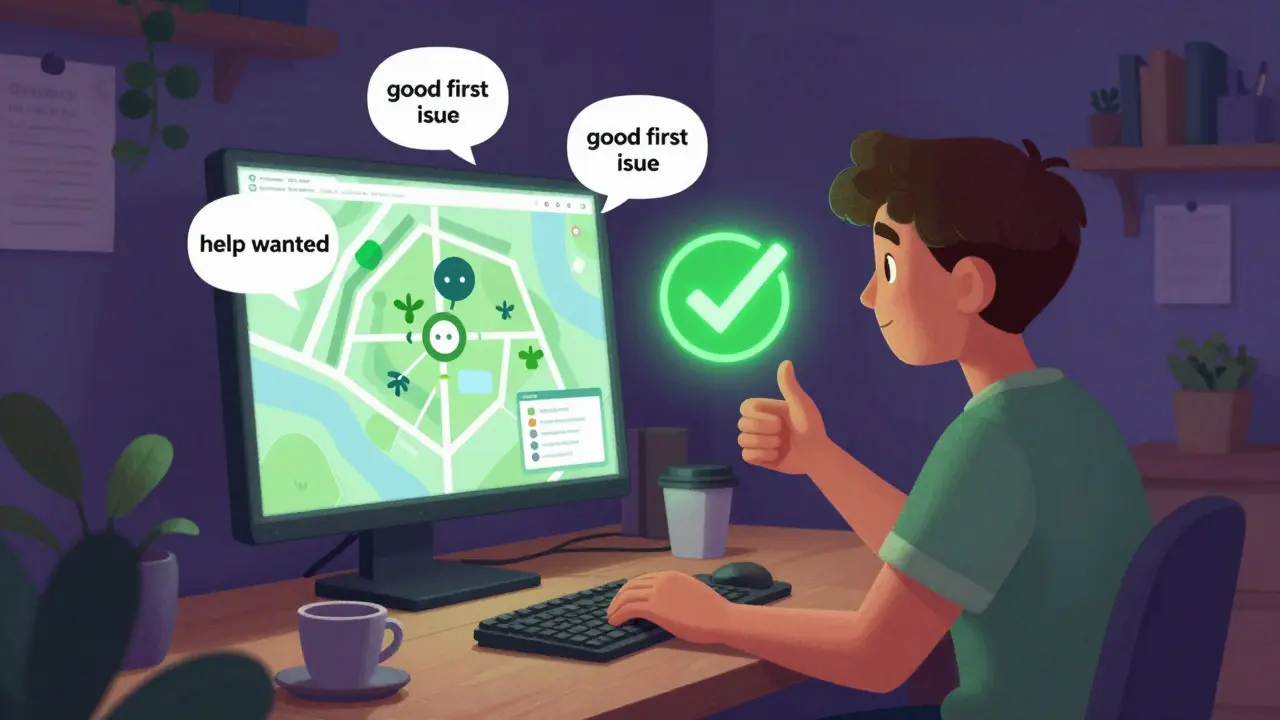
Start with labels. Many repositories use tags like good first issue or help wanted. These indicate tasks that are well-defined and low-risk. Documentation updates, bug fixes, and small feature additions are perfect starting points. For example, fixing a typo in the documentation might seem trivial, but it teaches you how to clone a repo, create a branch, and submit a PR. It’s the "Hello World" of collaboration.
Look for active communities. Check the commit history. If the last update was six months ago, the project might be abandoned. An active project means there are maintainers ready to review your work. Platforms like GitHub and GitLab make it easy to see activity levels. Also, consider the license. Ensure the project uses a permissive license like MIT or Apache 2.0, which allows for broad usage and modification.
Structuring the Course for Success
Instructors play a crucial role in making this model work. You cannot just tell students to "go contribute" and expect results. The process needs scaffolding. Break the capstone into manageable phases. Here is a suggested timeline:
- Week 1-2: Exploration and Selection. Students identify three potential projects. They analyze the codebase structure, read the contribution guidelines, and pick one that aligns with their skills and interests.
- Week 3-4: Environment Setup. Students set up their local development environment. This includes installing dependencies, running tests, and understanding the build process. Documenting these steps is part of the assignment.
- Week 5-8: Implementation. Students tackle their chosen issue. They write code, add tests, and ensure their changes don’t break existing functionality. Regular check-ins help keep them on track.
- Week 9-10: Submission and Review. Students submit their Pull Request. They engage with maintainers, address feedback, and iterate on their code. This phase teaches resilience and communication.
- Week 11-12: Reflection and Portfolio. Once merged (or even if rejected), students reflect on the experience. They write a post-mortem analysis and update their portfolios.
This structure ensures that students aren't just coding in a vacuum. They are learning the entire lifecycle of software development. It also gives instructors clear milestones to assess progress.
Navigating the Social Dynamics of Code
Coding is only half the battle. The other half is communication. Open source is a social endeavor. Students must learn to interact professionally with strangers who have no obligation to help them. This is a critical soft skill.
Tone matters. When asking for help or submitting a PR, be polite and concise. Explain why you made certain choices. Reference relevant issues. Show that you’ve read the documentation. Maintainers appreciate contributors who do their homework before asking questions.
Handle rejection gracefully. Not every PR gets merged. Sometimes the solution isn't what the maintainer envisioned. Other times, the project direction changes. Teach students to view rejection as feedback, not failure. Ask for specific reasons why the change wasn't accepted. Use that information to improve future contributions.
Engage in discussions. Don't just drop code and disappear. Comment on other people's PRs. Answer questions in the issue tracker. Building relationships within the community can lead to mentorship opportunities and job referrals. It turns a one-off project into a long-term network.
Grading and Assessment Strategies
How do you grade something that is inherently collaborative and external? Traditional rubrics don't always apply. Focus on process and growth rather than just the final outcome. Here are some key metrics:
- Code Quality: Does the code follow the project's style guide? Are there tests? Is it readable and maintainable?
- Communication: Did the student engage respectfully with maintainers? Did they respond to feedback promptly?
- Problem Solving: How did the student approach the issue? Did they research thoroughly before implementing?
- Documentation: Did they update relevant docs? Is their PR description clear and informative?
- Reflection: What did they learn? What would they do differently next time?
A merged PR is a bonus, not a requirement. A well-documented attempt that received constructive feedback is still valuable. Grade the effort and the professionalism displayed throughout the process. This encourages risk-taking and learning from mistakes.
| Aspect | Traditional Capstone | Open Source Capstone |
|---|---|---|
| Feedback Source | Instructor only | Maintainers, peers, users |
| Code Longevity | Deleted after grading | Permanent public record |
| Collaboration | Minimal or none | Essential for success |
| Real-World Relevance | Low (academic context) | High (industry context) |
| Skill Development | Technical skills only | Technical + Soft skills |
Overcoming Common Pitfalls
Even with good planning, challenges arise. One common issue is scope creep. Students might try to solve a huge problem instead of a small, manageable one. Encourage them to break down large issues into smaller tasks. If a task takes more than two weeks, it’s probably too big for a capstone component.
Another pitfall is burnout. Contributing to open source can be emotionally draining, especially if feedback is harsh or delayed. Remind students to take breaks. Set realistic expectations. It’s okay to step back and breathe.
Finally, technical blockers happen. Dependencies might conflict. Tests might fail for unknown reasons. Teach students to debug systematically. Use tools like Stack Overflow and official documentation. If stuck, ask for help-but provide context. Share error logs, steps to reproduce, and what you’ve already tried.
Building a Professional Portfolio
The end goal is employability. An open source capstone provides rich material for your portfolio. Don’t just link to the repository. Create a case study. Describe the problem, your solution, the challenges you faced, and the outcome. Include screenshots, code snippets, and links to the merged PR.
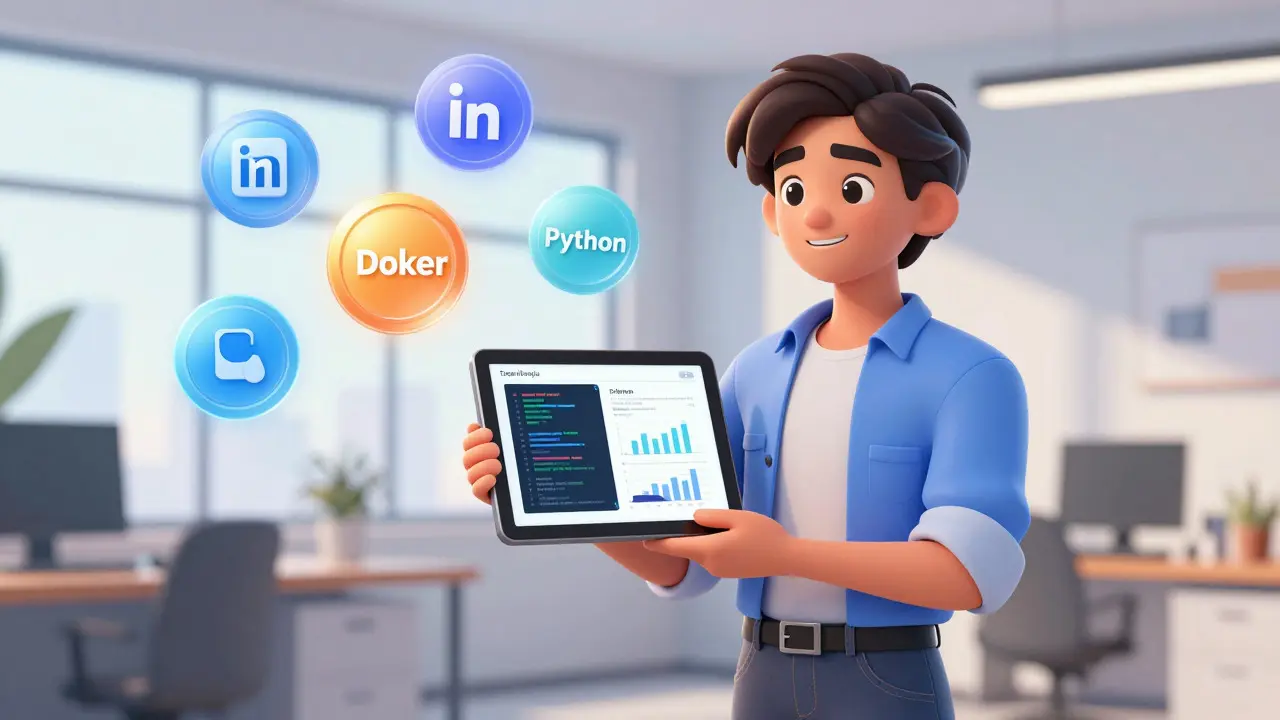
Highlight specific technologies used. Did you work with JavaScript? Python? Docker? Mention these explicitly. Recruiters search for these keywords.
Connect with the maintainers. Ask if they’d be willing to write a brief recommendation or endorse your profile on LinkedIn. Personal endorsements carry significant weight. They validate your skills from a third-party perspective.
Update your resume. List the open source projects under a dedicated section. Quantify your impact if possible. "Reduced load time by 10%" or "Fixed 5 critical bugs" sounds better than "Contributed to project." Be specific and honest.
Is open source contribution difficult for beginners?
It can be intimidating at first, but many projects welcome beginners. Start with small tasks like documentation fixes or simple bug repairs. Look for "good first issue" labels. The key is to start small and build confidence gradually.
Do I need to merge my code to get credit?
No. While merging is great, the learning happens during the process. If your PR is rejected, document the feedback and explain what you learned. Instructors should grade the effort, communication, and technical approach, not just the final result.
Which platforms are best for finding open source projects?
GitHub and GitLab are the most popular. GitHub has a larger community and more projects. GitLab is known for its robust CI/CD features. Both offer search filters for languages, licenses, and activity levels. You can also use sites like First Timers Only to find beginner-friendly issues.
How much time should I dedicate to this capstone?
Expect to spend 10-15 hours per week over a semester. This includes reading documentation, setting up environments, coding, testing, and communicating with maintainers. Consistency is more important than cramming. Regular small contributions yield better results than sporadic bursts.
Can I contribute to non-software open source projects?
Yes. Open source isn't just code. You can contribute to data science datasets, design assets, educational materials, and hardware projects. Platforms like Open Source Hardware and Zenodo host various types of open resources. Choose a domain that matches your interests and skills.