Paid Advertising Strategies for Courses: Search, Social, and Display
 Mar, 17 2026
If you're selling online courses, you're not just competing with other courses. You're competing with every ad on someone's feed, every search result they scroll past, and every video they watch on YouTube. The right paid ads can cut through that noise-but only if you know where to spend and how to speak to the right people.
Search Ads: Capture Intent Before It Slips Away
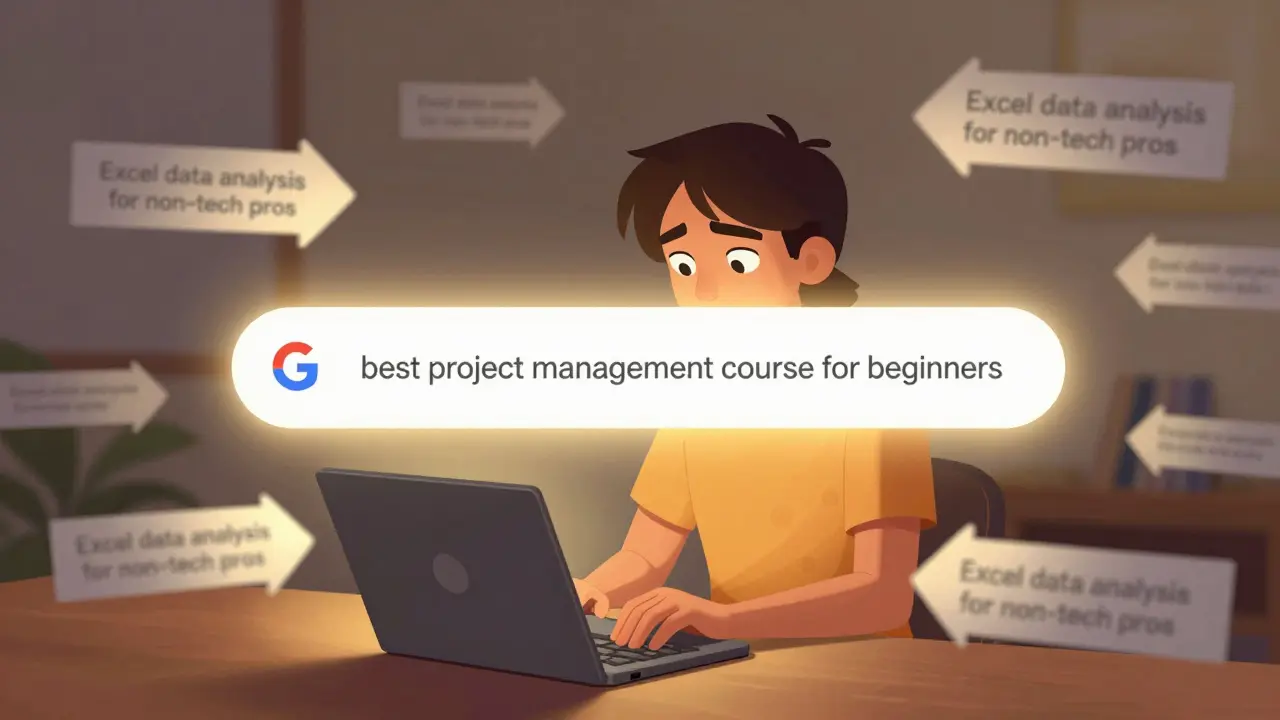
When someone types "best project management course for beginners" into Google, they’re not browsing. They’re ready to buy. That’s the sweet spot for search ads.
Google Ads and Microsoft Advertising let you target exact phrases, not just broad topics. If you’re selling a course on data analysis, don’t just bid on "data science". Bid on "excel data analysis course for non-tech professionals". These long-tail keywords have less competition and higher conversion rates because the intent is crystal clear.
Use ad extensions. Sitelinks to your course modules. Callouts like "Lifetime Access" or "Certification Included". Structured snippets showing your course features. These don’t just look better-they increase click-through rates by up to 30%, according to Google’s own case studies.
And don’t forget negative keywords. If you’re selling a $299 course, block "free", "cheap", or "trial". You don’t want people clicking who aren’t ready to pay.
Social Media Ads: Build Trust, Not Just Awareness
Social ads don’t work when they scream "BUY NOW!" They work when they whisper, "You’re not alone in this."
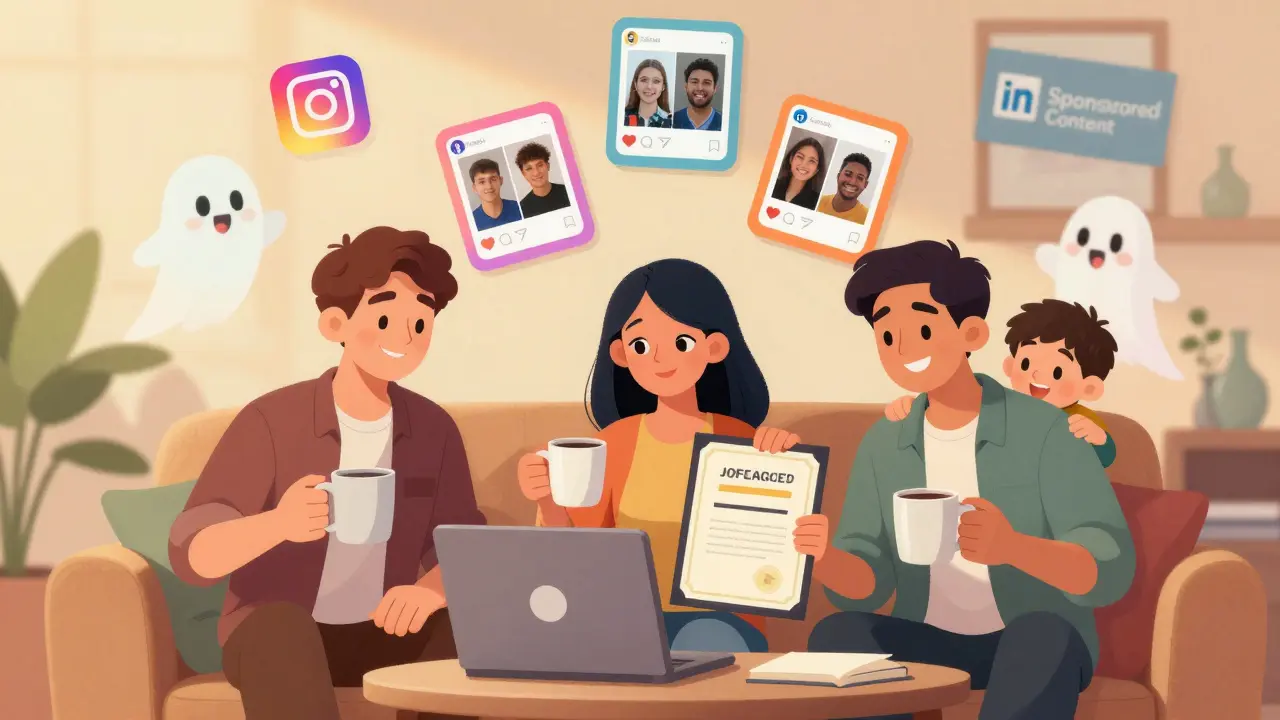
On Facebook and Instagram, use carousel ads that show real student results. A before-and-after: "I couldn’t code at all" → "I landed a junior dev job in 6 months". Use video testimonials. Not polished studio clips-real people talking in their living room, holding their coffee, maybe even with their kid in the background. Authenticity beats production value every time.
Targeting on social isn’t about demographics alone. Layer in behaviors. Target people who:
- Follow LinkedIn Learning or Coursera pages
- Engaged with career advice content in the last 30 days
- Visited job boards like Indeed or ZipRecruiter
Retargeting is your secret weapon. If someone visited your course page but didn’t sign up, show them an ad with a limited-time discount or a free mini-lesson. The conversion rate for retargeted users is 2-3x higher than cold traffic.
LinkedIn is different. If your course is for professionals-project managers, marketers, HR leaders-use Sponsored Content with lead gen forms. Let them sign up without leaving LinkedIn. The friction is low. The intent is high.
Display Ads: Stay Top of Mind, Not In Your Face
Display ads are the quiet ones at the party. They don’t convert right away. But they make sure you’re the first name they remember when they’re ready to buy.
Use programmatic platforms like Google Display Network or Amazon DSP. Place banners on sites your audience already visits: TechCrunch for tech courses, Harvard Business Review for leadership programs, or even niche blogs like "The Freelancer’s Guide to AI".
Don’t use flashy animations or pop-ups. Use clean, minimalist banners with one clear message: "Your next skill is 15 minutes away." Pair it with a subtle CTA like "See syllabus" or "Watch preview".
Frequency capping matters. Show the same person your ad no more than 3-4 times a week. Too much, and you annoy them. Too little, and you fade from memory.
Use dynamic remarketing. If someone looked at your Python course but didn’t enroll, show them an ad with a personalized headline: "Still thinking about Python? Here’s what 87 students learned last month."
How to Allocate Your Budget
Most course marketers split their budget like this:
- 50% Search Ads - Capture high-intent buyers
- 30% Social Ads - Nurture and retarget
- 15% Display Ads - Keep your brand visible
- 5% Testing - Try new platforms or formats
But here’s the catch: test this. Run a 30-day experiment. Shift 70% to social, 20% to search. See what moves the needle. Then adjust. Every audience is different.
Track your cost per lead (CPL) and cost per enrollment (CPE). If your search ads cost $8 per lead but social costs $22, you might think search is better. But if 60% of social leads enroll versus 20% from search, you’re getting more value from social. Look at the full funnel.
What Most Course Marketers Get Wrong
They treat all paid ads the same. They use the same ad copy across search, social, and display. Big mistake.
Search ads need clarity. Social needs emotion. Display needs subtlety.
Another mistake? Ignoring landing pages. If your ad says "Learn SEO in 7 Days", but your landing page talks about "Master Digital Marketing", you’ve lost them. Match the message exactly.
And don’t forget mobile. Over 65% of course sign-ups happen on phones. Your ad, your landing page, your checkout flow-all must work flawlessly on mobile. Slow load times? Broken buttons? You’re leaking money.

Tools That Actually Help
You don’t need a huge team. You need smart tools:
- Google Analytics 4 - Track conversions from each ad source
- UTM parameters - Tag every link so you know which ad drove which sign-up
- Hotjar - See where people drop off on your course page
- AdEspresso - Automate A/B tests across Facebook and Instagram
One simple trick: add a short survey to your thank-you page after someone signs up. Ask: "How did you hear about us?" The answer might surprise you. Maybe 40% came from a YouTube ad you forgot you ran.
Final Tip: Don’t Chase Trends. Chase Patterns.
Everyone’s talking about TikTok ads for courses. But if your audience is 45-year-old accountants, TikTok isn’t where they are. Focus on where your buyers are, not where the hype is.
Track what works. Double down. Kill what doesn’t. Paid advertising for courses isn’t about creativity. It’s about consistency. Show up. Say the right thing. In the right place. At the right time.
That’s how you turn clicks into enrollments-and enrollments into outcomes.
Which paid ad platform gives the best ROI for online courses?
There’s no single answer-it depends on your audience. Search ads (Google, Microsoft) work best for high-intent buyers looking for specific skills. Social ads (Facebook, Instagram, LinkedIn) are stronger for nurturing and retargeting. Display ads help with awareness but rarely convert alone. Most successful course marketers use all three in combination, with search leading in ROI for direct sales.
How much should I spend monthly on course advertising?
Start small. If you’re just testing, $500-$1,000 per month is enough to get data. Focus on one platform first-usually search or Facebook. Once you know your cost per enrollment (CPE), scale up. A healthy CPE is 2-3x lower than your course price. So if your course is $299, aim for a CPE under $100. Many top performers hit $40-$70 CPE with optimized campaigns.
Should I use video ads for my course?
Yes-but only if they’re real. Avoid studio-quality ads with stock music. Instead, use short, unedited clips of students explaining how the course changed their career. Even 15-second clips from phone recordings perform better than polished commercials. Video ads on social media have 2-3x higher engagement than static images. On YouTube, use skippable TrueView ads with a clear hook in the first 5 seconds.
What’s the biggest mistake in course advertising?
Using the same message everywhere. A search ad should answer a question. A social ad should build trust. A display ad should remind. Mixing them up confuses people. Also, ignoring mobile optimization. Over half of course sign-ups happen on phones. If your landing page takes 4 seconds to load or has tiny buttons, you’re losing 70% of potential students.
Can I run paid ads without a website?
Technically, yes-some platforms let you send traffic to a landing page hosted on the ad platform itself. But it’s not smart. You lose control over branding, data collection, and follow-up. A simple, fast landing page on your own domain (even just a single page built with Carrd or Leadpages) gives you way more value. You can retarget visitors. You can collect emails. You can test headlines. Skip the website, and you’re gambling with your growth.
Pooja Kalra
March 17, 2026 AT 12:24It's funny how we think algorithms are the answer. But really, it's about human psychology. The moment someone types a search query, they're not looking for a course-they're looking for hope. And if your ad doesn't speak to that quiet desperation, it's just noise. We optimize for clicks, not connection. And that's why most campaigns fail.
Sumit SM
March 18, 2026 AT 23:15Search ads? Please. You're telling me that 'excel data analysis course for non-tech professionals' is better than 'data science'? That's not strategy-that's desperation. You're not targeting intent, you're targeting panic. And let's be real: if your course can't stand on its own without 17 ad extensions, maybe it's not worth selling.
Also-'lifetime access'? That's not a benefit, that's a liability. Who's gonna update it? Who's gonna support it? You're promising immortality to a product that dies in six months.
Jen Deschambeault
March 20, 2026 AT 15:15I love how this breaks it down. Real talk: social ads are where the magic happens. Not because they're flashy-but because they're human. I had a student once send me a screenshot of her kid drawing a picture of her 'after the course'-she was crying. That’s the kind of content that converts. Not testimonials. Not ads. Real moments.
And yes-mobile optimization isn't optional. I lost 300 sign-ups last month because my 'buy now' button was too small on iPhone. One pixel. That's all it took.
Cait Sporleder
March 20, 2026 AT 15:44The fundamental flaw in contemporary digital marketing discourse lies in its reductionist conflation of behavioral metrics with psychological resonance. One cannot optimize for cost-per-enrollment without first interrogating the epistemological foundations of user intent. The very notion of 'intent' as a quantifiable variable presupposes a Cartesian dualism between cognition and action-an assumption that crumbles under the weight of postmodern consumer behavior theory.
Furthermore, the algorithmic determinism inherent in platforms like Google Ads and Meta’s ad engine perpetuates a neoliberal hegemony of attention economics, wherein human agency is subsumed under the logic of predictive analytics. To claim that 'long-tail keywords yield higher conversion rates' is to mistake correlation for causation, and to ignore the hegemonic structuring of search behavior by platform capitalism itself.
Therefore, I propose a phenomenological framework: instead of optimizing ad copy, we must optimize for existential clarity. What does the user *feel* when they type their query? What void are they attempting to fill? The answer, I submit, is not in UTM parameters-but in ontological inquiry.
Honey Jonson
March 22, 2026 AT 15:41Sally McElroy
March 24, 2026 AT 13:42You say 'test your budget allocation'-but you're ignoring the real issue: most course creators don't even know who their audience is. They think 'non-tech professionals' means 'anyone who can use Excel.' It doesn't. It means 'women over 35 who work in admin and are terrified of being replaced by AI.' If you can't name their fear, your ad won't resonate. And yes-your landing page better match your ad word-for-word. I've seen people click 'Learn SEO in 7 Days' and land on a page about 'Digital Marketing Mastery.' That's not a mistake. That's a betrayal.
Destiny Brumbaugh
March 25, 2026 AT 01:41Search ads are the only thing that matters. If you're spending more than 50% on social, you're wasting money. America runs on Google. Not Instagram. Not TikTok. Google. And if you're targeting 'freelancers' or 'non-tech professionals' on Facebook-you're not marketing. You're praying. Get back to basics. Keyword research. Negative keywords. Landing pages that don't look like they were made in 2012.
Also-stop using 'you're not alone.' That phrase is dead. It's been milked since 2016. Use something real. Like 'This is how I went from minimum wage to $80k in 11 months.' That's not marketing. That's a confession.
Sara Escanciano
March 26, 2026 AT 15:29Anyone who says 'display ads are for awareness' is lying to themselves. They're for brainwashing. You think people forget your brand? No. They remember it. And they hate it. I've had people DM me saying 'I saw your ad 14 times on The Verge and now I can't unsee it.' That's not awareness. That's harassment. And if you're using dynamic remarketing to target people who looked at your Python course-you're not helping them. You're stalking them.
There's a line between persistence and obsession. You crossed it. And now your brand is synonymous with 'annoying.'
Elmer Burgos
March 28, 2026 AT 10:30Hey, just wanted to say I really appreciate how clear this breakdown is. I've been running ads for my writing course for two years and I finally got it right after I stopped trying to be 'professional' and started being me. My best-performing ad? A 12-second video of me in pajamas, holding a coffee, saying 'I used to hate writing. Now I make a living at it. Here's how.' No music. No edits. Just me.
Also-mobile is everything. I fixed my checkout button and sales jumped 40%. Simple stuff. Doesn't need to be fancy. Just functional.
Jason Townsend
March 28, 2026 AT 14:53They don't want you to know this but Google owns your data. Every search. Every click. Every 'lifetime access' promise. They sell it. They build profiles. They predict your next move. And then they charge you more to reach the people you're trying to sell to. You think you're running ads? You're feeding the machine. And the machine doesn't care if you make money. It only cares if you keep feeding it.
And don't get me started on Meta. They're not selling ads. They're selling your soul. For $2.30 per click.
Antwan Holder
March 29, 2026 AT 22:42I used to be a marketing director. Then I lost my job. Then I built a course. Then I got a DM from a woman who said, 'I was going to kill myself last week. Your course made me want to try one more day.'
That's not a conversion. That's a miracle.
So yeah-optimize your ads. But don't forget: behind every search query is a human being who's afraid. And if your ad doesn't say 'I see you'-then it's just another ghost in the machine.
Angelina Jefary
March 31, 2026 AT 12:56Correction: 'You're not competing with other courses-you're competing with every ad on someone's feed.' This is grammatically incorrect. The subject is 'you,' and the verb is 'are competing,' so the object should be 'every other ad,' not 'every ad.' Also, 'YouTube' should be capitalized consistently. And 'non-tech' is a hyphenated compound adjective-so it needs hyphens everywhere. This entire article is riddled with punctuation errors. How can anyone trust advice on ad copy when the writer can't even use a comma properly?
Jennifer Kaiser
April 2, 2026 AT 05:25There's something deeper here than metrics. It's not about where you spend money-it's about where you place your attention. The moment you stop seeing your audience as leads and start seeing them as people who are trying to rebuild their lives-that's when your ads stop being ads and become lifelines.
I've had students tell me they enrolled because they saw a comment from someone who said, 'I was broke, scared, and alone. This course saved me.' That comment wasn't from me. It was from another student. And it worked better than any ad.
Maybe the real strategy isn't in Google Ads. Maybe it's in community.
TIARA SUKMA UTAMA
April 2, 2026 AT 10:46