SEO for Course Websites: Ranking for Educational Keywords
 Mar, 16 2026
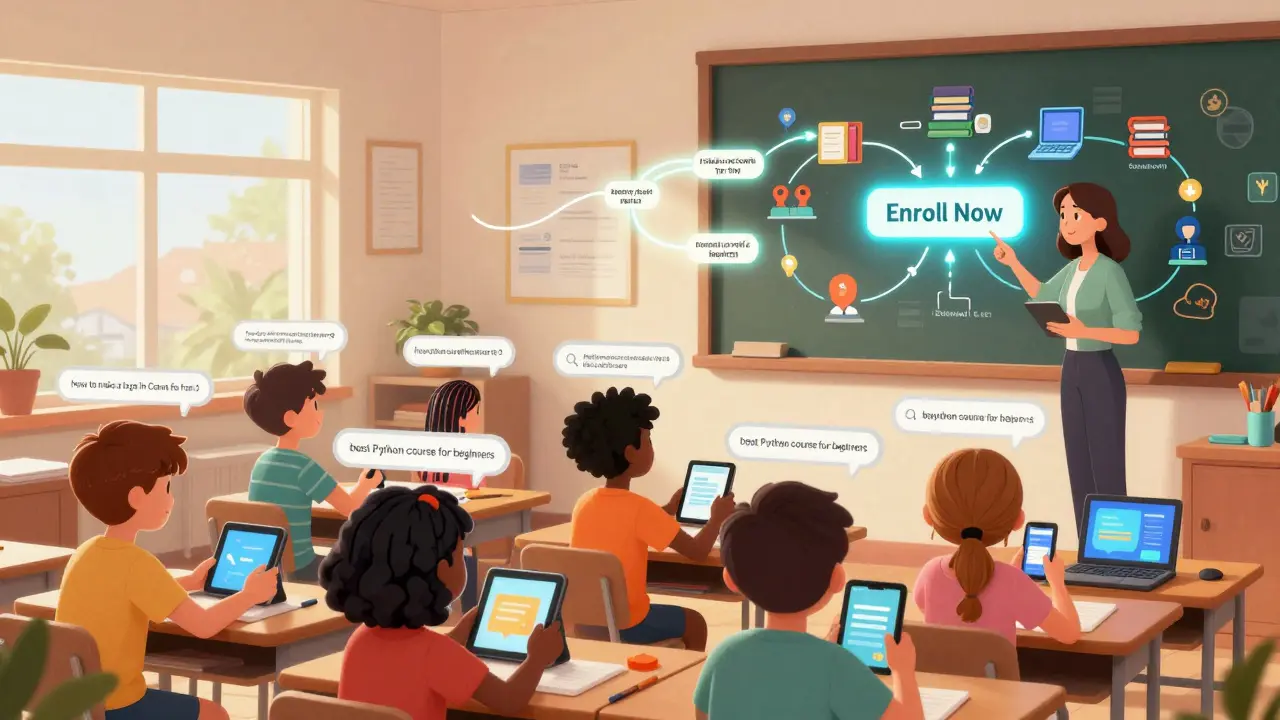
Most course websites never rank. Not because the content is bad, but because no one told them how to show up when someone searches for "how to learn digital marketing" or "best Python course for beginners". If your course website isn’t appearing in those searches, you’re leaving money on the table. And it’s not rocket science. You just need to speak the same language your students are using.
Start with what people are actually searching for
Stop guessing what keywords to target. Go straight to the source. Use free tools like Google Trends or AnswerThePublic to see real questions people type into search engines. For example, if you teach graphic design, you might find searches like:
- "how to make a logo in Canva for free"
- "best free graphic design course 2026"
- "graphic design course for beginners Reddit"
These aren’t fancy terms. They’re messy, specific, and packed with intent. That’s your goldmine. A keyword like "best graphic design course" has high competition. But "how to make a logo in Canva for free"? Low competition, high intent. Someone searching that is ready to learn - and likely to enroll.
Course websites that win use long-tail keywords. They don’t chase "online course" - they chase "online course for working moms who want to switch careers". That’s not a stretch. It’s what real people say.
Structure your pages like a roadmap, not a brochure
Most course pages look like ads. Big image. Bold headline. "Enroll Now!" button. That’s fine for social media. But Google doesn’t care about buttons. It cares about depth.
Your course page needs to answer every question a potential student might have - before they even ask it. That means:
- What skills will they learn? (List them)
- How long does it take? (Be specific: "4 weeks, 3 hours/week")
- Do they need prior experience? (Say "no" if true)
- What’s the project or outcome? ("Build a portfolio website you can show employers")
- Who is this NOT for? ("If you already know HTML, this isn’t for you")
Google rewards pages that feel like a complete guide. If your page answers 8 out of 10 likely questions, it’s far more likely to rank than a page that just says "Enroll now".
Use real student outcomes as content
Testimonials aren’t enough. You need proof in the form of structured data.
For example, if someone completes your photography course and lands a job, don’t just say: "Sarah got hired!" Write a short case study:
"After finishing the "Foundations of Portrait Photography" course, Maria Lopez started freelancing. Within 3 months, she booked 12 sessions and earned $4,200. She now teaches beginner workshops on weekends."
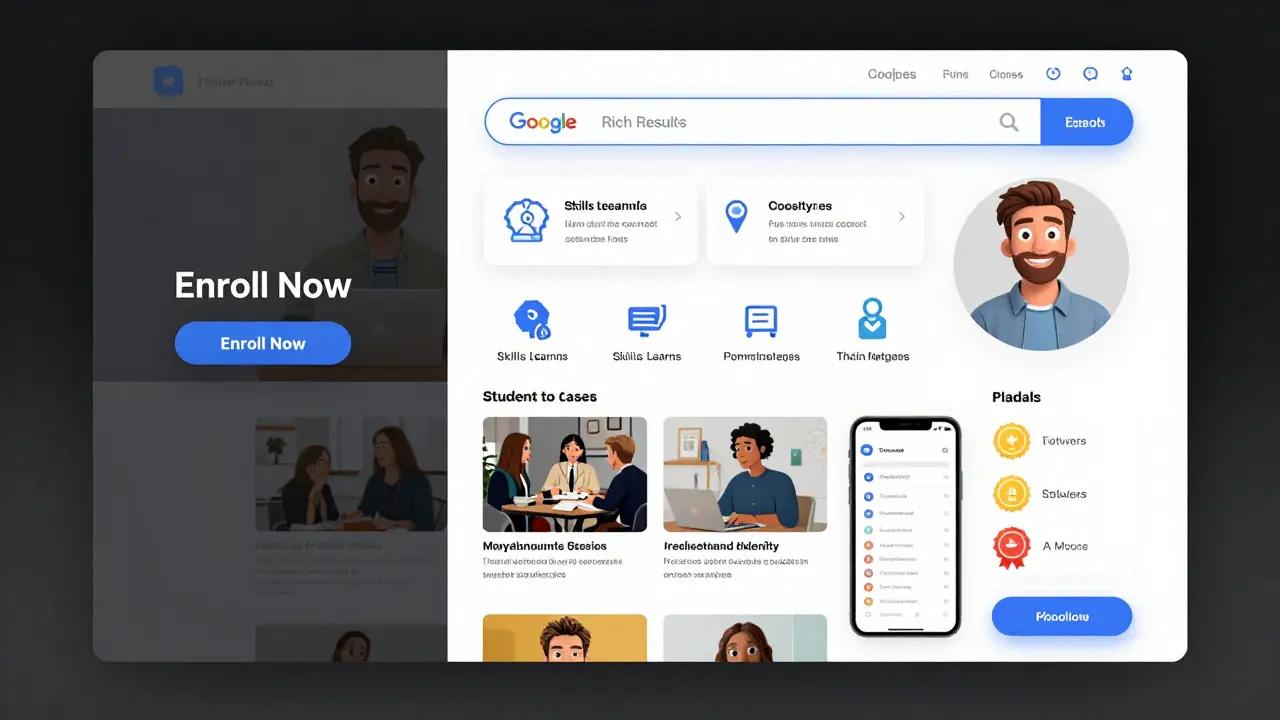
Then, mark it up with structured data so Google can show it as a rich result. Use Course is a structured learning program with clear outcomes as your base entity. Add attributes like:
- Duration: 6 weeks
- Prerequisites: None
- Outcome: Build a professional portfolio
Google can then display this as a card in search results - complete with duration, cost, and outcome. That’s not just SEO. That’s social proof baked into search.
Optimize for mobile - and for slow connections
Most students find courses on their phones. Not laptops. Not desktops. Phones. That means:
- Page load speed matters more than you think. If your page takes over 3 seconds to load, over half of visitors will leave.
- Images should be compressed. Use WebP format. Resize hero images to under 300KB.
- Buttons must be thumb-sized. No tiny "Enroll" links.
- Forms should have minimal fields. Name, email, and one question: "What’s your biggest goal in taking this course?"
Google’s mobile-first indexing means it primarily uses the mobile version of your site to rank you. If your mobile experience is clunky, you’re invisible.
Build topical authority with supporting content
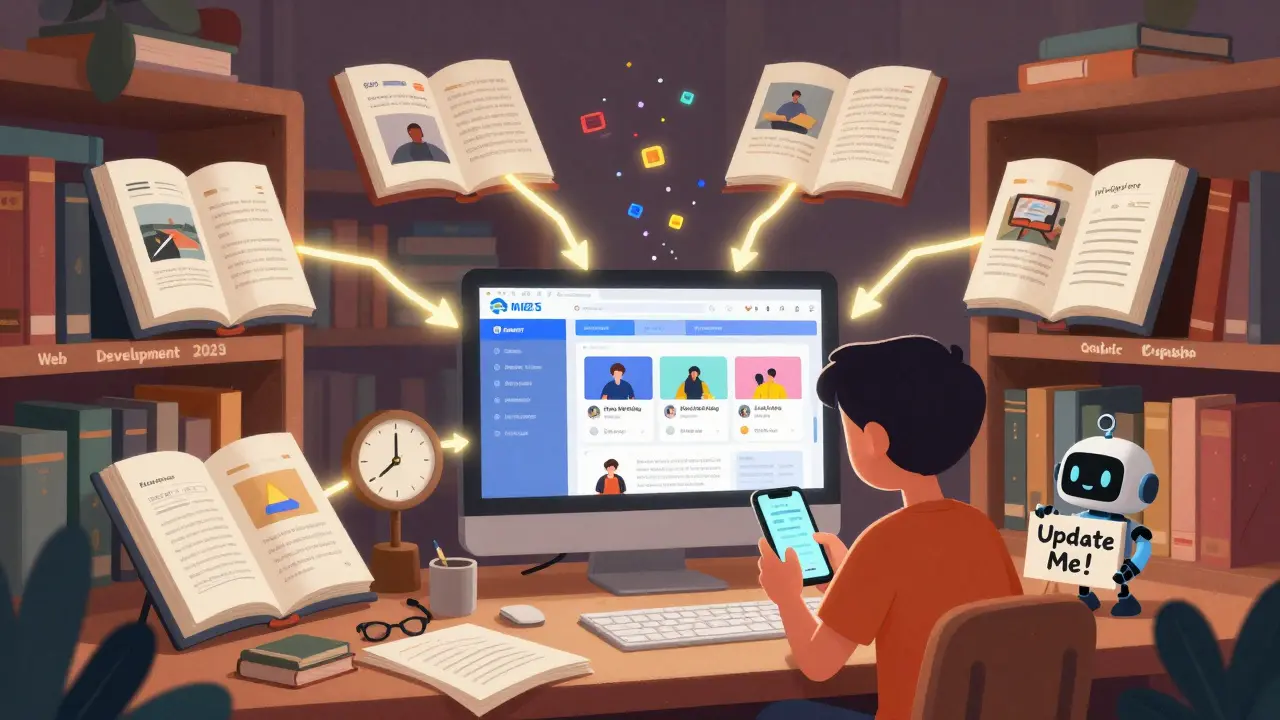
One course page won’t carry you. You need a content ecosystem. Think of it like a library:
- Main course page: "Learn Web Development"
- Supporting articles:
- "What is HTML and why should you learn it?"
- "How to choose between Python and JavaScript for beginners"
- "Free tools every web developer needs in 2026"
These articles link to your main course. They answer questions people are searching for. They show Google that your site is an authority on web development education.
Don’t write these to promote your course. Write them to help. The course will benefit naturally.
Track what actually moves the needle
Don’t just track traffic. Track conversion.
Set up Google Search Console and look at:
- Which queries are bringing traffic to your course page?
- Which ones have high impressions but low clicks? (That means your title or meta description needs work.)
- Which pages have high bounce rates? (Probably because they don’t match the search intent.)
Example: You rank for "best online coding course" but only get 2% click-through rate. That means your title says "Best Online Coding Course" but the snippet doesn’t explain why it’s better than the others. Change it to: "Best Online Coding Course for Beginners (No Experience Needed) - 2026". Click-through rate jumps to 8%.
Small tweaks. Big results.
Don’t ignore the competition
Find three websites that rank for your target keywords. Not just big players like Udemy. Look at smaller, local, or niche sites that are beating you.
Ask: What do they have that you don’t?
- Do they have student videos?
- Do they list exact weekly lesson plans?
- Do they update their content every 6 months?
Most course sites copy the same template: logo, video, price, button. The winners? They add details. They show the syllabus. They post monthly updates. They answer FAQs in the content. They make it feel like a real class - not a sales page.
Update or die
Search engines love fresh content. Especially in education.
If your course says "Learn React in 2023" - it’s outdated. Students know that. Google knows that.
Every 6 months, update your course pages with:
- New tools or frameworks
- Updated pricing or payment plans
- Recent student results
- Changes in industry standards
Even a small note like "Updated for 2026: Now includes AI-powered coding assistant" can boost your ranking. It signals to Google: "This page is still alive. Still relevant. Still useful."
How long does it take to rank for educational keywords?
It usually takes 3 to 6 months to see real movement in rankings, especially for competitive terms. But if you target low-competition long-tail keywords - like "how to start freelance writing with no portfolio" - you can see results in 4 to 8 weeks. The key is consistency: update content monthly, publish supporting blog posts weekly, and fix technical issues as they come up.
Do I need to pay for SEO tools to rank my course website?
No. Free tools like Google Search Console, Google Trends, and AnswerThePublic give you 80% of what you need. Paid tools like Ahrefs or SEMrush help if you’re scaling to hundreds of courses or competing with big brands. But for a single course website, focus on content quality and user intent first. You don’t need a budget - you need a strategy.
Should I target keywords with high search volume?
Only if you can realistically compete. A keyword like "online courses" has over 1 million searches a month - but thousands of sites are fighting for it. Instead, aim for keywords with 100-1,000 monthly searches and low competition. These are easier to rank for and attract students who are ready to buy. High volume doesn’t mean high conversion.
Can I rank without a blog?
It’s possible, but very hard. A blog builds topical authority. Without it, Google sees your course page as an island. With it, you create a network of related content that supports your main page. Even posting one well-researched article a month can make a big difference over time.
What’s the biggest mistake course websites make with SEO?
They treat SEO like a one-time setup. SEO isn’t a checkbox. It’s an ongoing conversation with your audience. If you don’t update your content, answer new questions, or fix broken links, your rankings will drop. The best course websites are the ones that treat their site like a living resource - not a static brochure.
Next steps: What to do today
Don’t wait for perfect. Start now.
- Open Google Trends and type in your course topic. Look for rising queries.
- Go to your course page. Add one real student outcome with structured data.
- Find one outdated phrase on your site (like "2023 tools") and update it to 2026.
- Write one supporting blog post answering a specific question your audience has.
- Check your mobile load speed with Google PageSpeed Insights. Fix the top issue.
Do those five things in the next 72 hours. That’s all it takes to start moving.
Kayla Ellsworth
March 17, 2026 AT 01:52Soham Dhruv
March 18, 2026 AT 15:10Bob Buthune
March 18, 2026 AT 23:49Jane San Miguel
March 20, 2026 AT 15:53Kasey Drymalla
March 22, 2026 AT 11:42Dave Sumner Smith
March 24, 2026 AT 02:02Cait Sporleder
March 25, 2026 AT 04:41Paul Timms
March 25, 2026 AT 15:33Jeroen Post
March 27, 2026 AT 15:17Nathaniel Petrovick
March 29, 2026 AT 08:13Honey Jonson
March 30, 2026 AT 02:49Sally McElroy
March 31, 2026 AT 19:33Destiny Brumbaugh
April 1, 2026 AT 15:26Sara Escanciano
April 3, 2026 AT 07:54Elmer Burgos
April 4, 2026 AT 22:33James Winter
April 6, 2026 AT 03:25Aimee Quenneville
April 7, 2026 AT 09:28Cynthia Lamont
April 8, 2026 AT 22:27Kirk Doherty
April 9, 2026 AT 06:06