STEM Education Online: Labs, Simulations, and Projects for Special Populations
 Nov, 3 2026
Think about the last time you tried to learn something new on a screen. Maybe it was a cooking video or a coding tutorial. Now, imagine trying to do that while navigating visual impairments, motor control challenges, or attention differences. For many students in special populations, traditional STEM education online feels like a locked door. But here is the twist: digital tools are actually unlocking that door faster than physical classrooms ever could.
You might assume that hands-on science requires beakers and Bunsen burners. That used to be true. Today, sophisticated virtual labs and interactive simulations allow learners to manipulate variables without leaving their chairs. This shift isn't just about convenience; it's about equity. When we remove physical barriers, we open up chemistry, physics, and biology to students who were previously excluded by accessibility gaps.
Why Digital Tools Work Better for Some Learners
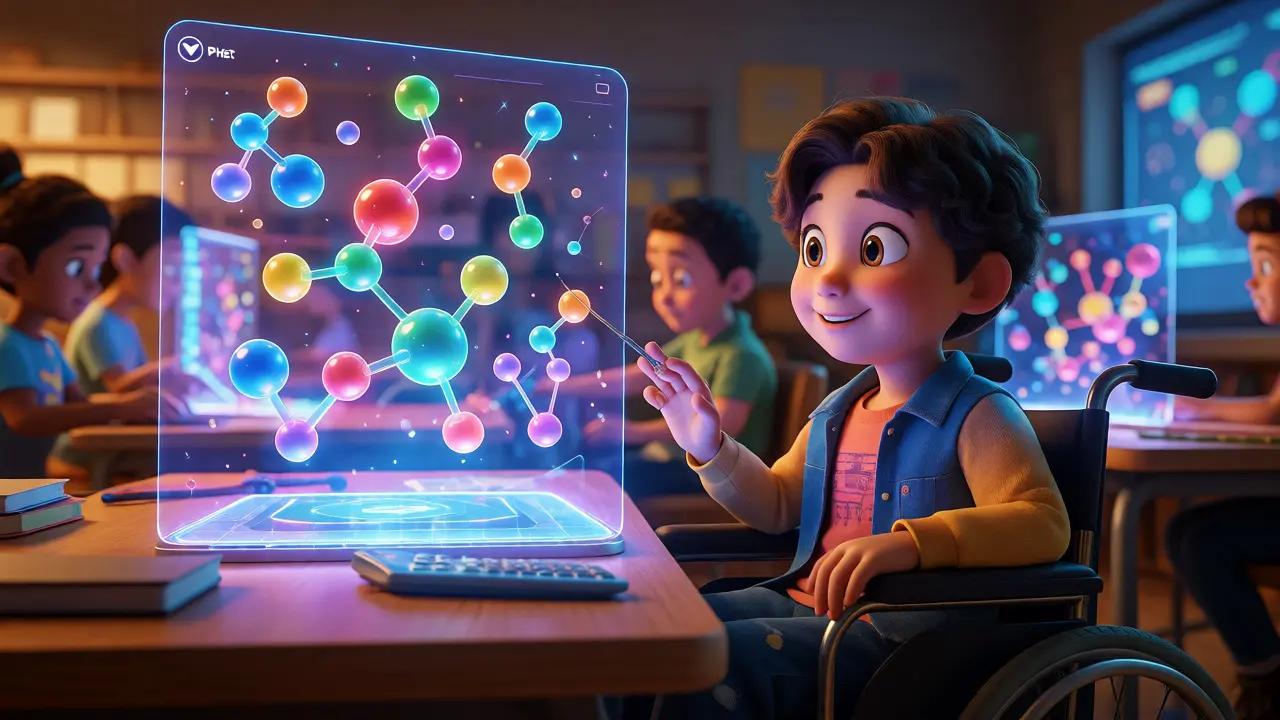
Let’s get specific. A student with dyspraxia might struggle to hold a pipette steady. In a physical lab, this leads to spilled chemicals and frustration. In a PhET Interactive Simulation, they can drag molecules with a mouse or touch screen, adjusting speed and precision to their comfort level. The core concept of chemical bonding remains identical, but the execution adapts to the learner.
This flexibility extends beyond motor skills. Consider neurodivergent students who experience sensory overload. Physical labs are noisy, smell strong, and move fast. Digital environments offer control. You can pause a simulation to process data. You can replay an animation of a cell dividing ten times until the mechanism clicks. This self-paced engagement reduces anxiety and boosts retention.
Moreover, assistive technologies integrate seamlessly with these platforms. Screen readers can describe graph changes in real-time. Color-blind modes adjust heat maps in biology simulations. These aren't afterthoughts; they are built into modern educational software design standards like WCAG 2.1 AA.
Top Virtual Lab Platforms for Accessibility
Not all digital labs are created equal. Some prioritize flashy graphics over functional accessibility. Here is how the leading contenders stack up when viewed through the lens of inclusive design.
| Platform | Best For | Accessibility Features | Cost |
|---|---|---|---|
| PhET | K-12 Physics & Math | Keyboard navigation, high contrast, HTML5 (no Flash) | Free |
| Labster | High School & College Biology | VR options, step-by-step guidance, customizable text size | Subscription |
| Gizmos | Math & Science Concepts | Teacher-led exploration mode, exportable data tables | Subscription |
| Beyond Labz | Chemistry & Organic Chem | Audio descriptions, keyboard shortcuts for all actions | Subscription |
Notice the pattern? The best platforms don't just digitize worksheets. They create safe spaces for failure. If a student mixes the wrong acid in Beyond Labz, nothing explodes. They just reset and try again. This low-stakes environment encourages experimentation, which is the heart of scientific inquiry.
Designing Accessible Project-Based Learning
Labs teach mechanics. Projects teach thinking. But how do you run a project-based learning (PBL) unit online for students who need extra support? You scaffold heavily.
Start with clear, multi-modal instructions. Don't just post a PDF assignment. Provide a short video walkthrough, a bulleted checklist, and a voice memo summary. This caters to different processing styles. For a student with auditory processing disorder, the written list is key. For one with reading difficulties, the video is essential.
Next, offer choice in output. Must every student write a five-page paper? No. Let them choose between creating a podcast episode, building a slide deck, or recording a screencast explanation. As long as the learning objective-say, explaining photosynthesis-is met, the format should match the student's strengths.
- Option A: Create an infographic using Canva or similar tools.
- Option B: Record a 3-minute audio tour of a local park, identifying plant species.
- Option C: Build a simple model using household items and photograph the steps.
This approach aligns with Universal Design for Learning (UDL) principles. It removes barriers to expression while maintaining rigorous content standards.
Overcoming Common Pitfalls in Online STEM
It’s not all smooth sailing. Internet connectivity issues remain a major hurdle. If a student’s connection drops during a timed simulation, they lose progress. Look for platforms that auto-save state locally or allow offline access via downloaded apps.
Another trap is "digital fatigue." Staring at screens all day causes eye strain and mental exhaustion. Break sessions into 20-minute chunks. Use analog supplements. Ask students to sketch a diagram on paper before uploading a photo. Mixing tactile activities with digital ones keeps engagement high.
Finally, watch out for isolation. STEM can feel lonely if done solo. Use breakout rooms for small group problem-solving. Assign roles within groups, such as "data recorder" or "timekeeper," to ensure everyone participates. Structured interaction prevents dominant voices from taking over and helps shy students find their footing.
The Role of Educators in Digital Transformation
Teachers play a crucial role here. They aren't just facilitators; they are curators of accessibility. A good educator reviews every link and resource for compatibility with screen readers. They test color contrasts. They ask students directly: "What part of this tool felt hard to use?"
Professional development often lags behind tech trends. Many teachers learned to teach in brick-and-mortar schools. They need training on how to troubleshoot tech issues and adapt lessons for diverse learners. Schools that invest in this training see higher completion rates among special population students.
Remember, technology is a bridge, not the destination. The goal is understanding, not just clicking buttons. Keep the focus on concepts. If a simulation breaks, have a backup plan-a video demonstration or a home experiment kit. Flexibility ensures no student gets left behind due to a glitch.
Future Trends: AI and Personalized Pathways
We are standing on the edge of another revolution. Artificial intelligence is starting to personalize STEM learning in real-time. Imagine an AI tutor that notices a student struggling with vector addition. It doesn't just give the answer. It detects the error pattern-maybe they are confusing magnitude with direction-and offers a targeted hint.
For students with ADHD, AI can adjust pacing automatically. If response times slow down, it might simplify the interface or suggest a break. For those with autism, predictable AI interactions can reduce social anxiety compared to human instructors.
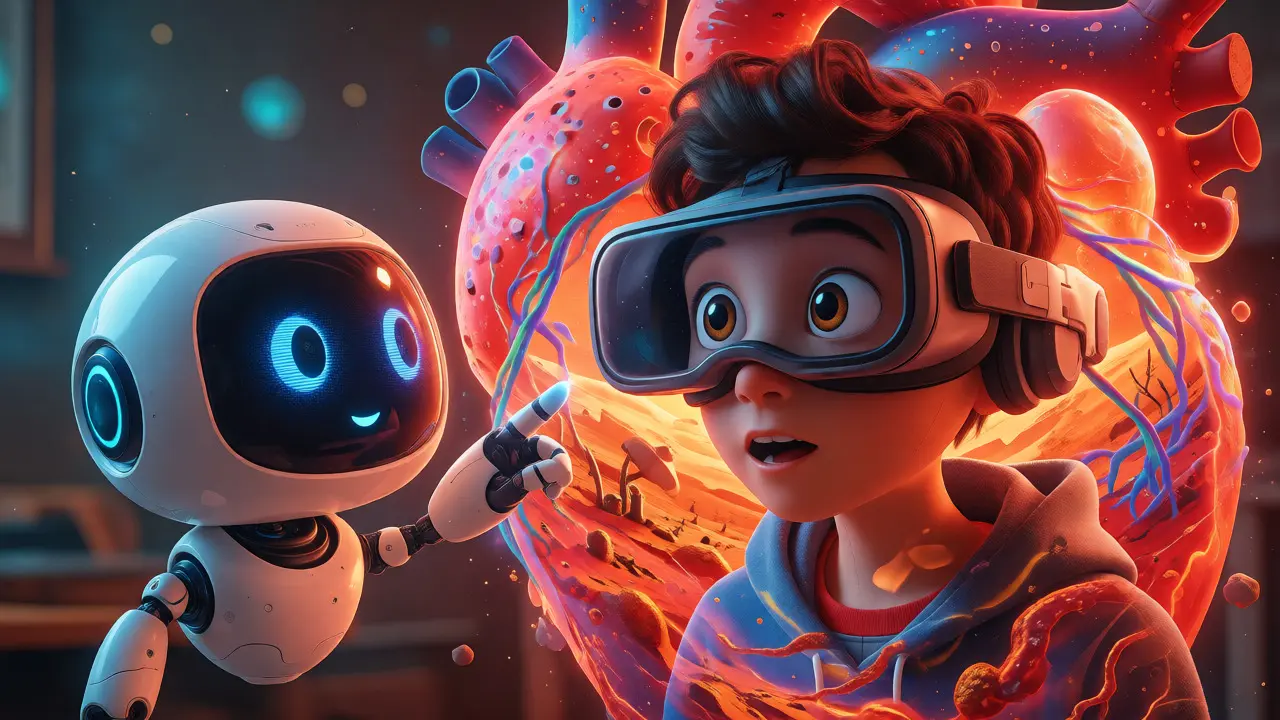
Virtual Reality (VR) is also maturing. Headsets are becoming lighter and cheaper. VR allows immersive field trips to Mars or inside a human heart. For wheelchair users, climbing Mount Everest in VR is a tangible reality. These experiences build spatial reasoning skills that are critical for engineering and architecture careers.
Frequently Asked Questions
Do virtual labs replace physical experiments entirely?
No, they complement them. Physical labs teach tactile skills and safety protocols. Virtual labs allow for repetition, visualization of abstract concepts, and accessibility for students who cannot physically participate. The best programs blend both approaches.
Are online STEM courses harder for students with disabilities?
Not necessarily. While they require more self-regulation, online courses often provide better accessibility features than traditional classrooms. Features like closed captions, adjustable fonts, and keyboard-only navigation can make learning easier for many students.
What is the best free resource for introductory physics simulations?
PhET Interactive Simulations, developed by the University of Colorado Boulder, is widely considered the gold standard for free, high-quality physics and math simulations. It is highly accessible and runs on most modern browsers.
How can parents support STEM learning at home?
Encourage curiosity rather than correctness. Ask questions like "What do you think will happen if...?" Help set up a dedicated, distraction-free workspace. Utilize free apps and websites together, turning screen time into interactive exploration time.
Is VR too expensive for school districts?
Initial costs can be high, but prices are dropping. Many districts use shared carts or mobile kits. Grants specifically targeting special education and STEM often cover hardware costs. Start with smartphone-based VR viewers to test engagement before investing in headsets.