The Flipped Classroom Model: Benefits and How to Implement It
 Mar, 13 2026
Imagine this: your students watch a video lecture at home, then come to class ready to solve problems, debate ideas, and work together - while you’re there to guide them. That’s the flipped classroom model in action. It’s not about replacing teachers with videos. It’s about using class time for what matters most: real learning.
What Is the Flipped Classroom Model?
The flipped classroom flips the traditional teaching order. Instead of listening to a lecture in class and doing homework later, students learn the content at home - usually through short videos, readings, or podcasts. Then, class time becomes a hands-on space where they apply what they’ve learned with help from the teacher and peers.
This model isn’t new. It started gaining traction around 2007 when two Colorado high school teachers, Jonathan Bergmann and Aaron Sams, began recording their lessons for students who missed class. They noticed something surprising: students who watched the videos at home performed better and asked smarter questions in class. Since then, schools from rural districts to urban universities have adopted variations of this approach.
It works because it matches how people actually learn. We don’t get better at math by hearing a lecture. We get better by doing math, making mistakes, and getting feedback. The flipped classroom gives students that chance - every day.
Why It Works: The Core Benefits
Teachers who use the flipped model report clear improvements in student outcomes. Here’s what they see:
- More personalized support - With lecture time moved online, teachers aren’t stuck delivering the same content to everyone. Instead, they walk around the room, helping students one-on-one. A student struggling with fractions? You’re there to explain it again. A student who gets it? You can push them further.
- Better student engagement - Students aren’t passively listening. They’re doing experiments, working in groups, writing responses, or building projects. Engagement spikes because learning becomes active, not passive.
- Improved retention - Studies from the University of British Columbia and Harvard show students in flipped classrooms retain information 20-30% longer than those in traditional setups. Why? Because they’re using the material, not just hearing it.
- Stronger teacher-student relationships - When you’re not talking at the front of the room, you’re talking with students. You learn their struggles, their strengths, and their interests. That connection makes a huge difference in motivation.
- Flexible pacing - Students can pause, rewind, or rewatch videos as needed. Those who need more time aren’t left behind. Those who move faster aren’t bored.
One teacher in Tempe, Arizona, started flipping her 9th-grade biology class. Within two months, her students’ test scores rose by 18%. But more importantly, she noticed kids who used to sit quietly were now leading group discussions. One student told her, "I finally get it because I can watch the video again until it makes sense. And in class, you’re actually there to help me figure it out."
How to Implement the Flipped Classroom: 5 Practical Steps
Switching to a flipped model doesn’t require fancy tech or huge changes. Here’s how to start:
- Identify your core content - Not everything needs to be flipped. Start with foundational concepts that students need to understand before applying them. For example, in math, teach formulas and definitions at home. In history, assign readings or short documentaries. Keep it focused.
- Create or curate short videos - Videos should be 5-10 minutes long. Longer than that, and attention drops. Use tools like Screencast-O-Matic, Loom, or even your phone. You don’t need fancy lighting or editing. Just speak clearly and show examples. If you don’t want to make videos, use high-quality ones from Khan Academy, TED-Ed, or Crash Course.
- Assign pre-class work with accountability - Don’t just say, "Watch this." Require something. A quick quiz (using Google Forms or Edpuzzle), a one-sentence summary, or a question they bring to class. This ensures students actually engage with the material.
- Design active class activities - This is where the magic happens. Use group problem-solving, peer teaching, debates, case studies, or hands-on labs. Avoid worksheets. Instead, ask: "How would you use this formula in real life?" or "What would happen if this historical event went differently?"
- Collect feedback and adjust - Ask students: "What helped you learn? What was confusing?" Use their answers to improve next week’s videos or activities. Don’t wait until the end of the term.
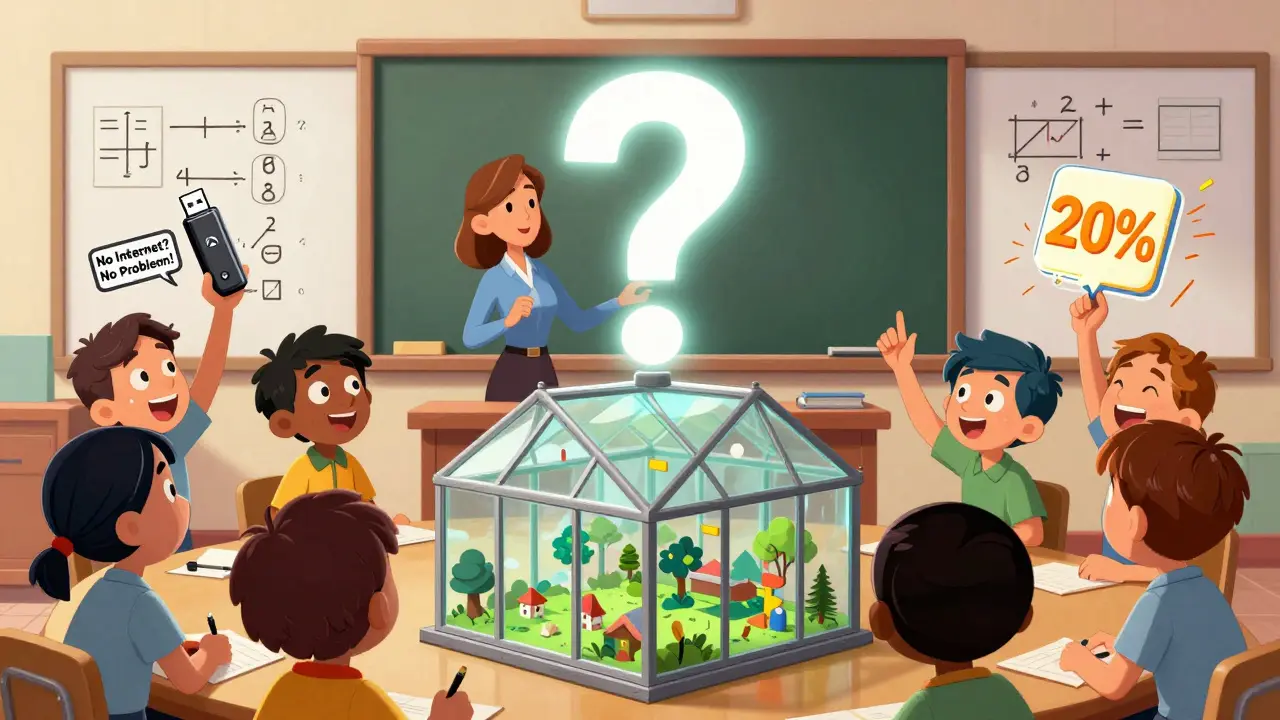
One middle school teacher in Ohio flipped her science class by assigning 7-minute videos on photosynthesis. Each student had to answer one question before class: "Why do plants need sunlight?" In class, they built mini greenhouses and tested different light conditions. The results? 92% of students passed the unit test - up from 68% the year before.
Common Missteps and How to Avoid Them
Not every flipped classroom succeeds. Here’s what goes wrong - and how to fix it:
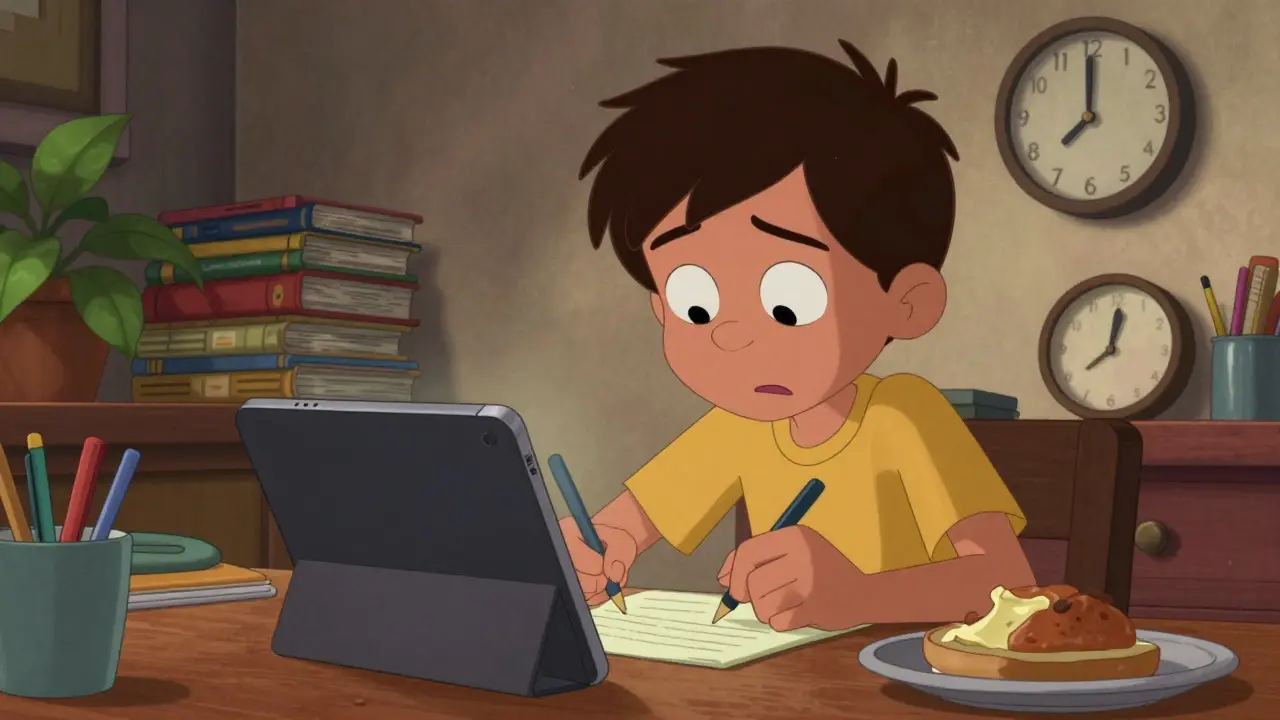
- "My students didn’t watch the videos." - This is the #1 issue. Solution: Make pre-work part of the grade. Use tools like Edpuzzle that track viewing time and quiz answers. Or start class with a 2-minute quick-write: "What was the main point of the video?" If they can’t answer, they didn’t watch.
- "Class time just became group work chaos." - Without clear structure, group work fails. Use roles: one person records, one speaks, one checks answers. Give timed tasks. Use rubrics so students know what success looks like.
- "I spent hours making videos." - Don’t recreate the wheel. Use existing resources. Many open educational platforms offer free, high-quality videos. Focus your time on designing class activities - that’s where your expertise matters most.
- "Students with no internet at home can’t participate." - Offer alternatives. Provide USB drives with videos. Let students watch during lunch or after school. Use printed summaries or audio files. Equity matters more than tech.
What Tools Make It Easier?
You don’t need a budget to flip your classroom. But these tools help:
- Edpuzzle - Lets you add questions to YouTube videos and track who watched and answered.
- Google Classroom - Easy way to assign videos, collect responses, and give feedback.
- Padlet - A digital bulletin board where students post questions or ideas before class.
- Kahoot! or Quizizz - Turn review into a game. Great for starting class with a quick quiz.
- Canva or Loom - Simple tools to record and edit your own videos in under 15 minutes.
One high school teacher in Texas used only free tools: YouTube videos, Google Forms, and a whiteboard. Her flipped chemistry class had 100% student engagement within six weeks. No fancy software. Just clear expectations and active learning.
Who Benefits Most?
The flipped model works for all ages - elementary, middle, high school, even college. But it shines brightest in:
- STEM subjects - Math, physics, chemistry. Students need practice, not just explanation.
- Language learning - Listening to grammar explanations at home, then speaking in class.
- Courses with complex problem-solving - Like economics, engineering, or computer science.
It’s less effective for subjects that rely heavily on memorization (like basic vocabulary drills) or where direct instruction is essential (like safety procedures). But even then, you can flip parts of it - like assigning a video on lab safety, then using class time to practice the steps.
Final Thought: It’s Not About Technology
The flipped classroom isn’t about videos. It’s about shifting time and attention. It’s about giving students space to struggle, ask questions, and learn from each other - with you right there to help. It’s about respecting their time outside class and using class time wisely.
If you’ve ever felt like you’re talking to a wall during a lecture - this model is your way out. Start small. Flip one lesson. See what happens. You might be surprised at how much your students - and you - learn when you stop lecturing and start guiding.
Do students need internet access at home for the flipped classroom to work?
No. While internet access helps, it’s not required. Teachers can provide videos on USB drives, offer after-school viewing times, or use printed summaries with QR codes that link to audio versions. The goal is accessibility - not technology. Many successful flipped classrooms serve students with limited home internet by offering alternative ways to access content.
How long should flipped classroom videos be?
Keep videos between 5 and 10 minutes. Research from Stanford and MIT shows attention drops sharply after 10 minutes. Shorter videos (3-5 minutes) work best for younger students or simple topics. For complex concepts, break content into multiple short clips. Always include a clear takeaway or question at the end to guide student focus.
Can I flip my classroom without making videos?
Absolutely. Videos are just one option. You can assign readings from textbooks, podcasts, interactive simulations, or even curated articles. The key is to deliver direct instruction outside class so students come prepared to apply it. A 15-minute podcast on Newton’s laws, followed by a hands-on lab in class, is just as effective as a video.
Is the flipped classroom only for high-performing students?
No. In fact, it often helps struggling students the most. By allowing them to pause, rewind, and rewatch material, they can learn at their own pace. In class, teachers can provide targeted support. A 2023 study in the Journal of Educational Psychology found that students in the bottom 20% of performance improved twice as much in flipped classrooms compared to traditional ones.
How do I grade students in a flipped classroom?
Grading shifts from memorization to application. Assign points for completing pre-class work (like quizzes or summaries). Grade class activities based on participation, collaboration, and problem-solving - not just correct answers. Use rubrics that value effort, improvement, and critical thinking. Many teachers reduce traditional tests and replace them with project-based assessments.
| Aspect | Traditional Classroom | Flipped Classroom |
|---|---|---|
| Content Delivery | Lectures in class | Videos or readings at home |
| Practice Time | Homework after class | Activities during class |
| Teacher Role | Information provider | Facilitator and coach |
| Student Role | Passive listener | Active learner |
| Feedback Timing | Delayed (graded homework) | Immediate (in-class support) |
| Retention Rate | Typically lower | 20-30% higher (based on university studies) |
Start with one lesson. Try one video. See what happens. You might just find that the best learning happens not when you’re talking - but when your students are doing.
Megan Ellaby
March 15, 2026 AT 01:57Rahul U.
March 15, 2026 AT 15:11E Jones
March 16, 2026 AT 20:27Barbara & Greg
March 18, 2026 AT 10:35selma souza
March 18, 2026 AT 12:39Frank Piccolo
March 18, 2026 AT 13:27James Boggs
March 20, 2026 AT 03:26Addison Smart
March 20, 2026 AT 21:45David Smith
March 21, 2026 AT 07:42Lissa Veldhuis
March 21, 2026 AT 23:54Michael Jones
March 23, 2026 AT 09:43allison berroteran
March 24, 2026 AT 18:32Gabby Love
March 25, 2026 AT 17:32Jen Kay
March 25, 2026 AT 22:43Michael Thomas
March 26, 2026 AT 16:46Abert Canada
March 27, 2026 AT 17:01Xavier Lévesque
March 28, 2026 AT 03:54Thabo mangena
March 29, 2026 AT 19:44Karl Fisher
March 30, 2026 AT 14:30Megan Ellaby
March 30, 2026 AT 16:21