Thinkific vs LearnWorlds: Which Course Platform Wins for Entrepreneurs in 2026?
 May, 31 2026
Choosing the right platform to host your online courses is one of those decisions that feels heavy. You’ve spent months creating content, designing slides, and recording videos. Now you need a place to sell it. If you are an entrepreneur looking to launch a digital product in 2026, two names usually come up first: Thinkific and LearnWorlds. Both are powerful Learning Management Systems (LMS), but they serve different types of creators with very different philosophies.
This isn’t just about which software has a prettier interface. It’s about whether you need a simple storefront to deliver PDFs and videos, or if you require a complex interactive classroom experience with gamification and AI tools. I’ve tested both platforms extensively for clients ranging from solo coaches to mid-sized ed-tech startups. Here is the honest breakdown of where each platform shines, where they stumble, and which one actually fits your business model.
The Core Philosophy: Simplicity vs. Interactivity
To understand why these two platforms feel so different, you have to look at their origins. Thinkific started as a tool to help people easily put courses on the web without coding. Its core strength is simplicity. It is designed to get you from "idea" to "sold" with the least amount of friction possible. The user interface is clean, the setup is intuitive, and it doesn’t try to do everything at once.
LearnWorlds, on the other hand, was built with a focus on engagement. From day one, it prioritized video interaction, SCORM compliance, and advanced analytics. If Thinkific is a well-organized bookshelf, LearnWorlds is a multimedia classroom. This fundamental difference dictates who should use what. If your course is primarily informational-like a series of pre-recorded lectures or downloadable templates-Thinkific’s streamlined approach saves you time. If your course requires active participation, quizzes within videos, or certificate generation based on complex criteria, LearnWorlds provides the native tools to make that happen without third-party plugins.
| Feature | Thinkific | LearnWorlds |
|---|---|---|
| Primary Focus | Simplicity & Ease of Use | Interactivity & Engagement |
| Video Player | Standard HTML5 player | Advanced interactive player (quizzes, notes) |
| SCORM/xAPI Support | Limited/None on lower plans | Native support on all paid plans |
| Certificate Builder | Basic text-based certificates | Advanced design with custom branding |
| Drip Content | Yes (time-based) | Yes (time-based & completion-based) |
| AI Tools | Basic marketing copy assistance | AI Video Generator & Course Creator |
User Experience and Design Flexibility
Design matters more than most entrepreneurs admit. Your students judge your credibility before they even click "play." Thinkific offers a drag-and-drop website builder that is surprisingly robust for a non-coder. You can customize colors, fonts, and layouts without touching CSS. However, if you want a truly unique brand experience, you will hit walls. Thinkific’s templates are clean but recognizable. Many Thinkific sites look similar because the customization options, while good, are bounded by the platform’s structure.
LearnWorlds takes a slightly different approach. It focuses heavily on the "learning dashboard" experience. The student portal looks modern and app-like. For the public-facing sales pages, LearnWorlds integrates deeply with page builders like Elementor or uses its own sleek landing page editor. The advantage here is that LearnWorlds allows for more granular control over how the learning environment feels. If you are building a corporate training program or a high-ticket coaching academy, the polished, interactive feel of LearnWorlds often converts better because it signals premium quality.
That said, Thinkific wins on speed. If you need to launch a site in a weekend, Thinkific’s "publish" button is friendlier. LearnWorlds requires a bit more configuration to ensure all the interactive elements work smoothly across devices. Always test on mobile. Both platforms are responsive, but LearnWorlds’ interactive video player can sometimes be clunky on older smartphones compared to Thinkific’s straightforward video embeds.
Monetization and Sales Tools
You aren’t running a course platform for fun; you’re doing it to make money. How each platform handles payments, upsells, and affiliates changes your bottom line significantly.
Thinkific has matured into a serious e-commerce engine. It supports coupons, bundles, subscriptions, and payment plans natively. One of its strongest features is the affiliate management system. If you plan to recruit influencers or partners to promote your course, Thinkific makes it easy to track commissions and pay them out automatically. It also integrates seamlessly with major email marketing providers like ConvertKit and Mailchimp, allowing you to automate customer journeys immediately after purchase.
LearnWorlds also supports all standard monetization models, including subscriptions and payment plans. However, its standout feature is the "Order Bump" and "Upsell" functionality directly integrated into the checkout flow. This is crucial for increasing average order value (AOV). Imagine a student buying a $97 course, and right before they enter their credit card details, they see an option to add a $27 workbook for just $17. LearnWorlds makes this setup incredibly smooth. Thinkific can do this, but it often requires more manual setup or third-party integrations depending on your plan level.
Both platforms charge transaction fees on their lower-tier plans. In 2026, Thinkific’s free plan charges a significant percentage per sale, pushing users toward paid tiers quickly. LearnWorlds follows a similar model, but their enterprise pricing is more flexible for high-volume sellers. If you expect to sell hundreds of courses a month, calculate the total cost of ownership including transaction fees, not just the monthly subscription.
Content Creation and Delivery
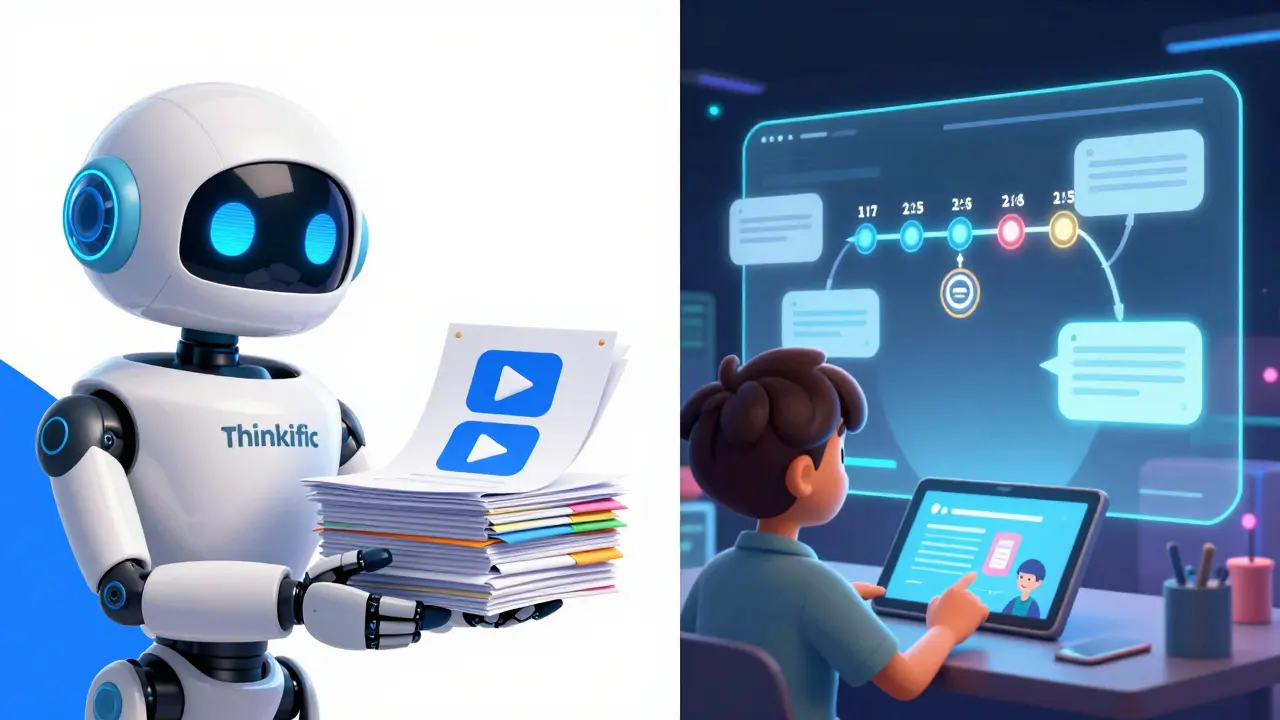
This is where the technical differences become stark. Thinkific treats content as modules and lessons. You upload a video, add some text, maybe a quiz. It’s linear and effective. Thinkific recently introduced AI tools to help generate course outlines and marketing copy, which speeds up the planning phase. But once the content is uploaded, it stays static unless you manually update it.
LearnWorlds is obsessed with the video player. Their proprietary player allows you to insert interactive elements directly into the video timeline. You can pause the video to ask a multiple-choice question, allow students to take notes that sync with the video timestamp, or even embed external resources. This is game-changing for educational content that requires retention checks. If you are teaching a skill that needs practice-like coding, language learning, or medical procedures-LearnWorlds’ interactive capabilities keep students engaged longer.
Furthermore, LearnWorlds supports SCORM and xAPI packages. This means if you have existing corporate training materials created in Articulate Storyline or Adobe Captivate, you can upload them directly to LearnWorlds and they will work perfectly. Thinkific does not support SCORM well, making it a poor choice for B2B corporate training clients who require strict compliance tracking.
Analytics and Reporting
Data tells you if your course is working. Thinkific provides solid basic analytics: how many students enrolled, completion rates, and revenue reports. It’s enough for most solo entrepreneurs to know if they are growing. The dashboards are clear and easy to read. However, drilling down into individual student behavior is limited. You can see who finished a lesson, but not necessarily *how* they engaged with it.
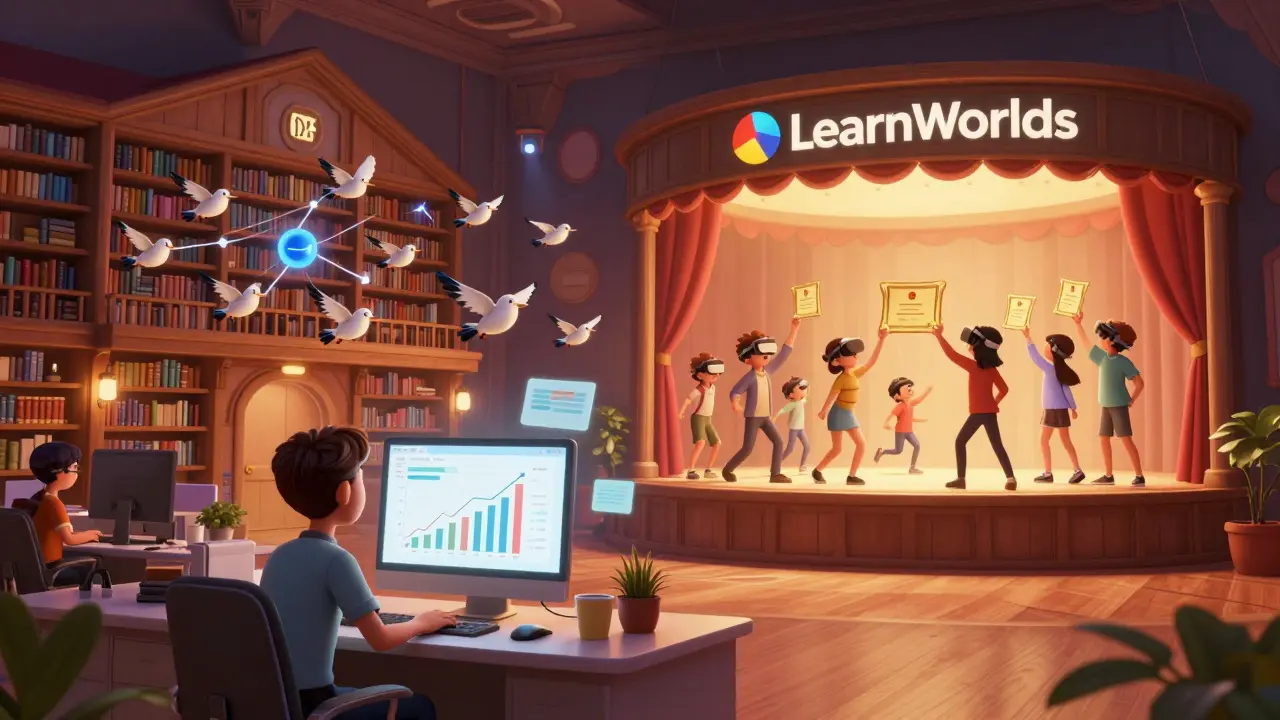
LearnWorlds offers deeper insights. Because it tracks interactions within the video player, you can see exactly where students drop off, which questions they got wrong, and how much time they spent on specific sections. This data is invaluable for improving your content. If you notice 80% of students failing a specific quiz question, you know exactly which part of your video needs re-recording. For serious educators and enterprises, this level of granularity justifies the higher price tag.
Support and Community
When things break, you need help. Thinkific has been around longer, so its community is larger. There are countless tutorials, Facebook groups, and YouTube videos dedicated to Thinkific hacks. If you get stuck, someone else has likely solved your problem and posted about it. Their customer support is responsive, though response times can vary during peak seasons.
LearnWorlds prides itself on white-glove service, especially for higher-tier plans. They offer onboarding calls and dedicated account managers for enterprise clients. For smaller users, support is ticket-based but generally knowledgeable. Because LearnWorlds is more complex, their support team often acts as consultants, helping you figure out how to achieve specific interactive goals rather than just fixing bugs.
Which One Should You Choose?
Here is the decision tree I use with my clients:
- Choose Thinkific if: You are a beginner or intermediate creator. Your primary goal is to sell digital products quickly with minimal setup. Your content is mostly video lectures and PDF downloads. You rely heavily on affiliate marketing. You want a simple, no-fuss backend.
- Choose LearnWorlds if: You are creating high-engagement educational content. You need interactive videos, quizzes, and certificates. You are targeting corporate clients or B2B markets requiring SCORM compliance. You want to maximize revenue through sophisticated upsells and order bumps. You are willing to spend more time setting up the platform for a richer student experience.
There is no "best" platform, only the best fit for your current stage. Many entrepreneurs start with Thinkific to validate their idea, then migrate to LearnWorlds as they scale and need more advanced features. Migration is possible, but it takes time. Pick the one that aligns with your vision for the next 12 to 24 months.
Can I migrate my courses from Thinkific to LearnWorlds?
Yes, migration is possible but not automatic. You will need to export your content (videos, PDFs) from Thinkific and manually re-upload them to LearnWorlds. Student data and purchase history cannot be directly transferred due to different database structures. Plan for a downtime period of a few days to set up your new site and redirect traffic.
Does Thinkific support SCORM files?
No, Thinkific does not natively support SCORM or xAPI packages. If your course material is built using authoring tools like Articulate or Captivate, you will need to convert the content into standard video and PDF formats, which may lose interactivity. LearnWorlds supports SCORM natively on all paid plans.
Which platform is better for affiliate marketing?
Thinkific is generally considered better for affiliate marketing due to its mature, built-in affiliate management system. It allows you to easily invite affiliates, set commission rates, and track performance without third-party apps. LearnWorlds has affiliate features, but they are less robust on lower-tier plans and often require additional configuration.
Are there transaction fees on the free plans?
Yes. Both platforms charge transaction fees on their free or lowest-tier plans. Thinkific’s free plan typically charges a significant percentage per sale plus processing fees. LearnWorlds also charges transaction fees on its starter plan. To avoid these fees, you usually need to upgrade to a paid monthly subscription.
Can I use my own domain name on both platforms?
Yes, both Thinkific and LearnWorlds allow you to connect a custom domain name (e.g., www.youracademy.com). This is available on their paid plans. Using a custom domain enhances your brand credibility and is recommended for any serious online business.
Patrick Dorion
June 1, 2026 AT 20:47It's funny how people treat these platforms like religious texts. The real question isn't which software is 'better' but which one aligns with your pedagogical philosophy. If you believe learning is a passive consumption of data, Thinkific works fine. But if you think learning is an active, messy process of engagement, LearnWorlds gives you the tools to actually facilitate that rather than just broadcasting at students. Most entrepreneurs don't realize they're choosing between a library and a workshop.
Lisa Puster
June 2, 2026 AT 12:59another american take on this nonsense. nobody cares about your interactive video quizzes when the basic hosting is slow as hell. learnworlds is bloated garbage designed for tech bros who think adding a quiz makes them educators. i stick to simple html5 players because my customers want information not a game show
Caitlin Donehue
June 3, 2026 AT 07:35I've been using Thinkific for three years now and honestly it feels so stable compared to what I've heard about LearnWorlds. Is the migration really that painful? I'm worried about losing all my student data if I ever decide to switch later.
Oskar Falkenberg
June 4, 2026 AT 01:49hey there caitlin i totally get where you are coming from with the stability thing because i have been in the same boat for a long time now and it is quite scary to think about moving everything over especially when you have so many students already enrolled and you dont want to lose any of their progress or purchase history which is why i always recommend taking your time and testing the waters before making any big moves like switching platforms entirely because it can be a real headache if you do not plan it out properly with all the stakeholders involved in the process
Stephanie Frank
June 4, 2026 AT 15:25Stop crying about migration. It's digital content. You export videos, you re-upload. If you can't handle copying and pasting files, you shouldn't be running an online business. The idea that 'student data' is lost is just fear-mongering by platform loyalists. Purchase history stays in Stripe or PayPal anyway. The LMS is just a delivery mechanism, not a bank vault. Get over it.
Marissa Haque
June 5, 2026 AT 10:33Omg! Stephanie is right!! Don't let the fear stop you!!! I migrated last year and it was literally a weekend project!! Just back up everything first though!! You won't regret it!! The interactive features are worth every second of setup time!!!
Keith Barker
June 7, 2026 AT 04:51the value of a course is not in the platform but in the content itself. most creators focus too much on the bells and whistles while ignoring the actual teaching. a good lesson on thinkific beats a bad lesson on learnworlds every time. simplicity often wins because it removes friction for the buyer who just wants to solve a problem quickly
Joe Walters
June 8, 2026 AT 09:20lol u guys are so basic. i use learnworlds because it looks expensive. if my site doesnt look like a million bucks im not selling anything. the interactive player is just a gimmick but the landing page builder is insane. also typo alert: its 'LearnWorlds' not 'learn worlds' whatever. just buy the premium plan and flex on ur competitors
Meghan O'Connor
June 8, 2026 AT 20:45Your grammar is atrocious. It is 'it's' not 'its'. Also, calling a feature a 'gimmick' without understanding SCORM compliance shows your ignorance. Corporate clients require xAPI tracking. If you cannot articulate the difference between HTML5 and SCORM packages, you have no business advising entrepreneurs. Read a manual before posting.
Morgan ODonnell
June 10, 2026 AT 13:16hey megan lets keep it chill here. joe was just sharing his opinion and we all learn at our own pace. no need to be so harsh about grammar mistakes. we are all trying to figure this out together and everyone has different needs for their courses so maybe some people just prefer the simpler look and feel
Liam Hesmondhalgh
June 11, 2026 AT 07:47typical american ignorance. in ireland we know quality education requires structure not flashy toys. thinkific is fine for amateurs but serious institutions use proper lms systems. stop pretending that adding a quiz to a video makes you an educator. it is lazy design disguised as innovation
Robert Barakat
June 13, 2026 AT 03:50perhaps the conflict arises from differing definitions of success. for some success is revenue velocity achieved through simplicity. for others it is deep engagement achieved through complexity. neither is objectively superior outside of specific context. the tool is neutral. the intent matters more than the interface
Marissa Martin
June 13, 2026 AT 18:02It is morally questionable to upsell users during checkout with order bumps. It feels manipulative to target vulnerable students who are already committed to buying. Platforms should encourage ethical sales practices rather than optimizing for maximum extraction of money from confused consumers. Transparency matters more than conversion rates.
Kirk Doherty
June 15, 2026 AT 06:07i mean order bumps are just marketing. if the product is good people buy it. if its junk they dont care about the bump. seems like a non issue to me personally
Dmitriy Fedoseff
June 16, 2026 AT 19:25You are missing the point entirely. In Canada, we respect clear boundaries in commerce. Hidden upsells erode trust. Trust is the foundation of any community-based learning environment. When you prioritize psychological manipulation over educational integrity, you destroy the very culture you claim to build. This is not just about sales; it is about the ethics of digital pedagogy and how we treat human beings in virtual spaces.