Third-Party Tool and Integration Agreements for LMS Use
 Dec, 30 2025
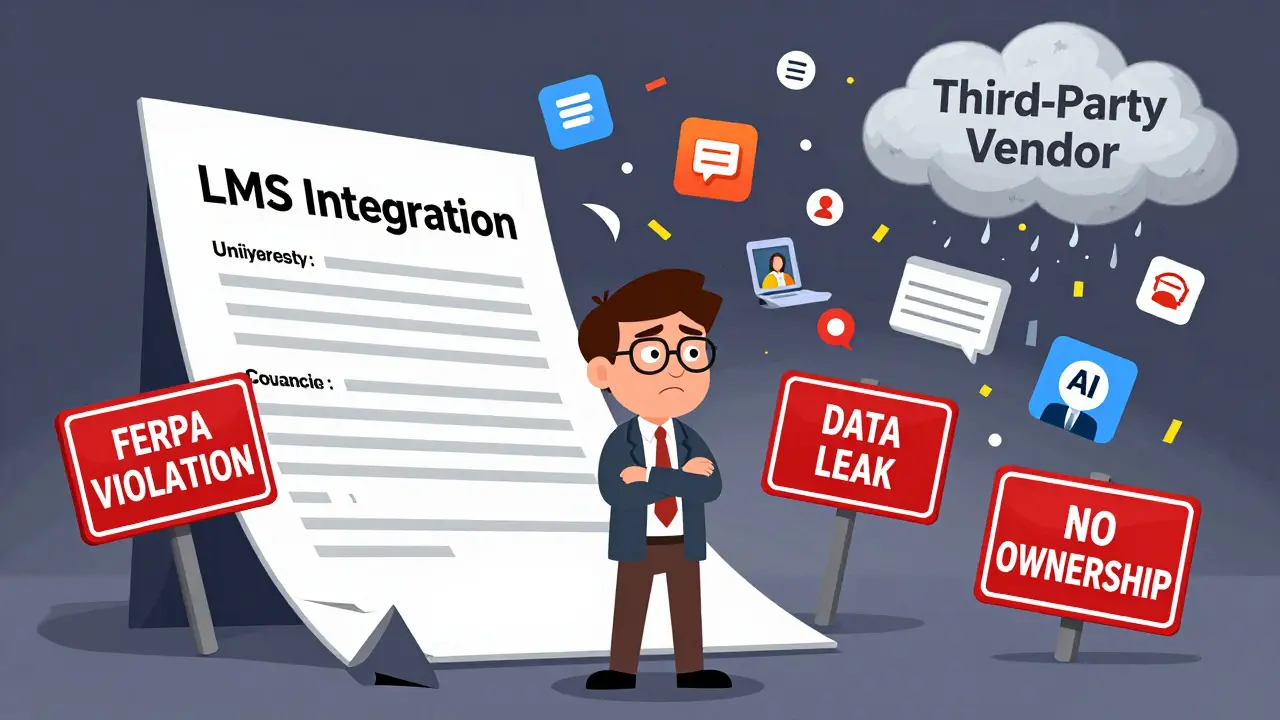
If you're managing a Learning Management System (LMS) in a school, university, or corporate training program, you've probably added a third-party tool-maybe a quiz app, video platform, or AI tutor. But have you ever read the contract that comes with it? Most people don’t. And that’s where problems start.
Why Third-Party Integrations Are Risky Without Agreements
Adding a tool like Kahoot!, Turnitin, or a Zoom plugin to your LMS seems simple. Click a button, log in with SSO, and you’re done. But behind that button is a legal agreement between your institution and the vendor. These agreements control what data gets shared, who owns it, how long it’s stored, and what happens if there’s a breach.
In 2023, a mid-sized university in Ohio lost access to its entire student roster after a third-party grading tool violated FERPA by storing data on servers outside the U.S. The vendor’s contract didn’t mention data residency. The school had no legal recourse because they never reviewed the agreement.
It’s not just about data. It’s about control. If your LMS integrates with a tool that suddenly shuts down, changes pricing, or starts selling student data, you’re stuck. Without a signed agreement, you have no leverage to negotiate, no right to audit, and no way to enforce compliance.
What Should Be in a Third-Party Integration Agreement
A solid agreement isn’t a one-page disclaimer. It’s a detailed contract that answers these questions:
- What data is shared? Does the tool get access to names, emails, grades, attendance, or behavioral logs? Only share what’s necessary.
- Where is the data stored? Is it on U.S.-based servers? Does the vendor use cloud providers like AWS or Azure? Are they compliant with regional laws like GDPR or COPPA?
- Who owns the data? The agreement must state clearly: your institution owns all student data. The vendor is a processor, not a owner.
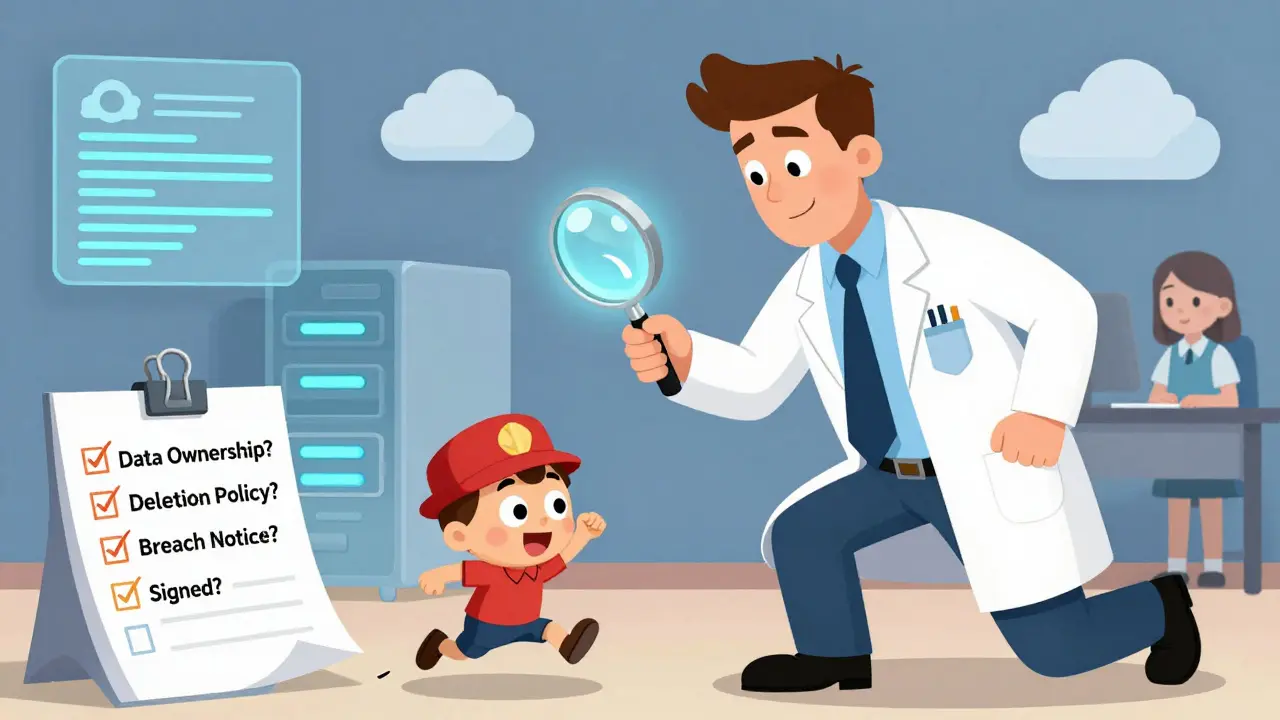
- How long is data kept? After a course ends, does the tool delete student records? Or keep them for "analytics"? You need a deletion policy.
- What happens if there’s a breach? Must the vendor notify you within 24 hours? Who pays for forensic audits or legal fees?
- Can you audit or test security? Some vendors refuse access. Demand the right to request a SOC 2 report or penetration test.
- What if the tool stops working? Is there a termination clause? Can you export all data before switching?
These aren’t optional. They’re baseline requirements. If a vendor won’t sign a contract with these terms, don’t integrate.
Common Red Flags in Integration Contracts
Not all vendors are equal. Some use aggressive terms disguised as "free" tools. Watch out for these red flags:
- "We may use your data to improve our services" - This is a backdoor to selling or training AI models on student data.
- "No liability for data breaches" - If they’re not responsible, you are.
- "We own all content created using our tool" - That includes student essays, project files, or quiz answers.
- "Changes to terms can be made with 30 days’ notice" - They can start charging you or sharing data tomorrow.
- "No right to terminate" - You’re locked in, even if they violate the law.
These clauses appear in free tools more often than you think. A 2024 survey by the Educause Center for Applied Research found that 68% of K-12 districts used at least one third-party tool with a contract that violated FERPA or state student privacy laws. Most didn’t know until they got a complaint.
How to Get Agreements Before You Integrate
Don’t wait until the tool is live. Follow this process:
- Identify the tool’s legal contact. Look for "Legal," "Privacy," or "Compliance" on their website. Skip sales reps-they can’t sign contracts.
- Send a standard request template. Use a template from your institution’s legal office or a trusted source like the Student Privacy Pledge. Ask for the full Terms of Service and Data Processing Agreement (DPA).
- Review with your compliance officer. Even if you’re not a lawyer, flag anything about data ownership, retention, or cross-border transfers.
- Sign before integration. No signed agreement? No access. Period.
- Store the agreement. Keep a digital copy in your LMS vendor directory with the date signed and contact info.
Some institutions use a centralized vendor portal where all approved tools are listed with their signed agreements. That way, instructors can’t just add tools on their own.
What Happens If You Skip the Agreement
It’s not a matter of "if," but "when." Here’s what skipping agreements has led to:
- FERPA violations - The U.S. Department of Education fined a community college $225,000 in 2024 after a chatbot tool stored student messages without consent.
- Loss of funding - Schools that violate student privacy can lose federal Title IV funding.
- Public backlash - Parents and students are increasingly aware. A viral TikTok video about a school using an AI essay grader without consent led to a district-wide audit in Texas.
- System shutdowns - In 2025, a state education agency blocked 17 LMS integrations overnight because their contracts lacked data deletion clauses.
These aren’t hypotheticals. They’re real cases from the last two years.
Who Should Be Responsible for Agreements
It’s not the IT department’s job alone. It’s not the instructor’s job. It’s a shared responsibility:
- Legal/Compliance Office - Drafts the template, reviews vendor contracts, ensures alignment with state and federal laws.
- IT/Security Team - Validates technical security controls, checks for API risks, and manages authentication protocols.
- Academic Technology Team - Evaluates tool functionality and ensures integration works without data leaks.
- Procurement/Finance - Tracks licensing fees, renewal dates, and contract expiration.
- Department Chairs & Instructors - Request tools through official channels, never install unapproved software.
At Arizona State University, every new tool request goes through a 10-day review pipeline. If any department skips it, the tool gets disabled automatically. That’s how you scale compliance.
What to Do If You’re Already Using Unapproved Tools
If you’re reading this and realizing you’ve added tools without agreements, don’t panic. Do this:
- Inventory every tool. Ask instructors, department heads, and admins for a list. Use your LMS’s integration log.
- Find the vendor contact. Google the tool name + "privacy policy" or "legal terms."
- Send a request for agreement. Use the same template you’d use for a new tool.
- Set a deadline. Give them 30 days. If they don’t respond, disable the tool.
- Communicate with users. Tell instructors: "We’re updating our security standards. Tools without signed agreements will be removed on [date]."
One community college in Illinois removed 23 tools in one semester. They lost a few popular apps-but gained full compliance and avoided a $500,000 fine.
Where to Find Templates and Resources
You don’t have to start from scratch. Use these trusted resources:
- Student Privacy Pledge - A voluntary commitment by edtech vendors to protect student data. Look for vendors who’ve signed it.
- EDUCAUSE Model Agreements - Download their free LMS integration contract templates.
- State Education Agency Guidelines - Many states (like California and New York) have published their own review checklists.
- ISTE Standards for Students and Educators - Include digital citizenship and data privacy expectations.
Don’t rely on vendor-provided documents alone. They’re written to protect the vendor-not you.
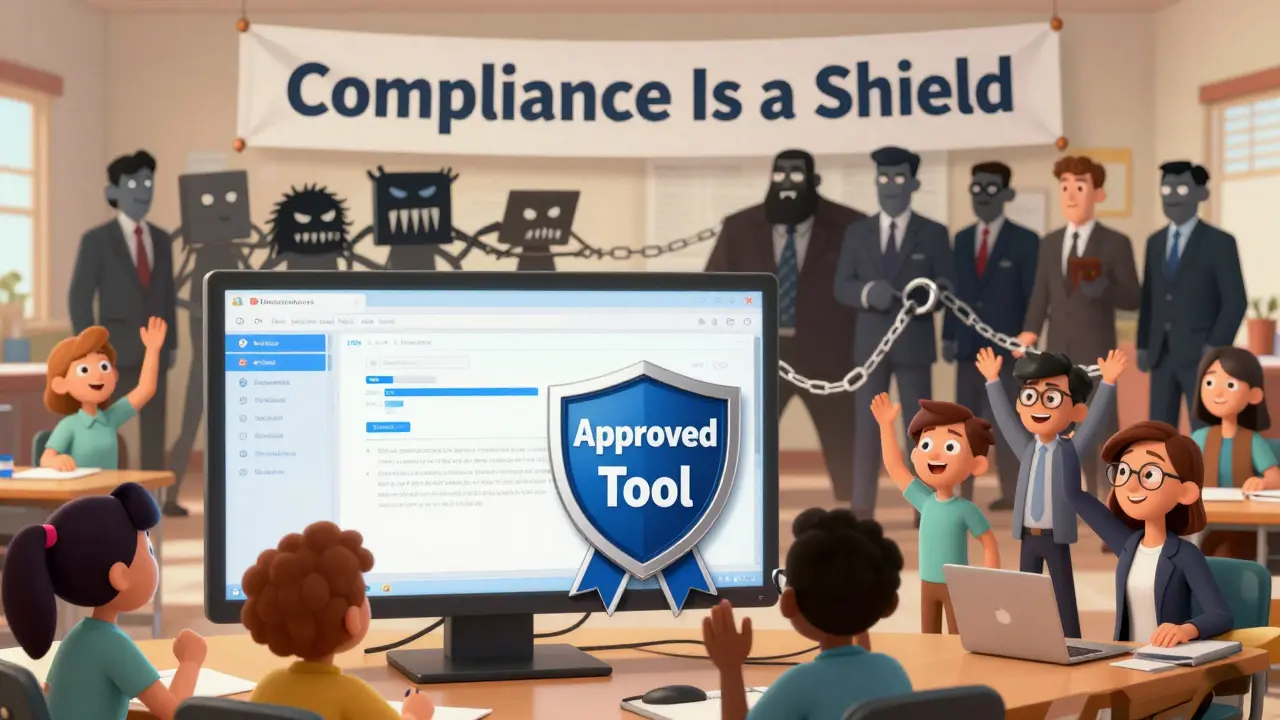
Final Thought: Compliance Isn’t a Burden-It’s a Shield
Signing agreements feels slow. It feels bureaucratic. But every time you skip it, you’re gambling with student data, institutional reputation, and funding.
Think of it this way: you wouldn’t let a contractor fix your building’s wiring without a signed contract. Why would you let a software tool access your students’ grades, attendance, and personal messages without one?
Third-party tools can make your LMS better. But only if you control the terms. Don’t let convenience override compliance. Protect your students. Protect your institution. And protect yourself from the next headline.
Do I need a separate agreement for every third-party tool in my LMS?
Yes. Each tool, even if it’s from the same vendor, should have its own signed agreement. Different tools collect different data and have different security practices. A quiz app isn’t the same as a video platform, and their legal terms shouldn’t be treated the same.
What if a vendor refuses to sign a data protection agreement?
Don’t integrate. If a vendor won’t agree to basic data ownership, deletion, and breach notification terms, they’re not trustworthy. There are dozens of alternatives with better legal practices. Choose tools that respect your institution’s responsibilities.
Are free tools safer because they don’t cost money?
No. Free tools are often riskier. They make money by selling data or using it to train AI models. Many free tools have vague or missing privacy policies. Always review the contract-even if it’s free.
How often should we review third-party agreements?
Review agreements at least once a year, or whenever the vendor updates their terms. Many vendors change policies silently. Set calendar reminders for renewal dates and check for updates every quarter.
Can instructors add tools on their own if they think they’re helpful?
No. Instructors should never install third-party tools without approval. Even well-intentioned tools can violate privacy laws. Establish a formal request process and make it easy for them to submit tools for review. Reward compliance, not shortcuts.
Teja kumar Baliga
December 31, 2025 AT 21:58Nicholas Zeitler
January 1, 2026 AT 13:08Tiffany Ho
January 2, 2026 AT 10:22k arnold
January 2, 2026 AT 14:03lucia burton
January 2, 2026 AT 15:49Alan Crierie
January 3, 2026 AT 22:39Denise Young
January 4, 2026 AT 22:19Sarah McWhirter
January 5, 2026 AT 19:57Ian Cassidy
January 6, 2026 AT 15:03Zach Beggs
January 8, 2026 AT 05:13Kenny Stockman
January 9, 2026 AT 04:58michael Melanson
January 10, 2026 AT 07:57