Web Design Fundamentals: The Complete Learning Path & Course Content Guide
 Jul, 27 2026
Most people think learning web design means mastering Photoshop. That’s a myth that has cost beginners hundreds of hours and thousands of dollars in outdated tutorials. In 2026, web design is less about painting pixels and more about structuring information, understanding human behavior, and writing semantic code that browsers love.
If you are staring at a blank screen wondering where to start, you aren't alone. The landscape is noisy. There are bootcamps, YouTube playlists, university degrees, and micro-courses all promising the same result. But not all paths lead to employability or even competence. This guide breaks down exactly what web design fundamentals actually cover today, so you can build a learning path that works for your life, not just a marketing funnel.
The Core Pillars: What You Actually Need to Learn
To understand the course content, we first need to define the territory. Web design sits at the intersection of three distinct disciplines: User Experience (UX), User Interface (UI), and Front-End Development. A solid fundamental course will touch on all three, but it won't try to make you an expert in all three immediately. That’s a recipe for burnout.
Then there is User Interface (UI) Design, which is the visual layer of the digital product, focusing on layout, typography, color theory, and interactive elements. This is what people see. If UI is bad, users get confused or annoyed.
Finally, there is HTML and CSS, the foundational coding languages used to structure and style web pages. Even if you plan to use a no-code tool like Webflow or Figma-to-code plugins later, knowing how the browser interprets your design is non-negotiable for a professional.
Phase 1: Design Thinking and Research
Before you open any design software, you need to learn how to think like a designer. This phase is often skipped in quick-start courses, but it is the difference between a hobbyist and a professional.
- Problem Definition: How do you identify what problem the website is solving? Is it selling a product? Collecting leads? Providing information?
- User Personas: Creating fictional characters that represent your target audience. Who are they? What are their frustrations? What devices do they use?
- Competitor Analysis: Looking at similar websites to see what works and what doesn’t. This isn’t copying; it’s pattern recognition.
A good course will give you templates for these exercises. For example, you might create a persona named "Sarah," a 34-year-old busy mom who shops on her phone during lunch breaks. Your design decisions-like large buttons and fast load times-are made for Sarah, not for you.
Phase 2: Visual Hierarchy and Layout
Once you know who you are designing for, you need to arrange the elements on the page. This is where visual hierarchy comes in. It’s the art of telling the user’s eye where to look first, second, and third.
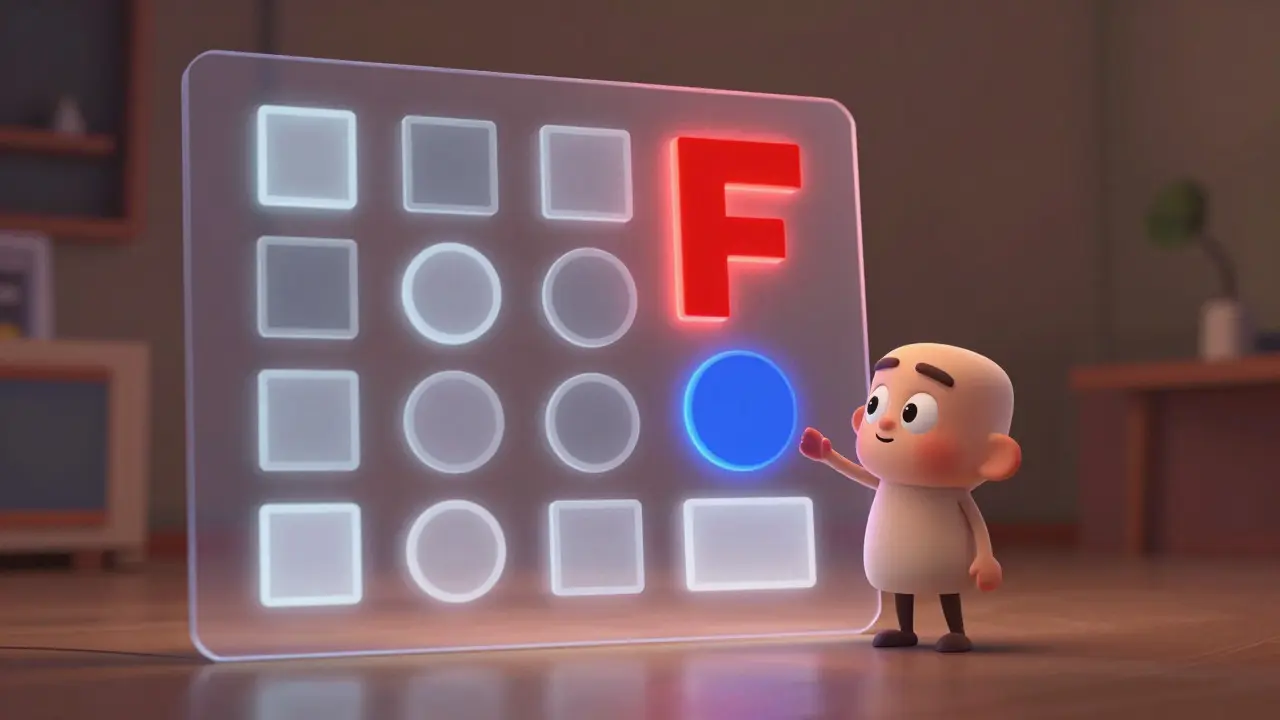
You’ll learn about the Z-pattern and F-pattern layouts, which describe how humans naturally scan web pages. You’ll study whitespace-not as empty space, but as a powerful tool to group related items and reduce cognitive load. If everything is bold, nothing is bold. If every button is red, no action stands out.
Typography is another major component here. You don’t need to be a calligrapher, but you do need to understand font pairing, readability, and scale. A common mistake beginners make is using five different fonts. Stick to two: one for headings, one for body text. Keep it simple.
Phase 3: Color Theory and Accessibility
Color isn’t just about aesthetics; it’s about communication. Blue often signals trust (think banks), while orange suggests urgency or playfulness. But more importantly, you need to learn about contrast ratios.
Accessibility is no longer optional. Under guidelines like WCAG (Web Content Accessibility Guidelines), your text must have sufficient contrast against its background so that people with visual impairments can read it. Tools like Stark or built-in features in Figma can check this for you. A solid course will teach you to design for everyone from day one, not as an afterthought.
Phase 4: Prototyping and Interaction
A static image is not a website. Websites move. Buttons hover. Menus slide. Forms validate. This phase covers prototyping.
You’ll learn to create low-fidelity wireframes (quick sketches on paper or whiteboard tools) to test ideas fast. Then, you’ll move to high-fidelity prototypes in tools like Figma. These prototypes simulate the actual user flow. Can the user complete a purchase? Can they find the contact page? If the prototype fails, fix it now. It’s cheaper than fixing it after development.
Phase 5: The Code Connection (HTML/CSS)
This is the bridge between design and reality. You don’t need to be a JavaScript engineer, but you must understand the box model, flexbox, and grid layouts in CSS. Why? Because if you design something that is impossible or extremely difficult to code, developers will hate you. And if you’re doing both roles, you’ll hate yourself.
Learn to inspect elements in your browser. Look at how Netflix or Airbnb structures their pages. You’ll see divs, spans, and classes. Understanding this vocabulary helps you communicate better with developers and makes your designs more realistic.
Tools of the Trade in 2026
The toolset evolves, but the core remains stable. Here is what you should expect to encounter in a modern curriculum:
| Tool Category | Primary Function | Industry Standard Examples |
|---|---|---|
| Design & Prototyping | Creating visuals and interactive flows | Figma, Adobe XD |
| Coding Environment | Writing HTML/CSS/JS | VS Code, WebStorm |
| Asset Management | Storing and organizing images/icons | Unsplash, Iconify, LottieFiles |
| Collaboration | Feedback and handoff | Slack, Notion, GitHub Issues |
Figma is currently the dominant player for design because it is cloud-based and collaborative. If a course still teaches primarily in Sketch without mentioning Figma, it might be behind the times. However, the principles of vector editing and layer management transfer across all platforms.
Building Your Portfolio: The Proof of Work
Certificates matter less than portfolios. Clients and employers want to see what you can do. Your learning path should include building at least three case studies.
- The Redesign: Take a local business with a poor website and redesign it. Explain your reasoning. Show before and after.
- The Fictional Project: Create a brand from scratch. Logo, colors, typography, and a homepage. This shows your ability to handle identity.
- The Responsive Challenge: Design a complex dashboard or e-commerce site and show how it adapts to mobile, tablet, and desktop screens.
Document your process. Don’t just post the final image. Write about the problems you faced, the iterations you went through, and why you chose specific solutions. This demonstrates critical thinking, which is highly valued.
Common Pitfalls to Avoid
Even with a great course, you can stumble. Here are the most common traps:
- Tutorial Hell: Watching video after video without pausing to practice. You learn by doing, not by watching.
- Ignoring Mobile First: Designing for desktop and shrinking it down. Always start with the smallest screen.
- Overcomplicating Navigation: Users don’t want to hunt for menus. Keep navigation clear, concise, and consistent.
- Neglecting Performance: Beautiful designs with huge uncompressed images will load slowly. Learn basic image optimization.
Next Steps: Choosing the Right Course
When evaluating a web design course, look for these criteria:
- Does it include real-world projects?
- Is the content updated within the last 12 months?
- Does it cover accessibility standards?
- Is there a community or mentorship option for feedback?
Whether you choose a self-paced online platform, a local workshop, or a structured bootcamp, the key is consistency. Spend an hour a day practicing rather than ten hours once a month. Design is a muscle. Train it regularly.
How long does it take to learn web design fundamentals?
For a beginner dedicating 10-15 hours a week, it typically takes 3 to 6 months to grasp the fundamentals of UX/UI and basic HTML/CSS. Reaching a job-ready level with a strong portfolio may take 6 to 12 months depending on prior experience and intensity of study.
Do I need to know how to code to be a web designer?
You don't need to be a developer, but knowing HTML and CSS is crucial. It helps you create realistic designs, communicate effectively with developers, and understand technical constraints. Pure visual designers often struggle to implement their own ideas without this knowledge.
What is the difference between UX and UI design?
UX (User Experience) focuses on the overall feel and functionality of the product, including research and logic. UI (User Interface) focuses on the visual appearance, such as colors, typography, and buttons. Think of UX as the architecture of a house and UI as the interior decoration.
Is Figma free for beginners?
Yes, Figma offers a robust free starter plan that includes unlimited personal files and up to three editable team files. This is usually sufficient for learning and building a beginner portfolio. Paid plans are needed for advanced collaboration features and version history.
Can I learn web design without a degree?
Absolutely. The tech industry values skills and portfolios over degrees. Many successful web designers are self-taught or graduated from coding bootcamps. Focus on building a strong portfolio that demonstrates your problem-solving abilities and design skills.